
v9.2.1
bloc
예측 가능한 상태 관리 라이브러리로 BLoC(Business Logic Component) 설계 패턴을 구현하는 데 도움을 줍니다.
3.2천좋아요 206만30일 다운로드160Pub 점수
AndroidiOSWebmacOSWindowsLinux
귀하의 개인정보를 존중하고, 화려하지 않지만 일은 제대로 해내는 시간 추적 앱입니다.

예측 가능한 상태 관리 라이브러리로 BLoC(Business Logic Component) 설계 패턴을 구현하는 데 도움을 줍니다.
BLoC(Business Logic Component) 디자인 패턴을 쉽게 구현할 수 있도록 도와주는 Flutter 위젯입니다. bloc 상태 관리 패키지와 함께 사용하도록 설계되었습니다.
 v1.2.0
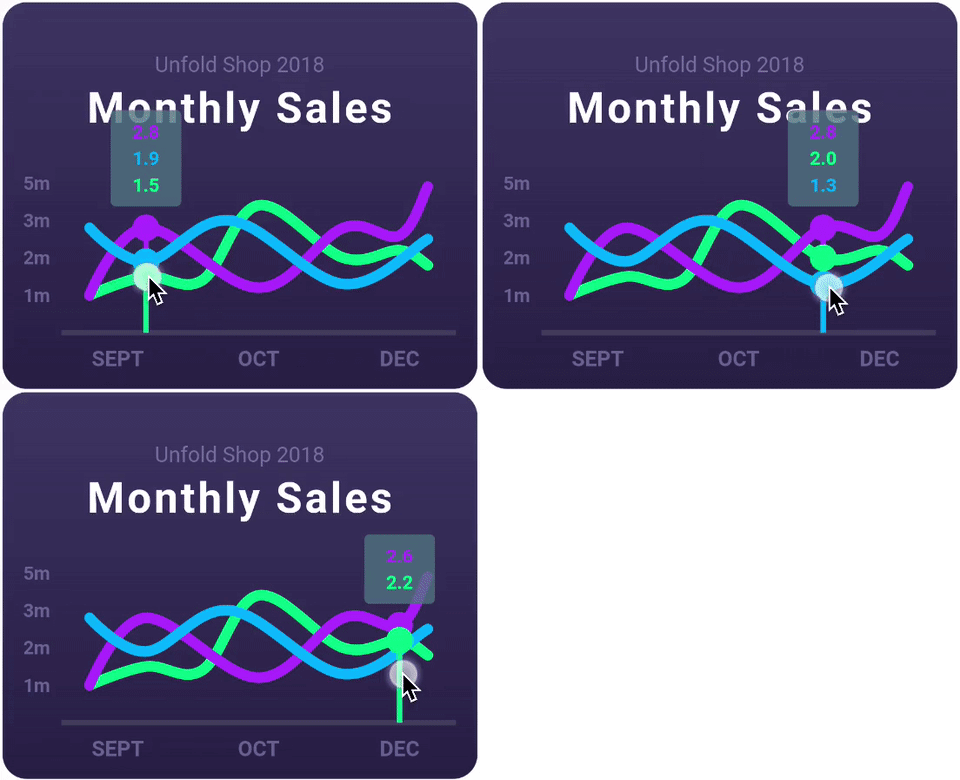
라인 차트, 막대 차트, 원형 차트, 산점도, 레이더 차트를 지원하는 매우 사용자 정의 가능한 Flutter 차트 라이브러리입니다.
여러 플랫폼에서 파일을 다룰 수 있도록 해주는 추상화입니다.
리눅스에서 XDG 디렉터리 구성 정보를 읽기 위한 다트 패키지입니다.
데스크톱 및 단위 테스트용 FFI 기반 sqflite 구현.
 v4.0.3
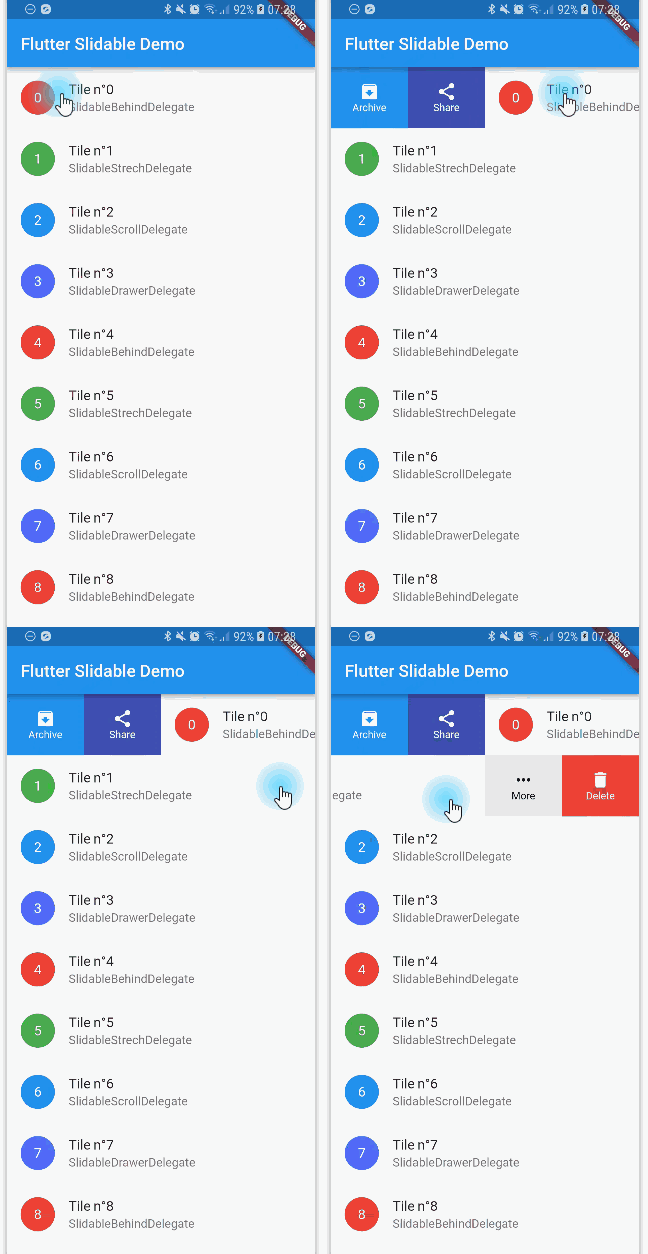
방향성 슬라이드 액션을 갖춘, 닫을 수 있는 슬라이더블 리스트 항목의 플러터 구현입니다.
 v3.13.1
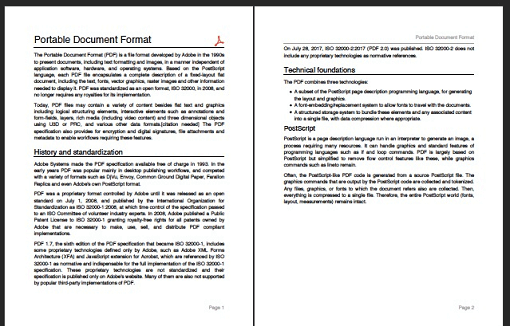
Dart용 PDF 생성기입니다. 웹 또는 플러터에서 PDF 파일을 만들 수 있습니다.
 v6.0.0
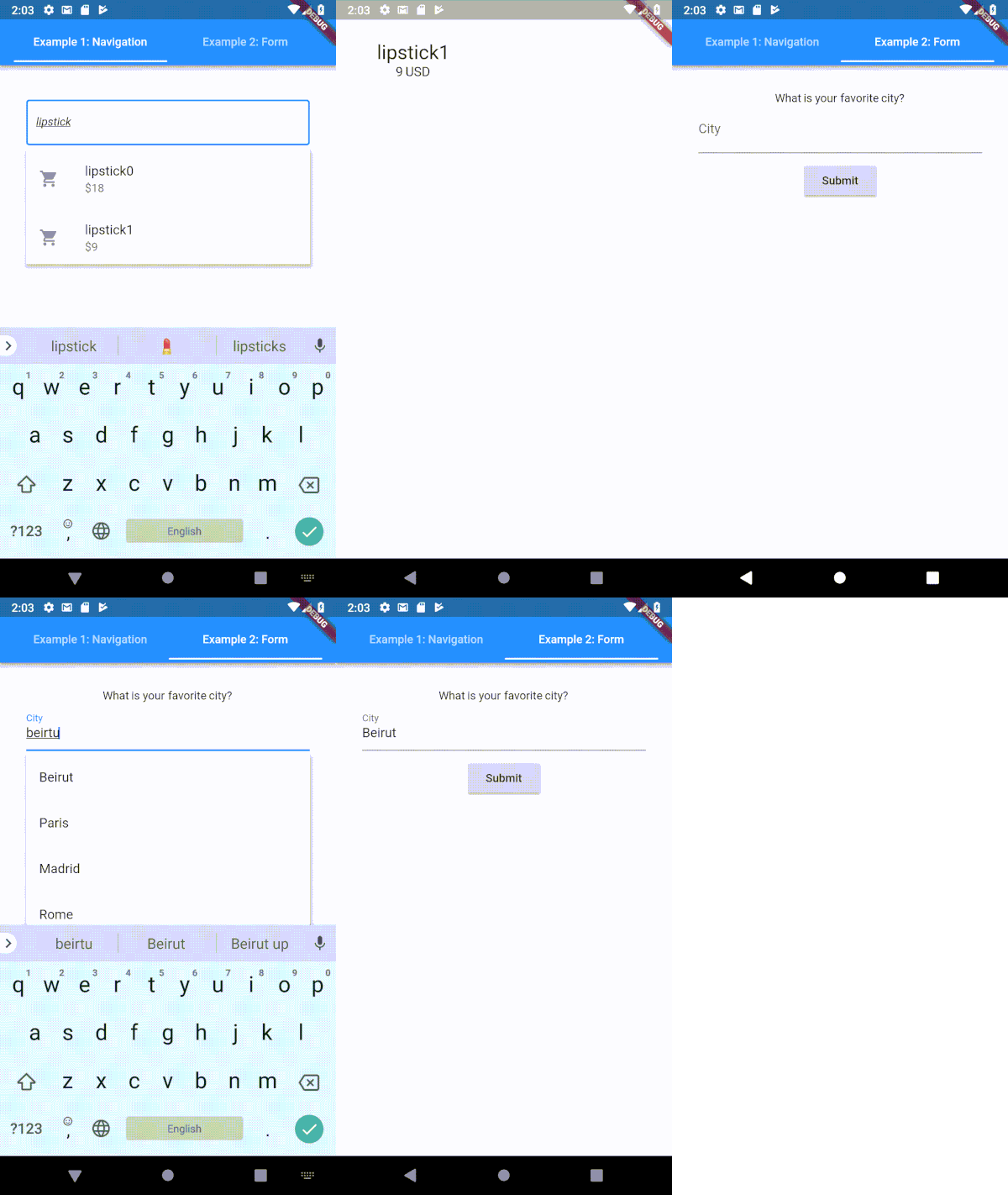
Flutter용으로 매우 사용자 정의 가능한 타입헤이 (자동 완성) 텍스트 입력 필드
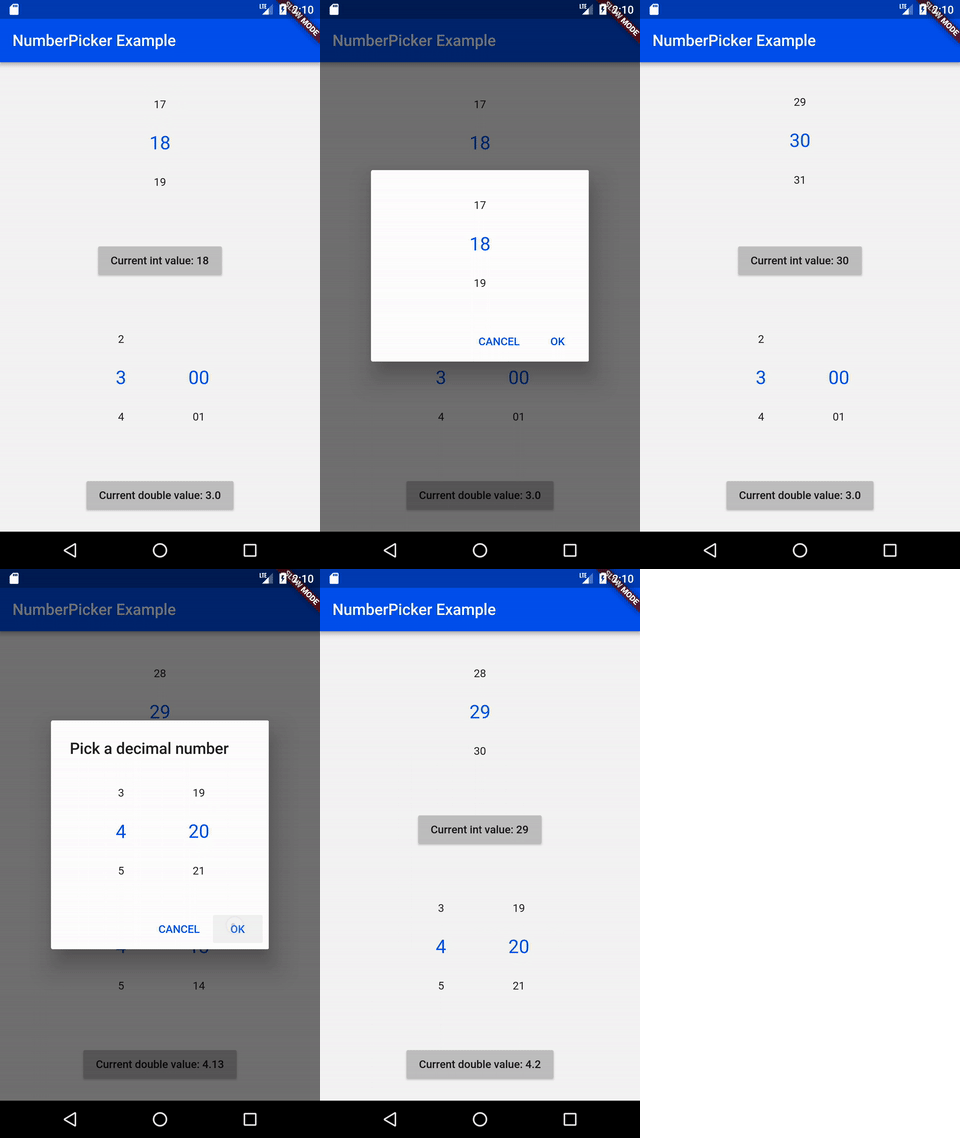 v2.1.2
NumberPicker는 사용자가 스피너를 회전시켜 숫자를 선택할 수 있도록 해주는 위젯입니다。
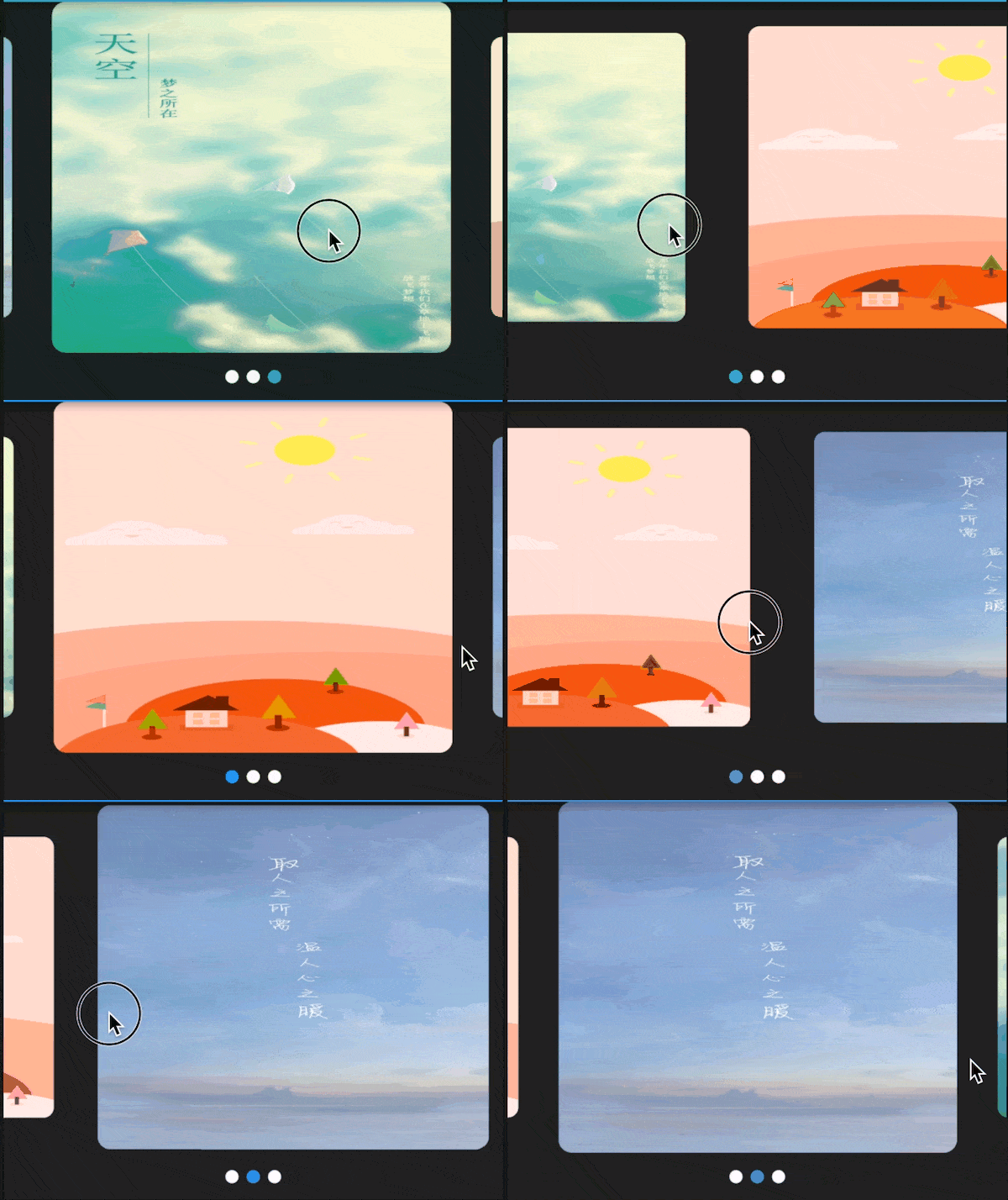 v3.0.1
다양한 레이아웃과 무한 루프를 지원하는 플러터용 스와이퍼/카루셀. 안드로이드 및 iOS와 호환됩니다.
고품질의 CSV 라이브러리입니다. CSV 문자열을 인코딩하고 디코딩하며, 스트림 지원(이벤트당 한 줄), 자동 감지 및 엑셀 호환성을 제공합니다. 문자열은 쉼표(사용자 설정 가능)로 구분된 값이어야 합니다.
{"sdk":"flutter"}{"sdk":"flutter"}—^8.1.1^8.1.0^2.0.5^1.8.2^1.17.2^2.0.2^0.18.0^10.6.0^1.0.6-nullsafety^3.0.1^2.1.3^6.2.1^2.0.9^1.1.0+2^2.1.0^5.1.1^2.1.1^7.2.1^0.3.3^2.2.2^0.65.0^3.0.1^4.8.0^1.3.0^2.1.1^6.1.1^15.1.0^0.6.18^5.0.1^1.0.3^2.0.1^11.0.0^1.6.8^3.10.6^2.0.3^0.13.1{"sdk":"flutter"}^1.24.1{"sdk":"flutter"}{"sdk":"flutter"}아래는 영문 원문 스냅샷입니다. 최신 내용은 GitHub에서 확인하세요.
I'd rather not do time-tracking at all, but since its a necessity for my work, it's either use an app or keep track of things manually (which I'm terrible at). There are many time tracking apps on the app stores (and I have tried several of them), but each of them has at least one pain point that eventually drives me off—some cost more money than I think they should, others have (what I consider) poorly designed interfaces, some are way too complicated, some don't export data easily, most require an internet connection, I have privacy concerns with a large number of them, etc, etc.
Time tracking in and of itself is rather straightforward (hence all the apps on the app stores), so I figured “why not use this as an opportunity to practice mobile development and learn some new things?”. This app is the result of that question—its a tool that I use every day for work, but also a sample project to work off of and share with others.
.csv file, filtered by timespans and projectsMore screenshots (including dark-mode and localization demonstrations) are available in the screenshots/ folder.
I'm happy to take bug reports and pull requests if you want to help improve Time Cop, but I fundamentally want to keep this app relatively small and simple. If that's not for you, there's plenty of other options out there.
The app is created pretty much entirely in Dart using Flutter, and I tried to make heavy use of the Bloc pattern.
Here are a few resources to get you started if this is your first Flutter project:
For help getting started with Flutter, view its online documentation, which offers tutorials, samples, guidance on mobile development, and a full API reference.
After installing and setting up Flutter (ideally its latest stable version) and downloading the Time Cop code, you should be able to simply build and run this Flutter project, at least for mobile platforms. For more information, see the CONTRIBUTING.md file.
You can help translate Time Cop on Weblate. If you notice any incorrect strings, feel free to correct them. Similarly, if you want to add a language, please do!
Translations are handled using Project Fluent. Currently all translations except English, Italian, Czech, Norwegian, and Indonesian were auto-translated by Google Translate using my Translate Tool.
A list of “user stories” (and I use that term very loosely) guiding the development of this app is available in design/user-stories.md; any unchecked boxes are outstanding items on the todo list!