
v7.2.0
google_sign_in
Google 계정으로 로그인하는 데 사용되는 안전한 인증 시스템인 Google Sign-In용 Flutter 플러그인입니다.
3.6천좋아요 201만30일 다운로드160Pub 점수
AndroidiOSWebmacOS
Invoice Ninja: Flutter로 구축된 데스크톱/모바일 관리 포털

Google 계정으로 로그인하는 데 사용되는 안전한 인증 시스템인 Google Sign-In용 Flutter 플러그인입니다.
Android 및 iOS 이미지 라이브러리에서 이미지를 선택하고 카메라로 새 사진을 촬영할 수 있는 Flutter 플러그인입니다.
앱 내 구매를 위한 플러터 플러그인입니다. 앱 스토어 및 구글 플레이를 통해 앱 내 구매를 수행할 수 있는 API를 제공합니다.
생체 인식, 비밀번호, PIN 또는 패턴을 통한 로컬 인증을 허용하는 플러터 플러그인.
 v0.10.1+3
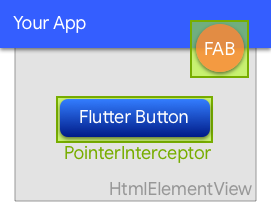
웹에서 하위 HtmlElementView에 의해 클릭이 삼켜지는 것을 방지하는 위젯입니다.
시스템 웹뷰를 백엔드로 사용하는 WebView 위젯을 제공하는 Flutter 플러그인입니다.
 v0.7.0
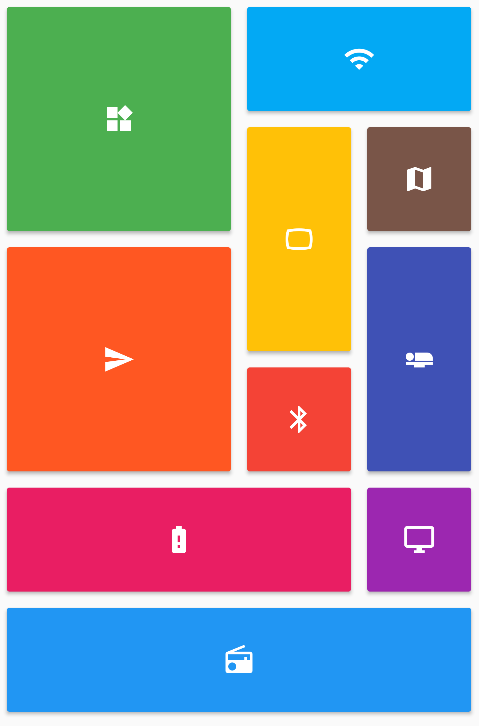
Flutter 그리드 레이아웃(스태거드, 메이슨리, 큐일티드, 웨븐 등)의 컬렉션을 제공합니다.
 v4.0.3
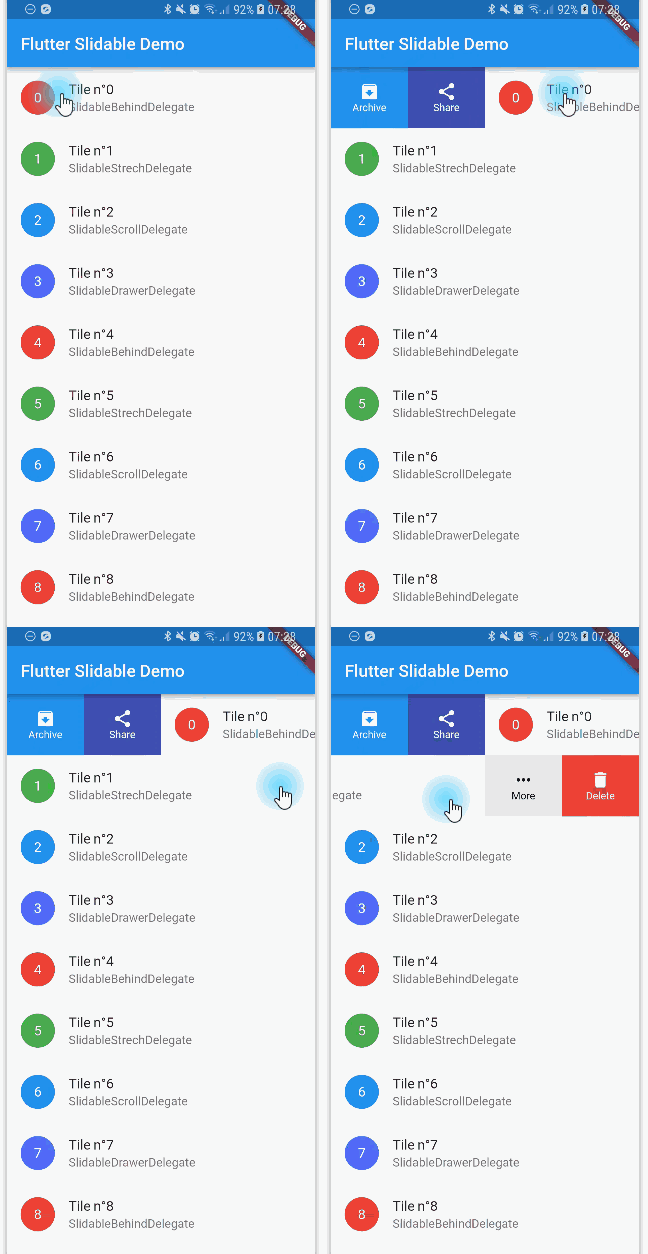
방향성 슬라이드 액션을 갖춘, 닫을 수 있는 슬라이더블 리스트 항목의 플러터 구현입니다.
Redux 스토어를 제공하고 연결하는 유틸리티 위젯 세트
 v5.15.1
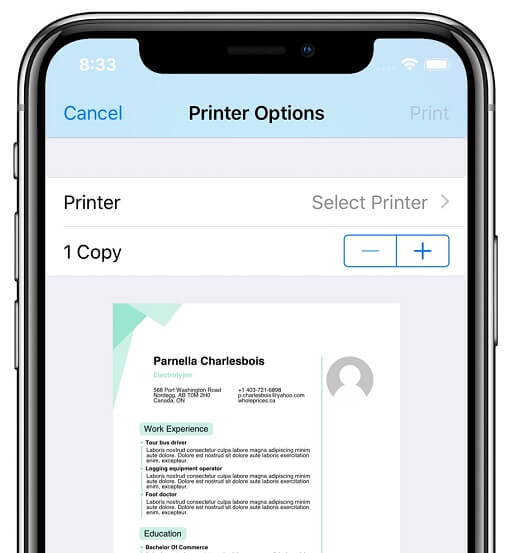
Android, iOS, macOS, Windows 및 Linux에서 호환되는 프린터에 문서를 생성하고 인쇄할 수 있도록 해주는 플러터 플러그인입니다. 또한 웹 인쇄도 지원합니다.
 v12.2.1
Android, iOS 및 웹용 Flutter 플러그인으로 이미지 자르기 기능을 지원합니다
빌더를 갖춘 값 유형, 열거형으로서의 Dart 클래스, 그리고 직렬화. 이 라이브러리는 런타임 종속성입니다.
{"sdk":"flutter"}{"sdk":"flutter"}^1.0.0^7.2.0^2.0.4^3.2.3^3.0.1^0.10.0^0.5.0^1.5.0^2.0.2^2.0.6^7.0.7296^8.1.2^5.1.0^3.0.0^6.3.1^6.3.2^12.0.10.17.0^3.1.2^0.5.0-beta{"git":{"url":"https://github.com/theyakka/qr.flutter.git"}}^2.3.0^9.6.0^1.2.0^1.1.0^1.0.1^4.4.1^3.1.0^8.3.1{"git":{"url":"https://github.com/scopendo/flutter_rounded_loading_button.git","ref":"master"}}^3.0.2^0.5.0^2.0.0^11.0.1^10.3.2{"git":{"url":"https://github.com/BenPoell/FlutterBoardView.git"}}^0.9.0^0.0.3^0.1.3^6.2.0^1.2.6^5.11.0^11.0.0^2.14.0^7.0.1^0.3.0^3.1.0^0.7.0^0.7.0^0.1.1^1.0.0^1.15.0-nullsafety.4^4.0.0^12.2.0^0.0.4anyanyanyanyanyanyanyany{"sdk":"flutter"}^1.6.3{"sdk":"flutter"}^2.1.0^8.1.1^2.0.0^3.5.1^4.6.0아래는 영문 원문 스냅샷입니다. 최신 내용은 GitHub에서 확인하세요.
Client application for Invoice Ninja.
Dashboard View Invoice List Invoice New Invoice
Initialize the config file
cp lib/.env.dart.example lib/.env.dart
Support running the code unsigned on Android
cp android/app/build.gradle.dev.kts android/app/build.gradle.kts
Run the app
flutter run
Note: if you don't have an Invoice Ninja backend setup you can test the app with these credentials:
demo@invoiceninja.comPassword0demo.invoiceninja.comcp lib/utils/oauth.dart.foss lib/utils/oauth.dart
cp lib/utils/app_review.dart.foss lib/utils/app_review.dart
cp lib/ui/app/upgrade_dialog.dart.foss lib/ui/app/upgrade_dialog.dart
cp lib/ui/app/pinput.dart.foss lib/ui/app/pinput.dart
cp android/app/src/main/AndroidManifest.foss.xml android/app/src/main/AndroidManifest.xml
cp android/settings.gradle.foss.kts android/settings.gradle.kts
cp pubspec.foss.yaml pubspec.yaml
rm pubspec.lock
The application was created using the Flutter Redux Starter.
The architecture is based off these two projects:
A High-level overview of the project structure:
lib/                     # Root Package
|
├─ data/                 # For data handling
│  ├─ mock/              # sample used for testing
│  ├─ models/            # Objects representing data
│  ├─ repositories/      # Source of data
|
├─ redux/                # manages app state
│  ├─ component/         # app building block
│     ├─ actions         # methods to update app state
|     ├─ middleware      # run in response to actions, execute before reducer
|     ├─ reducer         # intercepts actions, responsible for updating the state
|     ├─ selectors       # read data from the state, queries against your 'state database'
|     ├─ state           # immutable object that lives at the top of the widget hierarchy
|
├─ ui/                   # app views
│  ├─ component/         # views for different components
│    ├─ view/            # generel view for component
│    ├─ edit/            # change values on the views fields
|
├─ utils/                # Utility classes
The ui and redux folders contain components that are paired together. Put simply you will find an 'auth' folder in both the ui and redux folders.
For additional information on Redux architecture
flutter packages pub run build_runner build --delete-conflicting-outputs to regenerate the model files. It will also remove the old generated files so conflicts are avoided..flutter drive --target=test_driver/all_it.dart to run the testshttps://github.com/invoiceninja/invoiceninja#credits
We gladly accept contributions! If you'd like to get involved with development please join our Slack group or Discord Server.