패키지, 저장소 및 앱 카테고리 검색

boardview 표지
패키지 상세v1.0.0

boardview

이것은 드래그 가능한 BoardView(또는 칸반으로도 알려진)을 만들 수 있는 사용자 정의 Flutter 위젯입니다. 드래그 앤 드롭으로 재정렬할 수 있습니다.

AndroidiOSWebmacOSWindowsLinux
30일 다운로드
3.1천
좋아요
146
Pub 점수
140

패키지 설치

flutter pub add boardview

패키지 개요

공개 정보를 바탕으로 생성한 선택 가이드입니다.

BoardView는 드래그 가능한 칸반 스타일 보드를 만들기 위해 설계된 사용자 정의 가능한 Flutter 위젯입니다. 직관적인 드래그 앤 드롭 상호작용을 통해 사용자가 열과 카드를 재정렬할 수 있으며, 작업 관리 및 워크플로 시각화에 적합합니다. 성능과 유연성을 고려하여 제작되었으며, 안드로이드, iOS, 웹, macOS, Windows, 리눅스 등 여러 플랫폼을 지원합니다. 이 위젯은 매우 확장 가능하며 기존의 Flutter 애플리케이션에 원활하게 통합될 수 있습니다.

사용 사례

  • 작업 관리 응용 프로그램
  • 프로젝트 계획 도구
  • 워크플로 시각화
  • 사용자 지정 칸반 보드
  • 드래그 앤 드롭 인터페이스

주요 기능

  • 드래그 앤 드롭 재정렬
  • 사용자 정의 가능한 열 및 카드 레이아웃
  • 크로스 플랫폼 호환성
  • 확장 가능한 설계
  • 부드러운 애니메이션

적합한 대상

  • Kanban 인터페이스를 구축하는 개발자
  • 워크플로우를 관리하는 팀
  • 시각적 작업 정리가 필요한 앱
  • 인터랙티브 컴포넌트를 찾는 UI 디자이너
  • 다중 플랫폼에서의 Flutter 프로젝트

고려 사항

  • Flutter 제스처 처리에 대한 이해가 필요합니다
  • 복잡한 디자인의 경우 추가 스타일링이 필요할 수 있습니다
  • 성능은 항목 수에 따라 달라집니다
  • 데이터 무결성을 위한 제한된 내장 검증
  • 지속성에 맞춤 로직이 필요합니다

원본 README

연결된 소스 저장소의 README 원문 스냅샷입니다. 최신 내용은 저장소에서 확인하세요.

pub package

Flutter BoardView

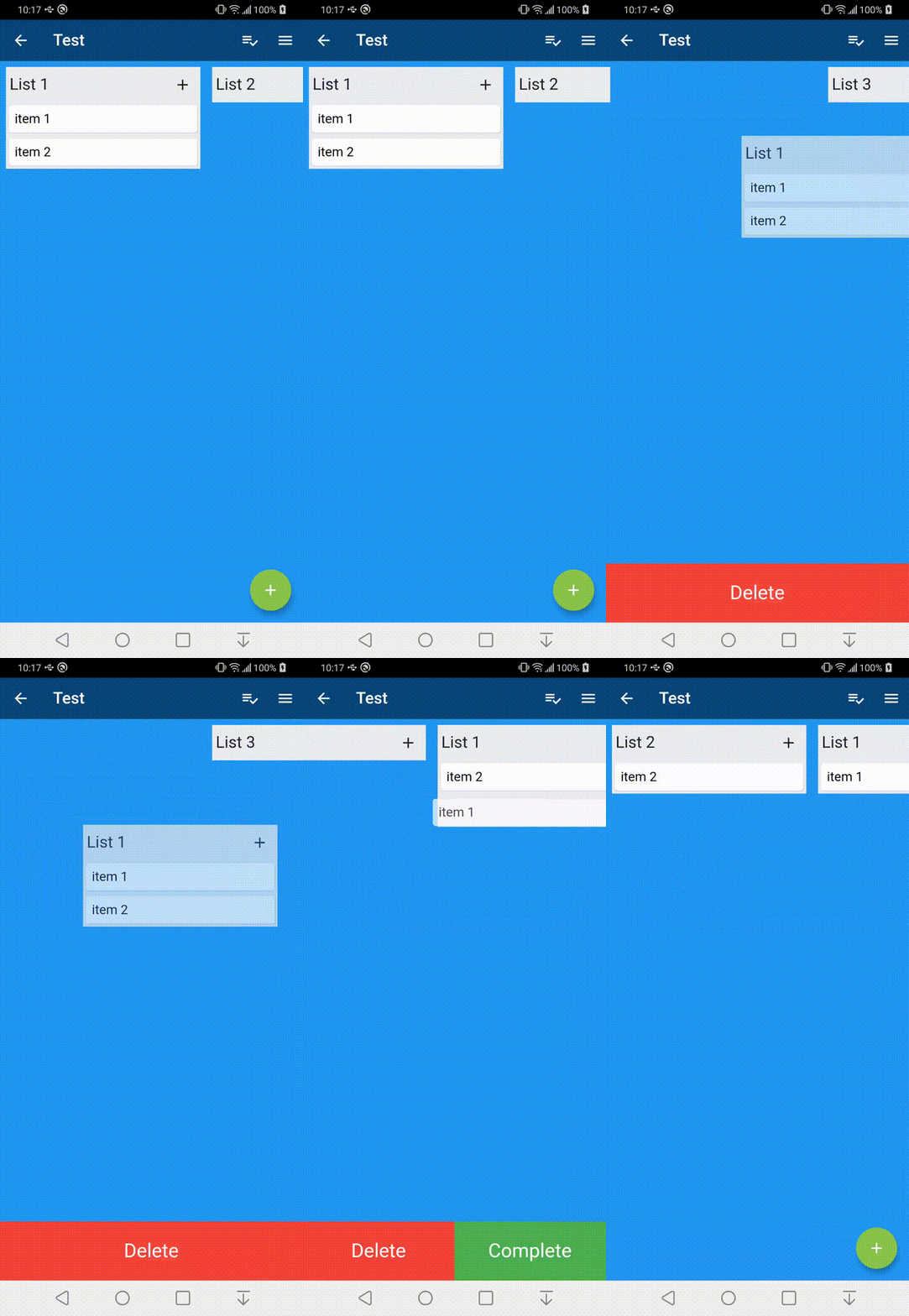
This is a custom widget that can create a draggable BoardView or also known as a kanban. The view can be reordered with drag and drop.

Installation

Just add boardview to the pubspec.yaml file.

Usage Example

To get started you can look inside the /example folder. This package is broken into 3 core parts

Example

BoardView

The BoardView class takes in a List of BoardLists. It can also take in a BoardViewController which is can be used to animate to positions in the BoardView


BoardViewController boardViewController = new BoardViewController();

List<BoardList> _lists = List<BoardList>();

BoardView(
  lists: _lists,
  boardViewController: boardViewController,
);

BoardList

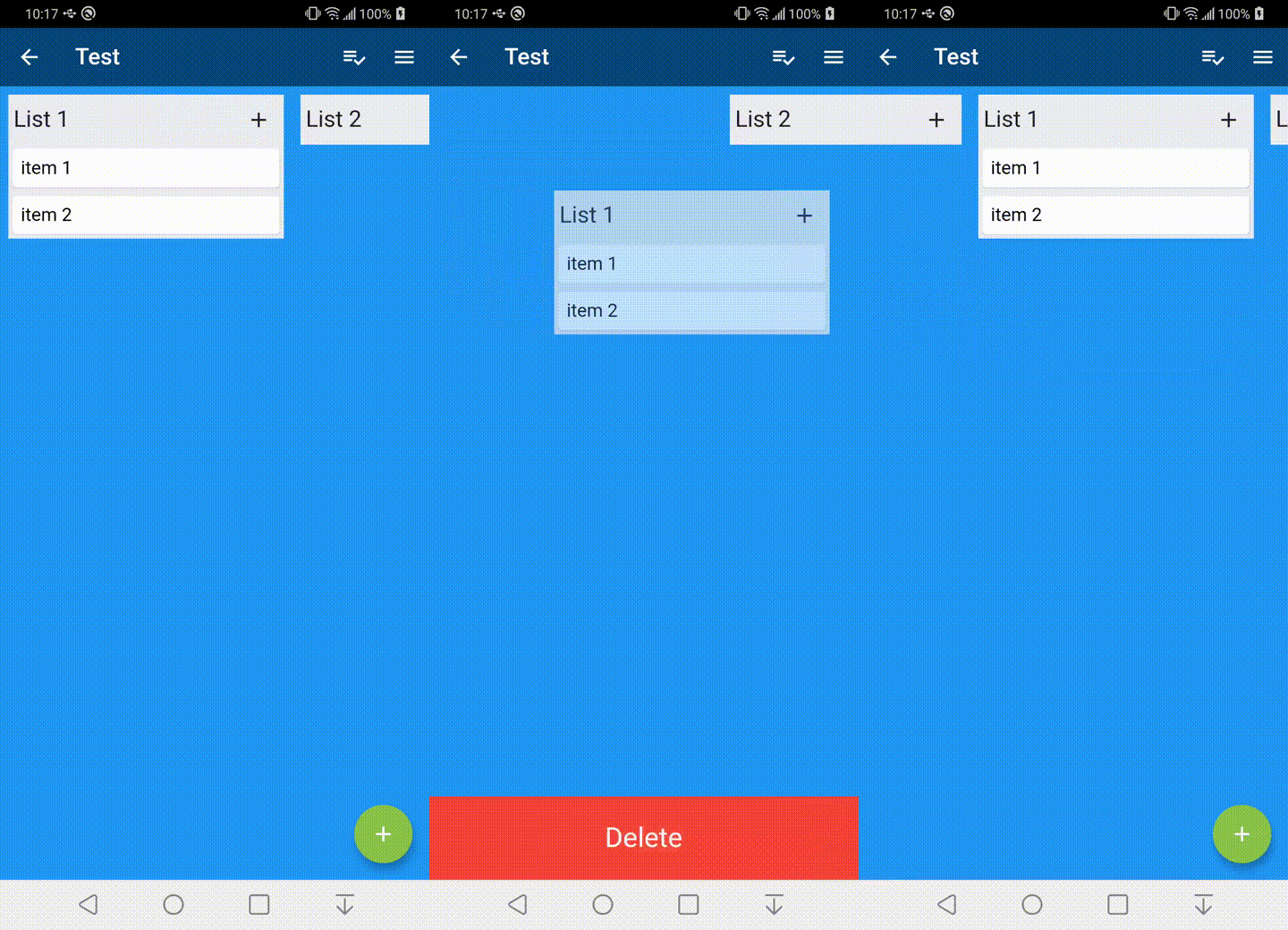
The BoardList has several callback methods for when it is being dragged. The header item is a Row and expects a List as its object. The header item on long press will begin the drag process for the BoardList.

    BoardList(
      onStartDragList: (int listIndex) {
    
      },
      onTapList: (int listIndex) async {
    
      },
      onDropList: (int listIndex, int oldListIndex) {       
       
      },
      headerBackgroundColor: Color.fromARGB(255, 235, 236, 240),
      backgroundColor: Color.fromARGB(255, 235, 236, 240),
      header: [
        Expanded(
            child: Padding(
                padding: EdgeInsets.all(5),
                child: Text(
                  "List Item",
                  style: TextStyle(fontSize: 20),
                ))),
      ],
      items: items,
    );

BoardItem

The BoardItem view has several callback methods that get called when dragging. A long press on the item field widget will begin the drag process.


    BoardItem(
        onStartDragItem: (int listIndex, int itemIndex, BoardItemState state) {
        
        },
        onDropItem: (int listIndex, int itemIndex, int oldListIndex,
            int oldItemIndex, BoardItemState state) {
                      
        },
        onTapItem: (int listIndex, int itemIndex, BoardItemState state) async {
        
        },
        item: Card(
          child: Padding(
            padding: const EdgeInsets.all(8.0),
            child: Text("Board Item"),
          ),
        )
    );

카테고리

의존성

의존성 목록 1 개

소스 저장소

이 패키지를 사용하는 프로젝트