 v3.0.0
modal_bottom_sheet
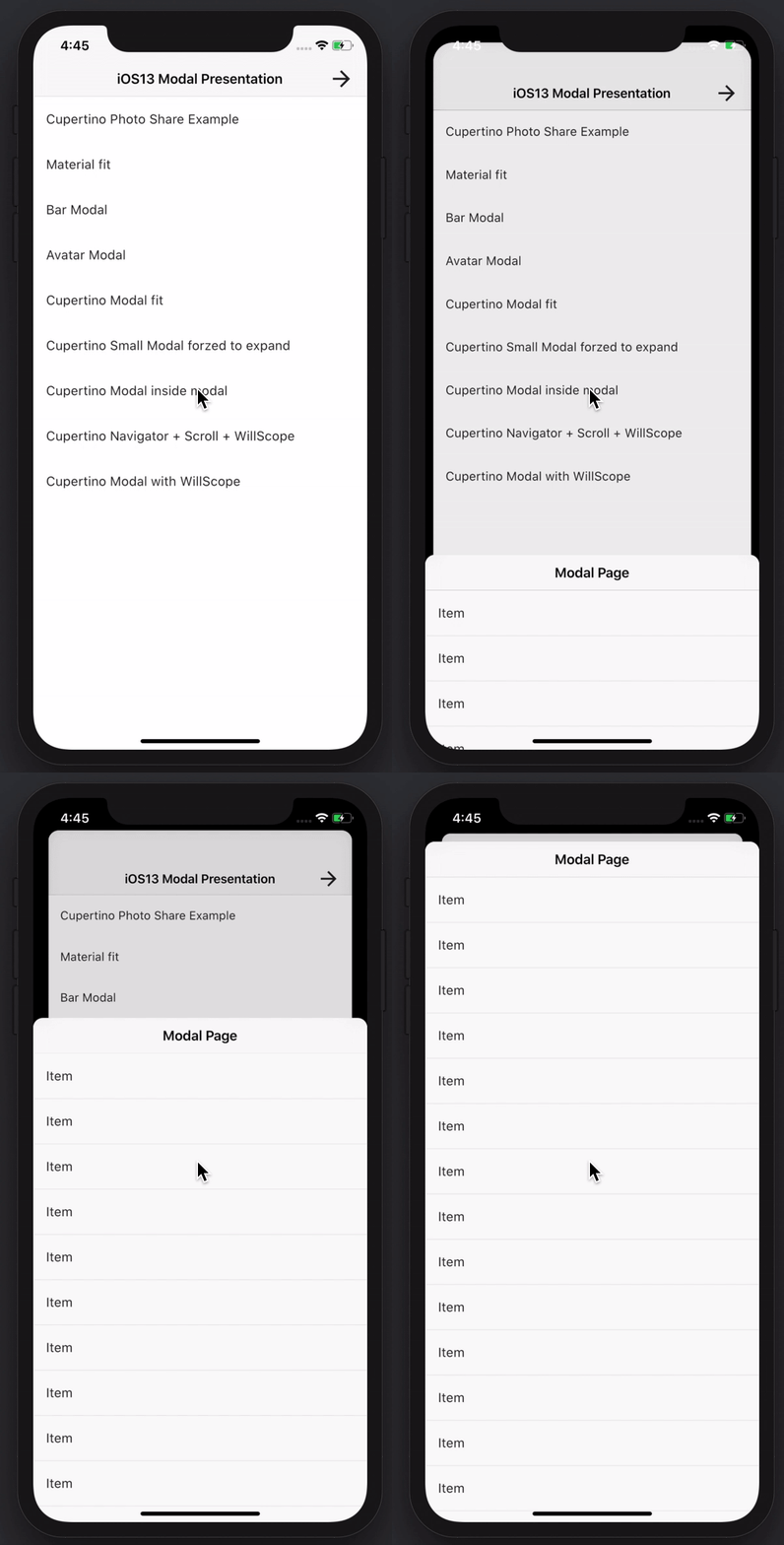
멋지고 강력한 모달 바텀 시트를 만들 수 있습니다. Material, Cupertino iOS 13 또는 자신만의 스타일을 만들 수 있습니다
3.6천좋아요 33.1만30일 다운로드150Pub 점수
AndroidiOSWebmacOSWindowsLinux
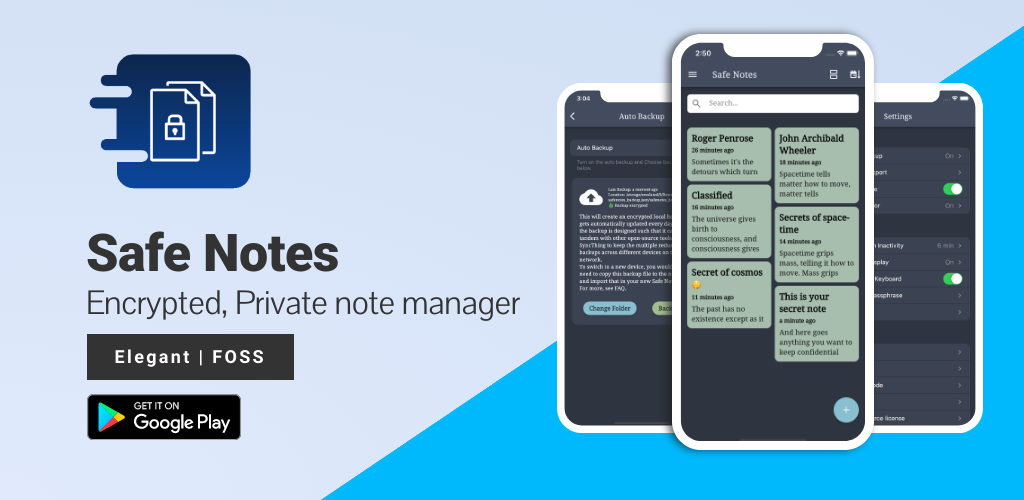
Safe Notes는 로컬에서 작동하며 다양한 위협 행위자로부터 메모를 보호하는 암호화된 개인 메모 관리자를 제공하는 보안 프로젝트입니다.

아래는 영문 원문 스냅샷입니다. 최신 내용은 GitHub에서 확인하세요.








Screenshots • Description • Features • Installation and updates • Contribution • Privacy Policy • License
Website • Reporting a Bug • FAQ • Press
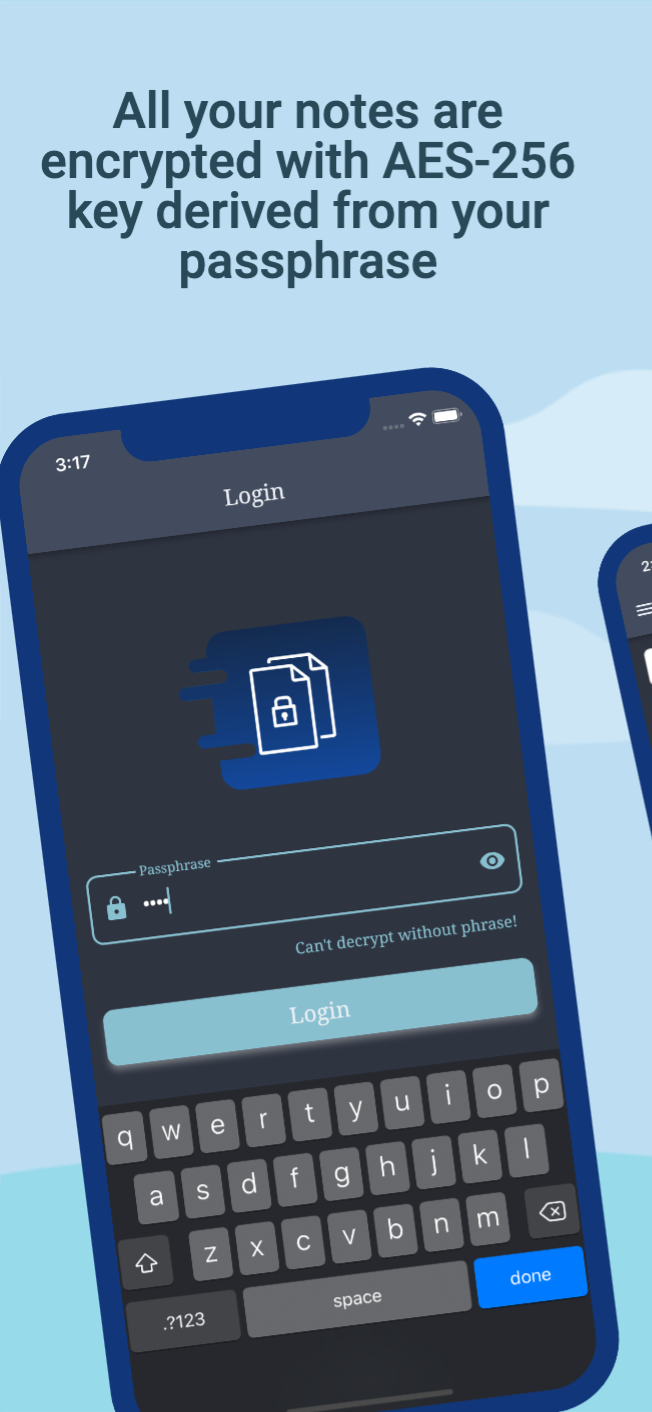
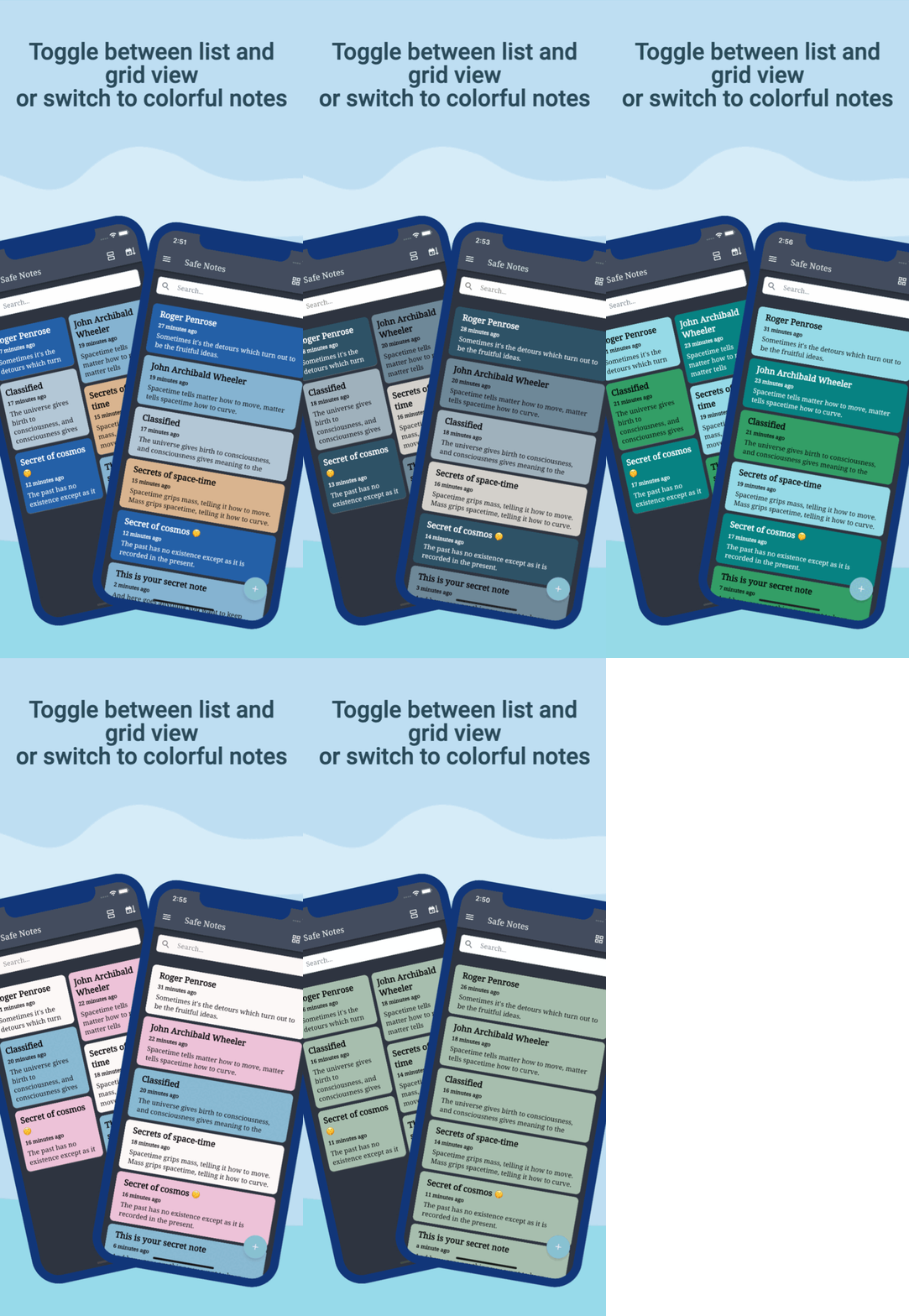
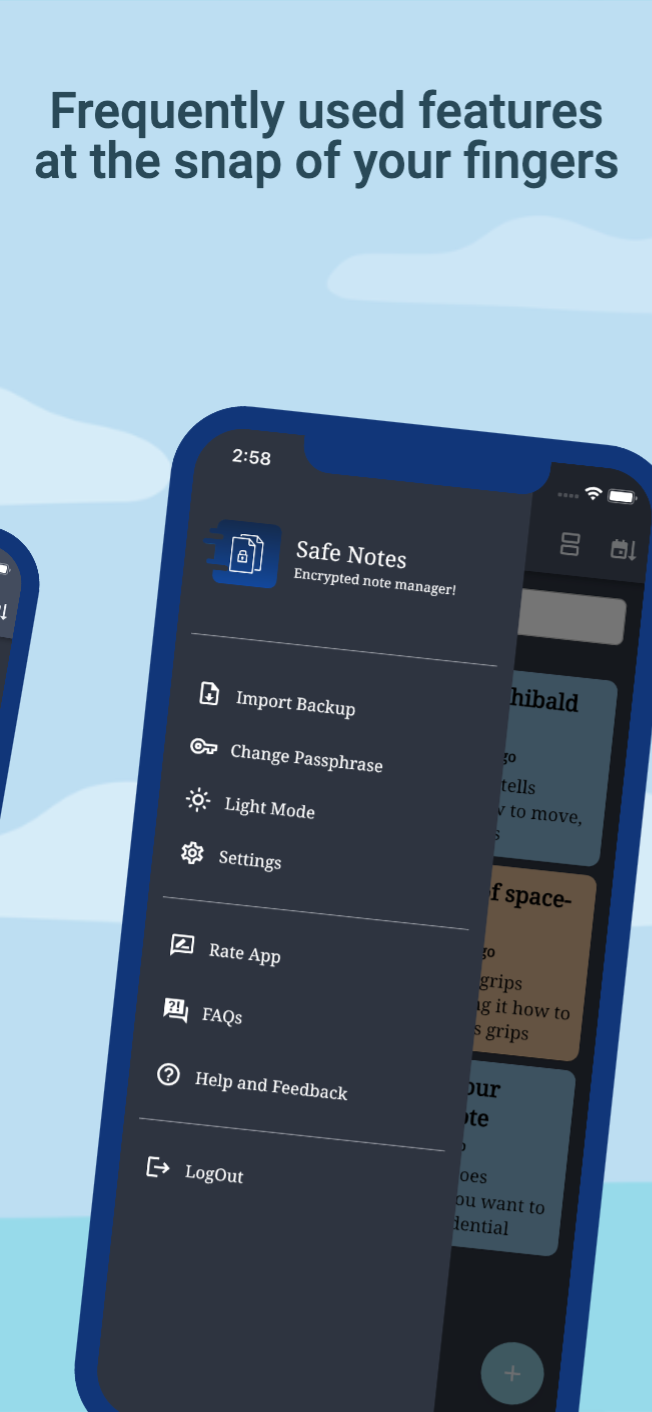
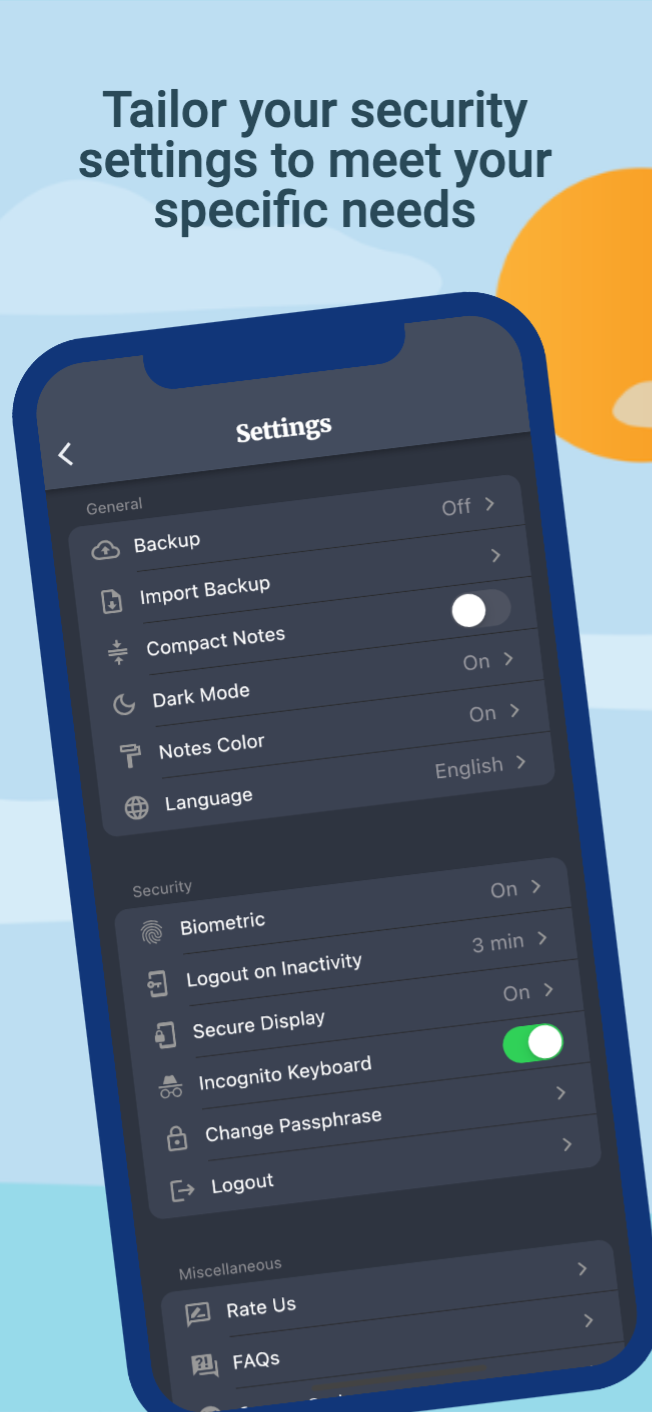
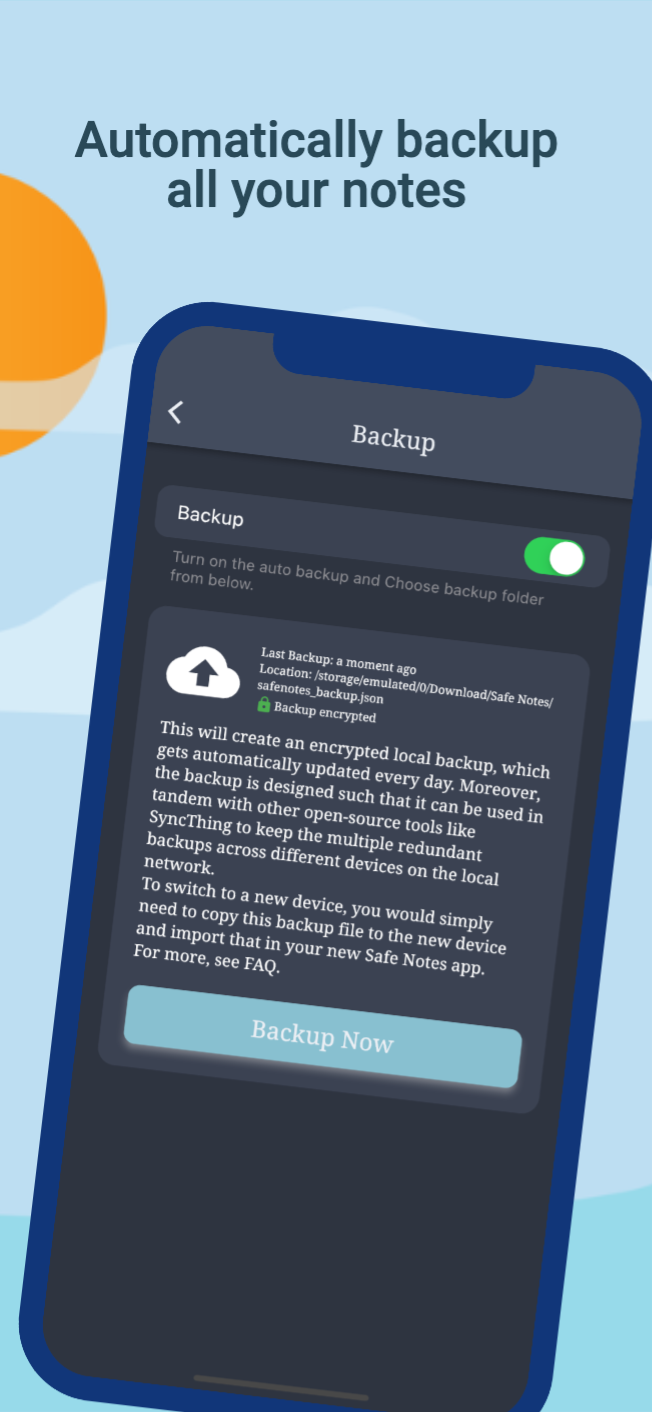
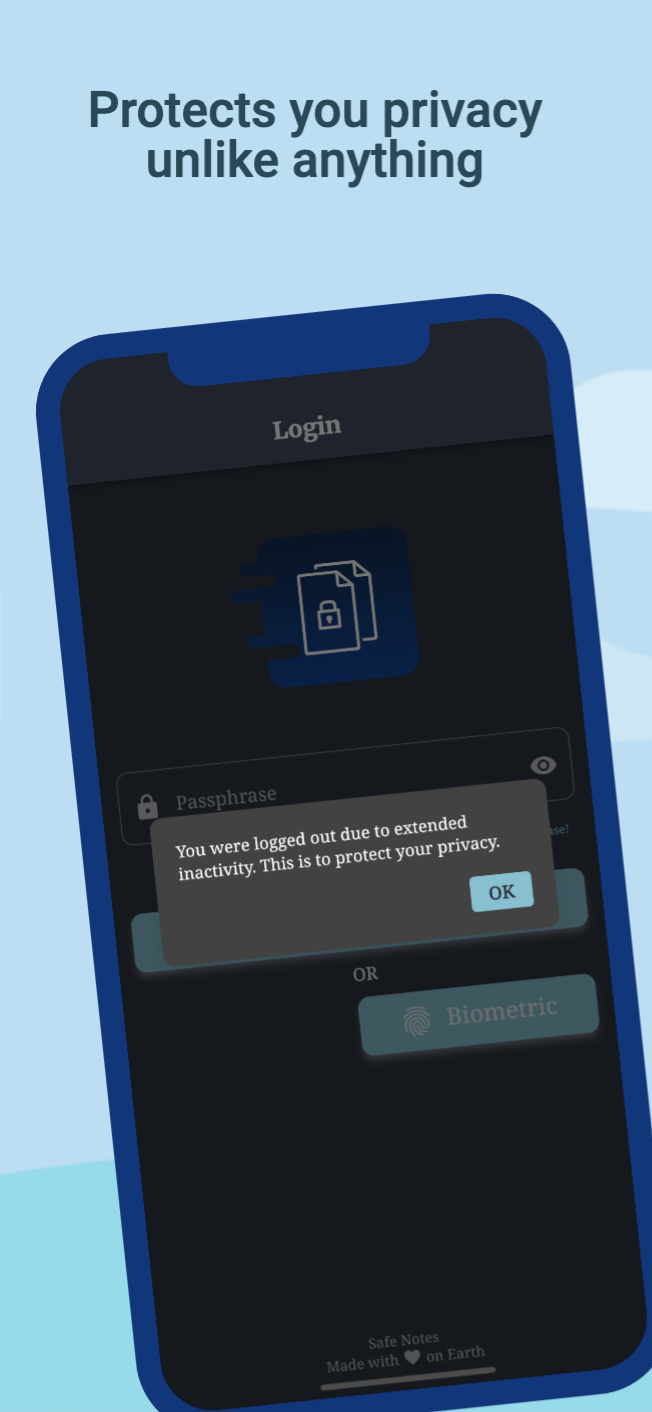
Safe Notes is a privacy-focused note manager which provides an inbuild encrypted storage. It imploys rigorously tested AES-256 encryption standard to store user notes. All the notes are stored locally on the user's device. Contrary to the ongoing frenzy of "move everything to cloud" we believe in "localization of user data" giving you the control of your data and not some third-party cloud service provider. We know you gotta change your device once in a while that's why Safe Notes also provides a secure migration facility, which allows you to export and import your notes without having to compromise the sanctity of your data. Word of advice, keep your passphrase long and secret. May encryption protect us all!
[!IMPORTANT] With great security comes the great responsibility of remembering the passphrase!
[!WARNING] Some security features cannot be guaranteed to work if you are using a rooted device.
You can install Safe Notes using one of the following methods:
We recommend method 1 or 2 for most users. Building a debug APK using method 4 excludes a key entirely. Signing keys help ensure that a user isn't tricked into installing a malicious update to an app.
Whether you have ideas, design changes, code cleaning, or real heavy code changes, help is always welcome.
The more is done the better it gets!
If you'd like to get involved, check our contribution notes.
Help translate Safe Notes on Hosted Weblate

The Safe Notes project aims to provide a encrypted, private, anonymous experience for local note storage. The app doesn't send any outbound requests neither does it receives any inbound requests. Hence, it doesn't collect any data whatsoever. You can find the document here.

Safe Notes is Free Software: You can use, study share and improve it at your will. Specifically GNU General Public License as published by the Free Software Foundation, either version 3 of the License, or (at your option) any later version.
| Weblate is helping with continuous localization as part of their ongoing support for libre software projects. |
|---|
멋지고 강력한 모달 바텀 시트를 만들 수 있습니다. Material, Cupertino iOS 13 또는 자신만의 스타일을 만들 수 있습니다
Flutter 앱의 국제화 및 현지화를 간편하고 빠르게 수행할 수 있습니다. 이 패키지는 국제화 프로세스를 단순화합니다.
몇 분 만에 Flutter 앱용 네이티브 설정을 생성하세요. 단일 인터페이스를 사용하여 빌드합니다
포괄적인 타임스탬프를 생성하는 데 유용한 라이브러리입니다. (예: '15분 전')
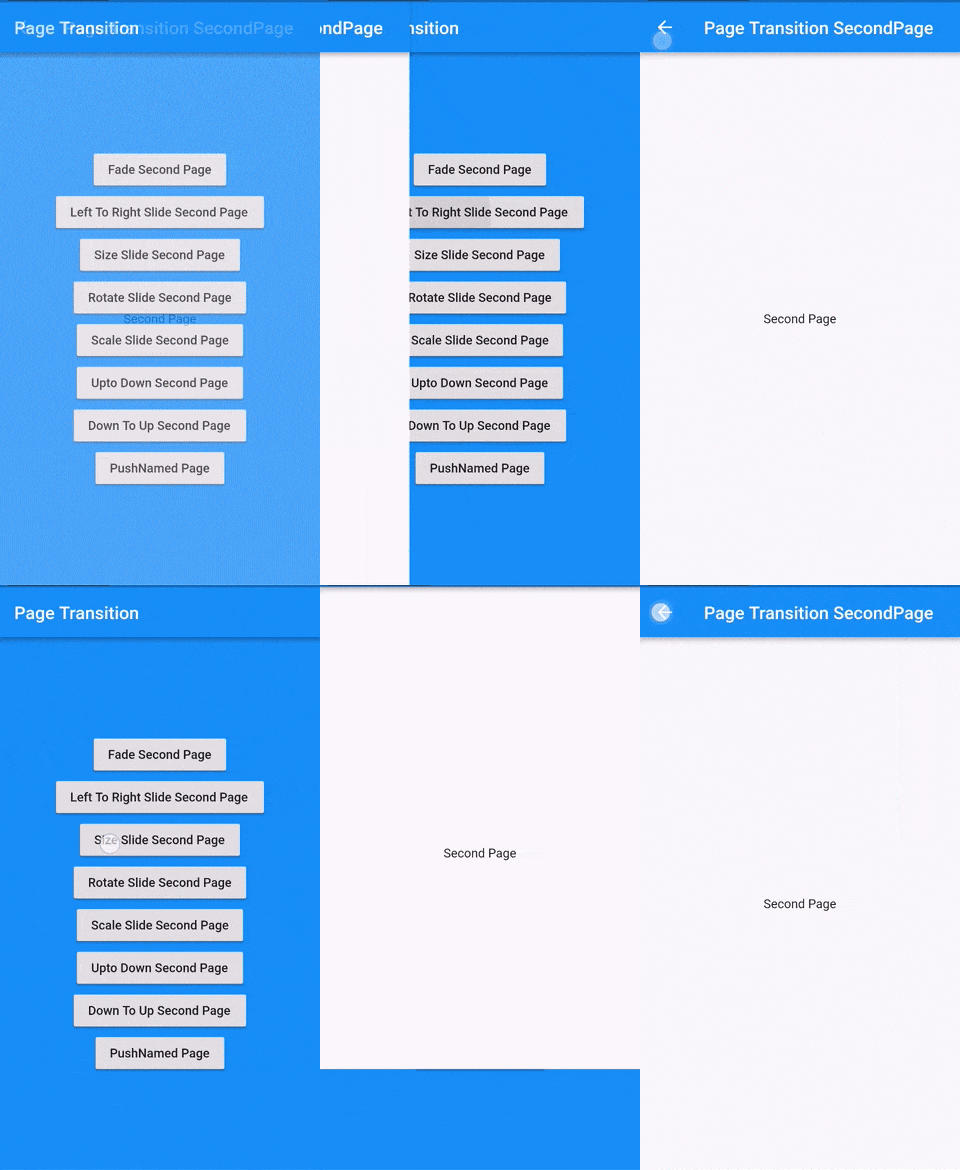
Flutter 페이지 전환 패키지로 두 번째 페이지의 전환
위젯의 첫 번째 레이아웃이 완료된 후 코드를 실행합니다. 즉, 첫 번째 프레임이 표시된 후입니다.
양방향 암호화를 위한 PointyCastle 기반 고수준 API 세트입니다.
다트 가져오기를 자동으로 정리하세요
iOS, Android, MacOS 및 Linux 플랫폼용으로 Flutter 프로젝트의 번들 ID 및 앱 이름을 변경하거나 이름을 바꾸는 데 도움을 줍니다
커뮤니티가 플러터를 위해 설계한 매테리얼 디자인 아이콘
누락된, 과소 프로모션된, 과도하게 프로모션된 및 사용되지 않은 종속성 여부를 확인합니다.
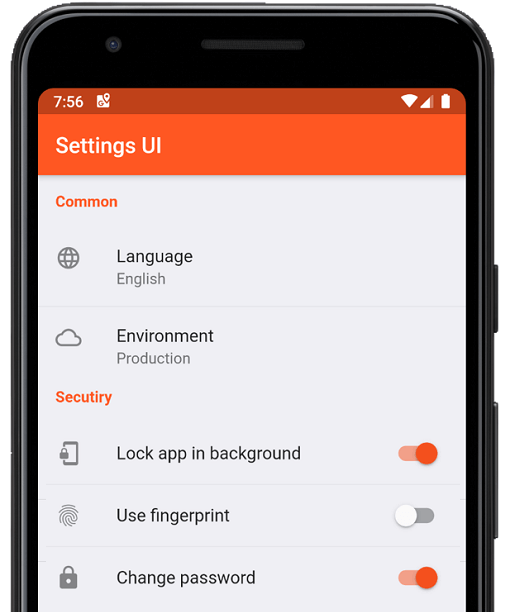
응용 프로그램이 사용자 상호작용을 받지 않거나 "x" 기간 동안 백그라운드에서 실행되는 경우 사용자를 인증 페이지로 리디렉션합니다.
의존성 목록 37 개
{"sdk":"flutter"}^1.2.0^3.0.0^3.0.3^1.0.6^10.0.1^3.0.1^5.0.0^8.0.0+1^9.0.0^0.7.0^0.18.1^2.1.2^2.1.1^2.1.0^7.0.7296^2.1.0^3.0.0^2.0.9^1.9.0^2.0.2^11.3.0^6.0.3^3.0.2^2.0.2^2.0.6^2.1.0+1^3.3.0^2.0.0^6.1.5{"git":{"url":"https://github.com/keshav-space/safenotes-nord-theme.git","ref":"main"}}{"sdk":"flutter"}^0.13.1^2.2.11^4.6.0^3.0.0^3.0.2사용 목적에 따라 검색하고 개발 활동을 비교한 뒤 원본 저장소에서 요구 사항을 확인하세요.
“A repository is the most basic element of GitHub.”
GitHub Docs — About repositories ↗