v4.5.2
go_router_builder
Um construtor que suporta ajudantes de rota fortemente tipados gerados para o pacote: go_router
302Curtidas 371 milDownloads em 30 dias160Pontos Pub
AndroidiOSmacOSWindowsLinux
Um aplicativo multiplataforma (Flutter) para se conectar ao Matrix – uma rede aberta para comunicação segura e descentralizada, com seus dispositivos favoritos.

Texto original em inglês. Visite o GitHub para a versão atual.




Website • View Demo • Report Bug • Roadmap • Translate Twake
Twake Chat is an open source, decentralized chat app based on the Matrix protocol. It was developed by Linagora. Twake Chat is a good option for individuals and organizations who are looking for a secure and decentralized chat app. It is also a good choice for developers who want to build their own Matrix-based chat apps.
Please make sure to run the following command at first, to verify your code before each commit:
bash scripts/config-pre-commit.sh
You can at any moment verify your flutter installation using:
flutter doctor -v
For web development, install:
The web target uses flutter_vodozemac for end-to-end encryption. Before running or building the application for the first time, generate the required web package:
./scripts/prepare-web.sh
Run this command again after updating the flutter_vodozemac dependency.
Note: Gradle will try to install the JDK 8. If for any reasons the operation failed, try to install your own and use this method to tell Gradle where to find it.
If needed, a complete list is available in the flake.nix.
On Ubuntu, the following command should install all the required elements:
sudo apt install libjsoncpp1 libsecret-1-dev libsecret-1-0 librhash0 libwebkit2gtk-4.0-dev libolm3
In addition, the Linux build requires Rust. For macOS or Linux, execute the following command in a terminal emulator:
curl --proto '=https' --tlsv1.2 -sSf https://sh.rustup.rs | sh
For Windows, you can use the Rust Installer.
In case you have Rust already installed, make sure to update it to latest version:
rustup update
devenv.nixA devenv.nix is provided in order to ease the process of setting up your dev environment. Check out the install instructions: https://devenv.sh/getting-started/
Then you can use devenv shell to fire up your environment.
This can be automated thanks to: [nix-direnv](https://github.com/nix-community/nix-direnv/)
Supported platforms:
In order to run the web target you must provide a default configuration file. This can be done by copying the config.sample.json to config.json.
cp config.sample.json config.json
Here is an example working with matrix.org:
{
  "application_name": "Twake Chat",
  "application_welcome_message": "Welcome to Twake Chat!",
  "default_homeserver": "matrix.org",
  "privacy_url": "https://twake.app/en/privacy/",
  "render_html": true,
  "hide_unknown_events": true,
  "hide_redacted_events": false,
  "issue_id": "",
  "app_grid_dashboard_available": false,
  "homeserver": "https://matrix.org/",
  "platform": "localDebug",
  "default_max_upload_avatar_size_in_bytes": 1000000,
  "dev_mode": true,
  "qr_code_download_url": "https://sign-up.twake.app/download/chat",
  "enable_logs": true,
  "vapid_public_key": "",
  "web_push_enabled": false,
  "support_url": "https://twake.app/support",
  "cozy_external_bridge_version": "0.16.1"
}
Before running the app, please update the dependencies:
flutter pub get && flutter pub run build_runner build --delete-conflicting-outputs
Now you can run the project:
flutter devices # To list available run targets
# flutter run -d <device>, e.g:
flutter run -d chrome
Translations are managed on Weblate (Linagora / twake-matrix).
assets/l10n/ (template: intl_en.arb).l10n.Maintainers: the full sync process (rebase l10n on main, trigger the
Weblate update/pull, open a PR from l10n into main) is documented in
docs/l10n_weblate_workflow.md.
Please use the helper script corresponding to your target in order to build:
./scripts/prepare-web.sh
./scripts/build-web.sh
# ./scripts/build-linux.sh          ## For release purposes
./scripts/build-linux-debug.sh
# ./scripts/build-android-apk.sh    ## For release purposes
./scripts/build-android-debug.sh
Flutter DevTools is designed for native (iOS/Android/Desktop) profiling and provides frame-level insights via the Dart VM. On Flutter Web however, the Dart code is compiled to JavaScript and runs inside a browser engine. Flutter DevTools cannot profile the JavaScript execution, browser rendering pipeline, or web worker scheduling.
Chrome DevTools Performance panel is the right tool for Flutter Web because it captures the actual browser behavior: main thread long tasks, animation frame durations, garbage collection pauses, network timing, and GPU compositing — which is where the real bottlenecks are on web.
A Chrome DevTools performance trace recorded over a typical user session (navigating conversations, scrolling, viewing members) produces a JSON file exceeding 350,000 lines. The flame chart is virtually unreadable by eye for identifying patterns across hundreds of animation frames and long tasks.
We use the Chrome DevTools MCP server connected to an AI coding assistant (OpenCode + Claude Code) to automate the entire profiling workflow:
Install the MCP server — add to your OpenCode MCP configuration (~/.config/opencode/opencode.json):
{
  "$schema": "https://opencode.ai/config.json",
  "mcp": {
    "chrome-devtools": {
      "type": "local",
      "command": ["npx", "-y", "chrome-devtools-mcp@latest"]
    }
  }
}
Switch to the original branch you want to compare with your changes
Ask Claude Opus 4.6 to perform the profiling — example prompt:
Run the app on Chrome, in profile mode, connect via the Chrome DevTools MCP, set CPU throttling to 4x (recommended threshold to simulate a low-end device), start a performance trace, navigate through the app (open DM conversations, group rooms, scroll through messages, view member lists), stop the trace, and analyze the results. Compare before/after if applicable (Sync XHR (main thread), Animation frame avg, Jank, Long tasks, JS Heap).
Every now and then, manually scroll through the app using your mouse to make sure that the programmatic scrolling isn't skewing the data.
Switch to the branch where your changes are and ask again the AI to run the app and compare with the first run
What the AI does automatically:
| Metric | Target | Description |
|---|---|---|
| Sync XHR (main thread) | < 50ms | Time spent parsing /sync responses on the main thread |
| Animation frame avg | < 16.7ms | Average frame duration (60fps = 16.7ms budget) |
| Jank (frames > 16.7ms) | < 20% | Percentage of frames that miss the 60fps deadline |
| Long tasks (> 50ms) | Minimize | Tasks that block the main thread and cause visible stuttering |
| JS Heap | Monitor | Memory pressure indicator — high values increase GC frequency |
Create a config file config.json in the root of the project with the following
docs
Run the image using the following command:
docker run -d -p <host port>:<host port> -e TWAKECHAT_LISTEN_PORT=<host port> --name <container name> -v <host path>:/usr/share/nginx/html/web/config.json linagora/twake-web:<tag>
http://localhost:<hostport>matrix.orgconfig.json with matrix.org{
"app_grid_dashboard_available": true,
"application_name": "Twake Chat",
"application_welcome_message": "Welcome to Twake Chat!",
"default_homeserver": "matrix.org",
"hide_unknown_events": false,
"homeserver": "https://matrix.org/",
"issue_id": "",
"privacy_url": "https://twake.app/en/privacy/",
"render_html": true
}
6868:docker run -d -p 6868:6868 -e TWAKECHAT_LISTEN_PORT=6868 --name twake-web -v /path/to/config.json:/usr/share/nginx/html/web/config.json linagora/twake-web:v2.19.7
http://localhost:6868FluffyChat is the original repository of this project. A huge thanks to the upstream repository for their vital contributions, not only for this project but also for Matrix SDK in Dart
Fabiyamada is a graphics designer from Brasil and has made the fluffychat logo and the banner. Big thanks for her great designs.
Advocatux has made the Spanish translation with great love and care. He always stands by my side and supports my work with great commitment.
Thanks to MTRNord and Sorunome for developing.
Also thanks to all translators and testers! With your help, fluffychat is now available in more than 12 languages.
Noto Emoji Font for the awesome emojis.
WoodenBeaver sound theme for the notification sound.
The Matrix Foundation for making and maintaining the emoji translations used for emoji verification, licensed Apache 2.0
Um construtor que suporta ajudantes de rota fortemente tipados gerados para o pacote: go_router
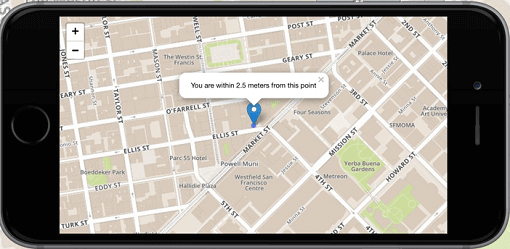
O cliente de mapa número 1 do Flutter voltado para uso não comercial: é fácil de usar, versátil, livre de fornecedores, totalmente multiplataforma e 100% puro Flutter
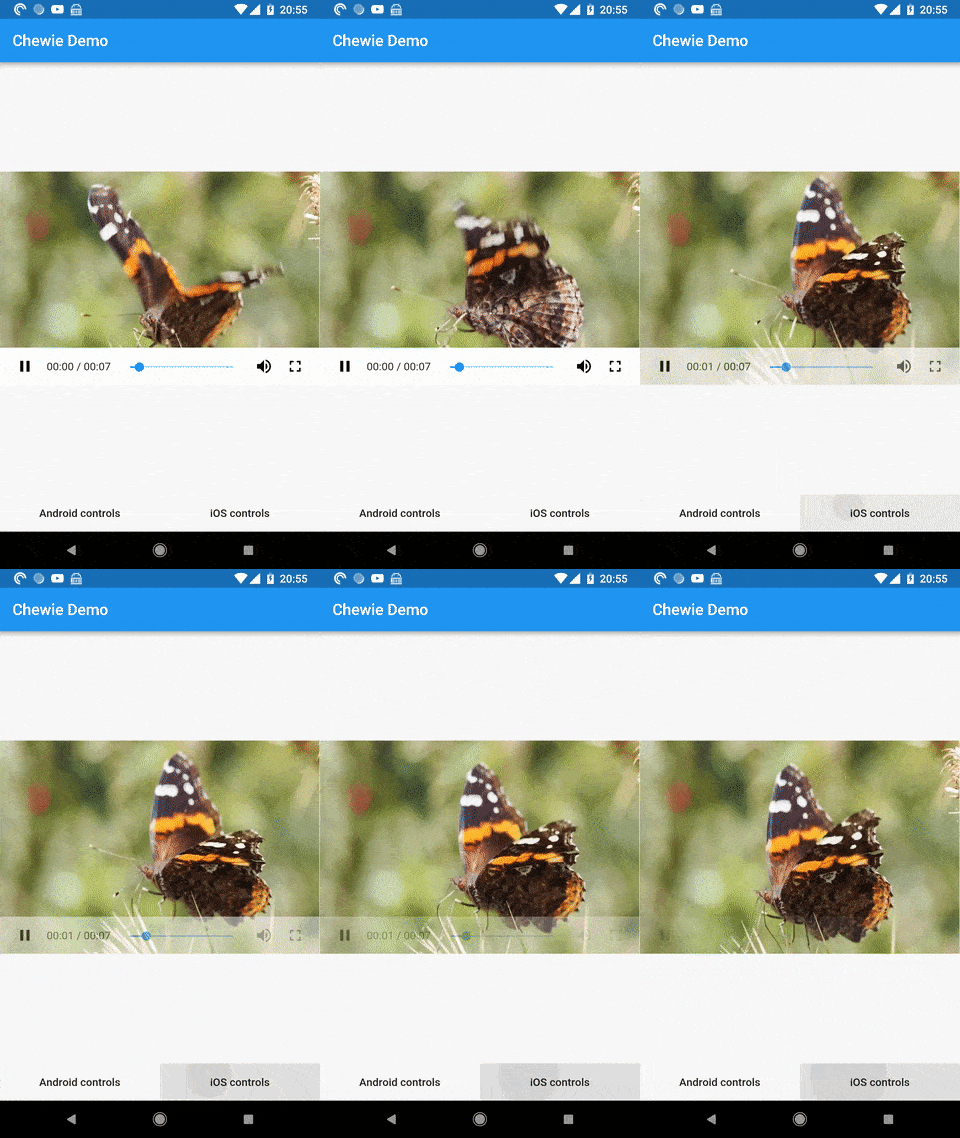
Um player de vídeo para o Flutter com controles de reprodução Cupertino e Material
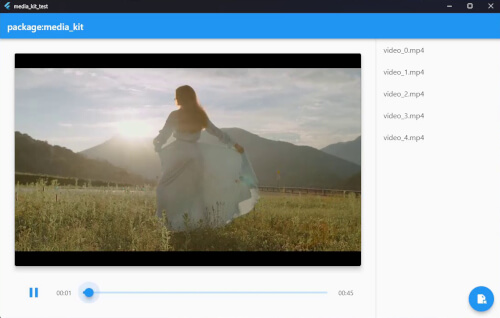
Um player de vídeo e áudio multiplataforma para Flutter e Dart. Performático, estável, com recursos completos e modular.
Implementação nativa para reprodução de vídeo no pacote: media_kit.
Renderize animações do After Effects nativamente no Flutter. Este pacote é uma implementação pura em Dart de um player Lottie.
Um poderoso framework de teste E2E de interface do usuário multiplataforma para aplicativos Flutter que supera as limitações do integration_test ao lidar com interações nativas.
Ferramenta de linha de comando para Patrol, um poderoso framework de teste de interface do usuário nativo do Flutter.
SDK do Sentry para Flutter. Este pacote tem como objetivo oferecer suporte a diferentes destinos do Flutter, aproveitando as muitas plataformas suportadas pelo Sentry com SDKs nativos.
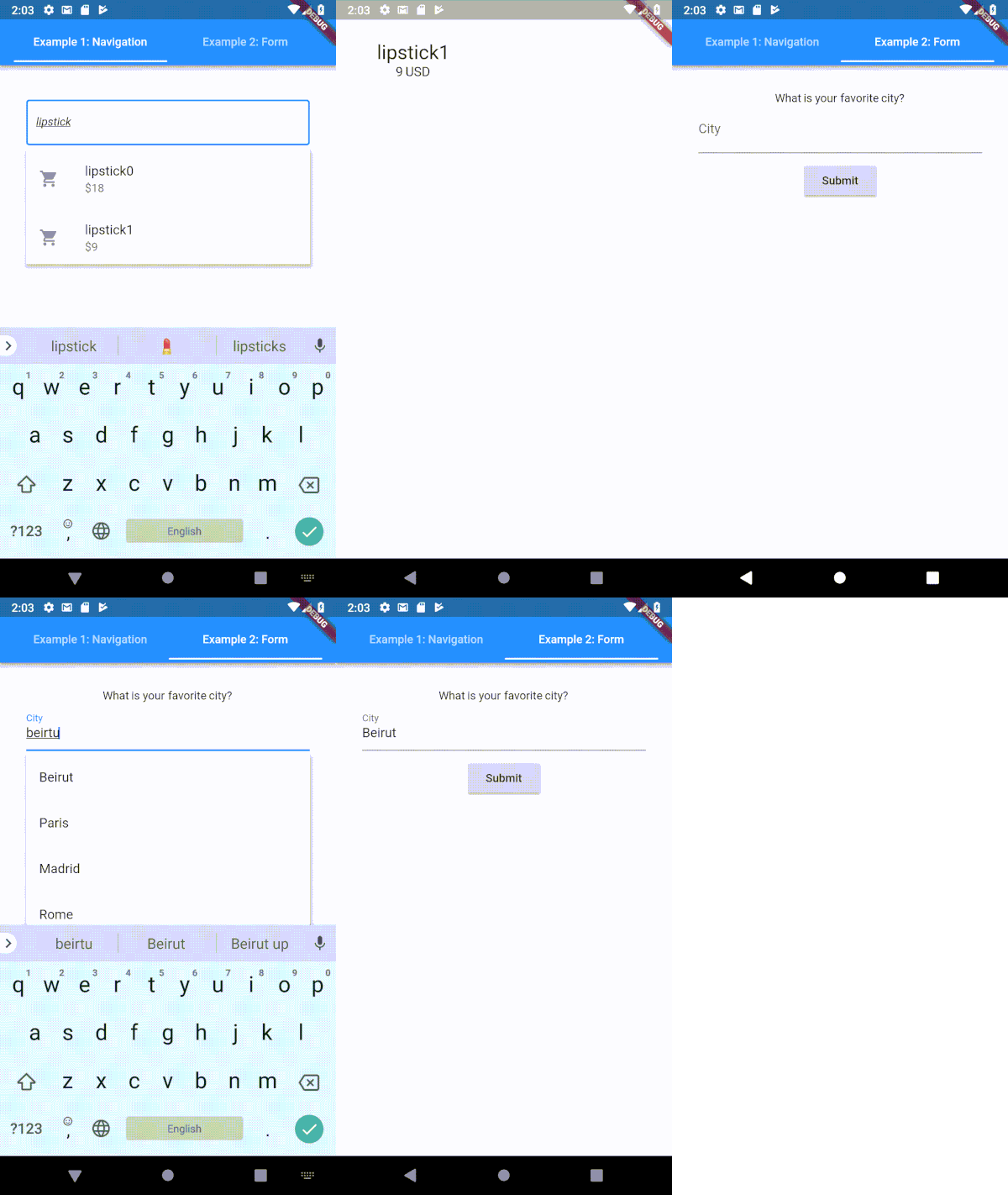
Um campo de entrada de texto tipoahead (autocompletar) altamente personalizável para Flutter
Programação funcional em Dart. Purifique seu código Dart usando estruturas de dados imutáveis eficientes, mónadas, lentes e outras ferramentas de FP.
Um plug-in do Flutter que fornece APIs de gerenciamento de abstração de ativos de álbum no Android, iOS, macOS e OpenHarmony.
Lista de dependências 162 itens
^9.10.0^7.1.2{"git":{"url":"https://github.com/linagora/receive_sharing_intent.git","ref":"main"}}^3.1.4{"git":{"url":"https://github.com/linagora/linagora-design-flutter.git","ref":"v0.2.6"}}{"git":{"url":"https://github.com/linagora/flutter_matrix_html.git","ref":"master"}}{"git":{"url":"https://github.com/maRci002/video_thumbnail.git","ref":"feat-web_implementation","path":"video_thumbnail"}}{"git":{"url":"https://github.com/linagora/inview_notifier_list.git","ref":"master"}}{"git":{"url":"https://github.com/linagora/future-loading-dialog.git","ref":"main"}}{"git":{"url":"https://github.com/linagora/linkfy_text.git","ref":"main"}}{"git":{"url":"https://github.com/linagora/emoji_mart.git","ref":"master"}}{"git":{"url":"https://github.com/linagora/social_media_recorder.git","ref":"twake_supported"}}^1.8.0+1^0.1.4^2.0.7^1.1.0^1.3.6^1.16.0^4.0.0any^0.4.4^0.1.0^0.6.3^10.1.0^1.6.0^1.5.1^0.0.1^0.9.9{"git":{"url":"https://github.com/famedly/fcm_shared_isolate.git","ref":"main"}}^10.1.7{"sdk":"flutter"}{"git":{"url":"https://github.com/bitsydarel/flutter_app_badger.git","ref":"master"}}^3.0.0^0.8.2^3.3.0^3.10.017.2.2{"sdk":"flutter"}^4.0.0{"git":{"url":"https://github.com/linagora/flutter_openssl_crypto.git","ref":"main"}}4.0.0+49.2.4^0.22.0^5.1.0^4.1.0^0.1.9^2.2.3^1.1.0^0.13.4^4.0.15^1.2.0^0.8.13^2.11.0any^0.2.00.10.5^1.0.1^0.1.4^0.8.1^0.3.0^2.0.0{"git":{"url":"https://github.com/linagora/dart_native_imaging.git","ref":"main"}}^8.0.0^2.1.5^12.0.1^1.8.0^6.0.2^1.0.0^1.0.0^3.0.16.1.1^3.0.110.0.2^2.5.3^2.0.0{"git":{"url":"https://github.com/alirezat66/skeletons.git","ref":"master"}}^1.1.0^6.2.0^6.0.2^2.0.86.3.23.1.316.3.01.3.2^1.0.100.5.04.9.0^2.0.5^7.2.0^5.1.1^3.4.2^3.2.1^0.10.1^2.0.0^9.0.0^0.27.7^3.0.0-dev.56.1.0^2.0.2^3.0.00.1.24.4.0^3.5.11^1.0.4^2.11.0^2.4.0{"git":{"url":"https://github.com/linagora/image_gallery_saver.git","ref":"master"}}^0.2.12^6.0.0^1.2.1^2.0.1^1.0.7^2.10.00.9.1^3.0.3^2.0.0-beta.2^9.0.21^0.1.4^2.0.5^1.2.0^2.1.04.0.0^2.1.0+11.1.42.2.02.3.03.0.03.1.00.0.50.10.23.3.02.0.0^0.5.02.0.0^2.3.6^0.5.40^0.4.0+2^1.8.0^1.1.1^1.2.03.0.03.1.03.0.0^3.2.1^2.12.0^3.2.33.0.0^5.15.0^0.13.1^3.0.2^2.0.3+1{"sdk":"flutter"}^4.6.0{"sdk":"flutter"}^6.6.2^3.6.2^0.0.55.6.3^4.5.0^0.15.4^4.2.0^4.3.1Filtre pelo caso de uso, compare a atividade e confira o projeto original antes de adotá-lo.
“A repository is the most basic element of GitHub.”
GitHub Docs — About repositories ↗