Orientação gerada a partir de informações públicas. Apenas para referência.
Um pacote Flutter que permite a leitura de códigos QR em aplicativos móveis, aproveitando bibliotecas nativas de escaneamento — ZXing para Android e MTBBarcodeScanner para iOS. Ele fornece uma visualização simples e embutível da câmera para detecção em tempo real de códigos QR. O pacote foi projetado para integração perfeita com configuração mínima, tornando-o ideal para aplicativos que exigem recuperação rápida de dados por meio de códigos QR. Suporta modos de câmera frontal e traseira e oferece indicadores de sobreposição personalizáveis. O scanner funciona com eficiência em diversas condições de iluminação e tipos de dispositivos.
Casos de uso
Consulta de informações do produto em loja
Validação de bilhete digital ou passagem de embarque
Autenticação de usuário por códigos QR
Compartilhamento de dados sem contato entre dispositivos
Gerenciamento de estoque em aplicativos de varejo
Principais recursos
Desempenho de escaneamento nativo no Android e no iOS
Integração fácil com widgets do Flutter
Suporte para múltiplas orientações de câmera
Sobreposição de escaneamento personalizável e feedback
Detecção em tempo real de código QR
Inicialização leve e rápida
Indicado para
Aplicativos móveis que precisam de funcionalidade de escaneamento QR
Aplicativos de gestão de varejo e eventos
Sistemas de autenticação e login
Aplicativos que exigem troca de dados sem contato
Desenvolvedores procurando suporte de código de barras multiplataforma
Considerações
Requer permissões de câmera em tempo de execução
O desempenho pode variar em dispositivos mais antigos
Limitado à leitura de códigos QR (não outros códigos de barras)
Pode ser necessário estilização adicional para consistência da IU
Sem tratamento interno de erros para varreduras falhas
README original
Snapshot do README original do repositório-fonte vinculado. Consulte o repositório para o conteúdo mais recente.
Project in Maintenance Mode Only
Since the underlying frameworks of this package, zxing for android and MTBBarcodescanner for iOS are both not longer maintaned, this plugin is no longer up to date and in maintenance mode only. Only bug fixes and minor enhancements will be considered.
I am developing a new plugin mobile_scanner that uses the latest version of MLKit for detecting barcodes and QR codes. On Android it also uses the latest version of CameraX, and on iOS the native AVFoundation for best camera performance.
QR Code Scanner
A QR code scanner that works on both iOS and Android by natively embedding the platform view within Flutter. The integration with Flutter is seamless, much better than jumping into a native Activity or a ViewController to perform the scan.
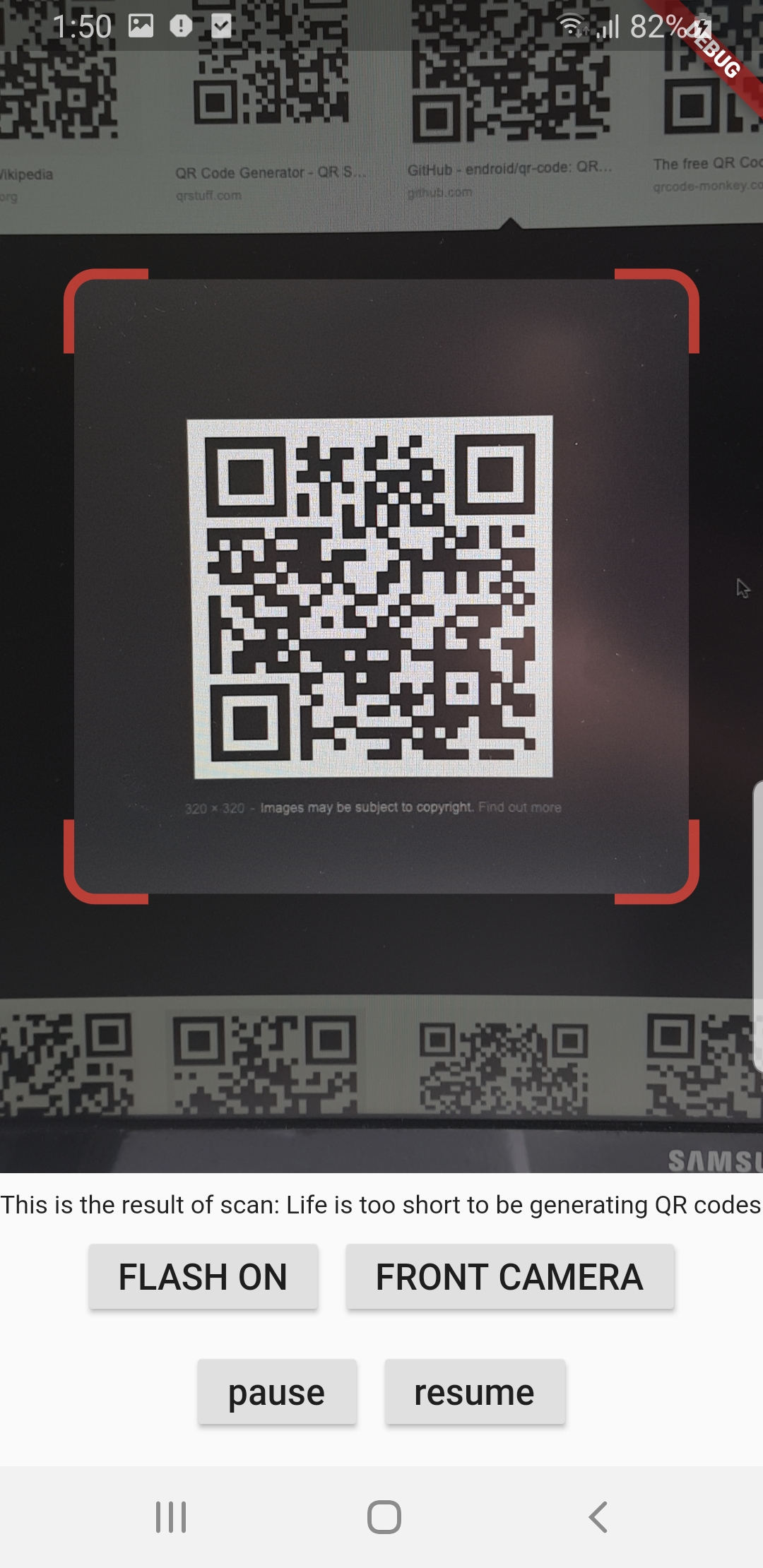
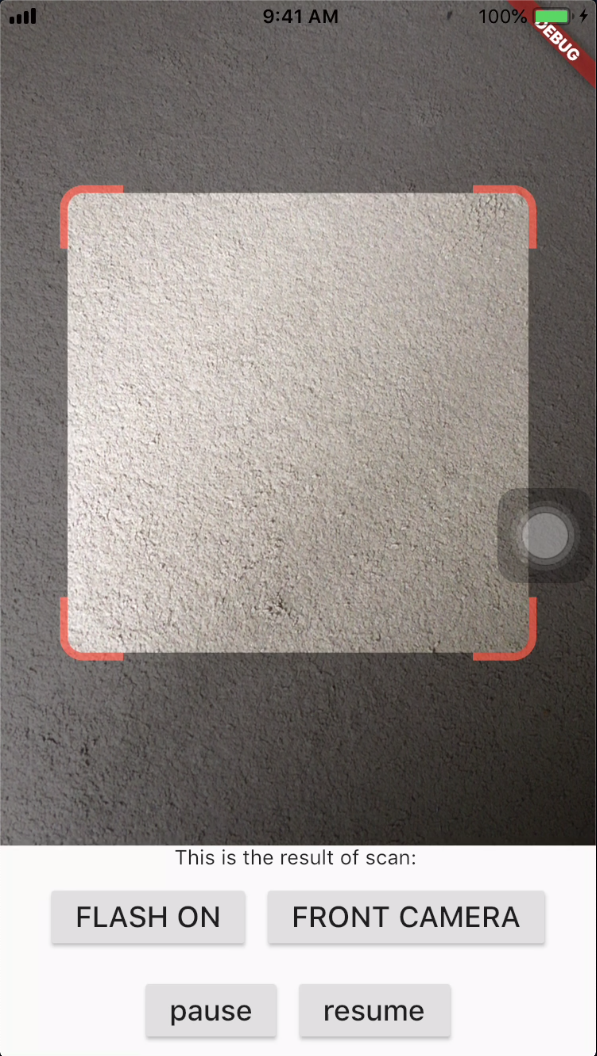
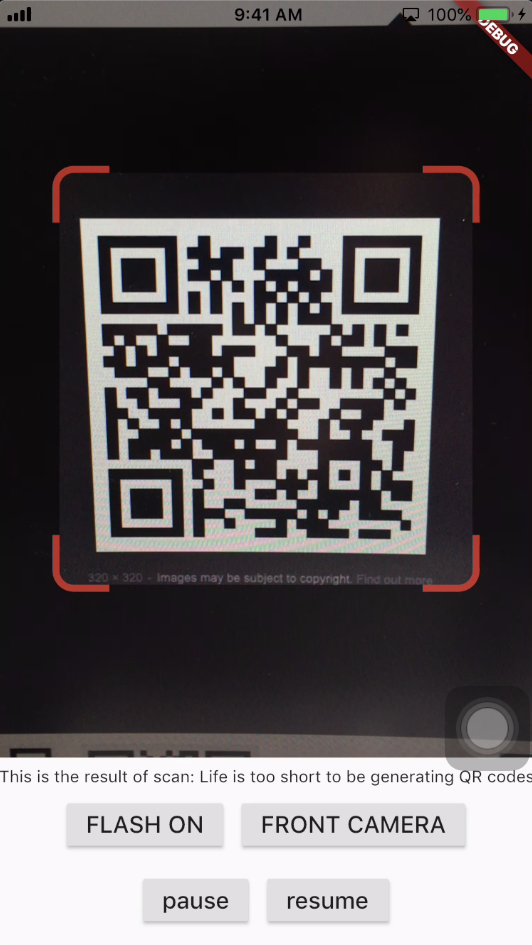
Screenshots
Android
iOS
Get Scanned QR Code
When a QR code is recognized, the text identified will be set in 'result' of type Barcode, which contains the output text as property 'code' of type String and scanned code type as property 'format' which is an enum BarcodeFormat, defined in the library.
class_QRViewExampleStateextendsState<QRViewExample> {
finalGlobalKey qrKey = GlobalKey(debugLabel: 'QR');
Barcode? result;
QRViewController? controller;
// In order to get hot reload to work we need to pause the camera if the platform// is android, or resume the camera if the platform is iOS.@overridevoidreassemble() {
super.reassemble();
if (Platform.isAndroid) {
controller!.pauseCamera();
} elseif (Platform.isIOS) {
controller!.resumeCamera();
}
}
@overrideWidgetbuild(BuildContext context) {
returnScaffold(
body: Column(
children: <Widget>[
Expanded(
flex: 5,
child: QRView(
key: qrKey,
onQRViewCreated: _onQRViewCreated,
),
),
Expanded(
flex: 1,
child: Center(
child: (result != null)
? Text(
'Barcode Type: ${describeEnum(result!.format)} Data: ${result!.code}')
: Text('Scan a code'),
),
)
],
),
);
}
void_onQRViewCreated(QRViewController controller) {
this.controller = controller;
controller.scannedDataStream.listen((scanData) {
setState(() {
result = scanData;
});
});
}
@overridevoiddispose() {
controller?.dispose();
super.dispose();
}
}
Android Integration
In order to use this plugin, please update the Gradle, Kotlin and Kotlin Gradle Plugin:
In android/build.gradle change ext.kotlin_version = '1.3.50' to ext.kotlin_version = '1.5.10'
In android/build.gradle change classpath 'com.android.tools.build:gradle:3.5.0' to classpath 'com.android.tools.build:gradle:4.2.0'
In android/gradle/wrapper/gradle-wrapper.properties change distributionUrl=https\://services.gradle.org/distributions/gradle-5.6.2-all.zip to distributionUrl=https\://services.gradle.org/distributions/gradle-6.9-all.zip
In android/app/build.gradle change
defaultConfig{...minSdkVersion 16} to
defaultConfig{...minSdkVersion 20}
Warning
If you are using Flutter Beta or Dev channel (1.25 or 1.26) you can get the following error:
Please note: on web, only QR codes are supported. Other barcodes and 2D codes cannot be scanned.
Web support is in very early stage. Features such as flash, pause or resume are not implemented. Moreover, the camera
preview does not respect the surrounding constraints. This is not at last due to Flutter's early state of platform views
on web.
Flip Camera (Back/Front)
The default camera is the back camera.
await controller.flipCamera();
Flash (Off/On)
By default, flash is OFF.
await controller.toggleFlash();
Resume/Pause
Pause camera stream and scanner.
await controller.pauseCamera();
Resume camera stream and scanner.
await controller.resumeCamera();
SDK
Requires at least SDK 20.
Requires at least iOS 8.
TODOs
iOS Native embedding is written to match what is supported in the framework as of the date of publication of this package. It needs to be improved as the framework support improves.
In future, options will be provided for default states.
Finally, I welcome PR's to make it better :), thanks