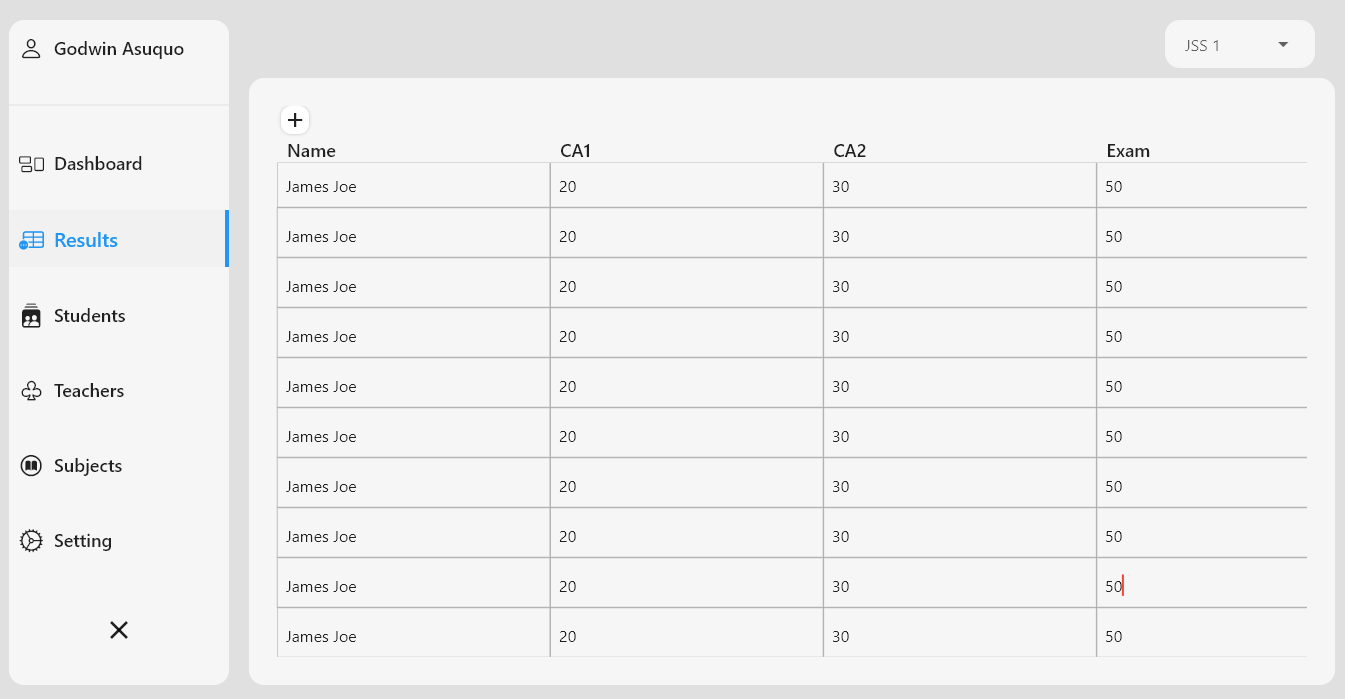
Snapshot do README original do repositório-fonte vinculado. Consulte o repositório para o conteúdo mais recente.
Editable
⚡️A highly customizable, editable table package for Flutter projects.
Specs

This package allows you to create editable tables and spreadsheets with ease, either by providing inital row and column count
to display an empty table, or use it with predefined rows and column data sets.
It is compatible with Flutter Desktop (Windows, Linux, MacOS), IOS, Android, and Web. ❤️
Features
- Save Edited Rows
- Save Edited cell
- Customize cell data
- Add Empty rows
- Create Empty tables
- Customizable Save button
- Customize Table headers
- Zebra - Stripe table
- Style table border
- Adjustable Column widths
Spread Some :heart:

Support us
You can buy us a cup of coffee. Sponsor our next milestones

Getting started
In the pubspec.yaml of your flutter project, add the following
dependency:
dependencies:
  ...
  editable: "^1.1.4"
In your library add the following import:
import 'package:editable/editable.dart';
API
Create Table
To create a new table, use the Editable() widget class and provide the table data properties as follows:
-
column: an array of objects example
example:
List cols = [
  {"title":'Name', 'widthFactor': 0.2, 'key':'name'},
  {"title":'Date', 'widthFactor': 0.1, 'key':'date'},
  {"title":'Month', 'widthFactor': 0.1, 'key':'month'},
  {"title":'Status',  'key':'status'},
];
[title] is the column heading
[widthFactor] a custom size ratio of each column width, if not provided, defaults to [columnRatio = 0.20]
dart 'widthFactor': 0.1 //gives 10% of screen size to the column 'widthFactor': 0.2 //gives 20% of screen size to the column
[key] an identifyer preferably without space and special characters
-
rows: an array of objects, where each object key represents a column [key],
example:
List rows = [
    {"name": 'James Joe', "date":'23/09/2020',"month":'June',"status":'completed'},
    {"date":'12/4/2020',"month":'March',"name": 'Daniel Paul', "status":'new'},
  ];
Each objects DO NOT have to be positioned in same order as its column
-
rowCount: Interger value of number of rows to be generated: Optional if row data is provided
-
columnCount: Interger value of number of columns to be generated: Optional if column data is provided
-
columnRatio: fraction of the screen width occupied by each column. This is usefull for shrinking and expanding table width
example:
columnRation: 0.2
Customization
-
borderColor: Color of table border
-
borderWidth: width of table borders
-
tdPaddingLeft: Table data cell padding left
-
tdPaddingTop: Table data cell padding top
-
tdPaddingRight: Table data cell padding right;
-
tdPaddingBottom: Table data cell padding bottom;
-
tdAlignment: Aligns the table data ;
-
tdStyle: Style the table data;
-
thPaddingLeft: Table header cell padding left;
-
thPaddingTop: Table header cell padding top;
-
thPaddingRight: Table header cell padding right;
-
thPaddingBottom: Table header cell padding bottom;
-
trHeight: Table Row Height, cannot be less than 40.0 ;
-
thWeight: Table headers fontweight;
-
thSize: Table headers fontSize;
-
tdEditableMaxLines : Max lines allowed in editable text, default: 1 (longer data will not wrap and be hidden), setting to 100 will allow wrapping and not increase row size;
-
showSaveIcon: Toogles the save button, if [true] displays an icon to save rows,
adds an addition column to the right
-
saveIcon: Icon for to save row data, example:
dart saveIcon : Icons.add
-
saveIconColor: Color for the save Icon
-
saveIconSize: Size for the saveIcon
-
showCreateButton: displays a button that adds a new row onPressed
-
stripeColor1: The first row alternate color, if stripe is set to true
-
stripeColor2: The Second row alternate color, if stripe is set to true;
-
zebraStripe: Enable zebra-striping, set to false by default
// if zebraStripe is enabled, you can style the colors [stripeColor1] and [stripeColor2]
-
createButtonAlign: Aligns the button for adding new rows;
-
createButtonIcon: Icon displayed in the create new row button;
-
createButtonColor: Color for the create new row button;
-
createButtonShape: border shape of the create new row button
createButtonShape: RoundedRectangleBorder( borderRadius: BorderRadius.circular(8) )
-
createButtonLabel: Label for the create new row button
EditableTheme
Default styles can be supplied using EditableThemeData. Add the theme to
ThemeData.extensions or wrap a subtree with EditableTheme:
MaterialApp(
  theme: ThemeData(
    extensions: const [
      EditableThemeData(borderColor: Colors.blueGrey),
    ],
  ),
  home: MyHomePage(),
);
Unset parameters on widgets will fall back to values from the nearest
EditableTheme.
Save methods
-
onSubmitted: [onSubmitted] callback is triggered when the enter button is tapped (for desktop users)
Or when edit is complete(on mobile) on a table data cell
it returns a value of the edited cell data
-
onRowSaved: [onRowSaved] callback is triggered when a [saveButton] is pressed.
returns only values if row is edited, otherwise returns a string ['no edit']
-
EditableState key: To get all Edited Rows outside the current context, you can access the editable state using a GlobalKey,
example:
final _editableKey = GlobalKey<EditableState>();
void _addNewRow() {
setState(() {
_editableKey.currentState.createRow();
});
}
void _printEditedRows() {
List editedRows = _editableKey.currentState.editedRows;
print(editedRows);
}
@override
Widget build(BuildContext context) {
return Scaffold(
appBar: AppBar(
leadingWidth: 200,
leading: FlatButton.icon(
onPressed: () => _addNewRow(),
icon: Icon(Icons.add),
label: Text(
'Add',
style: TextStyle(fontWeight: FontWeight.bold),
)),
title: Text(widget.title),
actions: [
Padding(
padding: const EdgeInsets.all(8.0),
child: FlatButton(
onPressed: () => _printEditedRows(),
child: Text('Print Edited Rows',
style: TextStyle(fontWeight: FontWeight.bold))),
)
],
),
body: Editable(
key: _editableKey,
columns: cols,
rows: rows,
zebraStripe: true,
stripeColor2: Colors.grey[200],
borderColor: Colors.blueGrey,
),
);
}
Screenshots
| Editable Table with Data (zebraStripe) |
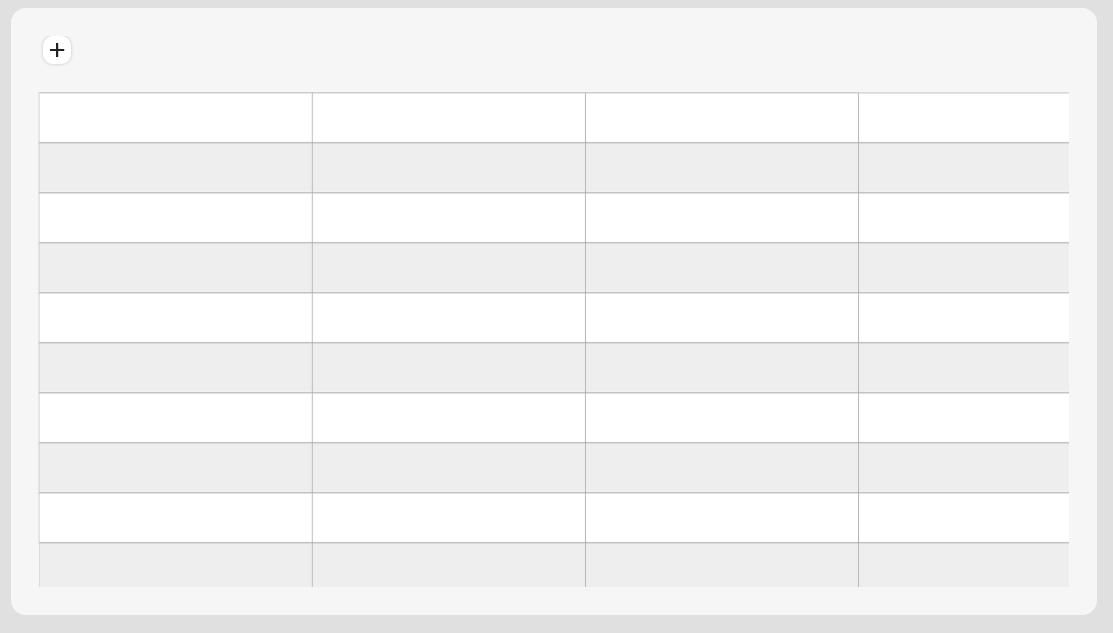
Empty SpreadSheet (zebraStripe) |
Empty SpreadSheet (No Stripe) |
 |
 |
 |
Table with Save Icon
:-------------:|

Tutorials
The Following are resources to help you build with Editable:
Contribution
I highly encourage the community to step forward and improve this
library further. You can fix any reported bug, propose or implement new
features, write tests, etc.
Here is a quick list of things to remember
- Check the open issues before creating a new one,
- Help me in reducing the number of open issues by fixing any existing
bugs,
- Check the roadmap to see if you can help in implementing any new
feature,
- You can contribute by writing unit and integration tests for this
library,
- If you have any new idea that aligns with the goal of this library,
feel free to raise a feature request and discuss it.
Author
This Editable table package for Flutter is developed by Godwin Asuquo
Contributors
CY Uket
AmitB
Tim Maffet
Thumbert
❤️Thank you all for your contributions
Also, as always, please give us a star to help!