Orientação gerada a partir de informações públicas. Apenas para referência.
Flutter Screen Lock é um pacote multiplataforma que permite o bloqueio de tela no Android, iOS e outras plataformas compatíveis. Ele suporta autenticação por código e biométrica (como Face ID ou impressão digital) para proteger a interface do aplicativo. Ideal para aplicativos que exigem segurança aprimorada, como bancos ou acesso a dados privados, integra-se perfeitamente ao ecossistema do Flutter. O pacote utiliza recursos nativos das plataformas para autenticação confiável, garantindo uma experiência consistente para o usuário em diferentes dispositivos.
Casos de uso
Acesso seguro ao aplicativo
Proteja dados sensíveis
Login biométrico
Proteção por código de acesso
Recursos de bloqueio de aplicativo
Aplicativos focados na privacidade
Principais recursos
Suporte multiplataforma
Autenticação biométrica
Falha de código de acesso
Integração nativa
Configuração fácil
Interface do usuário personalizável
Indicado para
Aplicativos que exigem alta segurança
Aplicativos financeiros ou de saúde
Armazenamento de dados privados
Ferramentas de privacidade do usuário
Desenvolvedores construindo bloqueios de aplicativos
Considerações
Requer permissões específicas da plataforma
Personalização limitada em algumas plataformas
O suporte web pode ter restrições
Depende da disponibilidade biométrica do dispositivo
Não adequado para telas não interativas
Pode exigir configuração adicional para a web
README original
Snapshot do README original do repositório-fonte vinculado. Consulte o repositório para o conteúdo mais recente.
Flutter Screen Lock
This Flutter plugin provides an feature for screen lock.
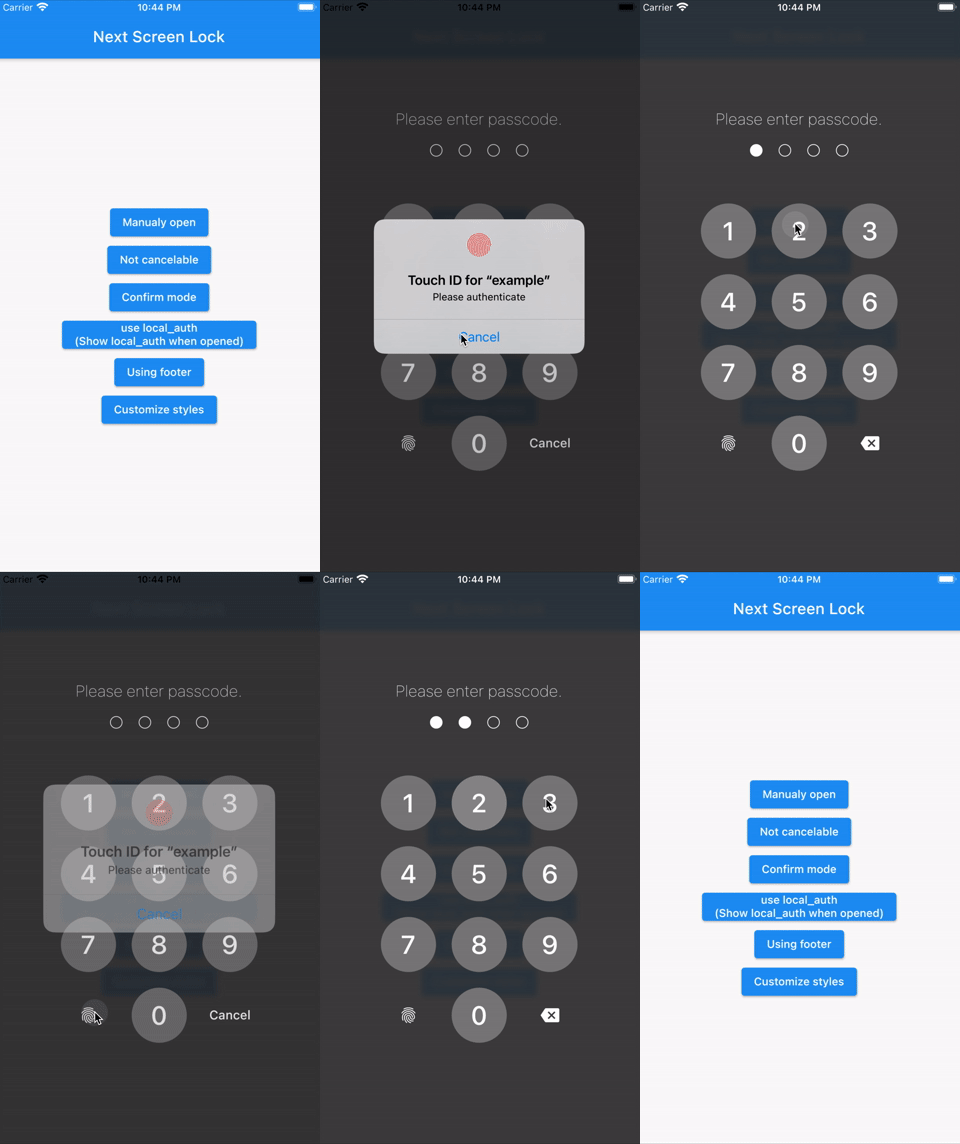
Enter your passcode to unlock the screen.
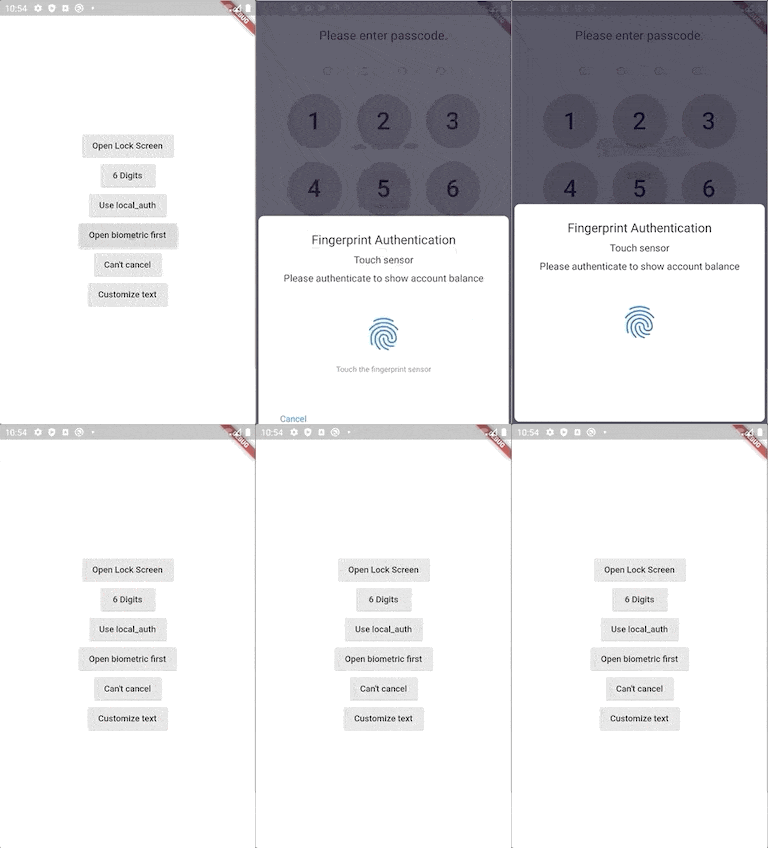
You can also use biometric authentication as an option.
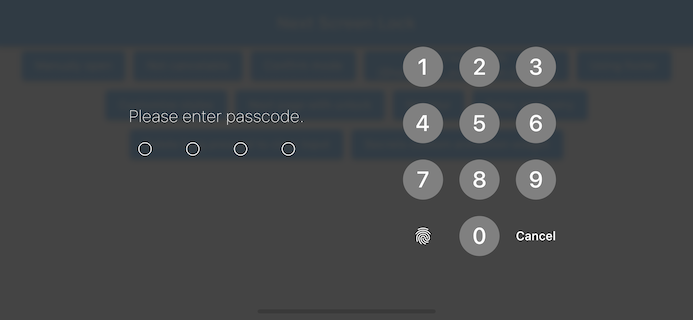
Landscape view
Features
By the length of the character count
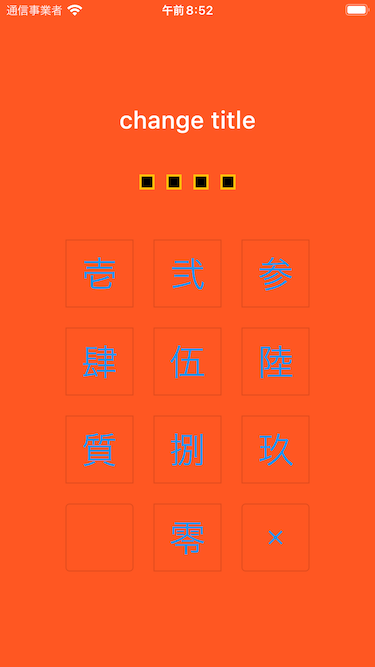
You can change Cancel and Delete widget
Optimizes the UI for device size and orientation
You can disable cancellation
You can use biometrics (local_auth plugin)
Biometrics can be displayed on first launch
Unlocked callback
You can specify a mismatch event.
Limit the maximum number of retries
Keyboard input support for devices with physical keyboards
Number keys (0-9) and numpad input
Backspace key for deletion
Enter key for confirmation
Escape key for cancellation
Usage
You can easily lock the screen with the following code.
To unlock, enter correctString.
Simple
If you give the same input as correctString, it will automatically close the screen.
You can have users create a new passcode with confirmation
import'package:flutter_screen_lock/flutter_screen_lock.dart';
screenLockCreate(
context: context,
onConfirmed: (value) => print(value), // store new passcode somewhere here
);
Control the creation state
import'package:flutter_screen_lock/flutter_screen_lock.dart';
final inputController = InputController();
screenLockCreate(
context: context,
inputController: inputController,
);
// Somewhere else...
inputController.unsetConfirmed(); // reset first and confirm input
Change all callback names from didSomething to onSomething
Change screenLock with confirm: true to screenLockCreate
Change ScreenLock with confirm: true to ScreenLock.create
Replace StyledInputConfig with KeyPadButtonConfig
Replace spacingRatio with fixed value spacing in Secrets
6.x to 7 migration
Requires dart >= 2.17 and Flutter 3.0
Replace InputButtonConfig with KeyPadConfig.
Change delayChild to delayBuilder. delayBuilder is no longer displayed in a new screen. Instead, it is now located above the Secrets.
Accept BuildContext in secretsBuilder.
5.x to 6 migration
ScreenLock does not use Navigator.pop internally anymore.
The developer should now pop by themselves when desired. screenLock call will pop automatically if onUnlocked is null.