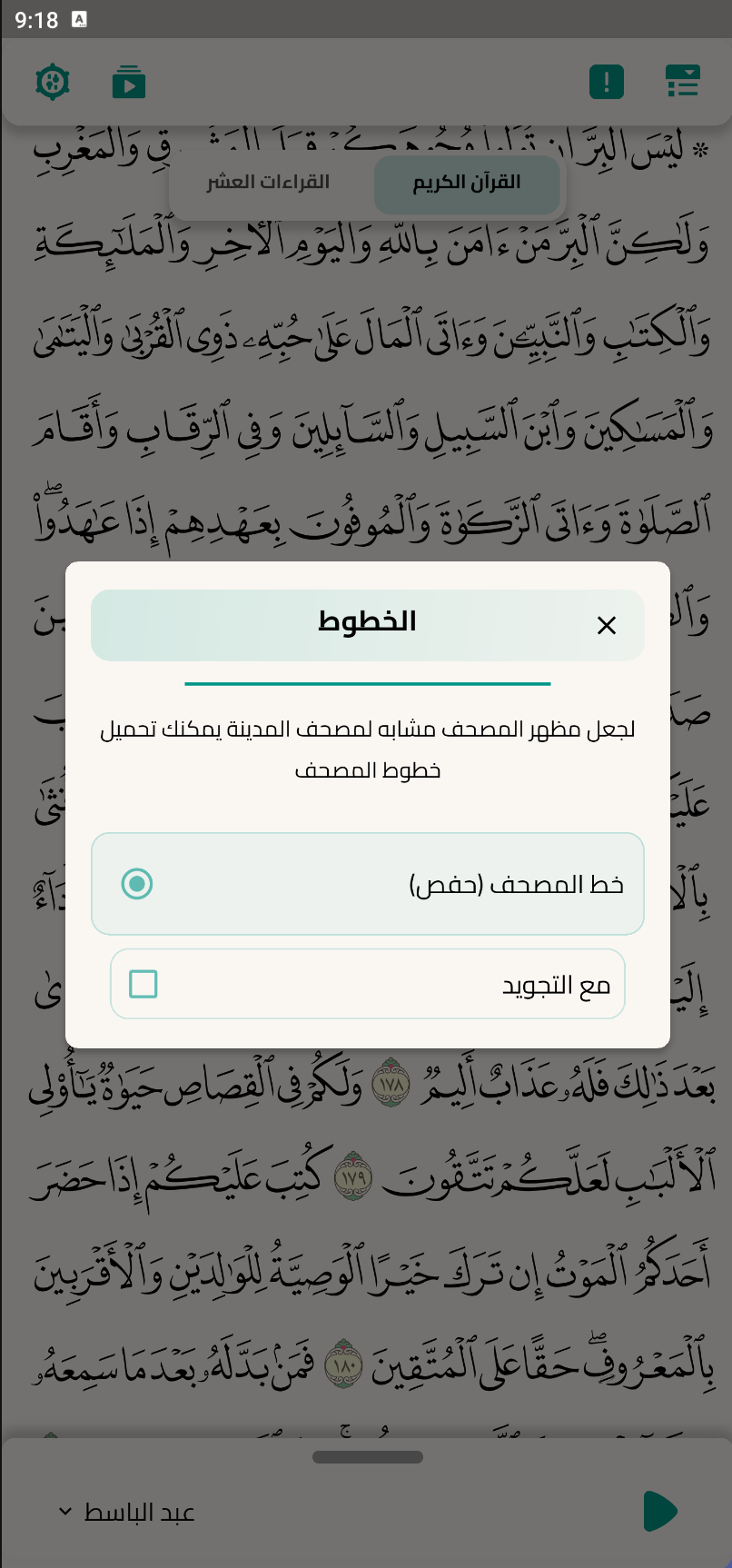
Orientação gerada a partir de informações públicas. Apenas para referência.
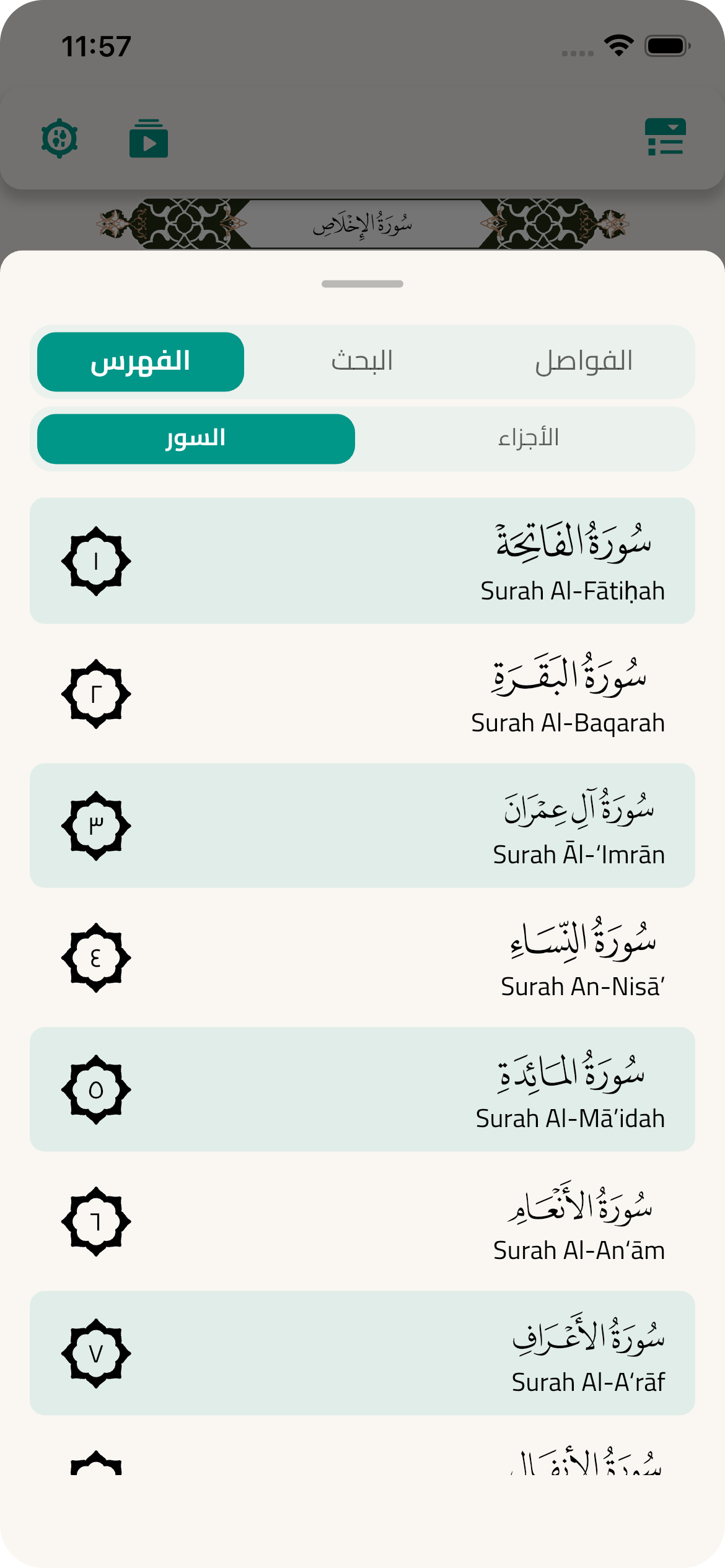
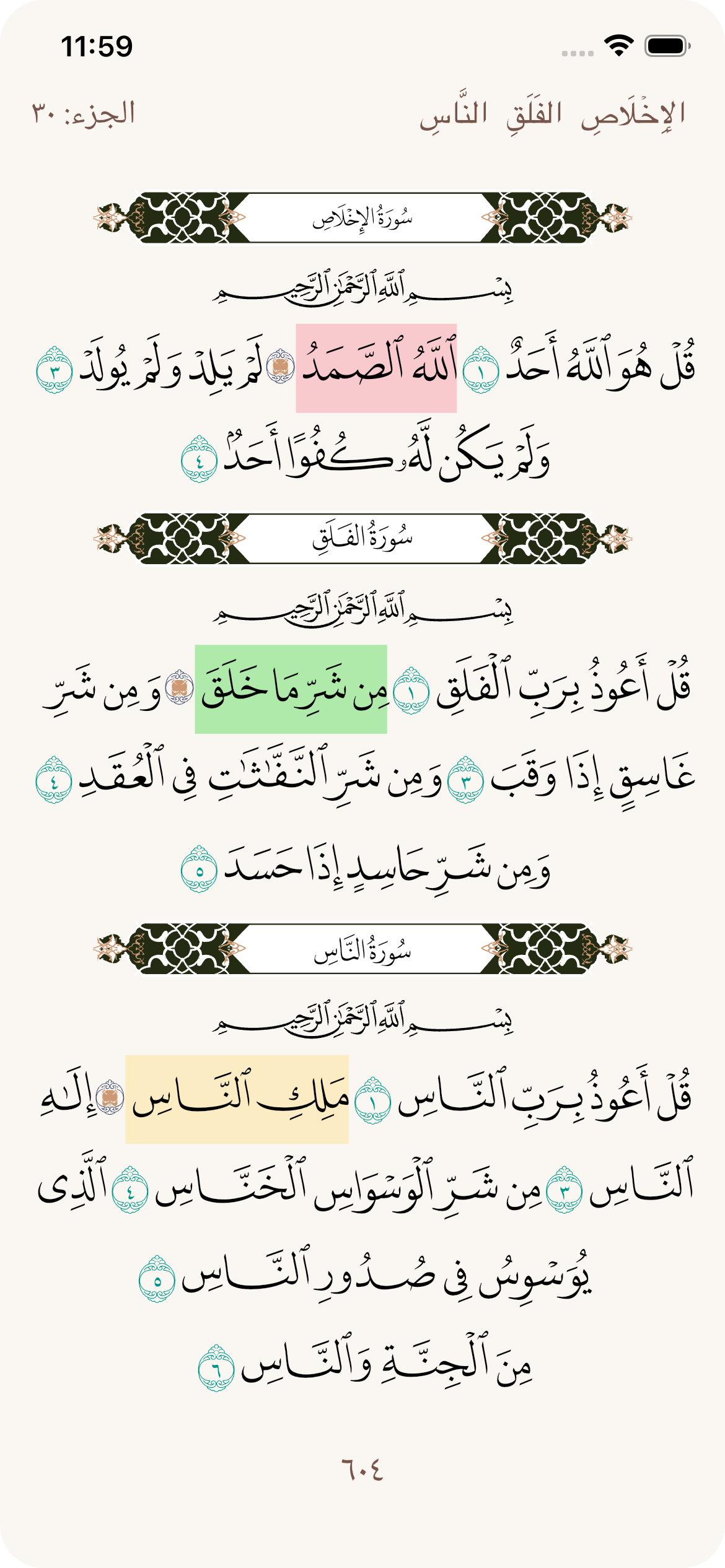
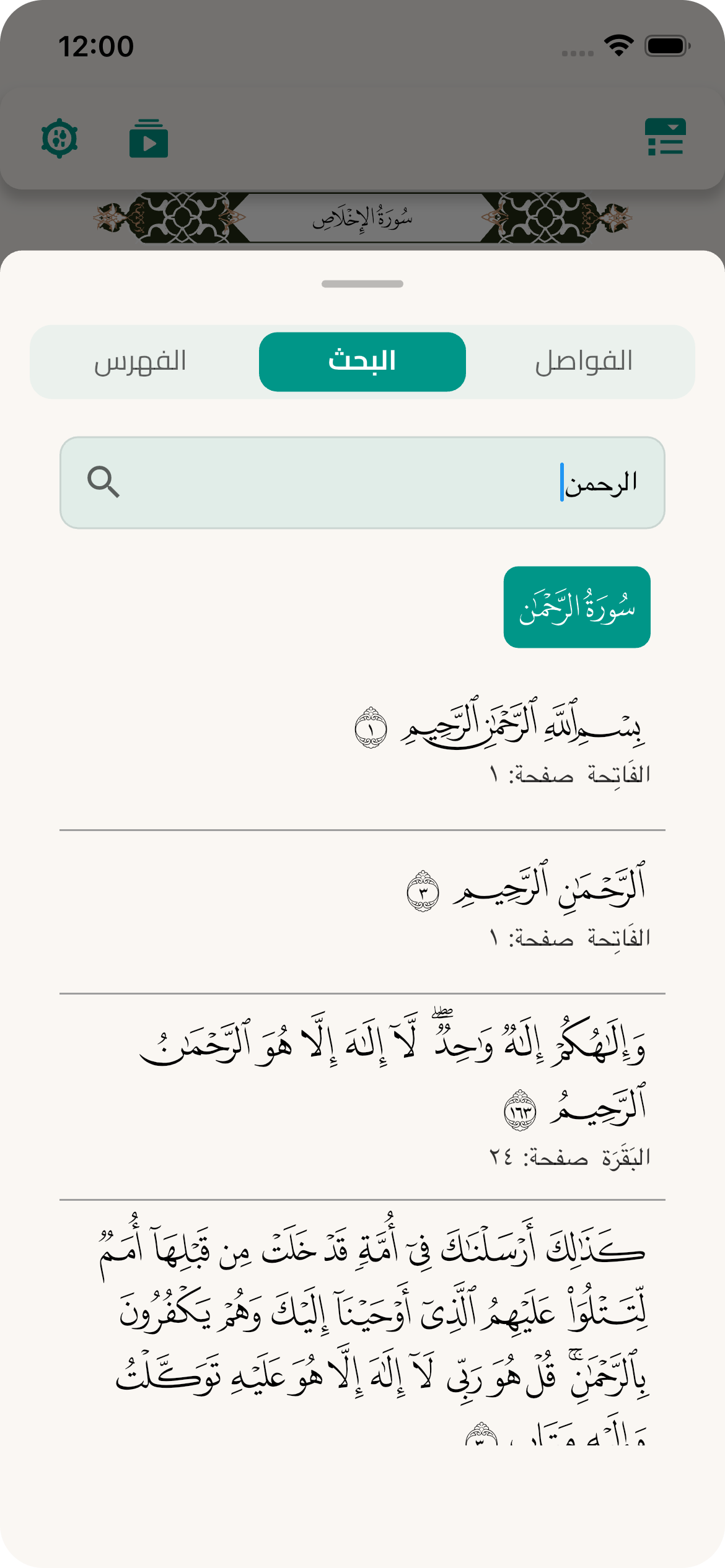
O pacote quran_library oferece uma exibição precisa e integrada do Sagrado Alcorão exatamente como apresentado no Mushaf de Medina, com a leitura de Hafs segundo Asim. Projetado para desenvolvedores que criam aplicações islâmicas, garante fidelidade textual e suporta múltiplas plataformas. O pacote inclui acesso estruturado a versículos, capítulos e dados de leitura, permitindo integração perfeita em aplicativos voltados para estudo, leitura ou recitação corânica. É ideal para ferramentas educacionais, mesquitas digitais e plataformas de aprendizado religioso.
Casos de uso
leitores digitais do Alcorão
aplicativos de educação islâmica
Ferramentas de leitura do Alcorão
Plataformas de estudo religioso
Aplicativos móveis baseados em Mushaf
Principais recursos
Precisão do Medina Mushaf
Leitura de Hafs (Asim)
Suporte multiplataforma
dados estruturados de versos/capítulos
Acesso offline ao Alcorão
Clean Dart API
Indicado para
desenvolvedores de aplicativos islâmicos
criadores de ferramentas de estudo do Alcorão
Construtores de aplicativos móveis com foco religioso
equipes de tecnologia educacional
Projetos Flutter multiplataforma
Considerações
Requer compreensão da renderização do script árabe
Pode ser necessário componentes adicionais de interface para funcionalidade completa
Mais adequado para aplicativos focados em conteúdo corânico
Limitado a uma variante de recitação
Depende da integridade dos dados de origem precisos
README original
Snapshot do README original do repositório-fonte vinculado. Consulte o repositório para o conteúdo mais recente.
Quran Library
Choose your language for the documentation:
Important note before starting to use: Please make:
The required permissions for audio playback (WAKE_LOCK, and FOREGROUND_SERVICE_MEDIA_PLAYBACK) are automatically added by the package. You don't need to manually edit your AndroidManifest.xml.
Additionally, to enable system-integrated audio controls (notification/lockscreen) using audio_service, your app's MainActivity must extend AudioServiceActivity:
Kotlin:
import com.ryanheise.audioservice.AudioServiceActivity

class MainActivity: AudioServiceActivity()
Java:
import com.ryanheise.audioservice.AudioServiceActivity;

public class MainActivity extends AudioServiceActivity {}
If you don't apply this change, the audio will still work locally, but AudioService.init() may fail and system controls won't be available.
iOS
For background audio playback, you must add the following to your app's Info.plist:
/// You can just add it to your code like this:classMyQuranPageextendsStatelessWidget{
@overrideWidgetbuild(BuildContext context) {
returnQuranLibraryScreen(
parentContext: context, // Required
);
}
}
/// For displaying a single surah with custom paginationSurahDisplayScreen(
/// [surahNumber] The surah number to display
surahNumber: 1, // For Al-Fatihah/// [onPageChanged] if provided it will be called when a surah page changed
onPageChanged: (int pageIndex) => print("Surah page changed: $pageIndex"),
/// [isDark] enable or disable dark mode
isDark: false,
/// [basmalaStyle] Change the style of Basmala
basmalaStyle: BasmalaStyle.defaults(
isDark: isDark,
context: context,
).copyWith(
basmalaColor: Colors.black,
basmalaWidth: 160.0,
basmalaHeight: 30.0,
),
/// [bannerStyle] Change the style of banner
bannerStyle: BannerStyle.defaults(
isDark: isDark,
context: context,
).copyWith(
isImage: false,
bannerSvgHeight: 40.0,
bannerSvgWidth: 150.0,
),
/// and more options...
),
Single Ayah Display
Expand section
/// For displaying a single ayah from any surahGetSingleAyah(
/// [surahNumber] - must be between 1 and 114
surahNumber: 1, // Surah number/// [ayahNumber] - ayah number within the surah
ayahNumber: 2, // Ayah number/// [textColor] - optional text color
textColor: Colors.black,
/// [isDark] - optional, default is false
isDark: false,
/// [fontSize] - optional, default is 22
fontSize: 24.0,
/// [isBold] - optional, default is true
isBold: true,
),
Partial Pages (single or range) + Highlighting
Expand section
You can display just one specific page or a range of pages using QuranPagesScreen.
Requirements:
Pass the parent widget context via parentContext.
Choose either a single page or a range using startPage and endPage.
Basic examples:
// Single pageQuranPagesScreen(
parentContext: context,
page: 6,
)
// Range of pages (inclusive)QuranPagesScreen(
parentContext: context,
startPage: 6,
endPage: 11,
)
// Optional: disable page view if you want a static viewQuranPagesScreen(
parentContext: context,
startPage: 6,
endPage: 7,
withPageView: false,
)
final jozzs = QuranLibrary.allJoz;
final hizbs = QuranLibrary.allHizb;
final surahs = QuranLibrary.getAllSurahs();
final ayahsOnPage = QuranLibrary().getAyahsByPage();
/// [getSurahInfo] let's you get a Surah with all its data when you pass Surah numberfinal surah = QuranLibrary().getSurahInfo(1);
to jump between pages, Surahs or Hizbs you can use:
/// [jumpToAyah] let's you navigate to any ayah../// It's better to call this method while Quran screen is displayed/// and if it's called and the Quran screen is not displayed, the next time you/// open quran screen it will start from this ayah's pageQuranLibrary().jumpToAyah(AyahModel ayah);
/// or you can use:/// jumpToPage, jumpToJoz, jumpToHizb, jumpToBookmark and jumpToSurah.
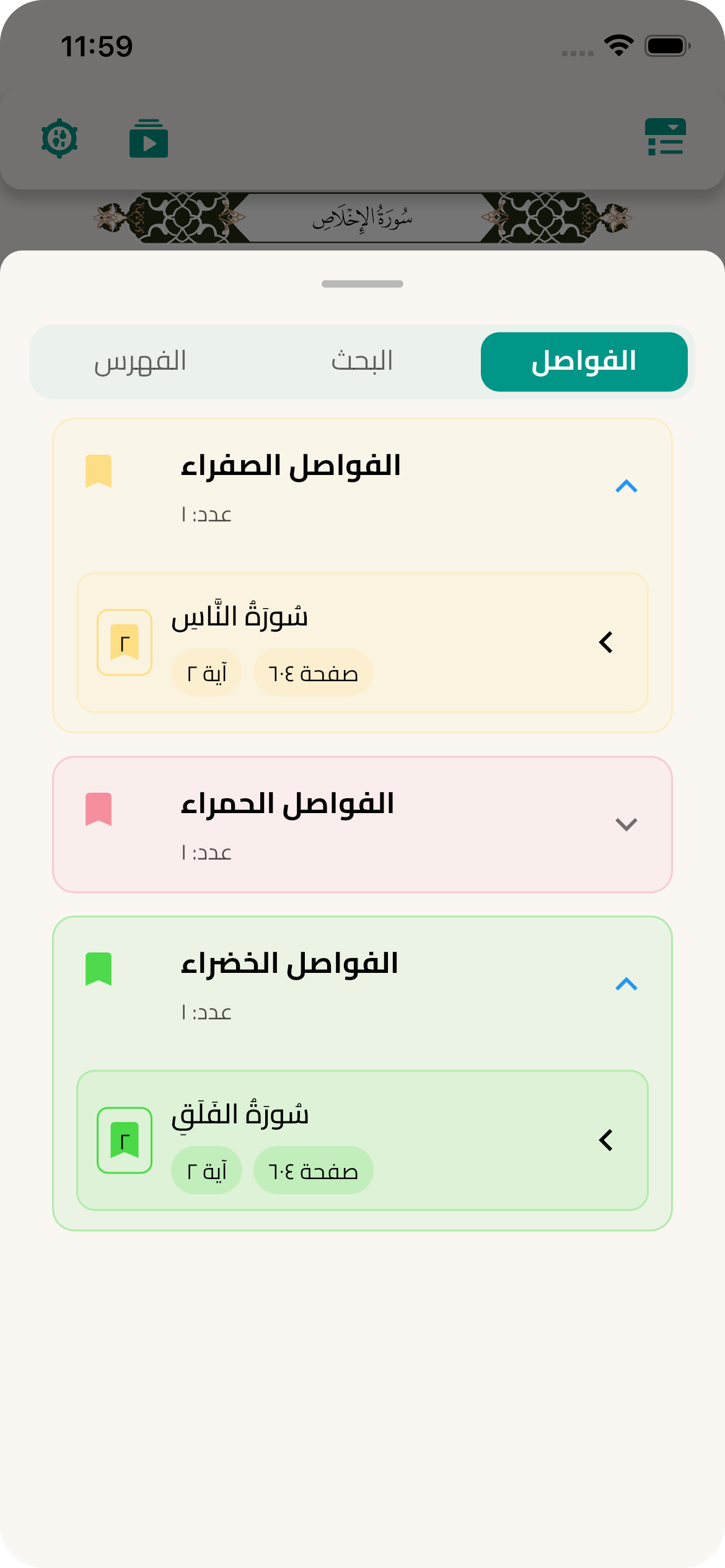
Adding, setting, removing, getting and navigating to bookmarks:
////// to get the fonts download dialog just call [getFontsDownloadDialog]////// and pass the language code to translate the number if you want,/// the default language code is 'ar' [languageCode]/// and style [DownloadFontsDialogStyle] is optional.QuranLibrary().getFontsDownloadDialog(downloadFontsDialogStyle, languageCode);
/// to get the fonts download widget just call [getFontsDownloadWidget]WidgetgetFontsDownloadWidget(context, {downloadFontsDialogStyle, languageCode});
/// to get the fonts download method just call [fontsDownloadMethod]QuranLibrary().fontsDownloadMethod;
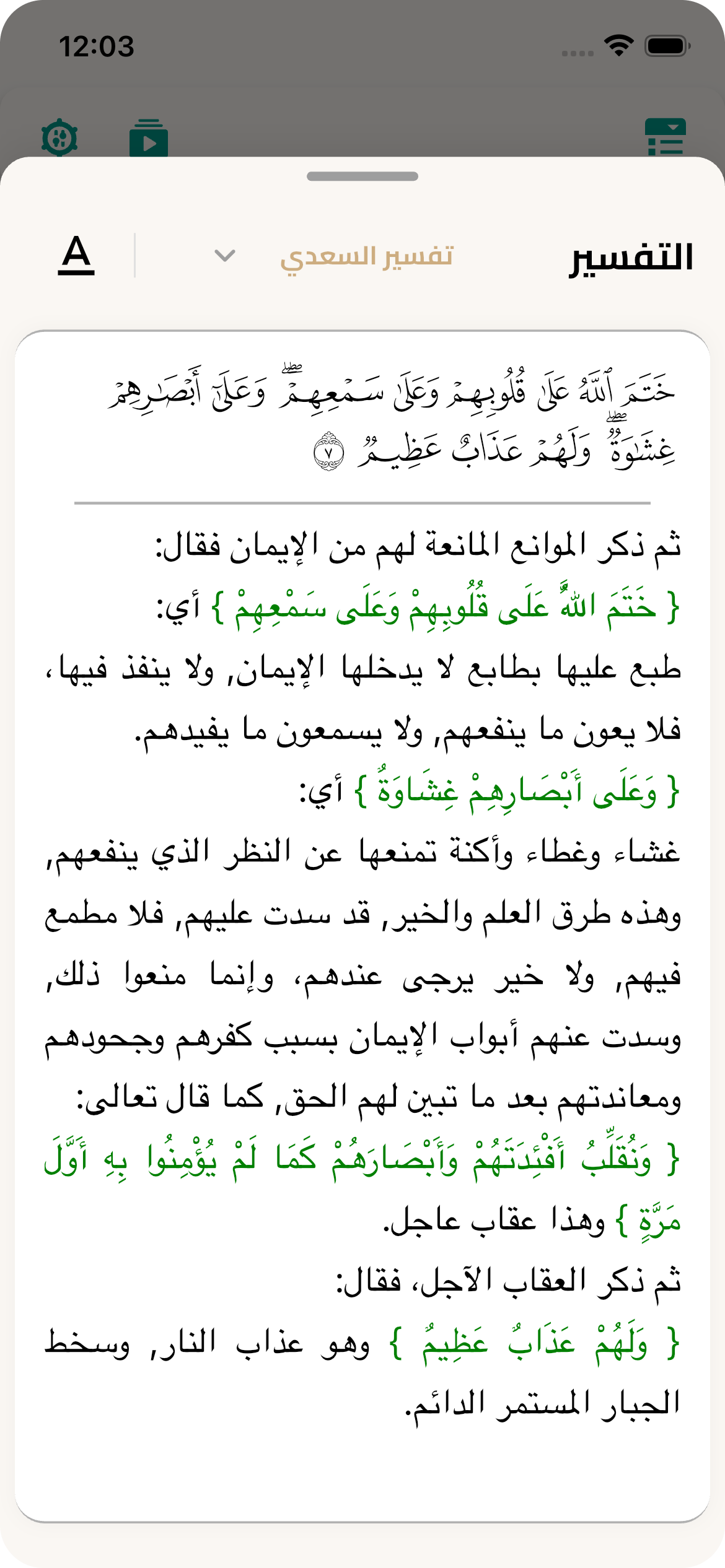
Tafsir
Usage Example
// get current listfinal all = TafsirController.instance.items; // includes defaults + customs// add a custom sql file (File is from file picker)final added = awaitTafsirController.instance.addCustomFromFile(
sourceFile: pickedFile,
displayName: 'My Custom Tafsir',
bookName: 'My Book',
type: TafsirFileType.json,
);
/// Show a popup menu to change the tafsir style.QuranLibrary().changeTafsirPopupMenu(TafsirStyle tafsirStyle, {int? pageNumber});
/// Fetch tafsir for a specific page by its page number.QuranLibrary().fetchTafsir({requiredint pageNumber});
/// Check if the tafsir is already downloaded.QuranLibrary().getTafsirDownloaded(int index);
/// Get the list of tafsir and translation names.QuranLibrary().tafsirAndTraslationCollection;
/// Change the selected tafsir when the switch button is pressed.QuranLibrary().changeTafsirSwitch(int index, {int? pageNumber});
/// Get the list of available tafsir data.QuranLibrary().tafsirList;
/// Get the list of available translations.QuranLibrary().translationList;
/// Fetch translations from the source.QuranLibrary().fetchTranslation();
/// Download the tafsir by the given index.QuranLibrary().tafsirDownload(int i);
/// (Optional) Download Tajweed (ayah-level) data used inside the Tafsir bottom sheetif (!QuranLibrary().isTajweedAyahDownloaded) {
awaitQuranLibrary().downloadTajweedAyah();
}
Audio Playback
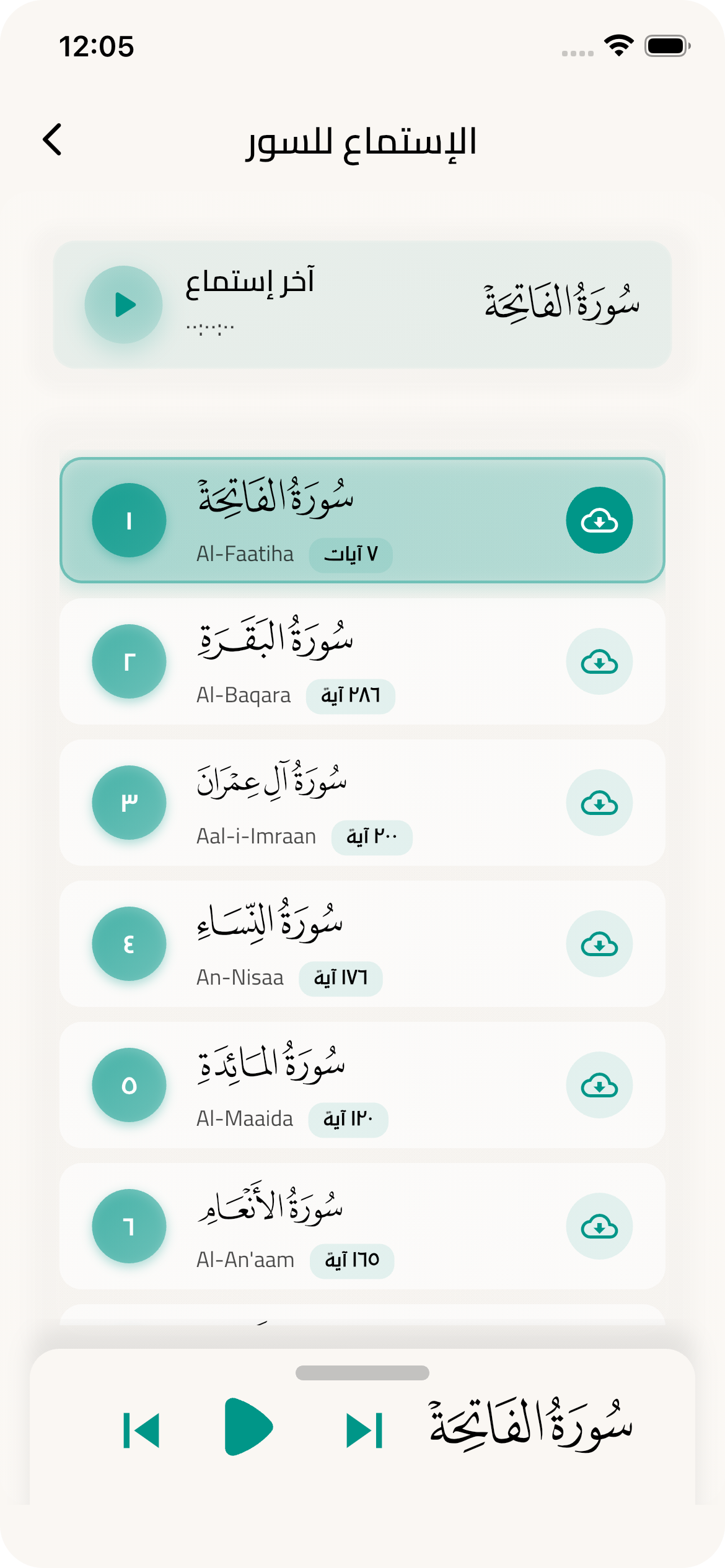
This section provides comprehensive capabilities for audio playback of the Holy Quran with background playback support and advanced audio file management.
Verse Audio Playback
/// Play a verse or group of verses starting from a specific verseawaitQuranLibrary().playAyah(
context: context,
currentAyahUniqueNumber: 1, // Unique ayah number
playSingleAyah: true, // true for single ayah, false to continue
);
/// Move to next verse and play itawaitQuranLibrary().seekNextAyah(
context: context,
currentAyahUniqueNumber: 5,
);
/// Move to previous verse and play itawaitQuranLibrary().seekPreviousAyah(
context: context,
currentAyahUniqueNumber: 10,
);
Surah Audio Playback
/// Play a complete surah from beginning to endawaitQuranLibrary().playSurah(surahNumber: 1); // Al-FatihahawaitQuranLibrary().playSurah(surahNumber: 2); // Al-Baqarah/// Move to next surah and play itawaitQuranLibrary().seekToNextSurah();
/// Move to previous surah and play itawaitQuranLibrary().seekToPreviousSurah();
Download Management
/// Start downloading a surah for offline playbackawaitQuranLibrary().startDownloadSurah(surahNumber: 1);
/// Cancel ongoing downloadQuranLibrary().cancelDownloadSurah();
Position Control & Resume
/// Get current/last surah numberint currentSurah = QuranLibrary().currentAndLastSurahNumber;
/// Get last position as formatted text (like "05:23")String lastTimeText = QuranLibrary().formatLastPositionToTime;
/// Get last position as Duration object for programming operationsDuration lastDuration = QuranLibrary().formatLastPositionToDuration;
/// Play from the last position where user stoppedawaitQuranLibrary().playLastPosition();
You can also use the default Quran font or Naskh font
/// [hafsStyle] is the default style for Quran so all special characters will be rendered correctlyQuranLibrary().hafsStyle;
/// [naskhStyle] is the default style for other text.QuranLibrary().naskhStyle;
Sources
Quran text and metadata: King Fahd Glorious Quran Printing Complex — Quran Developer Portal
https://qurancomplex.gov.sa/quran-dev/
Fonts, Tafsir, and Translations: Quranic Universal Library (QUL) by Tarteel
https://qul.tarteel.ai/
License
MIT for code. QCF fonts are provided via Quranic Universal Library (QUL). Ensure you comply with QUL terms (and any upstream KFGQPC terms) when distributing applications that include or bundle these assets.