Orientação gerada a partir de informações públicas. Apenas para referência.
Um pacote Flutter que permite a reordenação por arrastar e soltar de filhos dentro de listas, tabelas, linhas, colunas, wraps e listas sliver. Ele fornece componentes de interface intuitivos e interativos para reorganizar itens dinamicamente, melhorando a experiência do usuário em aplicativos com grande volume de dados. Desenvolvido com foco em desempenho e compatibilidade entre plataformas, suporta todas as principais plataformas, incluindo Android, iOS, Web, macOS, Windows e Linux. Ideal para gerenciadores de tarefas, listas de tarefas pendentes ou qualquer aplicativo que exija ordenação flexível de itens.
Casos de uso
Aplicativos de gerenciamento de tarefas
interfaces de lista de tarefas
Reorganização do widget do painel
Layouts de grade personalizáveis
Tabelas de dados ordenáveis
Editores de conteúdo interativos
Principais recursos
Reordenamento por arrastar e soltar
Suporta vários tipos de contêineres
Compatibilidade multiplataforma
Animações suaves
Mão de arrasto personalizável
Feedback embutido durante o arrasto
Indicado para
Desenvolvedores construindo listas interativas
Aplicativos que precisam de ordenação dinâmica de itens
UIs com componentes arrastáveis
Aplicações multiplataforma
Designers em busca de interações intuitivas com o usuário
Considerações
Pode afetar o desempenho com grandes conjuntos de dados
Requer manipulação cuidadosa das atualizações de estado
Personalização limitada para comportamentos de arrasto complexos
Não otimizado para listas extremamente longas
Necessita de manipulação adequada de gestos em estruturas aninhadas
Conflitos potenciais com outros detectores de gestos
README original
Snapshot do README original do repositório-fonte vinculado. Consulte o repositório para o conteúdo mais recente.
** Kindly submit PR if you encounter issues and please make sure you're using stable channel releases.
** Maintaining open source software ain't easy. If you've commercially used this software, please consider support.
reorderables
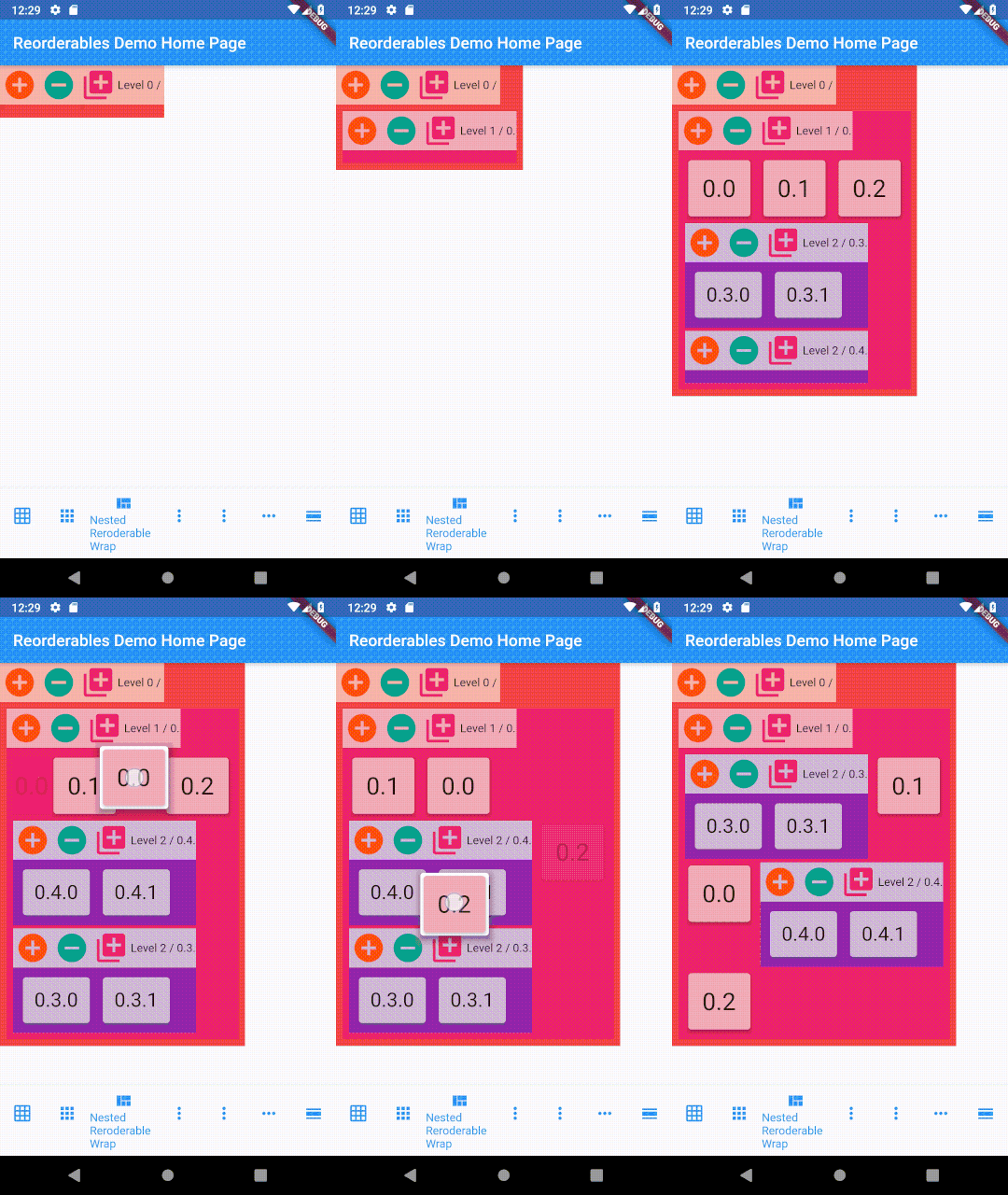
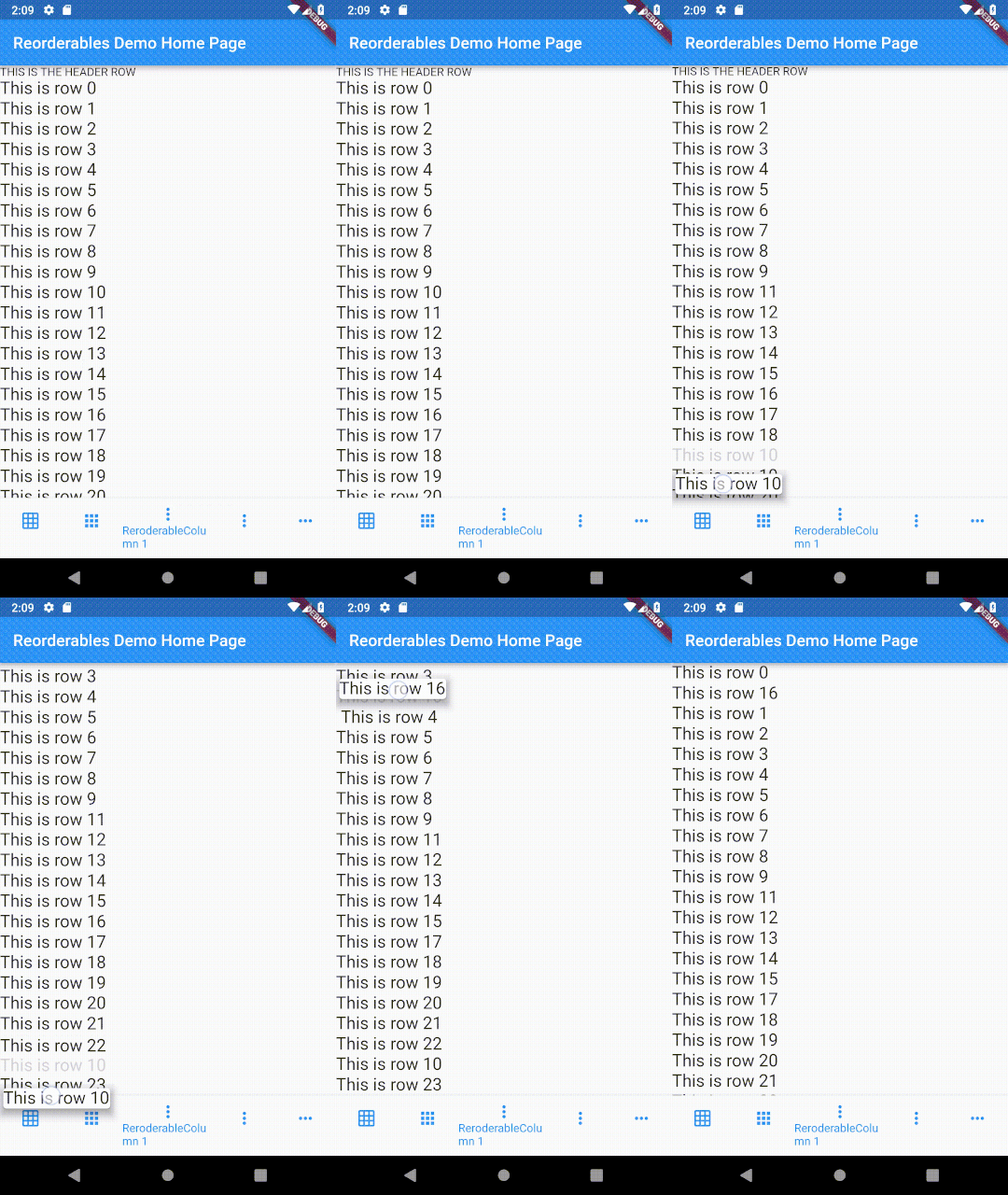
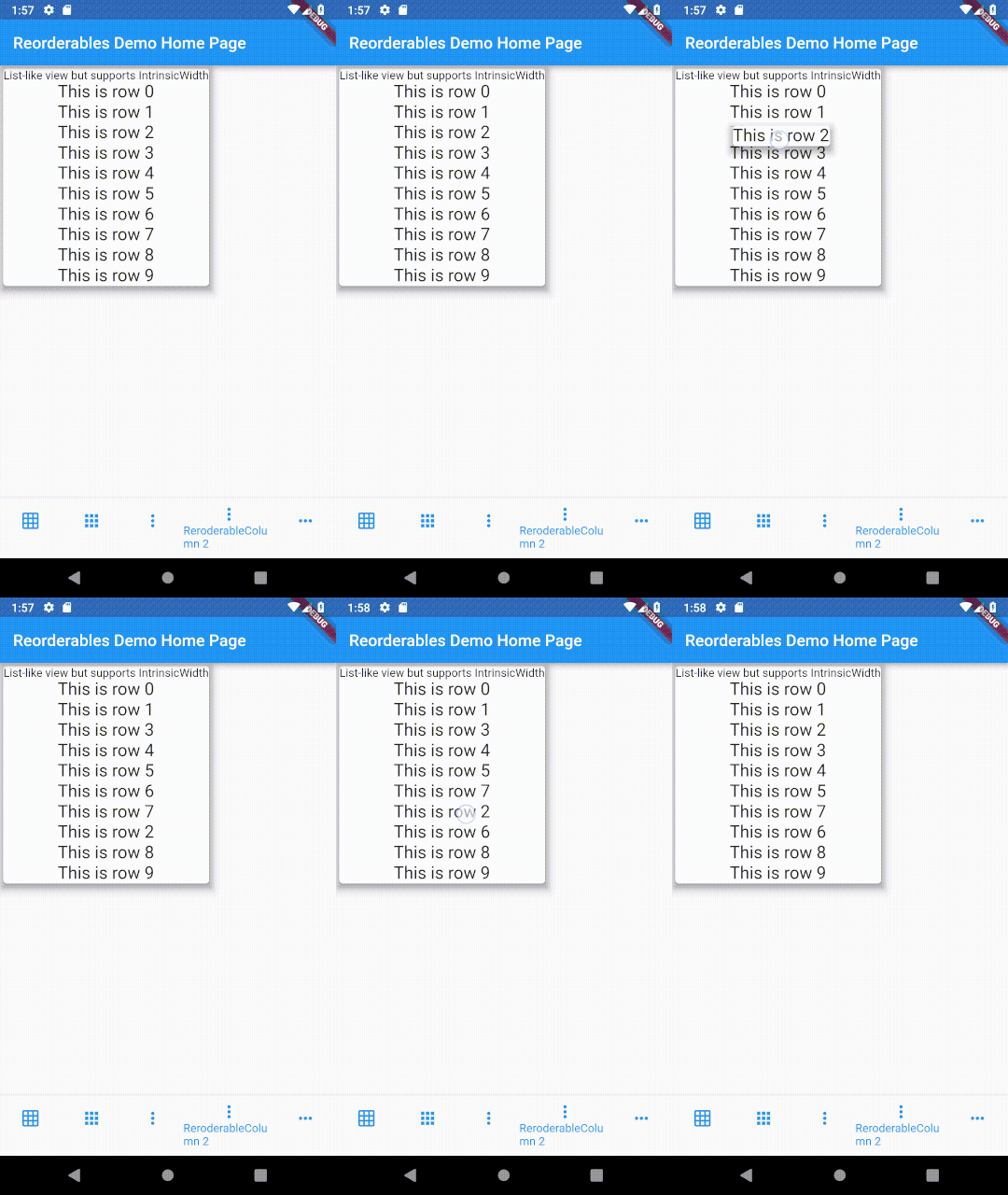
Various reorderable, a.k.a. drag and drop, Flutter widgets, including reorderable table, row, column, wrap, and sliver list, that make their children draggable and
reorder them within the widget. Parent widget only need to provide an onReorder function that is invoked with the old and new indexes of child being reordered.
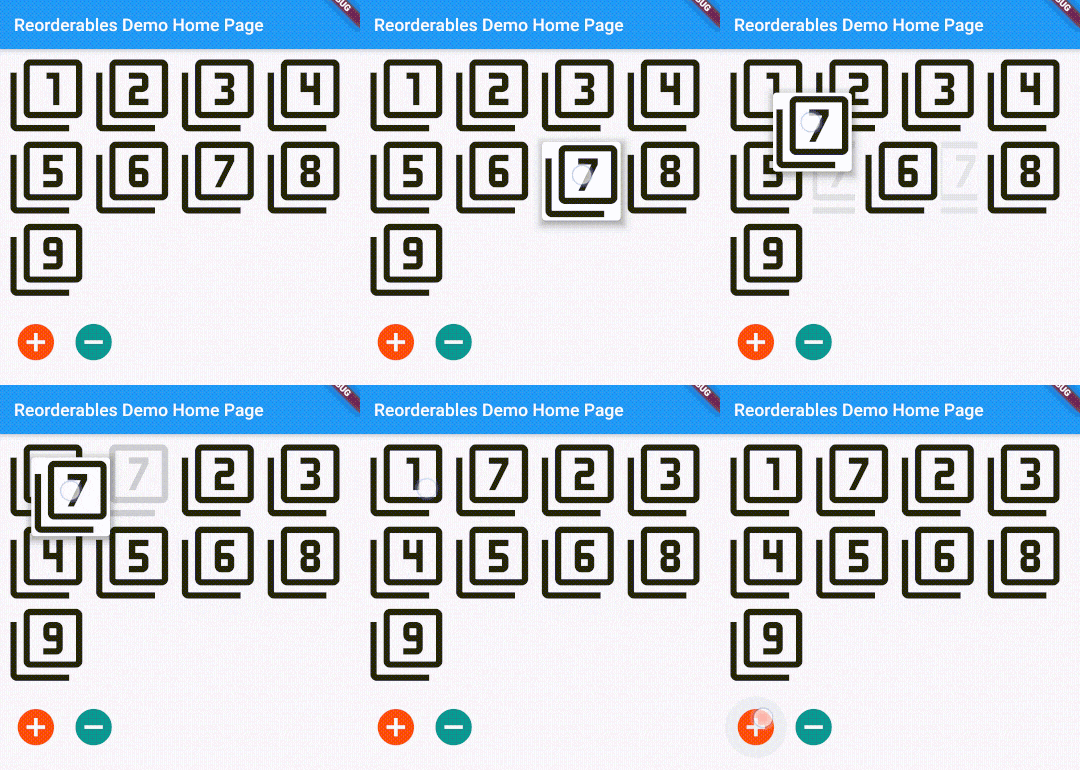
This package includes ReorderableSliverList, ReorderableTable, ReorderableWrap, ReorderableRow, and ReorderableColumn, which are reorderable versions of Flutter's SliverList, Table, Wrap, Row, and Column respectively.
ReorderableSliverList
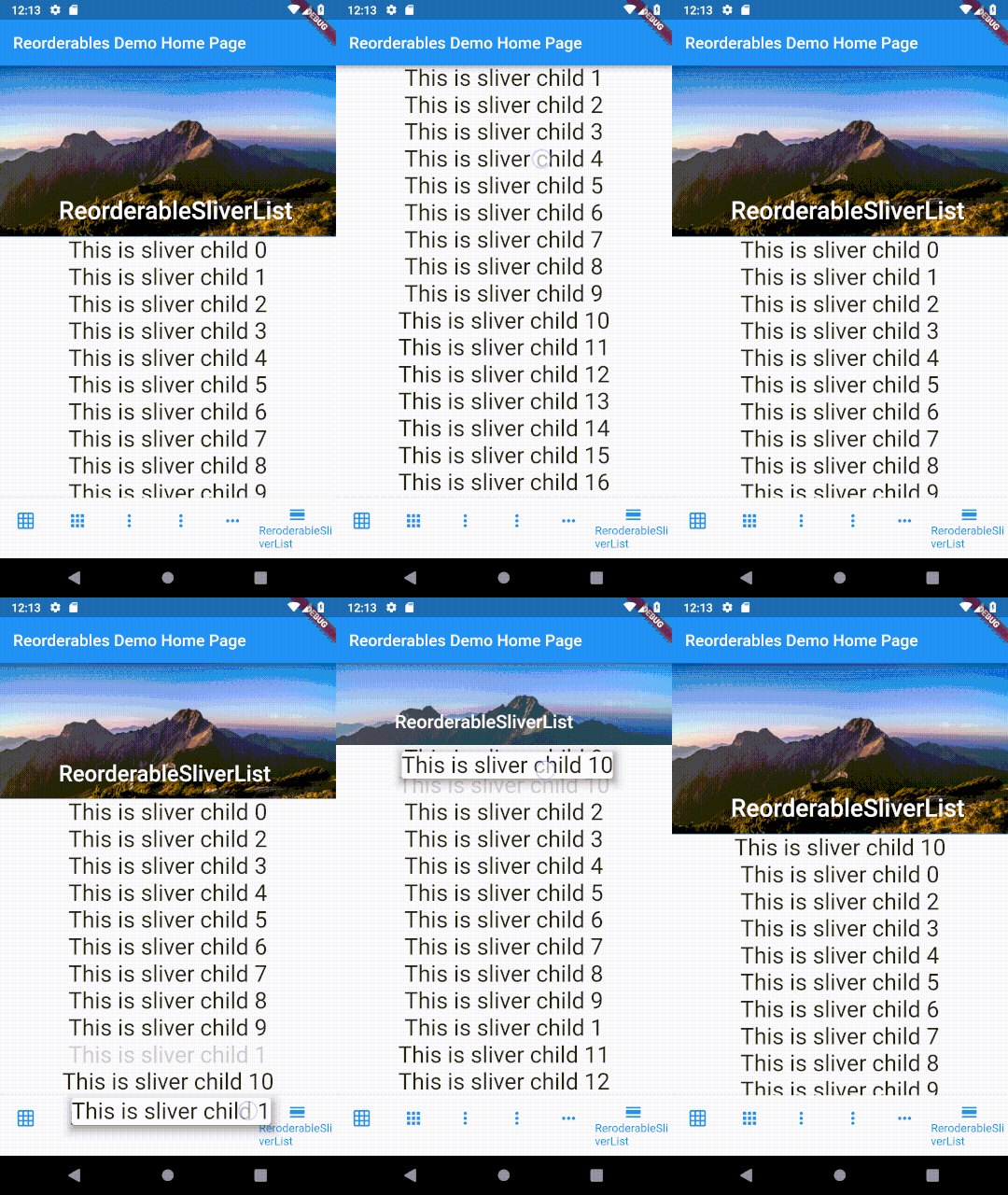
ReorderableSliverList behaves exactly like SliverList, but its children are draggable.
To make a SliverList reorderable, replace it with ReorderableSliverList and replace SliverChildListDelegate/SliverChildBuilderDelegate with ReorderableSliverChildListDelegate/ReorderableSliverChildBuilderDelegate.
Do make sure that there's a ScrollController attached to the ScrollView that contains ReorderableSliverList, otherwise an error will be thrown when dragging list items.
class_SliverExampleStateextendsState<SliverExample> {
List<Widget> _rows;
@overridevoidinitState() {
super.initState();
_rows = List<Widget>.generate(50,
(int index) => Text('This is sliver child $index', textScaleFactor: 2)
);
}
@overrideWidgetbuild(BuildContext context) {
void_onReorder(int oldIndex, int newIndex) {
setState(() {
Widget row = _rows.removeAt(oldIndex);
_rows.insert(newIndex, row);
});
}
// Make sure there is a scroll controller attached to the scroll view that contains ReorderableSliverList.// Otherwise an error will be thrown.ScrollController _scrollController = PrimaryScrollController.of(context) ?? ScrollController();
returnCustomScrollView(
// A ScrollController must be included in CustomScrollView, otherwise// ReorderableSliverList wouldn't work
controller: _scrollController,
slivers: <Widget>[
SliverAppBar(
expandedHeight: 210.0,
flexibleSpace: FlexibleSpaceBar(
title: Text('ReorderableSliverList'),
background: Image.network(
'https://upload.wikimedia.org/wikipedia/commons/thumb/6/68/Yushan''_main_east_peak%2BHuang_Chung_Yu%E9%BB%83%E4%B8%AD%E4%BD%91%2B''9030.png/640px-Yushan_main_east_peak%2BHuang_Chung_Yu%E9%BB%83''%E4%B8%AD%E4%BD%91%2B9030.png'),
),
),
ReorderableSliverList(
delegate: ReorderableSliverChildListDelegate(_rows),
// or use ReorderableSliverChildBuilderDelegate if needed// delegate: ReorderableSliverChildBuilderDelegate(// (BuildContext context, int index) => _rows[index],// childCount: _rows.length// ),
onReorder: _onReorder,
)
],
);
}
}
ReorderableSliverList Demo
ReorderableTable
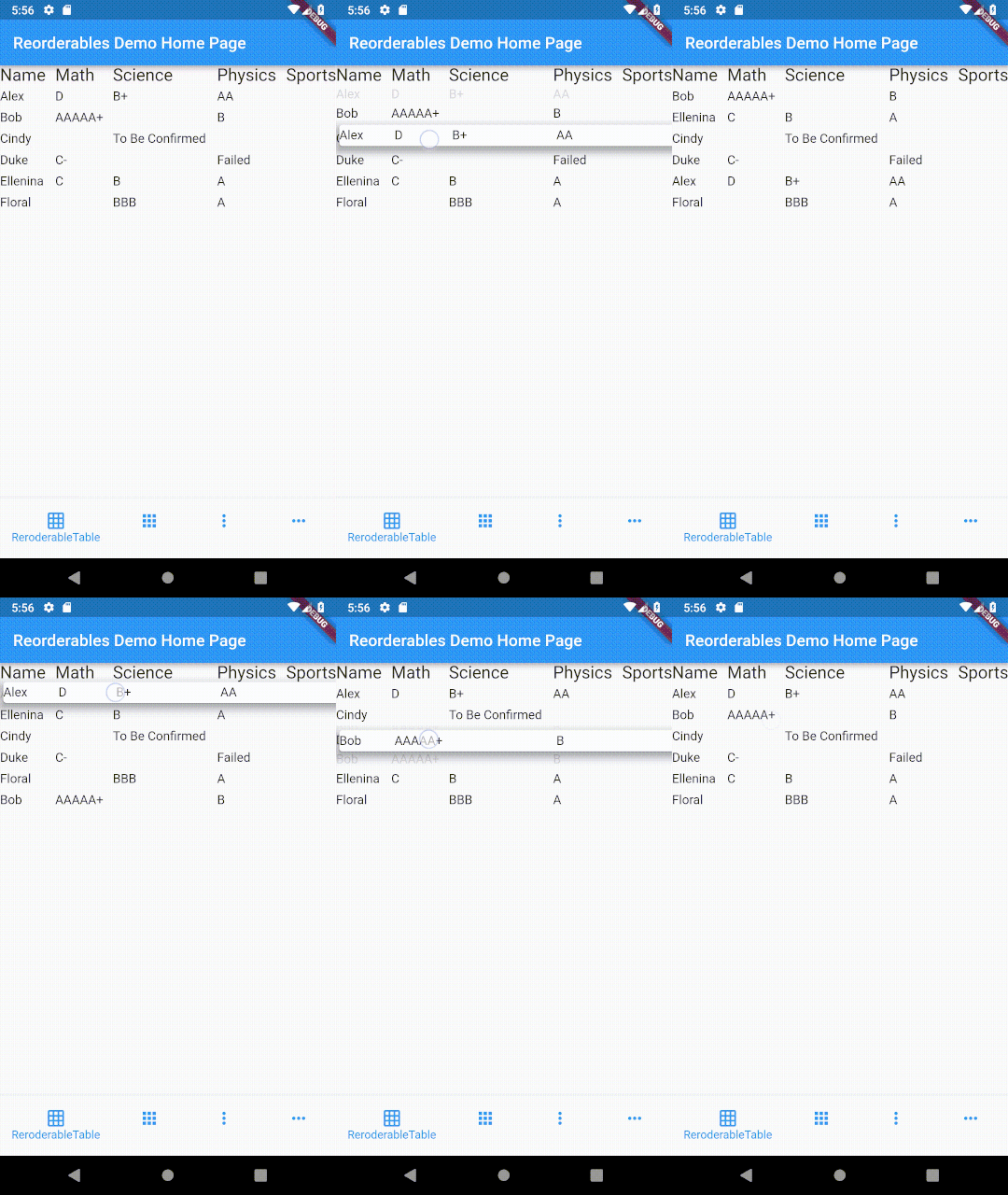
The difference between table and list is that cells in a table are horizontally aligned, whereas in a list, each item can have children but they are not aligned with children in another item.
Making a row draggable requires cells to be contained in a single widget. This isn't achievable with Table or GridView widget since their children are laid out as cells of widget instead of rows of widget.
In a table, cells in each row are aligned on column basis with cells in other rows,
whereas cells in a row of a list view don't align with other rows.
ReorderableTable Demo
ReorderableWrap
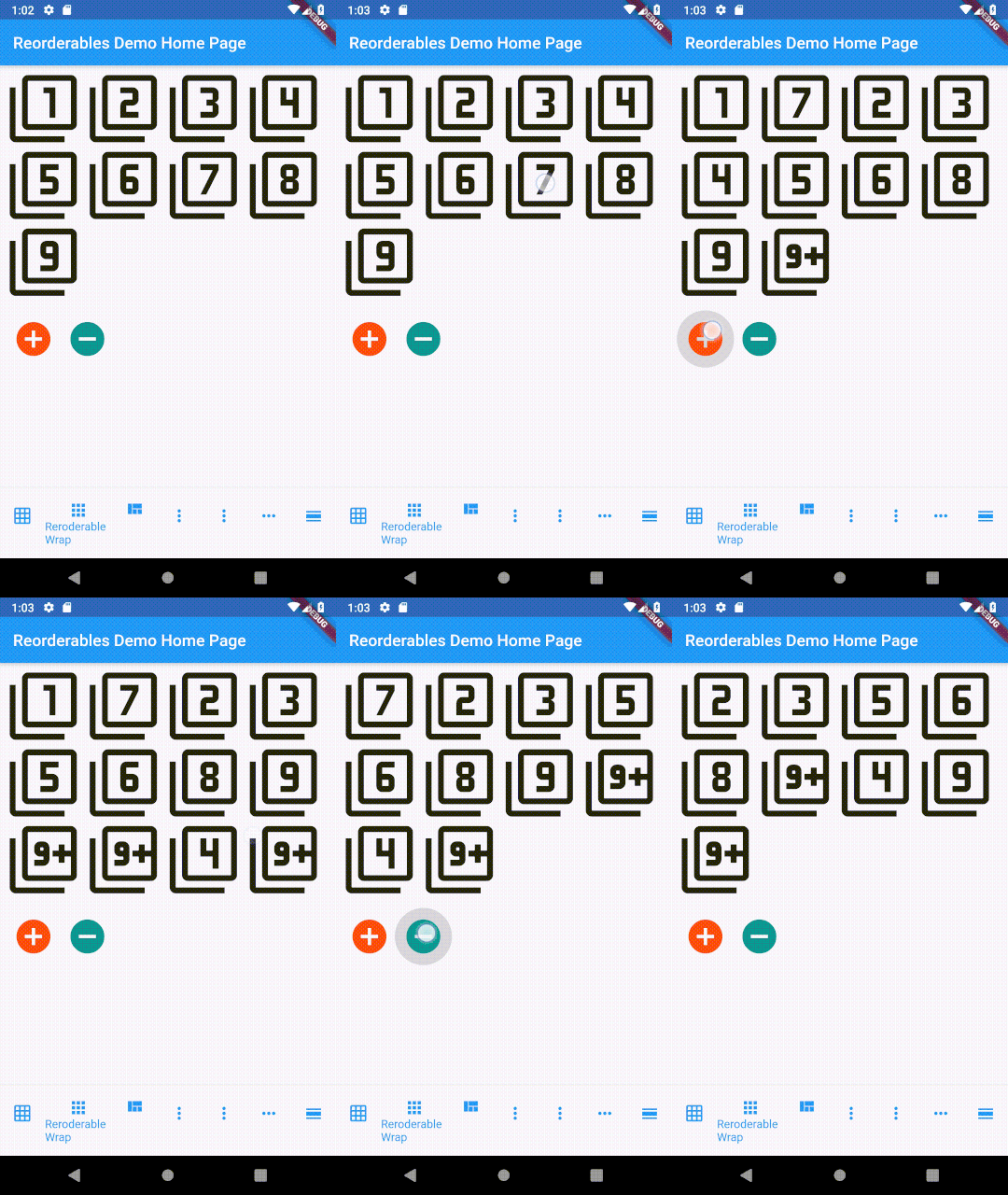
This widget can also limit the minimum and maximum amount of children in each run, on top of the size-based policy in Wrap's algorithm. See API references for more details.
*Since v0.2.5, children of ReorderableWrap don't need to have a key explicitly specified.
I've switched to Flutter channel stable from beta in order avoid compatibility issues. Supporting master or dev channels is not intended as they change frequently.
Kindly make sure that you are using stable channel when submitting issues.
Support
If you need commercial support, please reach out to me by sending me message on LinkedIn
Otherwise, you can also support me by buying me a coffee or donate me via PayPal.
Your support is very much appreciated. :)