Orientação gerada a partir de informações públicas. Apenas para referência.
Um pacote Flutter que permite aos desenvolvedores criar rapidamente layouts de fluxo de água, um tipo de grade onde os itens são organizados em colunas com alturas variáveis. Ideal para exibir imagens ou conteúdo em um formato dinâmico e visualmente atraente, semelhante ao Pinterest. O pacote suporta todas as principais plataformas, incluindo Android, iOS, Web, macOS, Windows e Linux, garantindo consistência entre plataformas. Oferece contagem personalizável de colunas, espaçamento e comportamento de rolagem, tornando-o flexível para diversas necessidades de interface.
Casos de uso
Exibindo galerias de imagens
Criando feeds no estilo Pinterest
Construindo grades de conteúdo dinâmico
Mostrando listagens de produtos
Implementando layouts responsivos
Principais recursos
Configuração fácil com código mínimo
Suporta alturas variáveis de itens
Número de colunas e espaçamento personalizáveis
Compatibilidade multiplataforma
Desempenho de rolagem suave
construtor de item flexível
Indicado para
Desenvolvedores construindo feeds de mídia social
Designers criando exibições de conteúdo visual
Aplicativos que exigem layouts de grade responsivos
Projetos com tamanhos de conteúdo dinâmicos ou irregulares
Equipes direcionadas para múltiplas plataformas
Considerações
Pode exigir otimização para grandes conjuntos de dados
O desempenho pode degradar-se com um número muito alto de itens
Requer um tratamento cuidadoso das dimensões dos itens para evitar problemas de layout
Não ideal para cenários de itens com altura fixa
Animações internas limitadas além das transições básicas
README original
Snapshot do README original do repositório-fonte vinculado. Consulte o repositório para o conteúdo mais recente.
waterfall_flow
A Flutter grid view easy to build waterfall flow layout quickly.
The number of logical pixels between each child along the main axis.
0.0
crossAxisSpacing
The number of logical pixels between each child along the cross axis.
0.0
collectGarbage
Call when collect garbage, return indexs to collect
-
lastChildLayoutTypeBuilder
The builder to get layout type of last child ,Notice: it should only for last child
-
viewportBuilder
The builder to get indexs in viewport
-
closeToTrailing
Whether make layout close to trailing
false
WaterfallFlow.builder(
//cacheExtent: 0.0,
padding: EdgeInsets.all(5.0),
gridDelegate: SliverWaterfallFlowDelegateWithFixedCrossAxisCount(
crossAxisCount: 2,
crossAxisSpacing: 5.0,
mainAxisSpacing: 5.0,
/// follow max child trailing layout offset and layout with full cross axis extend/// last child as loadmore item/no more item in [GridView] and [WaterfallFlow]/// with full cross axis extend// LastChildLayoutType.fullCrossAxisExtend,/// as foot at trailing and layout with full cross axis extend/// show no more item at trailing when children are not full of viewport/// if children is full of viewport, it's the same as fullCrossAxisExtend// LastChildLayoutType.foot,
lastChildLayoutTypeBuilder: (index) => index == _list.length
? LastChildLayoutType.foot
: LastChildLayoutType.none,
),
CollectGarbage
track the indexes are collect, you can collect garbage at that monment(for example Image cache)
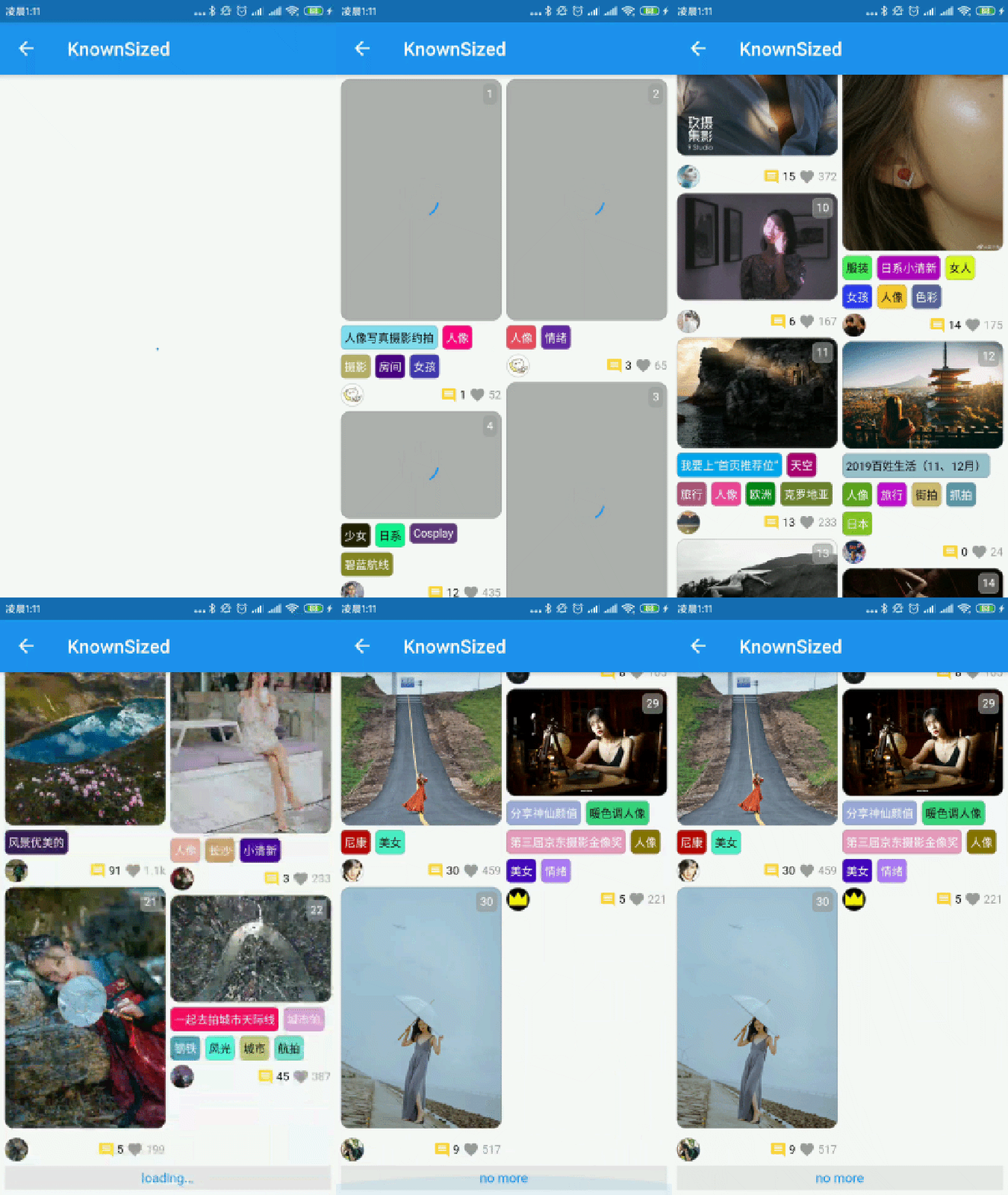
build lastChild as special child in the case that it is loadmore/no more item.
enumLastChildLayoutType {
/// as default child
none,
/// follow max child trailing layout offset and layout with full cross axis extend/// last child as loadmore item/no more item in [ExtendedGridView] and [WaterfallFlow]/// with full cross axis extend
fullCrossAxisExtend,
/// as foot at trailing and layout with full cross axis extend/// show no more item at trailing when children are not full of viewport/// if children is full of viewport, it's the same as fullCrossAxisExtend
foot,
}
WaterfallFlow.builder(
gridDelegate: SliverWaterfallFlowDelegateWithFixedCrossAxisCount(
lastChildLayoutTypeBuilder: (index) => index == length
? LastChildLayoutType.foot
: LastChildLayoutType.none,
),
CloseToTrailing
when reverse property of List is true, layout is as following.
it likes chat list, and new session will insert to zero index.
but it's not right when items are not full of viewport.
to solve it, you could set closeToTrailing to true, layout is as following.
support [ExtendedGridView],[ExtendedList],[WaterfallFlow].
and it also works when reverse is flase, layout will close to trailing.