flutter_linkify 
Turns text URLs and emails into clickable inline links in text for Flutter.
Required Dart >=2.17 (has null-safety support).
Pub - API Docs - GitHub
Install
Install by adding this package to your pubspec.yaml:
dependencies:
  flutter_linkify: ^6.0.0
It is highly recommend that you also add a dependency on url_launcher to open links in the browser/OS.
Usage
Basic:
import 'package:flutter_linkify/flutter_linkify.dart';

Linkify(
  onOpen: (link) => print("Clicked ${link.url}!"),
  text: "Made by https://cretezy.com",
);
Styling
Add a style to non-links (yellow) or links (red), and open in browser using url_launcher:
import 'package:flutter_linkify/flutter_linkify.dart';
import 'package:url_launcher/url_launcher.dart';

Linkify(
  onOpen: (link) async {
    if (!await launchUrl(Uri.parse(link.url))) {
      throw Exception('Could not launch ${link.url}');
    }
  },
  text: "Made by https://cretezy.com",
  style: TextStyle(color: Colors.yellow),
  linkStyle: TextStyle(color: Colors.red),
);
All RichText options are available for use.
Linkify Options
By default, humanization (removal of http:// or https:// from the start of the URL) is enabled. You may disable it by passing options:
Linkify(
  text: "Made by https://cretezy.com",
  options: LinkifyOptions(humanize: false),
);
Selectable Text
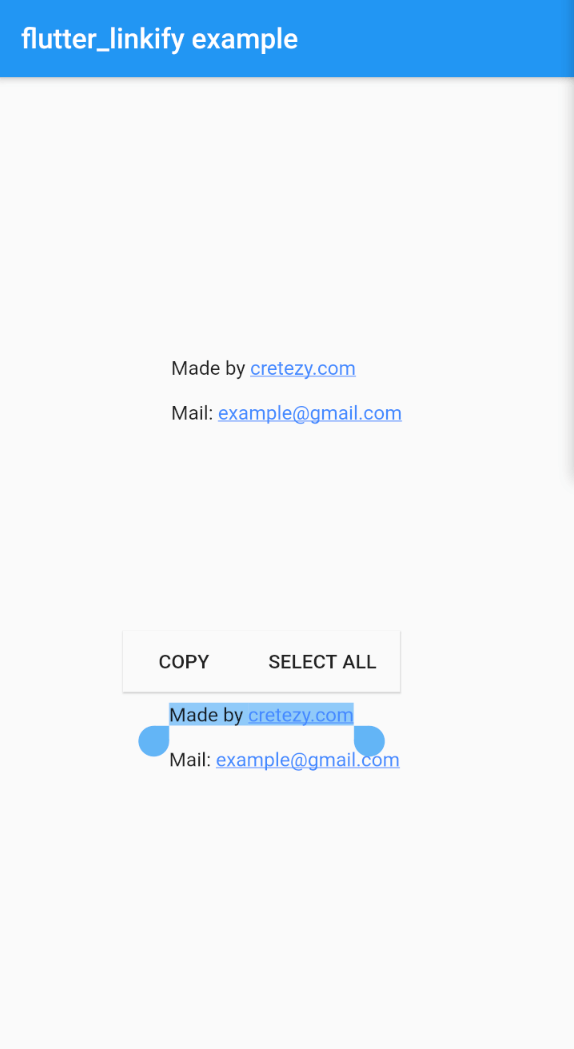
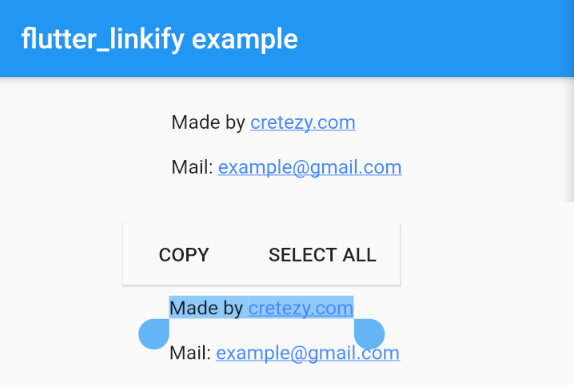
Use the SelectableLinkify widget to create selectable text. All SelectableText options are available for use.
SelectableLinkify(
  text: "Made by https://cretezy.com\n\nMail: example@gmail.com",
);
Advance
In the onOpen callback, a LinkableElement is passed in.
You can check if it is a UrlElement or EmailElement using is for custom handling.
You can enable parsing of only some link types using the linkifiers option. URL and email are enabled by default.
Full example can be found at example/lib/main.dart.