v6.1.5+1
provider
A wrapper around InheritedWidget to make them easier to use and more reusable.
11KLikes 1.2M30-day downloads150Pub points
AndroidiOSWebmacOSWindowsLinux
A showcase app for the Flutter SDK. Wonderous will educate and entertain as you uncover information about some of the most famous structures in the world.

English project snapshot. Visit GitHub for the latest content.


Navigate the intersection of history, art, and culture. Wonderous will educate and entertain as you uncover information about some of the most famous structures in the world.
Built by gskinner in partnership with the Flutter team, Wonderous deliberately pushes visual fidelity, effects and transitions to showcase what Flutter is truly capable of on modern mobile hardware.
In addition to forking and reviewing the MIT licensed code available here, you can check out more information on the Wonderous Showcase Website.
To try the app you can download it from your favorite app store:
Or you can try it on the web at https://wonderous.app/web/
If you're new to Flutter the first thing you'll need is to follow the setup instructions.
Once Flutter is setup, you can use the latest stable channel:
flutter channel stableflutter upgradeOnce on stable you're ready to run the app on your local device or simulator:
flutter run -d iosflutter run -d androidWonderous is deployed using the Web Assembly target for Flutter Web (WASM). To test WASM locally you can use the command flutter run -d chrome --wasm.
The web bootstrap in web/index.html supports a small set of URL query parameters:
wasm=1 or wasm=true: Opt in to WASM allowlisting for Safari (WebKit) and Firefox (Gecko).
mode=canvaskit: Force the CanvasKit renderer.mode=wimp: Enable WIMP mode.mode=skwasm-st: Force single-threaded SKWASM.Examples:
/?wasm=1/?wasm=1&mode=canvaskit/?wasm=true&mode=skwasm-stThis app uses the new Impeller Runtime by default on iOS.
We build innovative digital experiences for smart clients, and we love how Flutter unleashes our creativity when building multi-platform apps. Don't hesitate to stop by our site to learn more about what we do, or check out other innovative Flutter projects we've built. We'd love to hear from you!
This application is released under the MIT license. You can use the code for any purpose, including commercial projects.

A wrapper around InheritedWidget to make them easier to use and more reusable.
An SVG rendering and widget library for Flutter, which allows painting and displaying Scalable Vector Graphics 1.1 files.
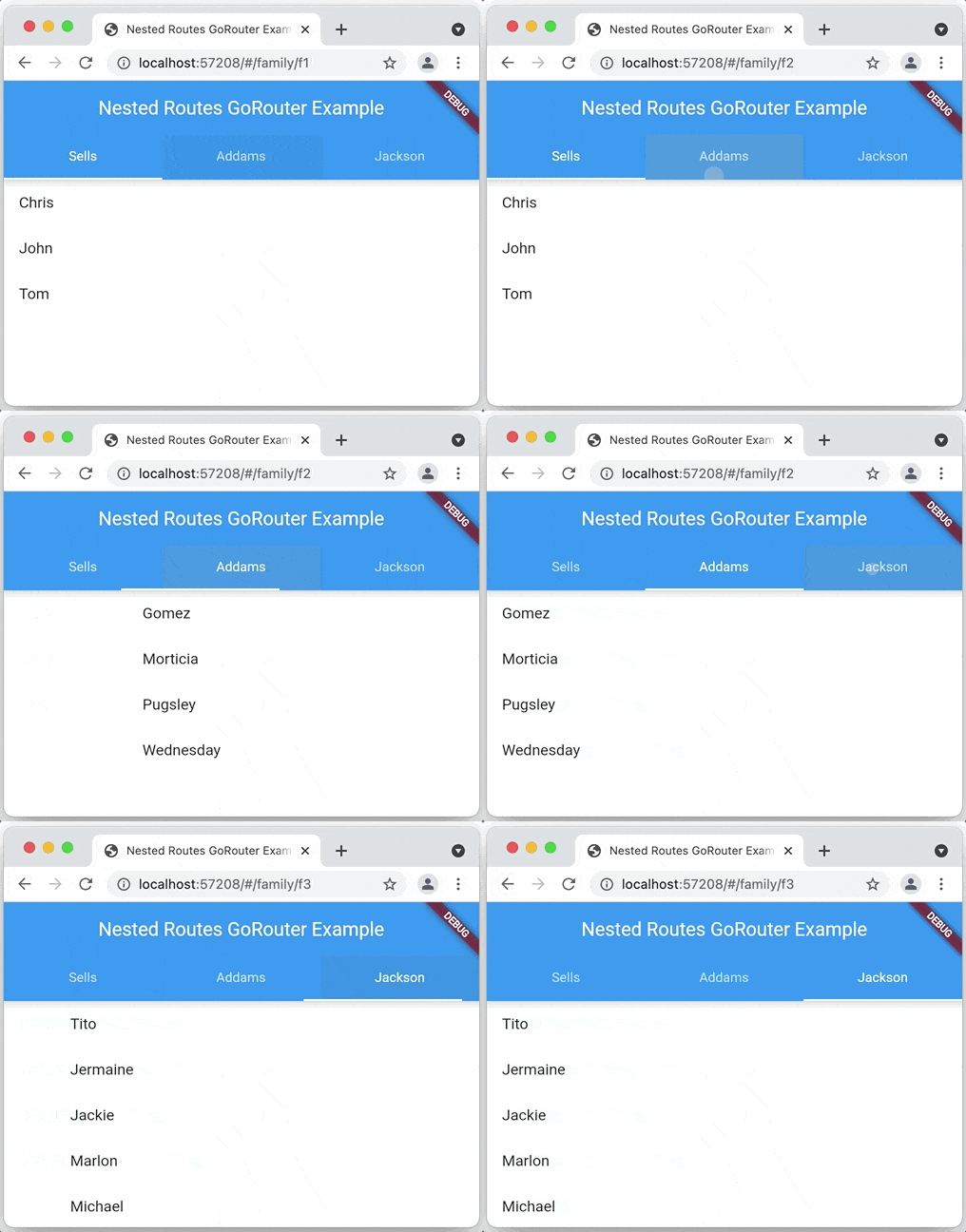
A declarative router for Flutter based on Navigation 2 supporting deep linking, data-driven routes and more
A Flutter plugin for integrating Google Maps in iOS and Android applications.
Web platform implementation of google_maps_flutter
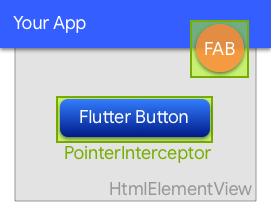
A widget to prevent clicks from being swallowed by underlying HtmlElementViews on the web.
Flutter plugin for reading and writing simple key-value pairs. Wraps NSUserDefaults on iOS and SharedPreferences on Android.
A Flutter plugin that provides a WebView widget backed by the system webview.
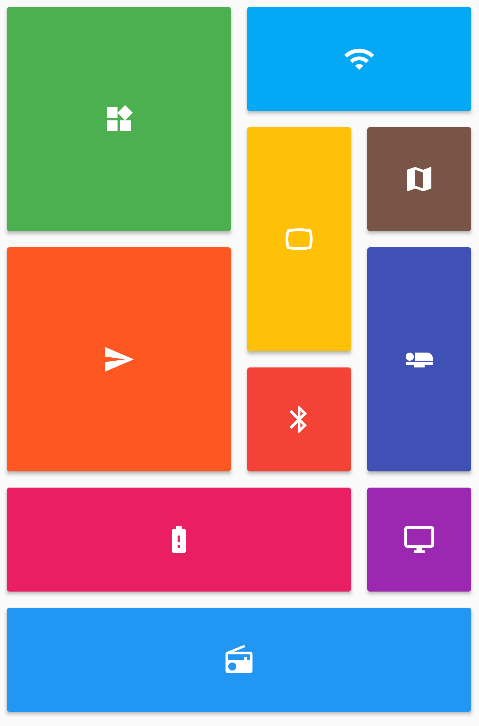
Provides a collection of Flutter grids layouts (staggered, masonry, quilted, woven, etc.).
Flutter plugin for querying information about the application package, such as CFBundleVersion on iOS or versionCode on Android.
Customize Flutter's default white native splash screen with background color and splash image. Supports dark mode, full screen, and more.
Simple direct Service Locator that allows to decouple the interface from a concrete implementation and to access the concrete implementation from everywhere in your App"
Dependency list 41 items
{"sdk":"flutter"}{"sdk":"flutter"}^1.17.0^0.4.0{"git":{"url":"https://github.com/parlough/drop_cap_text","ref":"feat/adapt-for-deprecations"}}^2.0.5^1.0.0+1^1.0.0^4.5.0^0.3.1^0.7.0^2.3.3^0.7.0^2.0.1^3.0.1^7.2.0^4.2.2^2.17.0^17.0.1^0.9.0^1.1.0^4.1.3^0.6.2^0.20.2^3.0.1^9.0.0^1.0.0^2.1.1^0.10.1+1^6.0.5^0.2.0^2.0.17^1.0.0+1^2.0.1^3.0.0^6.1.14^4.0.2^6.0.0^3.0.0^6.0.0^5.0.3Start with your use case, compare repository activity, and check the original project before adopting it.
“A repository is the most basic element of GitHub.”
GitHub Docs — About repositories ↗