


 v3.1.0
arrow_path
Draw arrows with Path objects easily. Paths can be composited to add arrows to any curve and draw all at once.
50Likes 3.7K30-day downloads160Pub points
AndroidiOSWebmacOSWindowsLinux
A Flutter package to draw arrows with Path objects easily. Paths can be composited to add arrows to any curve and draw all at once.

English project snapshot. Visit GitHub for the latest content.

Draw arrows with Path objects easily. Paths can be composited to add arrows to any curve and draw all at once.
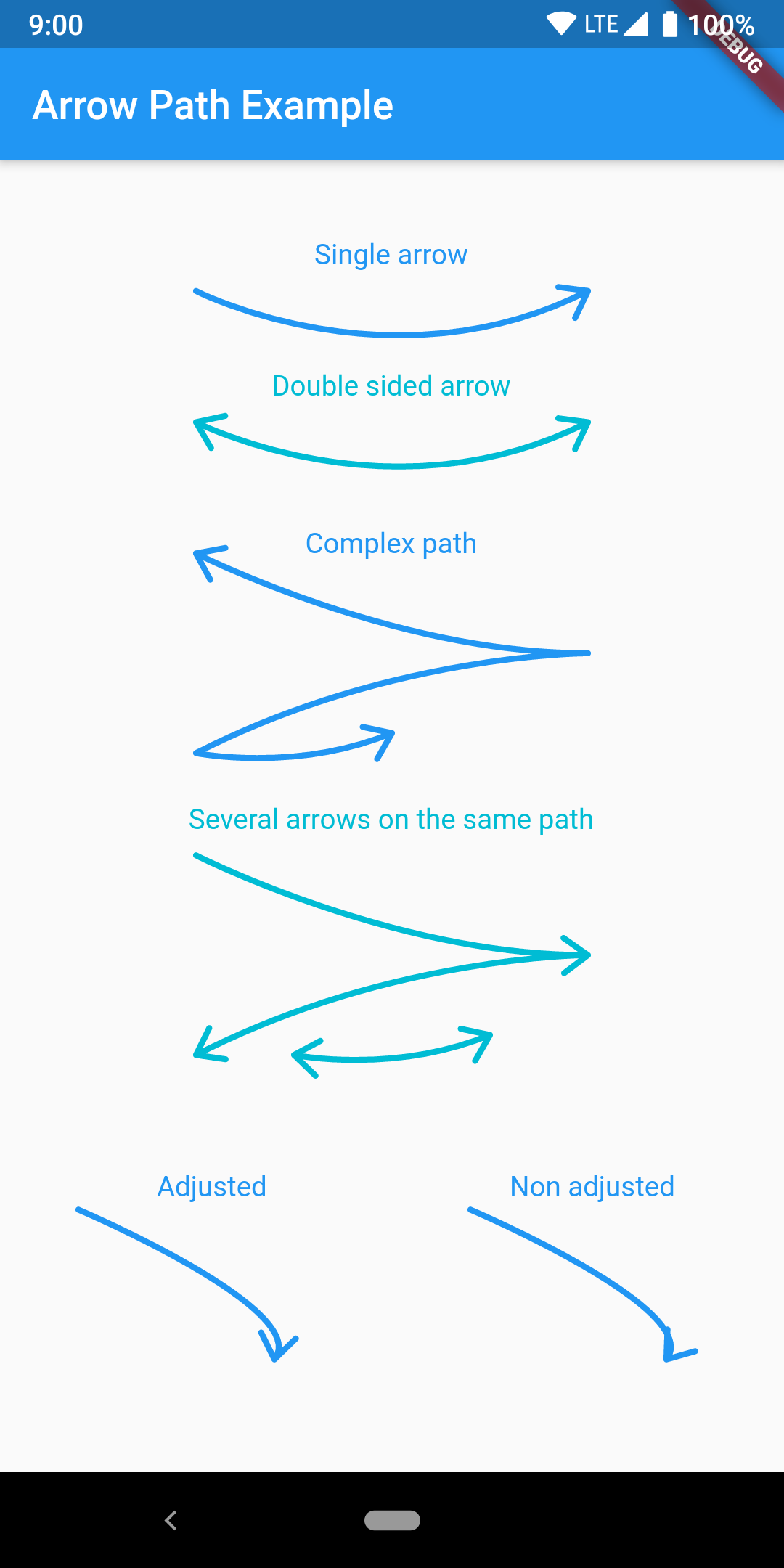
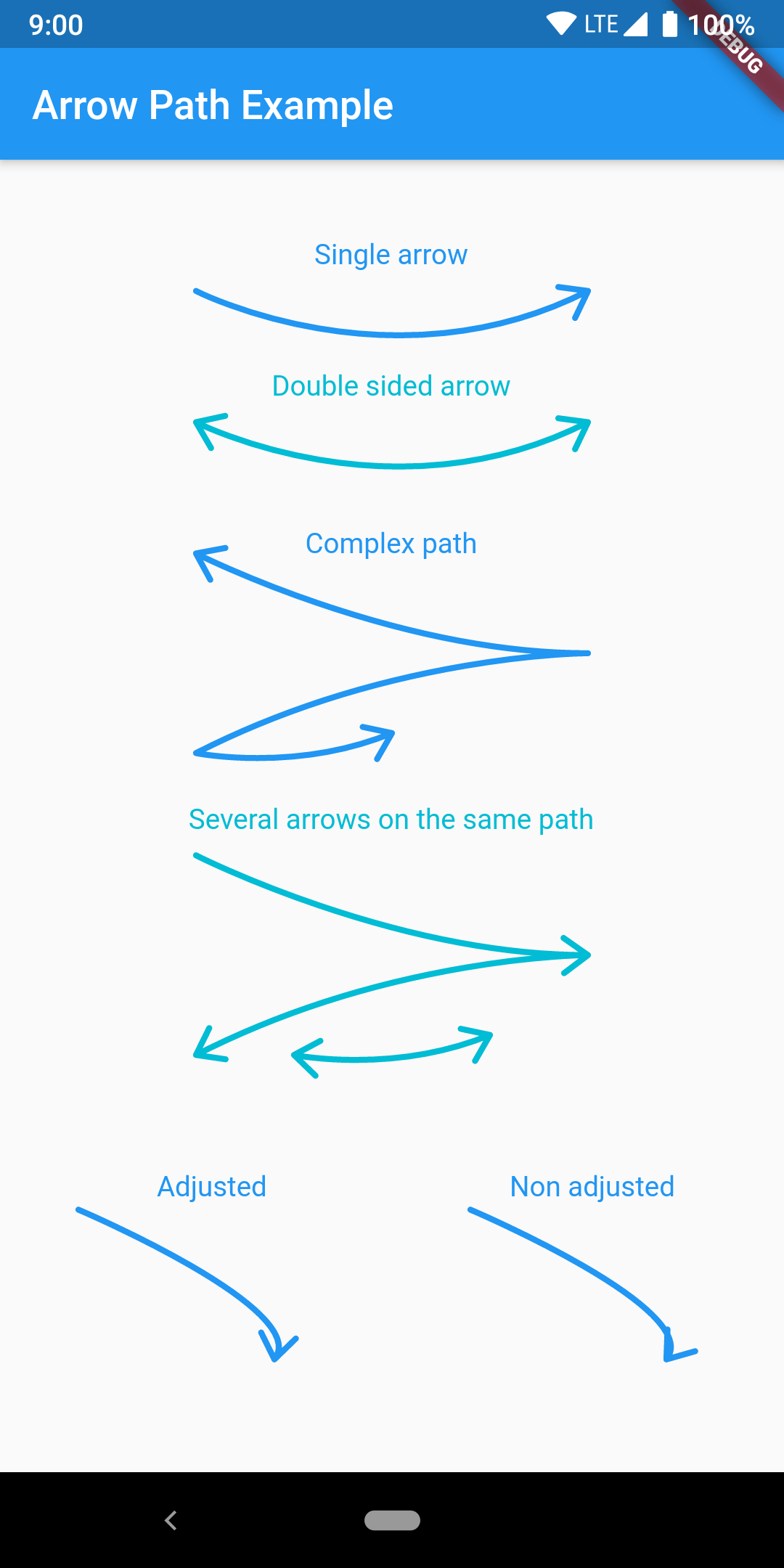
The arrow is drawn using the direction of the tangent to the curve at the end of the curve. It features an adjustment parameter to also look at the tangent just before the end of the segment and rotate the tip of the arrow based on the angle difference to improve the look of the arrow when the curvature at the end is high.
Have a look at the example app to get started.
ArrowPath.make() is now deprecated, use ArrowPath.addTip() instead.
If you are not using the isDoubleSided argument of ArrowPath.make() then you can safely replace it by ArrowPath.addTip() without any other change.
If you are using the isDoubleSided argument of ArrowPath.make() then change yor code like this:
Before:
  Path path = Path();
  path.relativeLineTo(100, 100);
  path = ArrowPath.make(path, isDoubleSided: true);
After:
  Path path = Path();
  path.relativeLineTo(100, 100);
  path = ArrowPath.addTip(path);
  path = ArrowPath.addTip(path, isBackward: true);
Dependency list 2 items
{"sdk":"flutter"}^2.0.1Start with your use case, compare repository activity, and check the original project before adopting it.
“A repository is the most basic element of GitHub.”
GitHub Docs — About repositories ↗