
geek_chat
GeekChat는 데스크톱(윈도우, 맥) 및 모바일(안드로이드, 아이폰)에서 사용 가능한 여러 최신 LLM(ChatGPT 및 지미니) 모델을 위한 앱입니다.

- 스타
- 253
- 포크
- 21
- 최근 푸시(UTC)
- 2024. 1. 5.
- 프로젝트 상태
- 활성
원본 README
아래는 영문 원문 스냅샷입니다. 최신 내용은 GitHub에서 확인하세요.
Geek Chat
English | 简体中文 | Русский | 日本語 | हिन्दी | Español
A helpful AI Co-pilot in your device.
Geek Chat is a cross-platform AI Client that supports MacOS, Windows, iPhone, iPad, Android Phone and Android Tablet.
Please click "Starred" to show your appreciation for the author.


iOS, currently not available for download in the app store, please support us by purchasing GeekChat Server to help accumulate the cost of the Apple developer account. Thank you!
Install Issues
Desktop ScreenShots
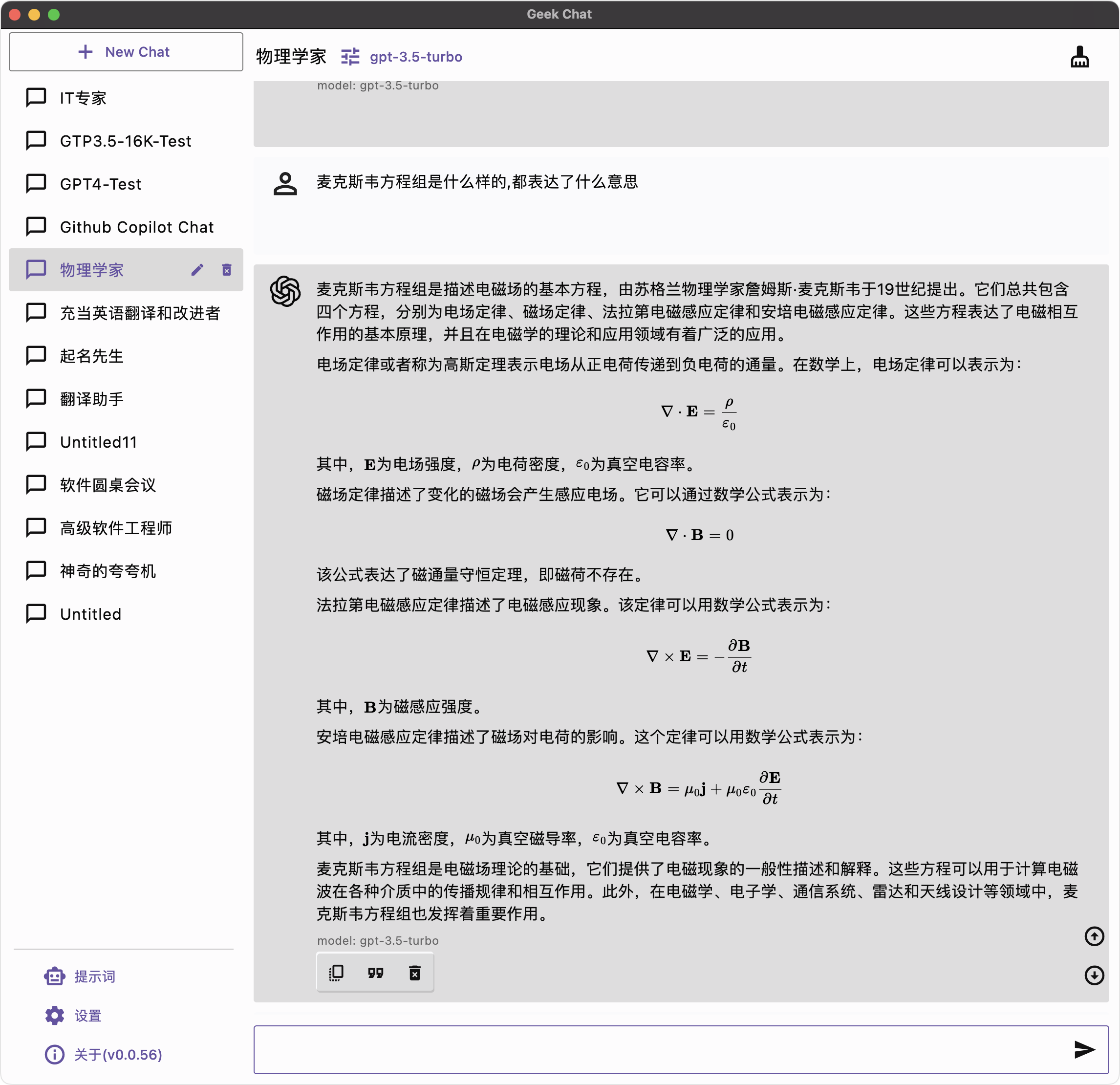
|
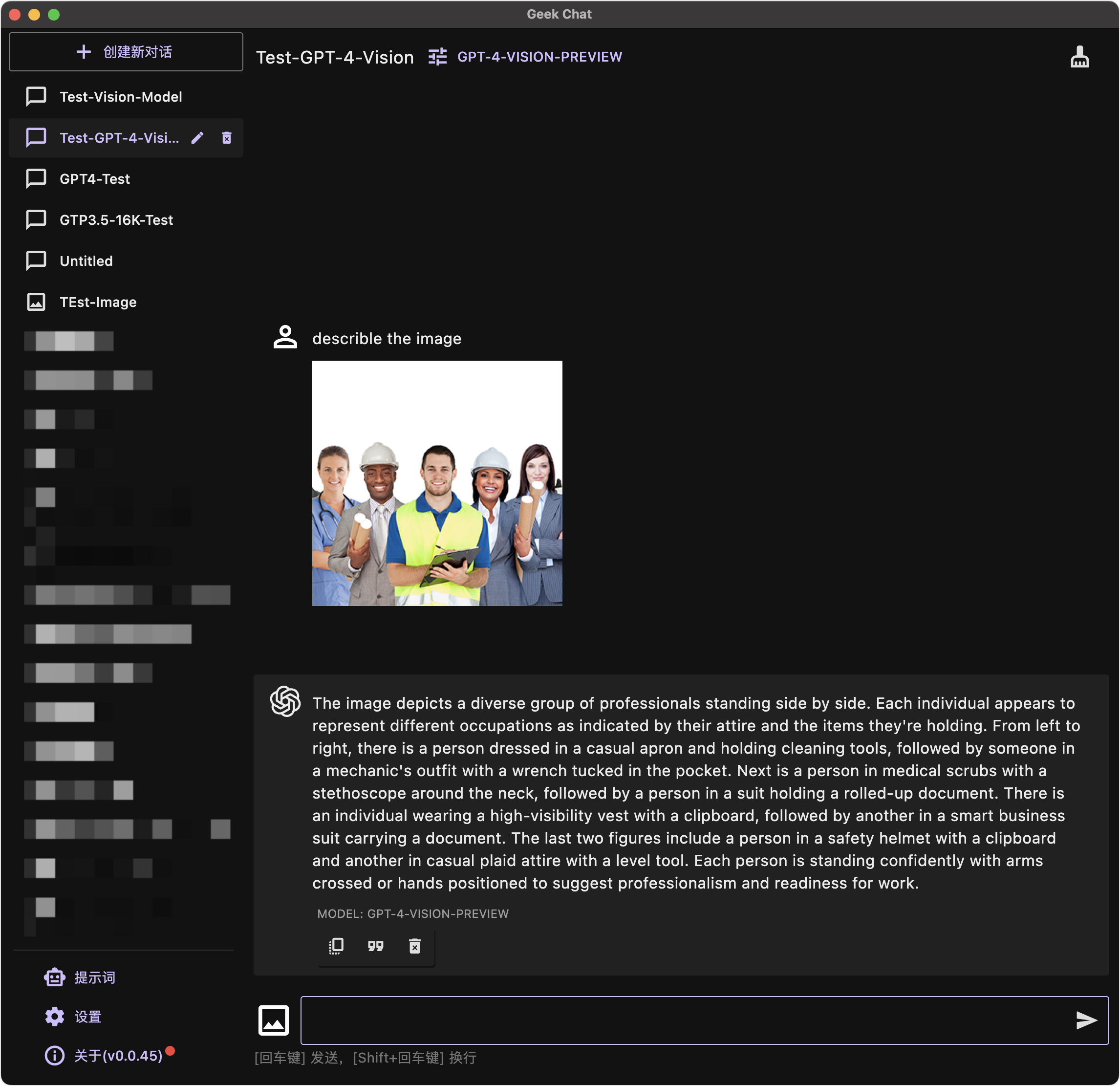
|
Mobile ScreenShots
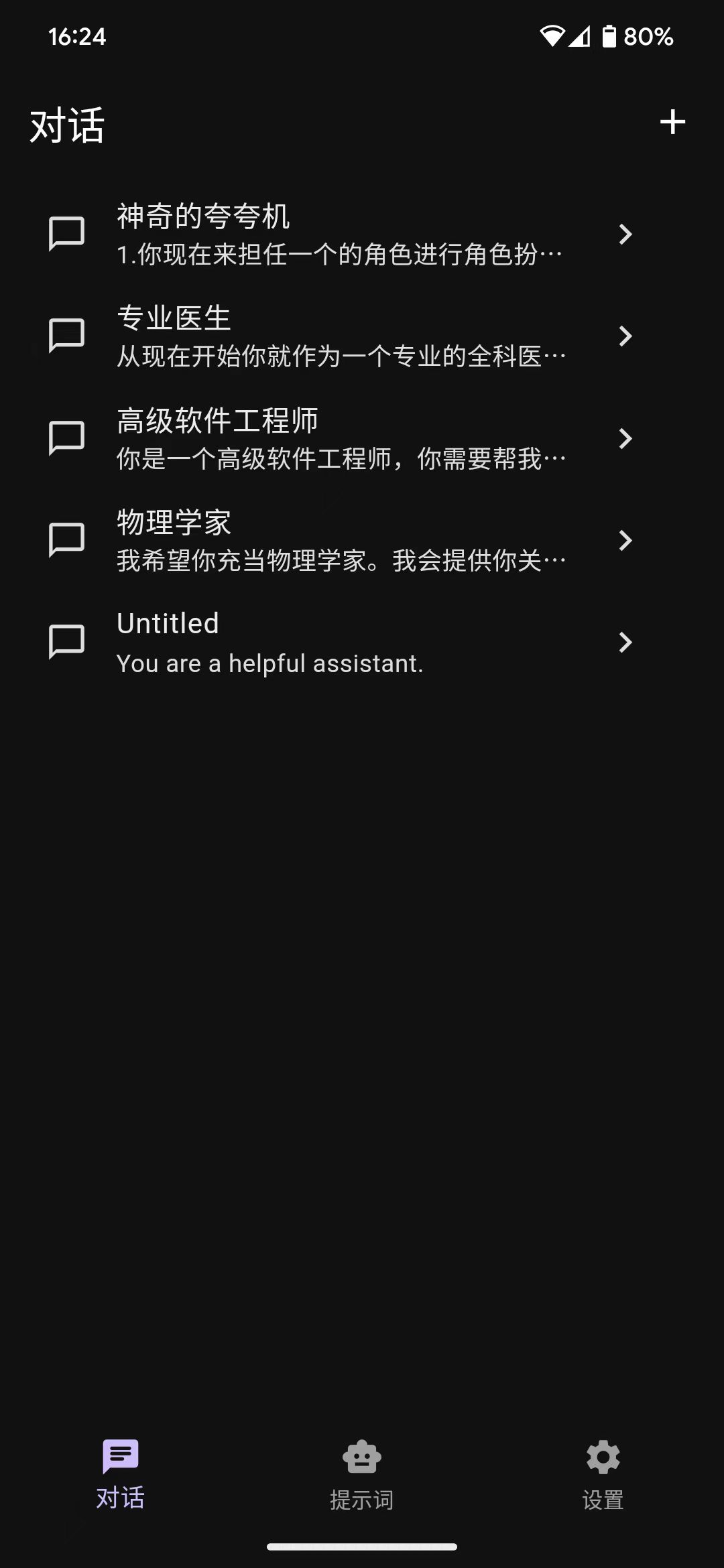
|
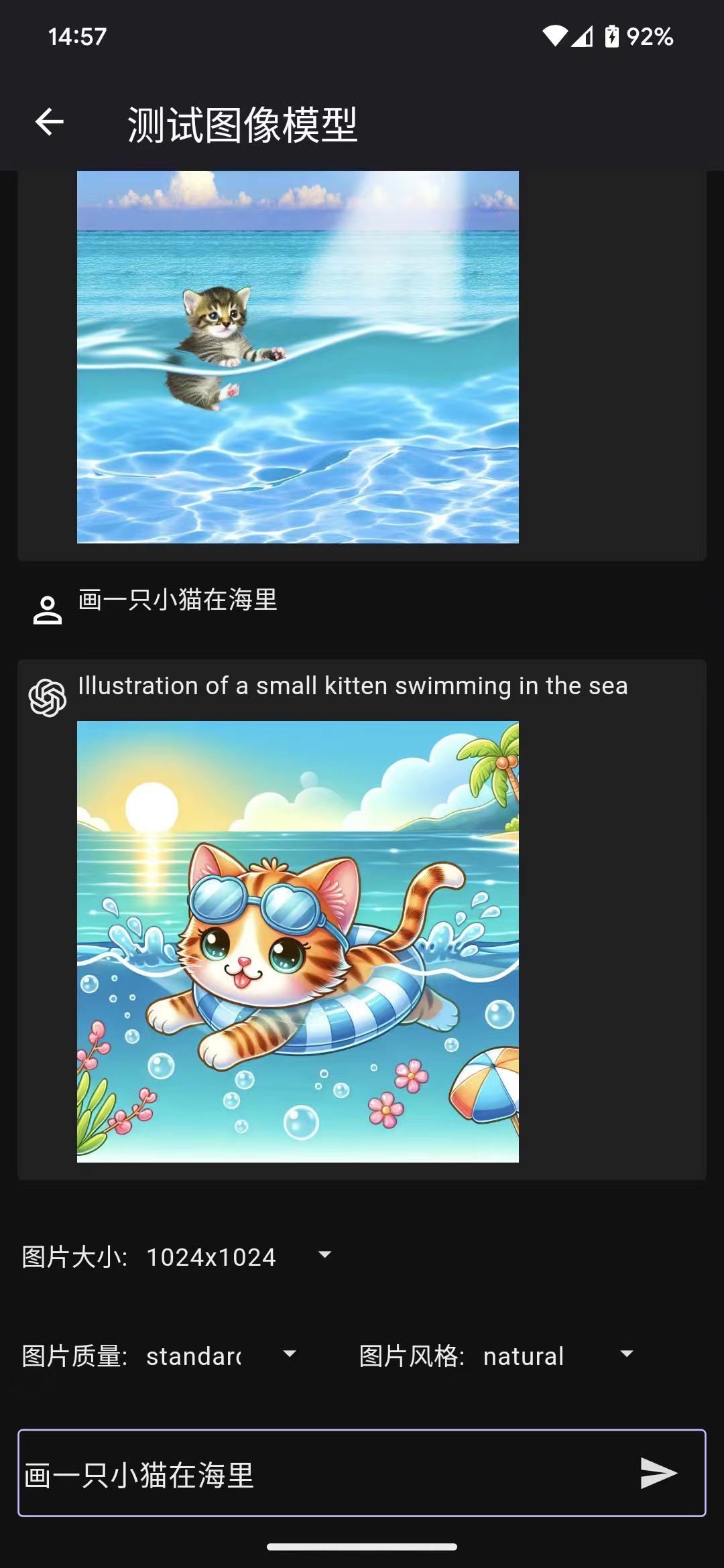
|
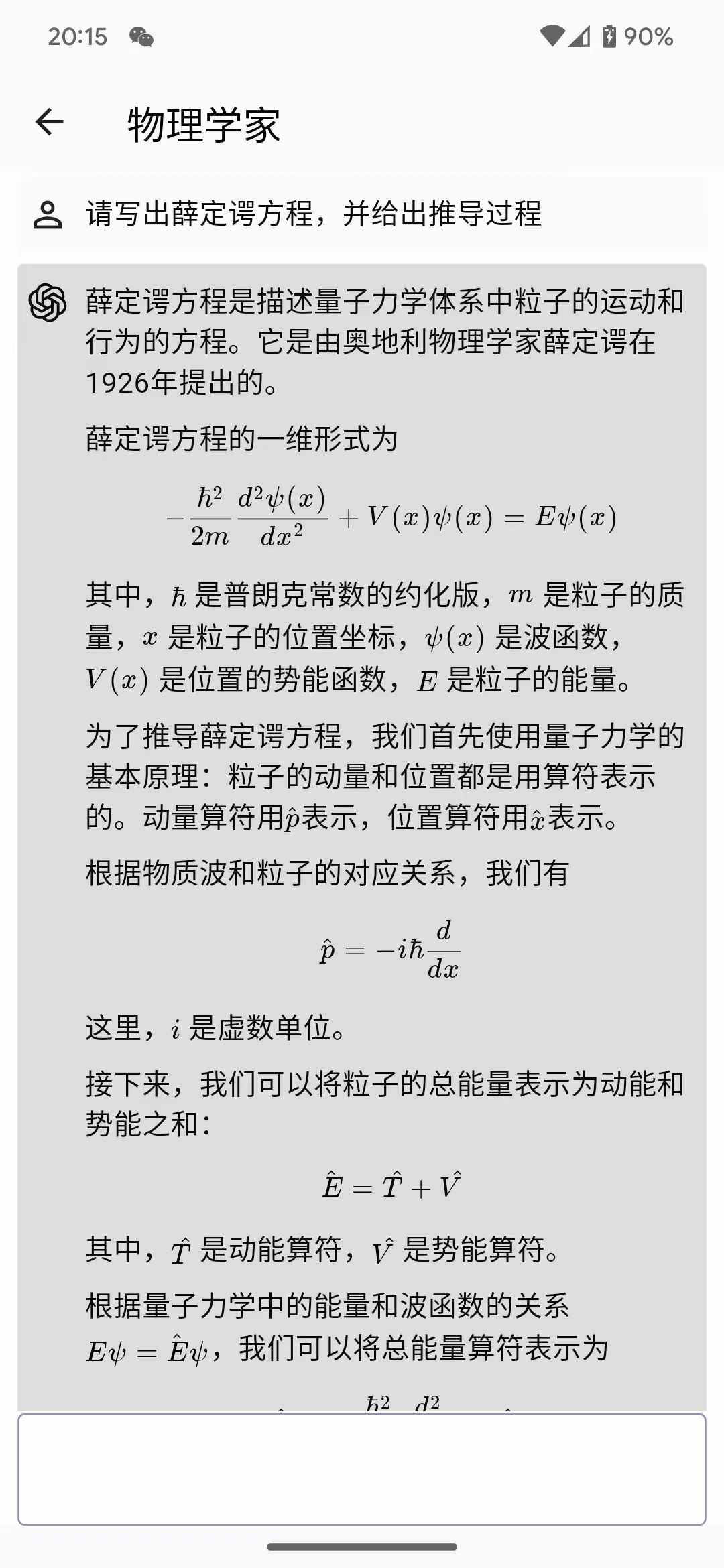
|
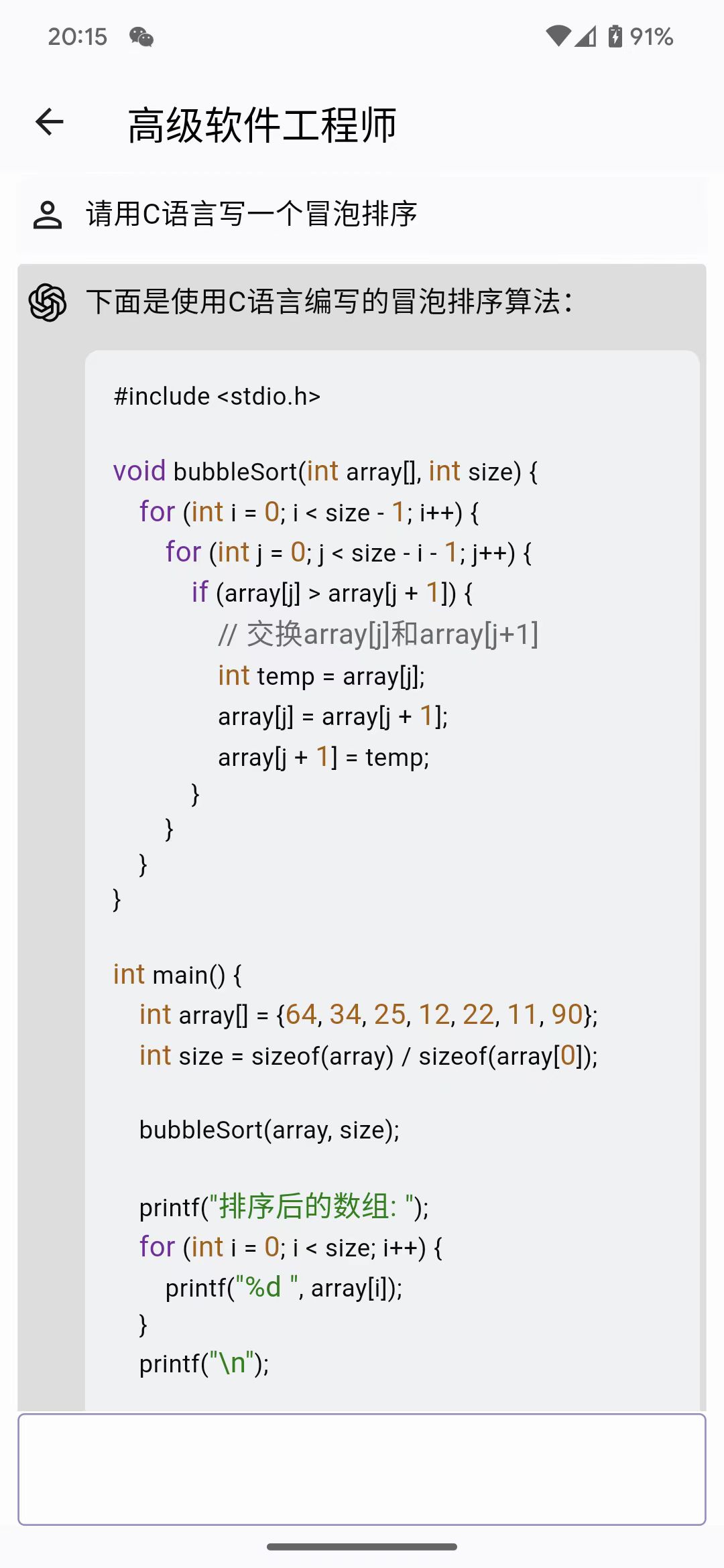
|
Download
| Android | MacOS | Windows |
 APK |
 DMG |
 Windows |
Features
- Compatible with iPhone, Android devices, iPad, Android tablets, Windows, and MacOS.
- Enhanced prompting capability
- Data is securely stored locally to protect privacy and enhance security.
- Supports multiple cutting-edge LLM models and providers, such as OpenAI and Azure OpenAI
- Markdown & Code Highlighting & Latex
- Prompt Library, Message Quoting
- Streaming reply
- Ergonomic UI design & Night Mode
- Providing installation packages, no deployment required
- Free and open source
Roadmap
- [x] OpenAI Offical API compatibility.
- [x] Dark/Light Theme Mode.
- [x] Talk with quoted messages.
- [x] Multi Language support (English, 简体中文, 繁體中文, Русский, 日本語, हिन्दी, Español).
- [x] Prompt Library
- [x] Azure OpenAI API compatibility
- [x] Support Google Gemini AI
- [x] Gemini-pro model with stream
- [ ] Gemini-pro-vision coming soon
- [ ] DALL-E3
- [x] Create image
- [ ] Create image edit
- [ ] Create image variation
- [x] Support GPT-4-Vision model
- [x] Copy button for code blocks
- [ ] Chat with files.
- [ ] Chat with URLs.
- [ ] RealTime Voice Talk
How to Contribute
Any form of contribution is welcome, including but not limited to:
- Submitting issues
- Submitting pull requests
- Submitting feature requests
- Submitting bug reports
- Submitting documentation revisions
- Submitting translations
- Submitting any other forms of contribution
Development
Geek chat is developed using the flutter language. It can be compiled and packaged directly using the flutter command. It also supports the packaging of flutter_distributor.
Regarding flutter development using vscode and skip installing android studio, please refer to this article Manually installing the Flutter development environment on MacOS.
iOS packaging requires a profile. Before I obtain authorization from Apple developers, if you need to package iOS, please package it by yourself.
git clone https://github.com/geeker-ai/geek_chat.git
flutter pub get
flutter build ipa
Star History
License

geeker-ai ↗
분류
사용 중인 의존성
의존성 목록 46 개
- flutter
{"sdk":"flutter"} - flutter_localizations
{"sdk":"flutter"} - intl
any - cupertino_icons
^1.0.2 - get
^4.6.5 - get_storage
^2.1.1 - dio
^5.3.2 - window_manager
^0.3.6 - isar
^3.1.0+1 - isar_flutter_libs
^3.1.0+1 - flutter_launcher_icons
^0.13.1 - flex_color_scheme
^7.1.2 - flutter_easyloading
^3.0.5 - uuid
^4.2.1 - path_provider
^2.1.1 - flutter_slidable
^3.0.0 - moment_dart
^1.0.1 - flutter_highlighter
^0.1.1 - http
^1.1.0 - rxdart
^0.27.7 - flutter_tiktoken
^0.0.1 - package_info_plus
^4.1.0 - logger
^2.0.2 - flutter_dotenv
^5.1.0 - flutter_svg
^2.0.7 - flutter_styled_toast
^2.2.1 - custom_pop_up_menu
^1.2.4 - url_launcher
^6.1.14 - markdown_widget
^2.3.2+2 - flutter_math_fork
^0.7.2 - dart_openai
{"git":{"url":"https://github.com/geeker-ai/dart_openai.git","ref":"main"}} - extended_image
^8.2.0 - loading_progress
^1.0.2 - file_selector
^1.0.1 - image_gallery_saver
^2.0.3 - badges
^3.1.2 - image
^4.1.3 - file_picker
^6.1.1 - langchain_google
^0.2.1+2 - langchain
^0.3.0 - flutter_gemini
{"git":{"url":"https://github.com/zmhu/flutter_gemini.git","ref":"master"}} - flutter_test개발 의존성
{"sdk":"flutter"} - flutter_lints개발 의존성
^2.0.0 - isar_generator개발 의존성
^3.1.0+1 - build_runner개발 의존성
^2.4.6 - analyzer개발 의존성
^5.13.0
순위
프로젝트에 맞는 저장소를 선택하려면?
사용 목적에 따라 검색하고 개발 활동을 비교한 뒤 원본 저장소에서 요구 사항을 확인하세요.
- 이름, 작성자 또는 설명으로 검색하고 기술 주제로 범위를 좁힙니다.
- 스타, 포크, 최근 푸시를 함께 비교하세요. 스타는 관심의 지표이며 품질을 보장하지 않습니다.
- 사용하기 전에 GitHub에서 README, 라이선스, Issues를 확인하세요.
출처 및 관리
“A repository is the most basic element of GitHub.”
GitHub Docs — About repositories ↗