
v0.4.0
cross_file
여러 플랫폼에서 파일을 다룰 수 있도록 해주는 추상화입니다.
315좋아요 21만30일 다운로드160Pub 점수
AndroidiOSWebmacOSWindowsLinux
Flutter 및 Dart로 제작된 오픈소스이자 크로스플랫폼이며, AES-256 암호화를 지원하는 번거로움 없는 파일 공유입니다.

여러 플랫폼에서 파일을 다룰 수 있도록 해주는 추상화입니다.
AutoRoute는 선언형 라우팅 솔루션으로, 네비게이션에 필요한 모든 것이 자동으로 생성됩니다.
AutoRoute는 선언형 라우팅 솔루션으로, 네비게이션에 필요한 모든 것이 자동으로 생성됩니다.
 v9.0.0
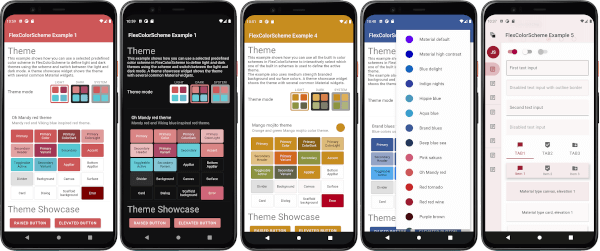
아름다운 마테리얼 디자인 기반 테마를 사용하고 만들 수 있는 플러터 패키지입니다.
 v0.1.6
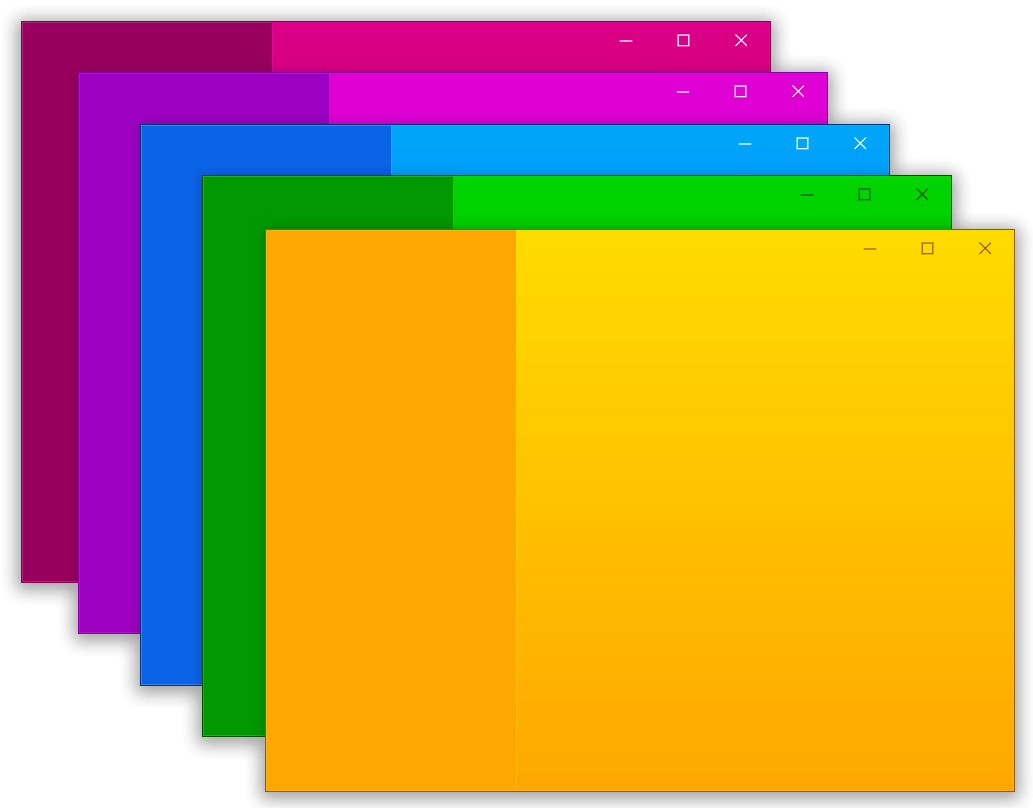
Flutter 데스크톱에서 사용자 정의 창(사용자 정의 테두리, 제목 표시줄 및 최소화/최대화/닫기 버튼)을 만들고 Windows 및 macOS용 일반적인 데스크톱 창 작업(화면에 표시/숨기기/위치)을 도와주는 패키지
사용자가 파일을 Flutter 데스크톱 애플리케이션으로 드래그할 수 있도록 허용하는 플러그인입니다.
.env 파일을 사용하여 어떤 플러터 애플리케이션도 전역 변수로 쉽게 구성할 수 있습니다.
기기의 로컬 시간대를 가져오기 위한 플러터 플러그인입니다.
텍스트, 리치 텍스트(HTML), 이미지 지원이 있는 Flutter 클립보드.
플러터에서 네이티브 앱을 호출하여 파일을 열고 문자열 결과를 반환할 수 있는 플러그인으로, iOS(UTI), Android(Intent), PC(FFI), 웹(dart:html)을 지원
AES Crypt 파일 형식으로 파일, 일반 텍스트 및 이진 데이터를 암호화/복호화하는 데 사용할 수 있는 Dart 암호화 라이브러리입니다. 모든 플랫폼(웹 포함)을 지원합니다.
의존성 목록 44 개
^3.1.1^4.0.9^11.1.0^0.1.6^3.0.14^1.19.1^7.0.0^0.3.3+1^1.0.5^0.7.0^12.3.0^5.9.2^8.3.0^8.4.0{"sdk":"flutter"}^6.0.0^2.0.9^5.0.2^9.0.0^9.2.1^6.3.3^1.2.2^0.20.2^4.6.0^2.7.0{"path":"packages/odin_core"}^9.0.0^1.8.2^2.0.11^12.0.1^6.0.3^4.0.0^0.28.0^4.4.0^10.0.0^2.0.15^6.1.5^10.5.0^2.2.0^0.14.4^6.0.0^2.2.8{"sdk":"flutter"}^6.3.1아래는 영문 원문 스냅샷입니다. 최신 내용은 GitHub에서 확인하세요.
icon Odin
https://img.shields.io/badge/Flutter-stable-blue?logo=flutter https://img.shields.io/github/stars/odinapp/odin.svg?style=flat&logo=github&colorB=deeppink&label=stars https://img.shields.io/github/v/release/odinapp/odin.svg License: AGPL Join us on Telegram
Cross-platform, open-source file sharing with end-to-end encrypted share links built with Flutter & Dart.
Getting Started • Roadmap • Releases
Open source easy file sharing for everyone.
https://user-images.githubusercontent.com/42910433/143038817-cb935815-aea7-41c1-8b56-131cb99b0a20.mp4
Captured from a connected Android device via ADB (debug build). Paths are from the repo root. After large UI changes, recapture with the same flow and replace the files in docs/screenshots/.
Home
| Step | Preview |
|---|---|
| Home | Odin home |
Send files
| Pick file | Uploading | Uploaded |
|---|---|---|
| Pick file | Uploading | Upload success |
Your uploads
| Bottom sheet |
|---|
| Your uploads sheet |
Receive files
| Valid token | Wrong token | Downloading | Downloaded |
|---|---|---|---|
| Valid token | Wrong token | Downloading | Download complete |
Short screen captures of the same flows live in docs/videos/ (recorded with adb shell screenrecord on device, then pulled to the repo).
| Recording | File |
|---|---|
| Send flow (pick file → success) and Your uploads sheet | 01_flow_send_and_uploads.mp4 |
| Receive flow (wrong token → valid token → download complete) | 02_flow_download_receive.mp4 |
odin_cli terminal client with TUI and headless modes#k=...), which is not sent to the serverTo build on MacOS, Windows, Linux, Android, or iOS follow these steps.
Step 1:
git clone https://github.com/odinapp/odin.git
Step 2:
cd odin
Create the .env file:
cat > .env <<'EOF'
API_URL=https://<your-worker>.workers.dev/
API_VERSION=v1
SUCCESSFUL_STATUS_CODE=200
EOF
Backend: Odin uses a Cloudflare Workers backend. Deploy your own using the code in
odin-worker/, then setAPI_URLto your deployment URL. The.envfile is gitignored — never commit it. No GitHub credentials are required.
Step 3:
Install FVM (Flutter Version Management), then from the repository root install the SDK pinned for this project:
fvm install
Odin pins the stable Flutter channel via .fvmrc. Use fvm flutter / fvm dart for all Flutter and Dart commands so you use that SDK (not a mismatched global install).
Step 4:
Enable the desktop embedder for your OS if you have not already, then pick the desktop device when running.
# for windows
fvm flutter config --enable-windows-desktop

# for macos
fvm flutter config --enable-macos-desktop

# for linux
fvm flutter config --enable-linux-desktop
Step 5:
To fetch packages and run the app (from the repo root):
fvm flutter pub get
fvm flutter run
Editor tip: Point your IDE’s Flutter SDK path to .fvm/flutter_sdk inside this repo so analysis and device selection match FVM.
From the repo root:
fvm flutter analyze --no-fatal-infos
fvm flutter test
For Android: fvm flutter build apk (debug or release). For Linux desktop, install the Flutter Linux prerequisites (for example cmake, ninja-build, and GTK development packages), then run fvm flutter build linux or fvm flutter run -d linux.
upload, download, info, delete)odin_core package as shared upload/download logicodin_cli package with TUI + headless/script-friendly modeodin_core protocolIf you'd like to propose a feature, submit an issue here.
Please see the releases tab for more details about the latest release.
First off, thanks for visiting Odin's repo and taking your time to read this doc. Any contributions you make are greatly appreciated. Please look at CONTRIBUTING.md for details.
Odin began as what most projects start as "A weekend project". Originally, we wanted to develop a cross-platform, open-source file-sharing platform that was faster and easier than sharing files over chat services or data cables. We wanted to develop and prototype the project as quickly as possible. The result was an MVP that was ready in just a few hours because we used Flutter.
Fun Fact: The app icon resembles the helmet of the god Odin from Norse mythology. It also resembles a free-flying bird, which indicates our feelings while developing this with Flutter😊.
Distributed under the GPL-3.0 License. See LICENSE for more information.