 v1.1.1
flutter_staggered_animations
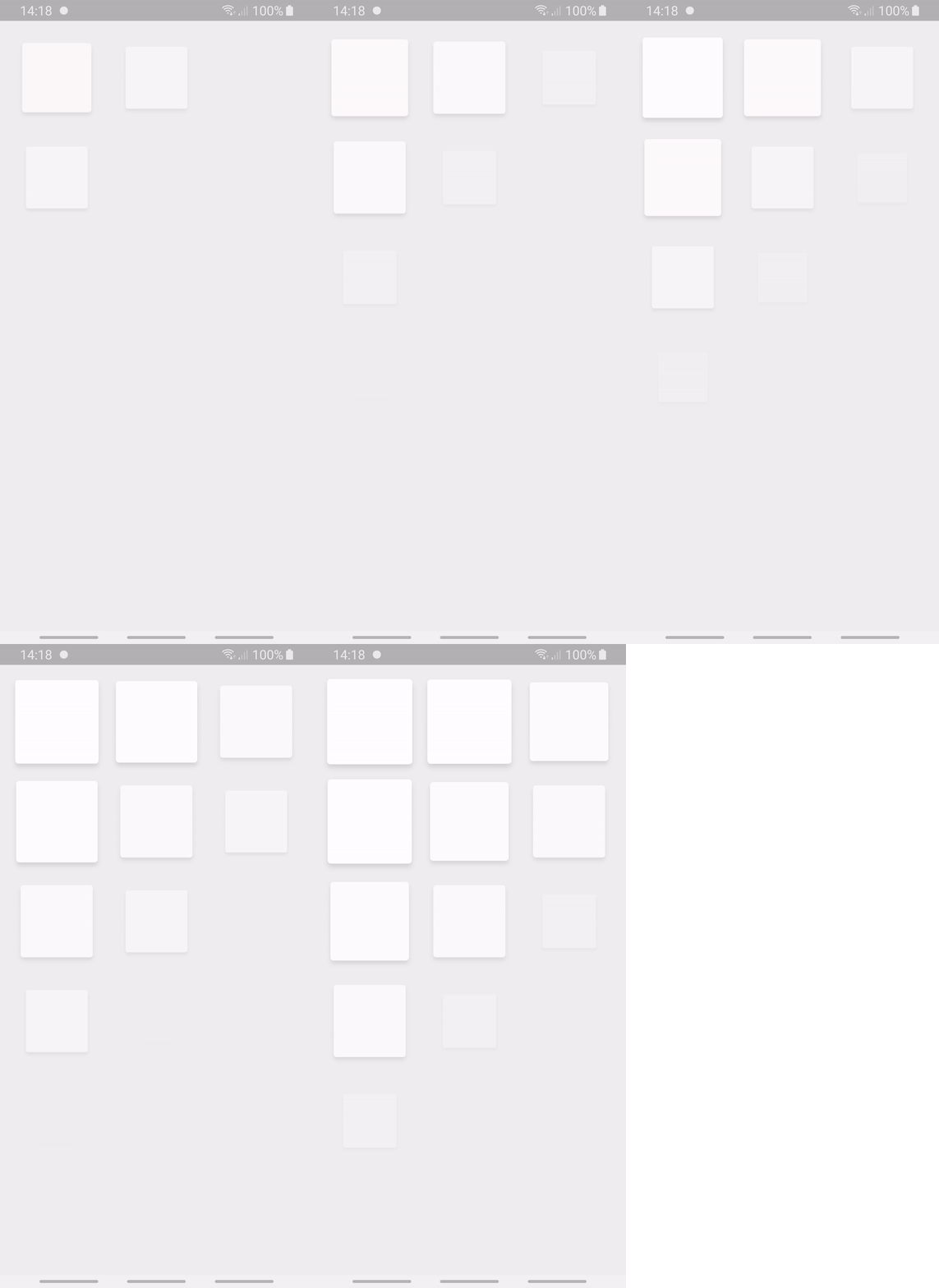
Easily add staggered animations to your ListView, GridView, Column and Row children as shown in Material Design guidelines
2.2KLikes 116K30-day downloads160Pub points
AndroidiOSWebmacOSWindowsLinux
A sleek local music player for Android built with Flutter

English project snapshot. Visit GitHub for the latest content.
Meloplay is a local music player app that plays music from your device built with Flutter.
| Songs | Player | Playlists |
|---|---|---|
 |
 |
 |
| Artists | Albums | Genres |
|---|---|---|
 |
 |
 |
| Settings | Scan | Themes |
|---|---|---|
 |
 |
 |
| Name | Description |
|---|---|
| auto_size_text | Flutter widget that automatically resizes text to fit perfectly within its bounds. |
| bloc | A predictable state management library. |
| flutter_bloc | Flutter widgets that make it easy to implement BLoC design patterns. |
| flutter_cache_manager | A Flutter plugin for caching images and other resources. |
| flutter_staggered_animations | A plugin for adding staggered animations to your Flutter apps. |
| flutter_svg | Flutter plugin for displaying SVG images. |
| fluttertoast | Flutter plugin for displaying toast messages. |
| get_it | Simple Service Locator for dependency injection. |
| hive | A lightweight and blazing fast key-value database. |
| hive_flutter | Hive database implementation for Flutter. |
| just_audio | A feature-rich audio player for Flutter. |
| just_audio_background | Plugin for playing audio in the background on Android and iOS. |
| lottie | Library for rendering JSON-based Lottie animations natively. |
| marquee | A Flutter widget that scrolls text infinitely. |
| on_audio_query | A Flutter plugin to query songs on Android and iOS. |
| package_info_plus | Plugin for querying information about the application package. |
| permission_handler | Cross-platform permission handling plugin. |
| share_plus | Plugin for sharing content via the platform share UI. |
| url_launcher | Plugin for launching URLs on mobile platforms. |
| liquid_glass_renderer | A Flutter plugin for rendering liquid glass effects. |
| device_info_plus | Plugin for getting device information. |
Clone the repo
git clone
Install dependencies
dart pub get
Run the app
flutter run
Inside AndroidManifest.xml we have the following permissions:
<!-- ADD xmlns:tools="http://schemas.android.com/tools" to the "manifest" element -->
<manifest xmlns:tools="http://schemas.android.com/tools" ...>
    <!-- url_launcher -->
    <queries>
        <intent>
            <action android:name="android.intent.action.VIEW" />
            <data android:scheme="https" />
        </intent>
    </queries>

    <!-- Android 12 and below -->
    <uses-permission
        android:name="android.permission.READ_EXTERNAL_STORAGE"
        android:maxSdkVersion="32" />

    <!-- Android 13+ -->
    <uses-permission
        android:name="android.permission.READ_MEDIA_AUDIO" />

    <!-- ADD THESE TWO PERMISSIONS -->
    <uses-permission android:name="android.permission.WAKE_LOCK"/>
    <uses-permission android:name="android.permission.FOREGROUND_SERVICE"/>
    <!-- ALSO ADD THIS PERMISSION IF TARGETING SDK 34 -->
    <uses-permission android:name="android.permission.FOREGROUND_SERVICE_MEDIA_PLAYBACK"/>

    <application ...>

    ...

    <!-- EDIT THE android:name ATTRIBUTE IN YOUR EXISTING "ACTIVITY" ELEMENT -->
    <activity android:name="com.ryanheise.audioservice.AudioServiceActivity" ...>
      ...
    </activity>

    <!-- ADD THIS "SERVICE" element -->
    <service android:name="com.ryanheise.audioservice.AudioService"
        android:foregroundServiceType="mediaPlayback"
        android:exported="true" tools:ignore="Instantiatable">
      <intent-filter>
        <action android:name="android.media.browse.MediaBrowserService" />
      </intent-filter>
    </service>

    <!-- ADD THIS "RECEIVER" element -->
    <receiver android:name="com.ryanheise.audioservice.MediaButtonReceiver"
        android:exported="true" tools:ignore="Instantiatable">
      <intent-filter>
        <action android:name="android.intent.action.MEDIA_BUTTON" />
      </intent-filter>
    </receiver>
  </application>
</manifest>
Pull requests are welcome. For major changes, please open an issue first to discuss what you would like to change.
Distributed under the Attribution-NonCommercial-ShareAlike 4.0 International License. See LICENSE for more information.
Give a star if you like this project!
Easily add staggered animations to your ListView, GridView, Column and Row children as shown in Material Design guidelines
An add-on for just_audio that supports background playback and media notifications.
The raw renderer for a liquid glass effect in Flutter.
A Flutter widget that scrolls text infinitely. Provides many customizations including custom scroll directions, durations, curves as well as pauses after every round.
Flutter Plugin used to query audios/songs infos [title, artist, album, etc..] from device storage.
Dependency list 28 items
^2.2.0^0.18.18^3.0.0^9.2.0^13.1.0^2.0.8{"sdk":"flutter"}^9.1.1^3.4.1^1.1.1^2.3.0^9.1.0^9.2.1^2.2.3^1.1.0^0.10.5^0.0.1-beta.17^0.2.0-dev.4^3.3.3^2.3.0{"git":{"url":"https://github.com/rozpo/on_audio_query","path":"packages/on_audio_query","ref":"main"}}^10.1.0^12.0.1^13.1.0^6.3.2{"sdk":"flutter"}^6.0.0^0.14.4Start with your use case, compare repository activity, and check the original project before adopting it.
“A repository is the most basic element of GitHub.”
GitHub Docs — About repositories ↗