 v3.0.0
animations
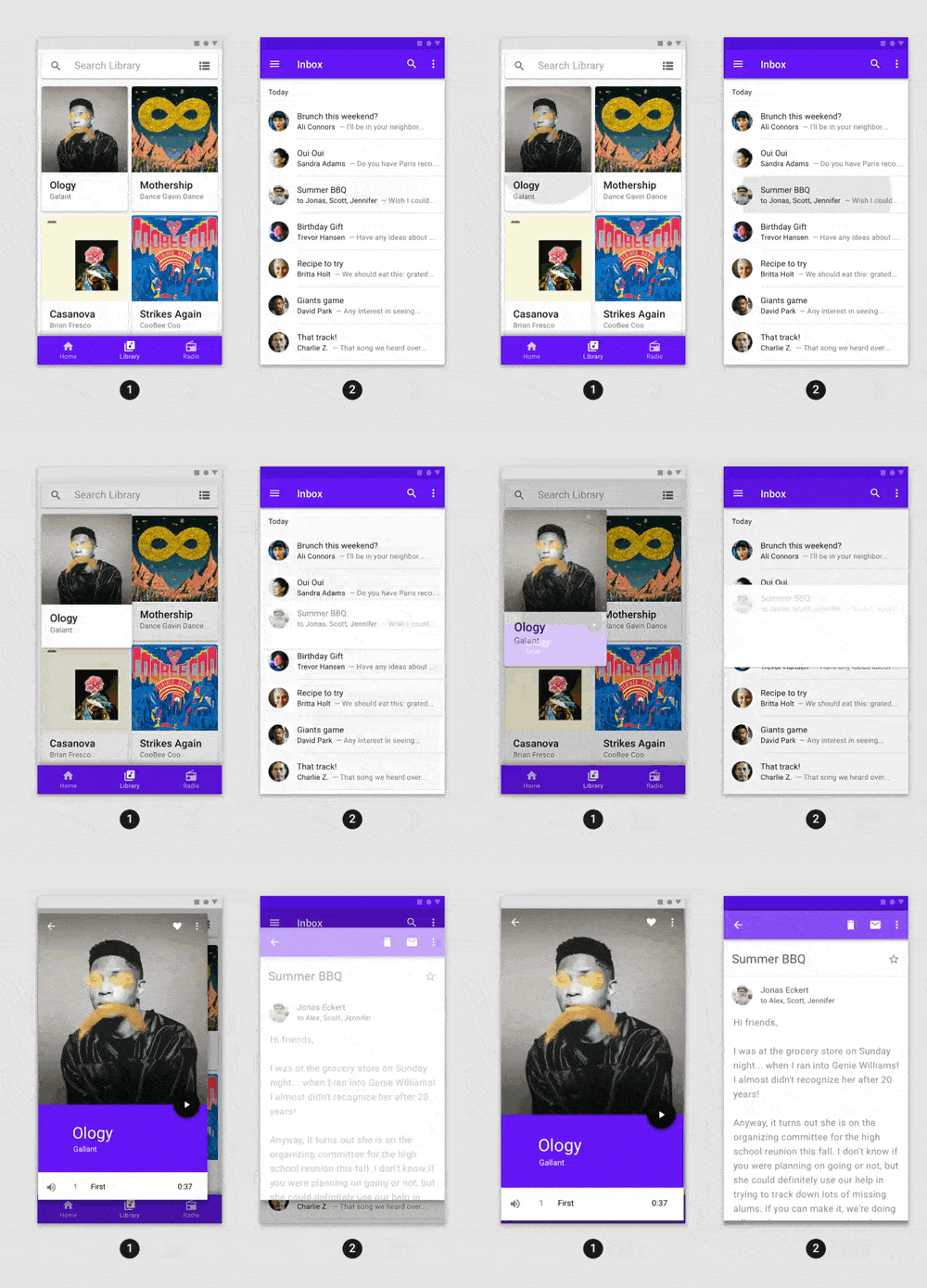
Fancy pre-built animations that can easily be integrated into any Flutter application.
6.9KLikes 1.2M30-day downloads160Pub points
AndroidiOSWebmacOSWindowsLinux
Pangolin Desktop UI shell, designed for dahliaOS, written in Flutter.

English project snapshot. Visit GitHub for the latest content.


Website • Discord • Releases • Donate • Documentation


Settings and start menu, commit 876180d.

Calculator, Terminal, Notes and search, commit 876180d.
To develop and locally test Pangolin:
Note: You can run Pangolin on any platform that Flutter supports but we recommend running it on Linux as some features of Pangolin are designed exclusively for Linux and won't work on other platforms.
Run Pangolin by running:
make run target=linux
List of targets:
Flutter has hot reloading so no need to restart the instance when it's running!
If you're wondering how to contribute to the project, please refer to CONTRIBUTING.md
If you're interested in translating Pangolin, click here for more information on how to do so!


Copyright @ 2019-2023 - The dahliaOS Authors - contact@dahliaos.io
This project is licensed under the Apache 2.0 license
Fancy pre-built animations that can easily be integrated into any Flutter application.
A Dart package for reading XDG directory configuration information on Linux.
An opinionated, community-driven set of lint rules for Dart and Flutter projects. Like pedantic but stricter
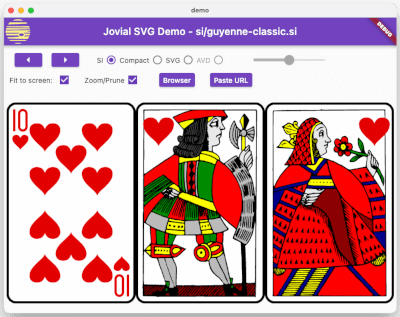
SVG - Robust rendering of Scalable Vector Graphic images, supporting a well-defined profile of SVG, a fast-loading binary storage format, and animation.
A native Dart implementation of the D-Bus message bus client. This package allows Dart applications to directly access services on the Linux desktop.
A package for manipulating stack traces and printing them readably.
Collections and utilities functions and classes related to collections.
Provides APIs for debugging and error logging, similar to loggers in other languages, such as the Closure JS Logger and java.util.logging.Logger.
A timer implementation that can be paused, resumed and reset.
Calculate the difference between two lists as list of edit operations. Used for example for implicitly animating Flutter lists without having to maintain a StatefulWidget.
Provides a client to access GSettings - a settings database used for storing user preferences on Linux.
Provides a client to connect to UPower - the service that does power management on Linux.
Dependency list 30 items
^2.0.7{"git":{"url":"https://github.com/gauravmehta13/flutter_cached_network_image.git","path":"cached_network_image"}}^1.17.1{"git":{"url":"https://github.com/dahliaOS/shared","ref":"main"}}^0.7.4^4.0.0{"sdk":"flutter"}{"sdk":"flutter"}^0.2.7^1.1.0^0.18.0^1.1.17^1.0.2^1.8.2^2.0.0+1^6.0.1^2.0.15^1.11.0^0.7.0^6.1.3{"git":{"url":"https://github.com/dahliaOS/utopia.git","ref":"utopia"}}^4.0.0{"git":"https://github.com/HrX03/xdg.dart"}^1.0.3{"git":{"url":"https://github.com/HrX03/yatl","path":"yatl"}}{"git":{"url":"https://github.com/HrX03/yatl","path":"yatl_flutter"}}{"git":{"url":"https://github.com/HrX03/yatl","path":"yatl_gen"}}{"git":{"url":"https://github.com/dahliaOS/zenit_ui.git","ref":"Version-0.0.12"}}^2.4.4^2.1.2Start with your use case, compare repository activity, and check the original project before adopting it.
“A repository is the most basic element of GitHub.”
GitHub Docs — About repositories ↗