
 v2.0.0+1
sliding_up_panel
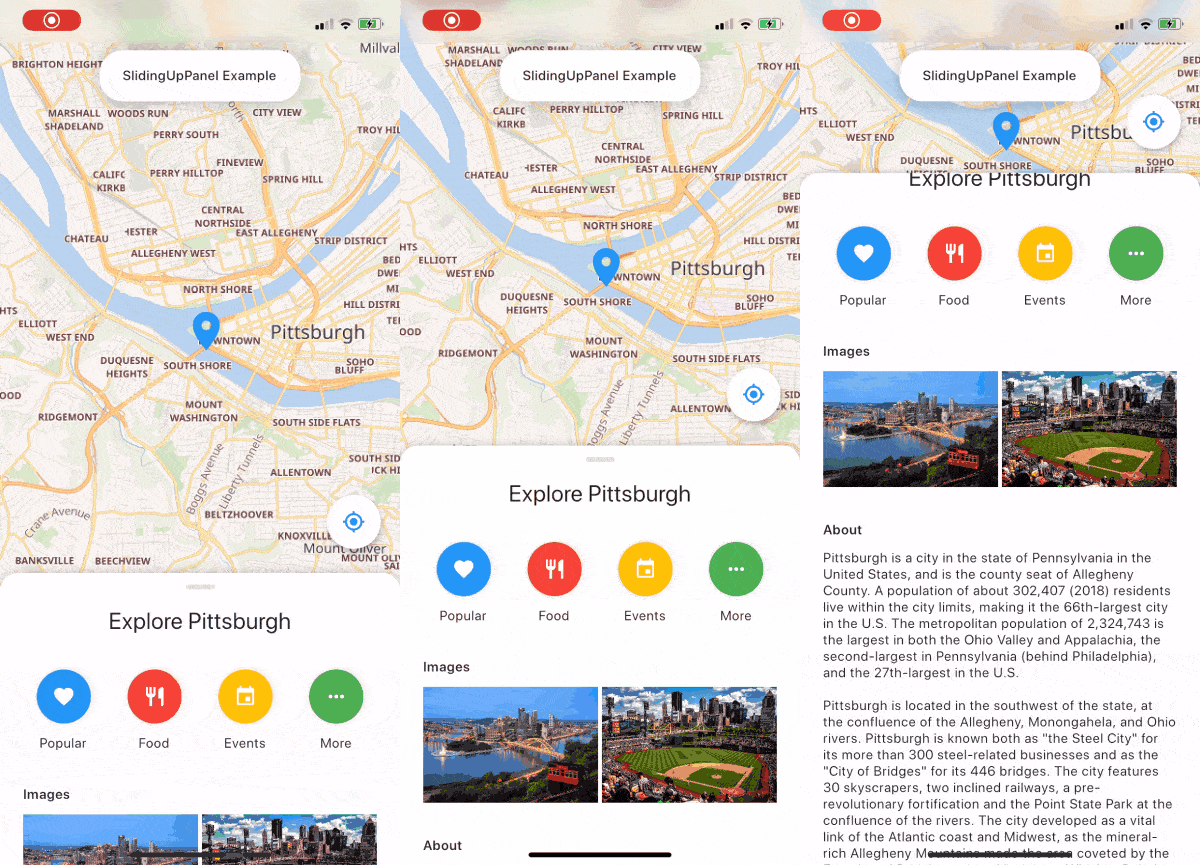
A draggable Flutter widget that makes implementing a SlidingUpPanel much easier!
2.9KLikes 83630-day downloads140Pub points
AndroidiOSWebmacOSWindowsLinux
Music player made using Flutter. Maintained by @ashwinkey04
 v2.0.0+1
A draggable Flutter widget that makes implementing a SlidingUpPanel much easier!
A port in dart of the youtube explode library. Supports several API functions without the need of Youtube API Key.
 v2.0.7
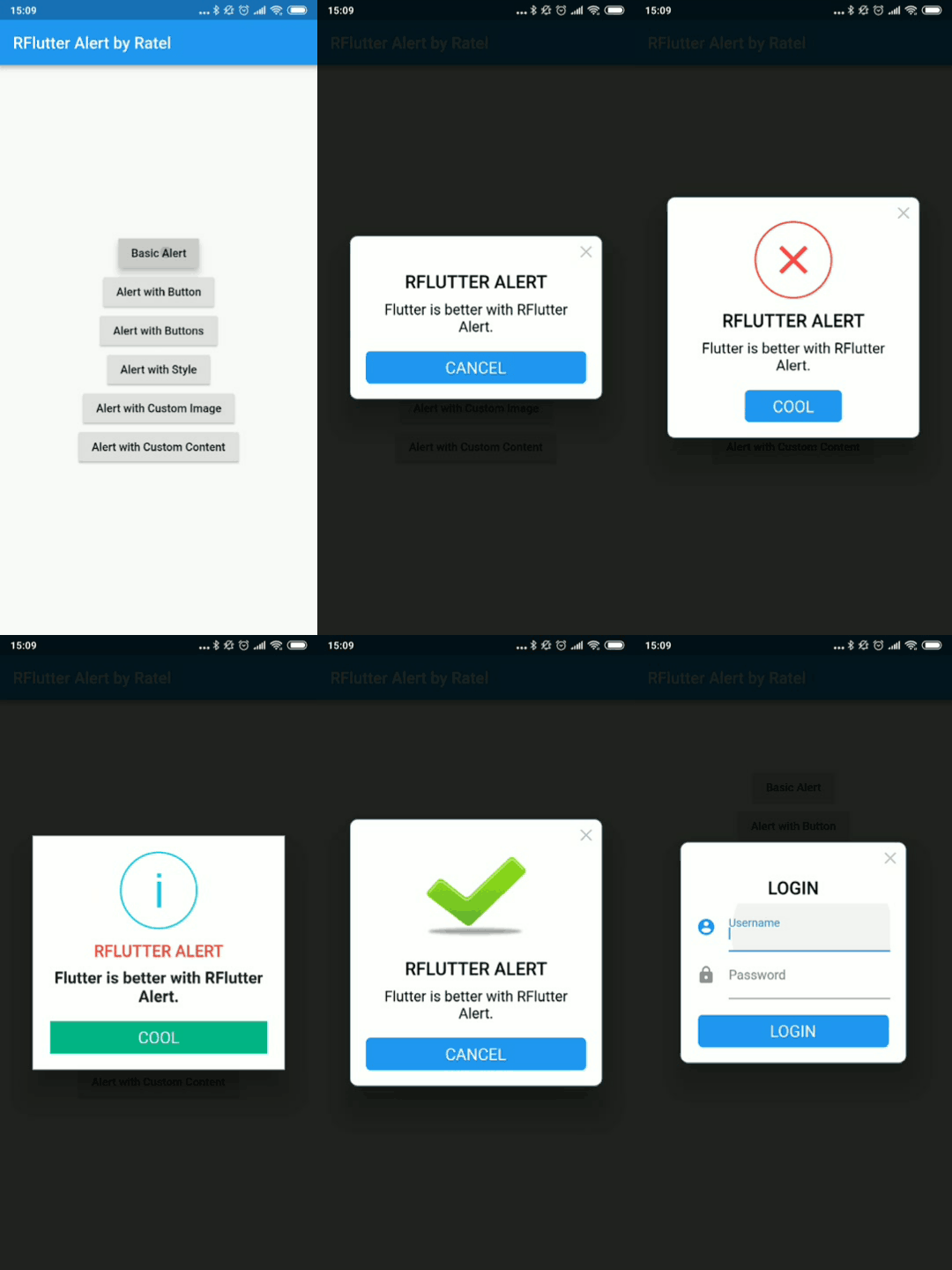
RFlutter Alert is super customizable and easy-to-use alert / popup dialogs for Flutter. You may create reusable alert styles or add buttons as much as you want with ease.
A Flutter widget that scrolls text infinitely. Provides many customizations including custom scroll directions, durations, curves as well as pauses after every round.
A plug-in that can call native APP to open files with string result in flutter, support iOS(UTI) / android(intent) / PC(ffi) / web(dart:html)
A Flutter library that makes animation easer. It allows for separation of animation setup from the User Interface.
Flutter Plugin used to query audios/songs infos [title, artist, album, etc..] from device storage.
Flutter clipboard with text, Rich Text (HTML), and image support.
 v1.0.2
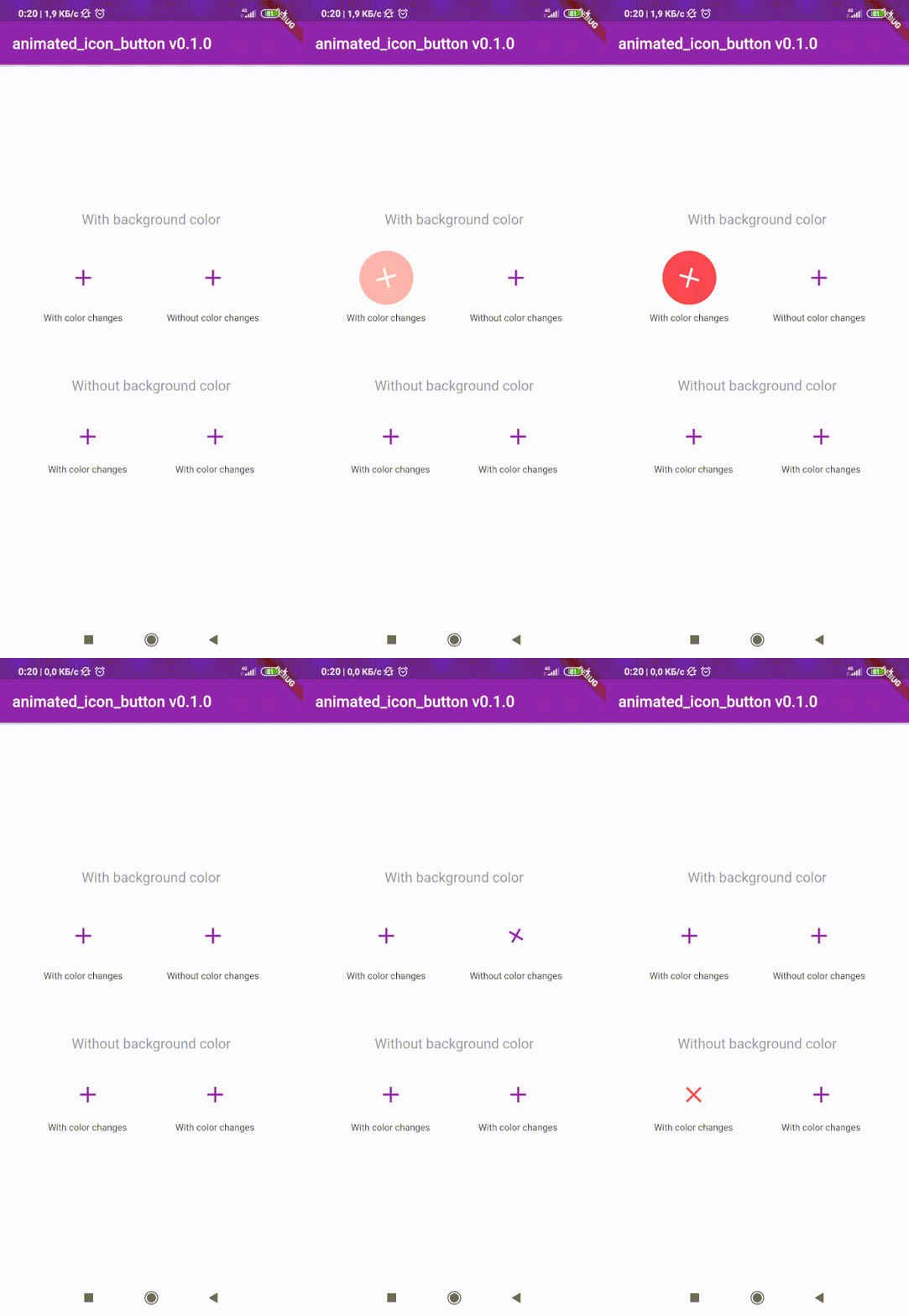
Flutter package to create custom animated IconButton. Includes all available icons. Based on native IconButton.
^1.0.2^3.1.0^0.18.3^0.1.2+8^3.0.6^1.0.0^4.3.2{"sdk":"flutter"}^8.0.8^2.0.5^1.1.0^0.13.3^0.9.18^2.2.0^2.5.3^3.2.0^2.0.0-nullsafety.1^6.0.1^1.4.5^2.0.4^2.0.3^2.0.0+1^2.0.0+3^2.1.1^1.10.9+1^0.9.2{"sdk":"flutter"}English project snapshot. Visit GitHub for the latest content.
stars forks
issues Contrinutors License Release
| Get it on F-Droid | Get it on F-Droid | https://www.buymeacoffee.com/assets/img/custom_images/orange_img.png |
Download and install Git.
Fork Raag
Clone your fork of the project locally. At the command line:
$ git clone https://github.com/YOUR-GITHUB-USERNAME/raag.git
Open Raag in your favourite editor (VS Code, Android Studio etc)
To install the dependencies run the following command in the terminal.
$ flutter pub get
Connect your Android emulator or your mobile device to your computer.
Build the application in your device by clicking Run run button or run the following in terminal.
$ flutter run
| https://raw.githubusercontent.com/raag-music/raag/HEAD/fastlane/metadata/android/en-US/images/phoneScreenshots/1.png | https://raw.githubusercontent.com/raag-music/raag/HEAD/fastlane/metadata/android/en-US/images/phoneScreenshots/2.png |
| https://raw.githubusercontent.com/raag-music/raag/HEAD/fastlane/metadata/android/en-US/images/phoneScreenshots/3.png | https://raw.githubusercontent.com/raag-music/raag/HEAD/fastlane/metadata/android/en-US/images/phoneScreenshots/4.png |
To contribute to this project you can FORK & clone 🍴 the project as mentioned in Setting up your development environment, and make an issue on bug fixing or adding new features, and make a PR 😊.
This project is licensed under the GPL General Public License v2.0.
A few resources to get you started if this is your first Flutter project:
For help getting started with Flutter, view the online documentation, which offers tutorials, samples, guidance on mobile development, and a full API reference.