v2.4.0
flutter_mobx
Flutter integration for MobX. It provides a set of Observer widgets that automatically rebuild when the tracked observables change.
719Likes 110K30-day downloads160Pub points
AndroidiOSWebmacOSWindowsLinux
Philips Hue app to control lights and sensors

English project snapshot. Visit GitHub for the latest content.
 lumi
Philips Hue desktop app to control lights and sensors.
⚠️ This app won't work in your web browser because it needs a local environment to communicate with Hue API. A working desktop app will be released when Flutter will be more mature for desktop. In the meantime, you can run this app locally in your web browser with the command
flutter run -d chrome.

The features are pretty basic for now.
lumi does not have all features of the mobile app like sensors' rules edit or Hue Labs. Instead, it focuses on lights and sensors' control.
Also, it is not possible to delete users in third party apps.
git clone https://github.com/rootasjey/lumi.gitcd lumiflutter pub getflutter run -d chromeMIT
Flutter integration for MobX. It provides a set of Observer widgets that automatically rebuild when the tracked observables change.
MobX is a library for reactively managing the state of your applications. Use the power of observables, actions, and reactions to supercharge your Dart and Flutter apps.
Code generator for MobX that adds support for annotating your code with @observable, @computed, @action and also creating Store classes.
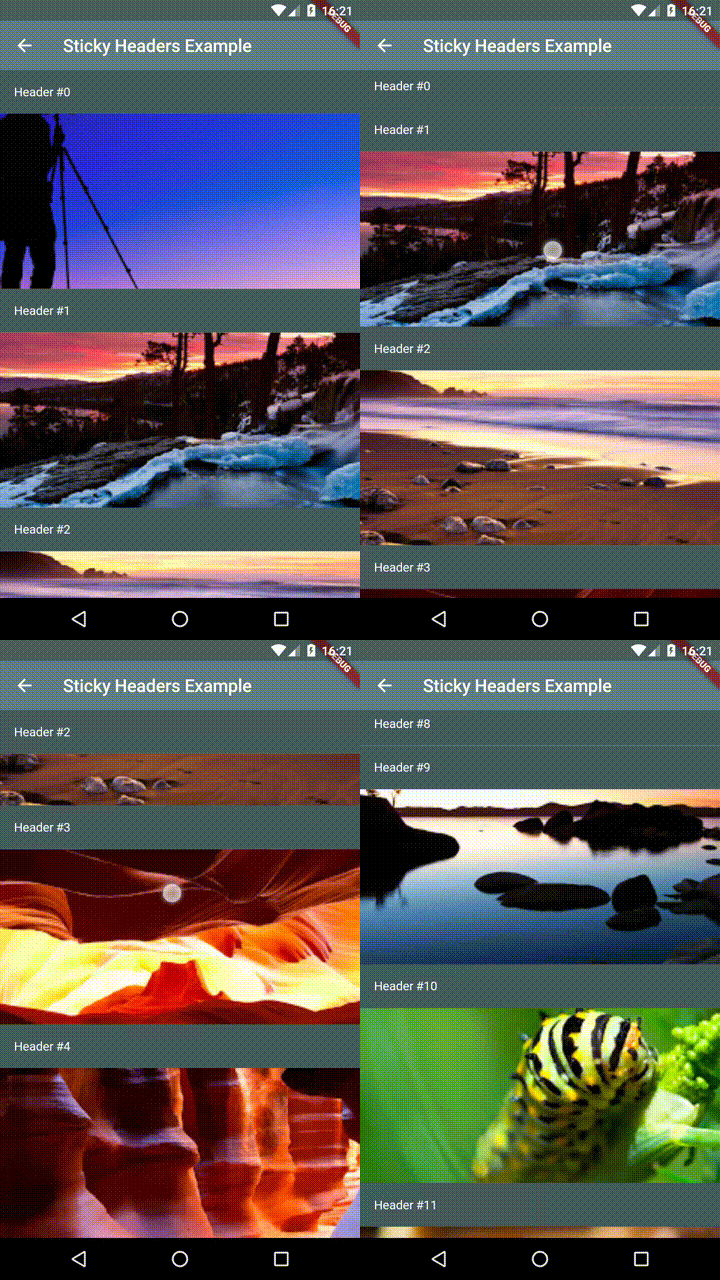
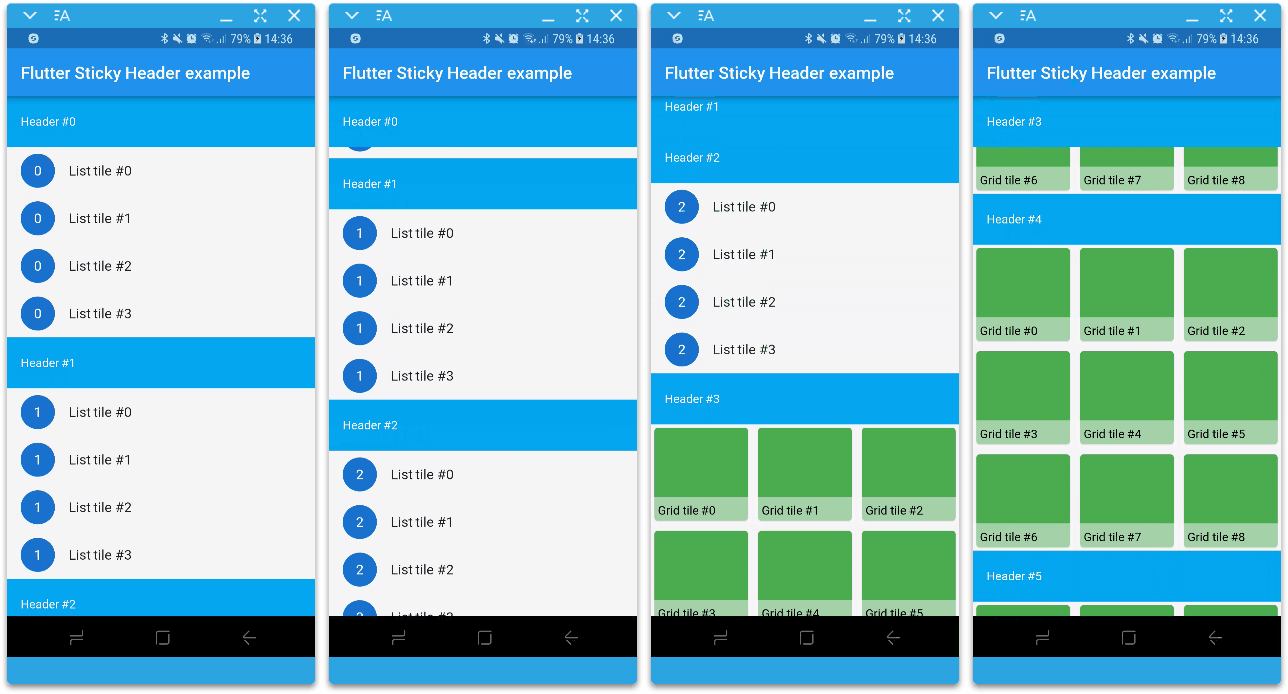
Flutter Sticky Headers - Lets you place headers on scrollable content that will stick to the top of the container whilst the content is scrolled.
Powerful package to create beautiful custom animations in no time.
Flutter implementation of sticky headers as a sliver. Use it in a CustomScrollView.
Allows to change between light and dark theme dynamically and add system adaptive theme support.
Jiffy is a Flutter (Android, IOS and Web) date time package for parsing, manipulating, querying and formatting dates and time
A routing package built on top of Router and Navigator's pages API, supporting arbitrary nested navigation, guards and more.
Supercharged brings all the comfort features from languages like Kotlin to all Flutter developers.
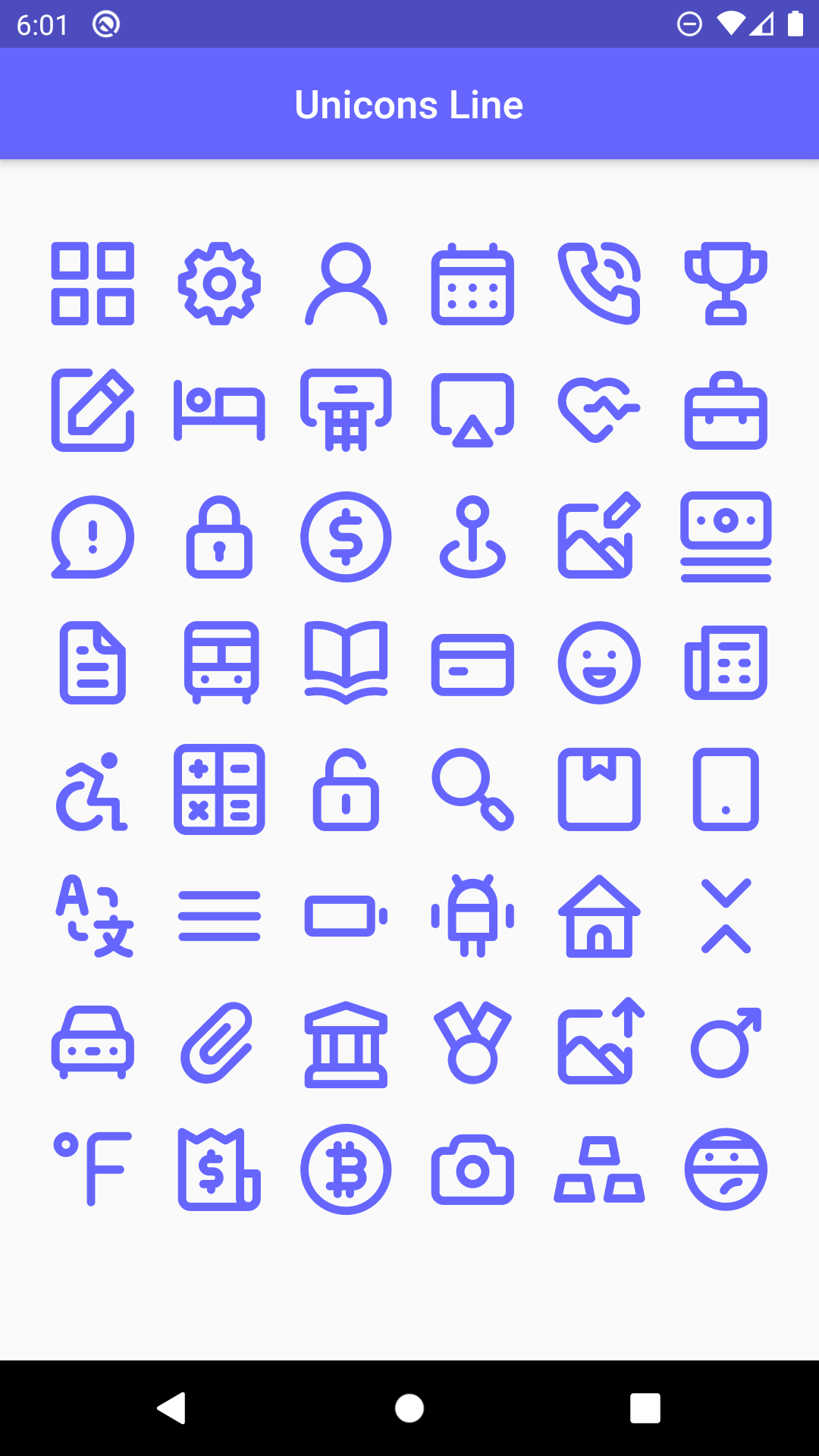
1000+ beautiful icons to use in you dream project, with all the customization Flutter provides
The Line Awesome Icons pack for flutter. Provides 1542 additional icons to use in your apps.
Dependency list 27 items
2.2.02.0.10.14.11.0.33.0.0{"sdk":"flutter"}2.0.20.6.02.0.02.1.0{"git":{"url":"git://github.com/rootasjey/hue_api.git"}}4.1.02.0.01.0.02.0.41.0.6-nullsafety4.0.10.2.02.1.12.0.16.0.120.2.00.0.4—0.9.2{"sdk":"flutter"}2.0.3Start with your use case, compare repository activity, and check the original project before adopting it.
“A repository is the most basic element of GitHub.”
GitHub Docs — About repositories ↗