연결된 소스 저장소의 README 원문 스냅샷입니다. 최신 내용은 저장소에서 확인하세요.
after_init
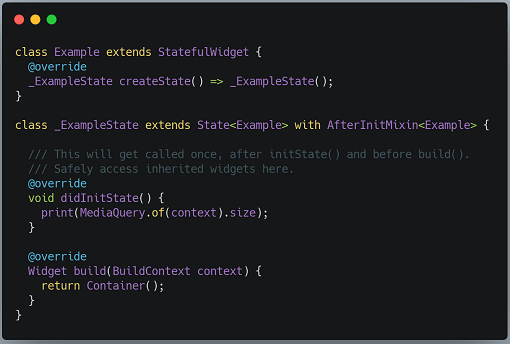
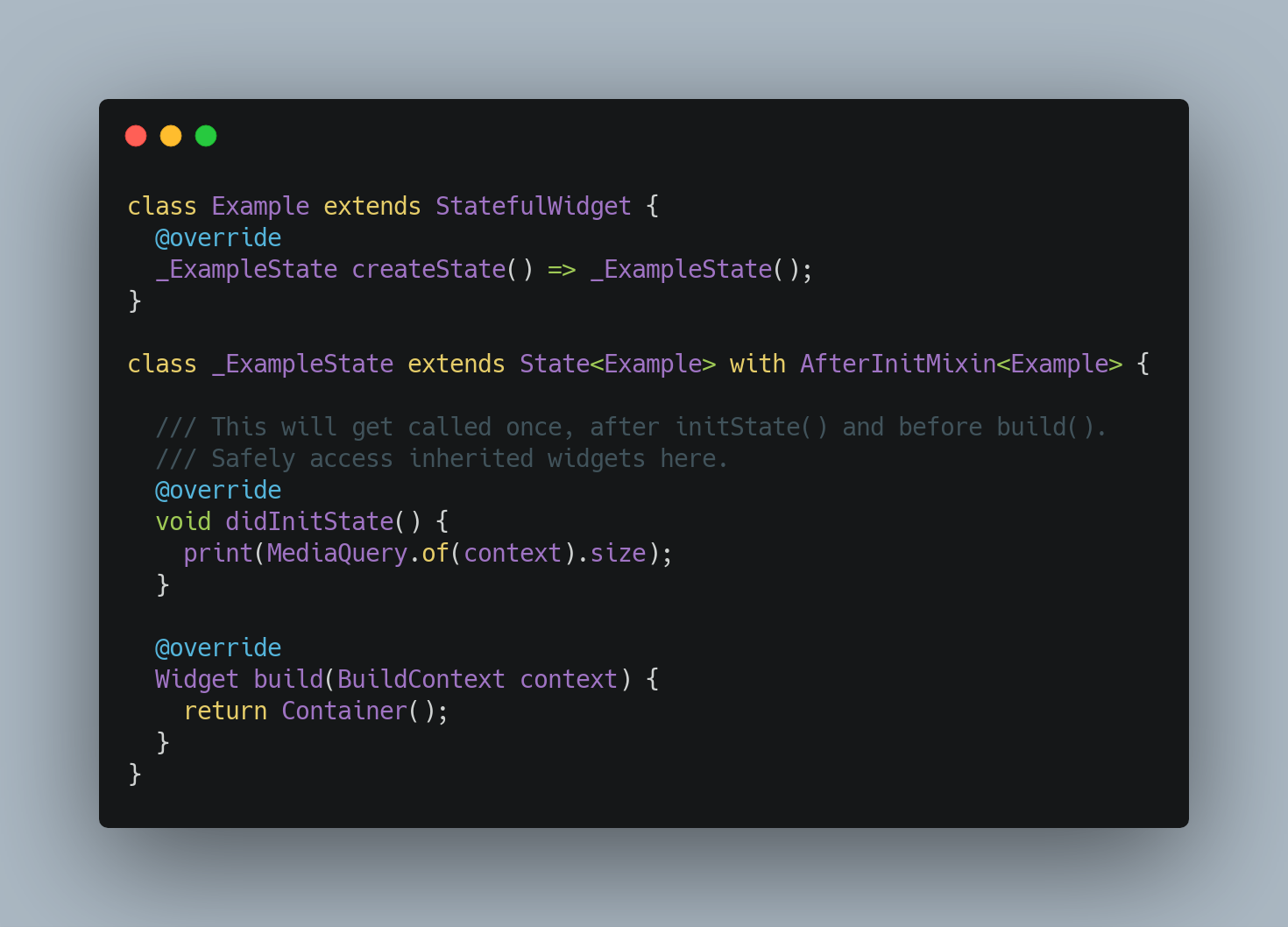
Adds a didInitState() lifecycle method to stateful widgets where you can safely access inherited widgets.
InheritedWidget is heavily used throughout the Flutter framework. Many state management packages such as ScopedModel and Provider use it as well. Unfortunately, InheritedWidgets are not accessible from the initState() method of State. The Flutter documentation states:
This package consists of a simple mixin on the State class that provides a new method called didInitState(). It is only called exactly once, after initState(), and before didChangeDependencies() and build(). You can safely access InheritedWidgets from this method, and use them to perform any setup tasks for your widget.
Method Order
With this library, State methods are invoked in the following order:
initState()didInitState()← new!didChangeDependencies()build()
Learn more about the Stateful Widget Lifecycle.
Example
import 'package:flutter/material.dart';
import 'package:after_init/after_init.dart';
void main() {
runApp(
MaterialApp(
home: Scaffold(
body: Example(),
),
),
);
}
class Example extends StatefulWidget {
@override
State<Example> createState() => _ExampleState();
}
class _ExampleState extends State<Example> with AfterInitMixin<Example> {
late Size size;
@override
void initState() {
super.initState();
}
@override
void didInitState() {
size = MediaQuery.of(context).size;
}
@override
void didChangeDependencies() {
super.didChangeDependencies();
}
@override
Widget build(BuildContext context) {
return Center(
child: Text(size.toString()),
);
}
}
This is just a simplistic example. You would normally do something more useful in didInitState(), such as access setup data or subscribe to a Stream that comes from an InheritedWidget.
Alternative
A typical workaround for the initState() limitation is to delay execution of the code that needs to access InheritedWidget:
@override
void initState() {
  super.initState();
  WidgetsBinding.instance.addPostFrameCallback((_) {
    print(MediaQuery.of(context).size);
  });
}
However, this will cause your code to execute after the build() method, which may not be what you want.
Unit Tests
This package comes with unit tests that verify that didInitState() only gets called once and that State methods are invoked in the order specified above.
Credits
This package was inspired by the after_layout package.