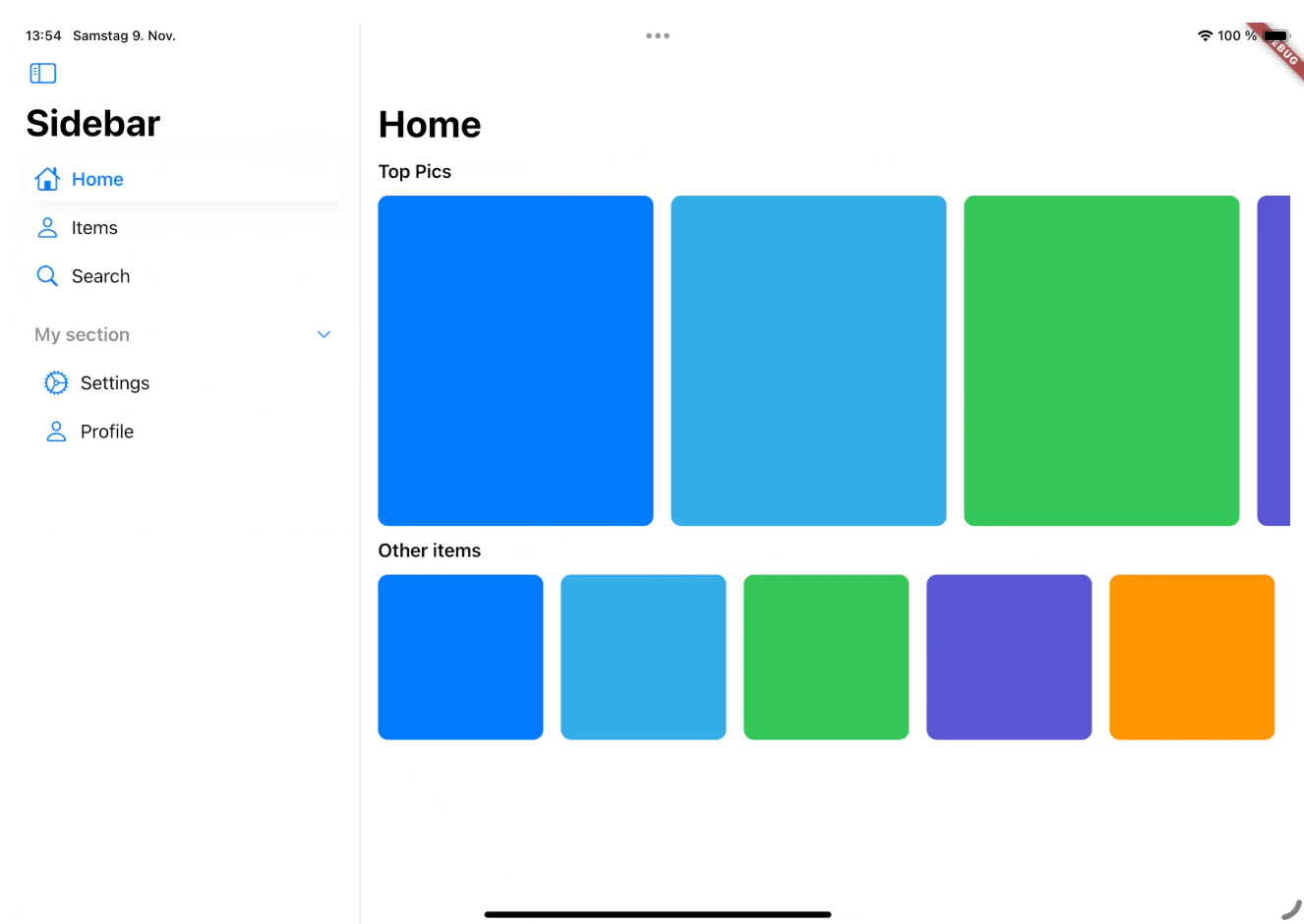
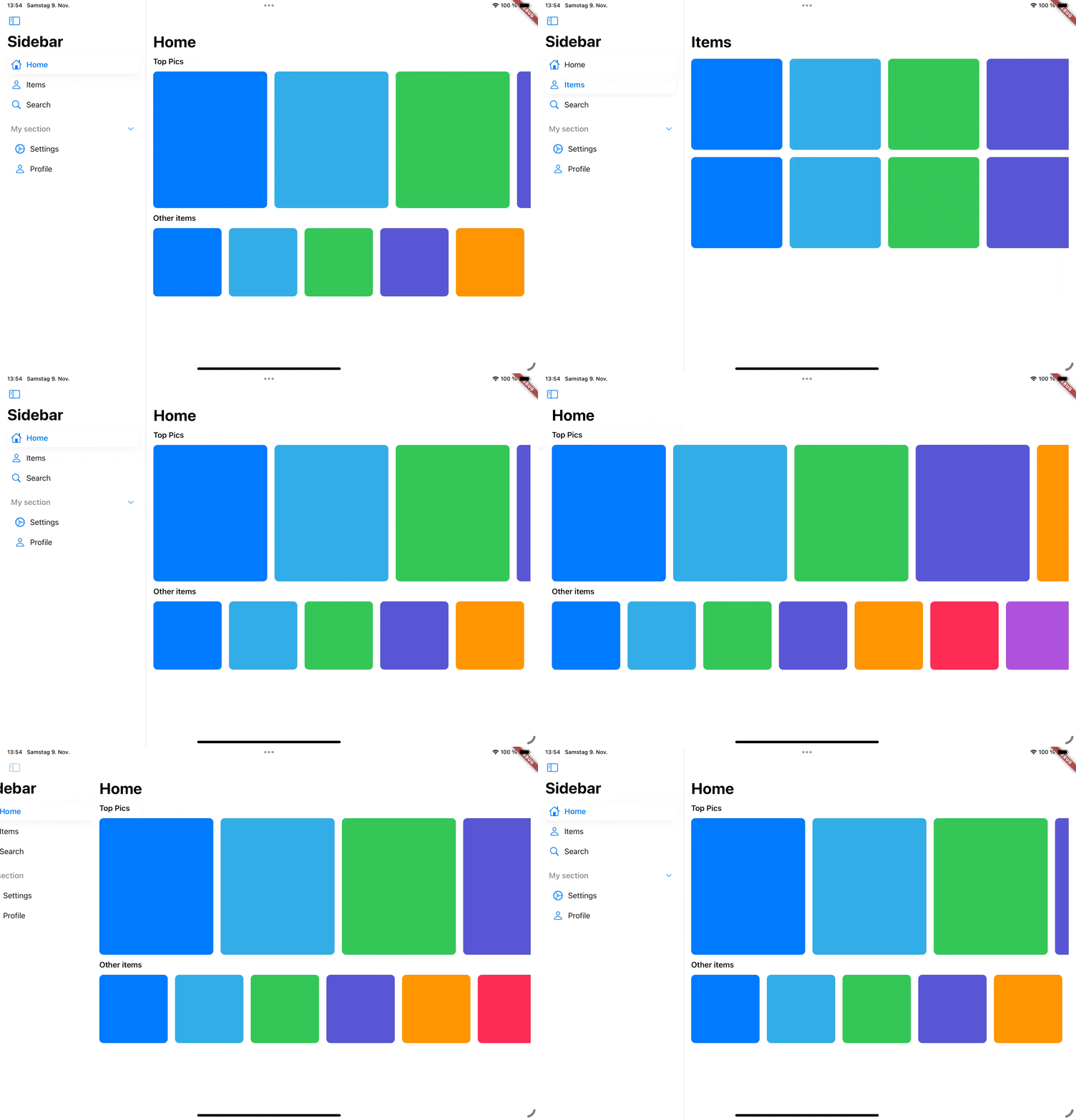
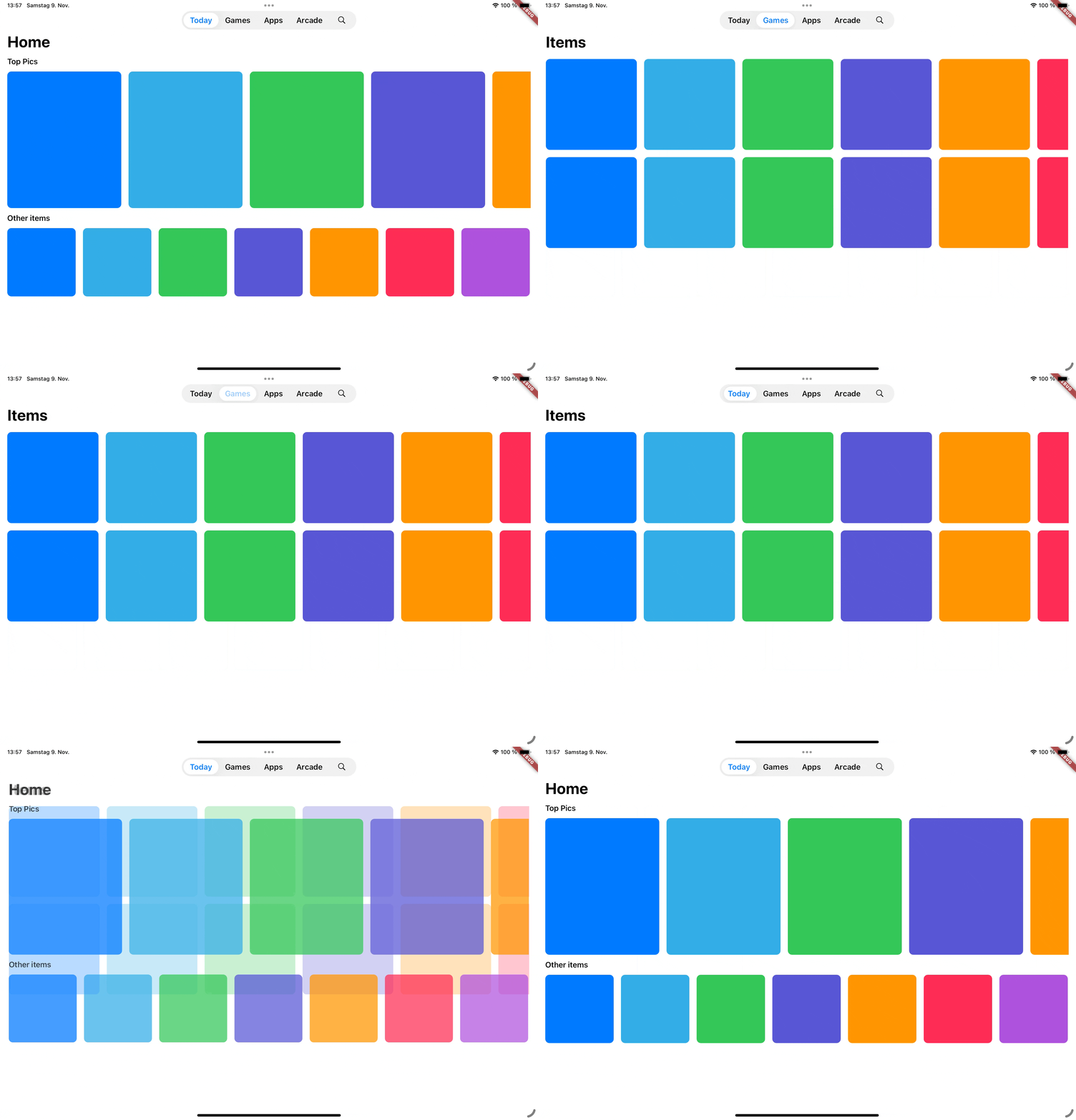
cupertino_sidebar 패키지는 iOS 스타일의 사이드바와 플로팅 탭 바를 통해 Flutter 앱을 강화하여 네이티브 iPadOS와 유사한 탐색 경험을 제공합니다. 다양한 플랫폼에서 Apple의 세련된 인터페이스를 재현하고자 하는 개발자를 위한 것으로, 안드로이드, iOS, 웹, macOS, 윈도우, 리눅스 등 Flutter 프로젝트에 원활하게 통합됩니다. 직관적인 제스처와 반응형 레이아웃을 통해 컴팩트 모드와 확장 모드의 사이드바를 모두 지원하며, 생산성 및 콘텐츠 중심 애플리케이션에 적합합니다. 가볍고 쉽게 구현 가능하며, Cupertino 디자인 원칙과 일치합니다.
사용 사례
iPadOS 스타일 앱 탐색
측면 패널이 있는 생산성 앱
콘텐츠 관리 인터페이스
데스크톱의 멀티패인 레이아웃
애플 생태계 사용자를 대상으로 하는 앱
주요 기능
iOS 스타일의 플로팅 탭 바
반응형 사이드바 레이아웃
모든 주요 플랫폼 지원
제스처 기반 탐색
쿠버티노 디자인 준수
작은 모드와 확장 모드
적합한 대상
iPadOS 사용자를 대상으로 하는 개발자
다중 패인 탐색이 필요한 앱
네이티브 iOS 미학을 찾는 디자이너
크로스 플랫폼 데스크톱 애플리케이션
사용성에 중점을 둔 플러터 프로젝트
고려 사항
더 큰 화면에 적합
작은 장치에서 레이아웃 조정이 필요할 수 있습니다
Cupertino 스타일을 넘어서는 사용자 정의가 제한적
전통적인 모바일 전용 앱에 적합하지 않음
원본 README
연결된 소스 저장소의 README 원문 스냅샷입니다. 최신 내용은 저장소에서 확인하세요.
Cupertino Sidebar
cupertino_sidebar brings iOS-style sidebars and floating tab bars to Flutter, providing a sleek, native feel for iPadOS-style navigation in your app.
Features
Cupertino Sidebar
A iOS-style sidebar that can be used to navigate through your app.
Cupertino Floating Tab Bar
A iPadOS-style floating tab bar that can also be used to navigate through your app.
📖 Usage
Sidebar
The CupertinoSidebar works very similar to Flutter's NavigationDrawer. It accepts a list of destinations, a selected index, and a callback function triggered when a destination is tapped.
CupertinoSidebar(
selectedIndex: _selectedIndex,
onDestinationSelected: (value) {
setState(() {
// Update the selected index when a destination is selected.
_selectedIndex = value;
});
},
children: [
// index 0SidebarDestination(
icon: Icon(CupertinoIcons.home),
label: Text('Home'),
),
// index 1SidebarDestination(
icon: Icon(CupertinoIcons.person),
label: Text('Items'),
),
// index 2SidebarDestination(
icon: Icon(CupertinoIcons.search),
label: Text('Search'),
),
],
);
CupertinoSidebar also supports expandable sections, allowing you to group destinations.