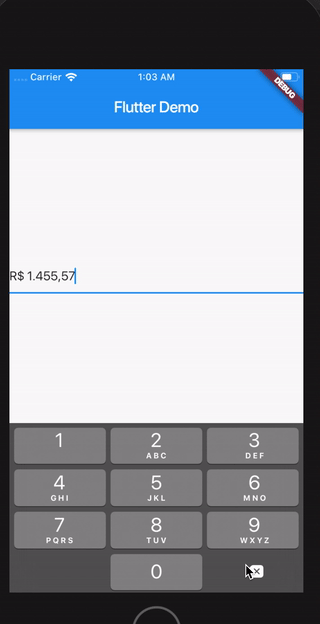
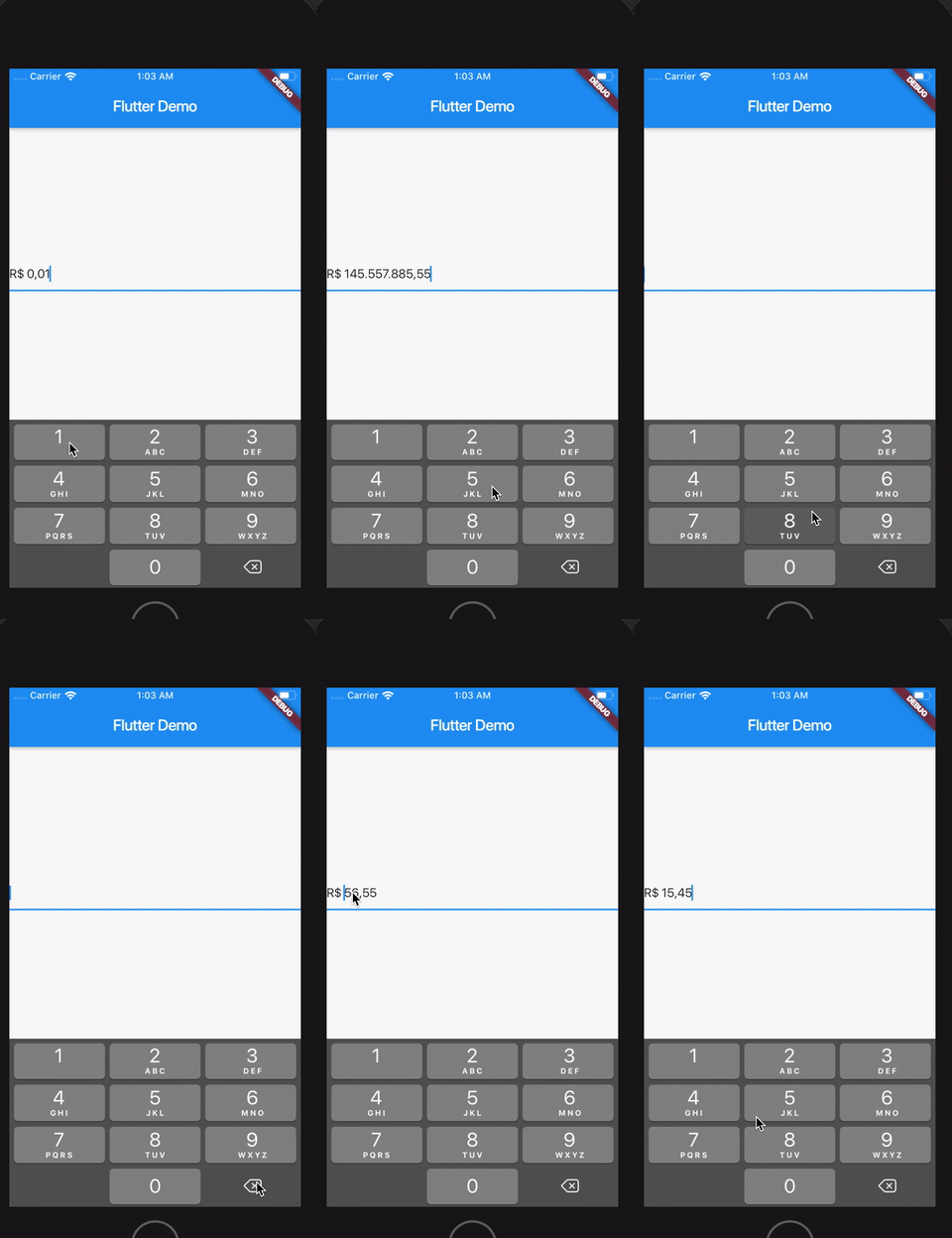
통화 텍스트 입력을 처리하기 위한 전용 컨트롤러를 제공하는 플러터 패키지로, 자동 형식 지정, 마스킹 및 검증 기능을 갖추고 있습니다. 사용자가 일관된 형식으로 금액을 입력할 수 있도록 하며, 소수점과 통화 기호를 자동으로 삽입하면서 유효하지 않은 문자를 방지합니다. 정확한 재무 데이터 입력이 필요한 양식에 적합하며, 모바일, 웹, 데스크톱 등 다양한 플랫폼을 지원합니다. 이 패키지는 입력 오류를 줄이고 통화 값의 가독성을 향상시켜 사용자 경험을 개선합니다.
It's possible to customize currencySymbol, decimalSymbol and thousandSymbol:
var controller = CurrencyTextFieldController(currencySymbol: "RR", decimalSymbol: ".", thousandSymbol: ",");
Get double value, get int value and get number in string format
To get the number value from controller, you can use both the doubleValue or the intValue properties:
//Double value:finaldouble val = controller.doubleValue;
//Int value:finalint val = controller.intValue;
//String number:finalint val = controller.textWithoutCurrencySymbol;
Initial value
You can initialize the controller using a int or a double, but not both at the same time.
To make this, just use initDoubleValue or initIntValue:
finalCurrencyTextFieldController controller2 = CurrencyTextFieldController(initDoubleValue: 10);
finalCurrencyTextFieldController controller3 = CurrencyTextFieldController(initIntValue: 1000);
// this will raise an error!finalCurrencyTextFieldController controller4 = CurrencyTextFieldController(initIntValue: 1000,initDoubleValue: 10);
Position of the symbol and separator
You can decide if the symbol will be before or after the number.
To make this, just use currencyOnLeft:
// default with the currency before the numberfinalCurrencyTextFieldController controller = CurrencyTextFieldController();
// currency after the numberfinalCurrencyTextFieldController controller2 = CurrencyTextFieldController(currencyOnLeft: false);
And also define the separator between the symbol and the value with currencySeparator:
// the default value is a single spacefinalCurrencyTextFieldController controller = CurrencyTextFieldController(currencySeparator: ' -> ');
Block the user from setting negative numbers
Just set enableNegative to false
Force a value from outside the TextField
finalCurrencyTextFieldController controller = CurrencyTextFieldController();
// using a double
controller.forceValue(initDoubleValue: 300.5);
// using an int
controller.forceValue(initIntValue: 10000);
Change the currency symbol of the controller
finalCurrencyTextFieldController controller = CurrencyTextFieldController();
// keeping the current value:
controller.replaceCurrencySymbol('EUR');
// reseting the current value:
controller.replaceCurrencySymbol('EUR', resetValue: true);