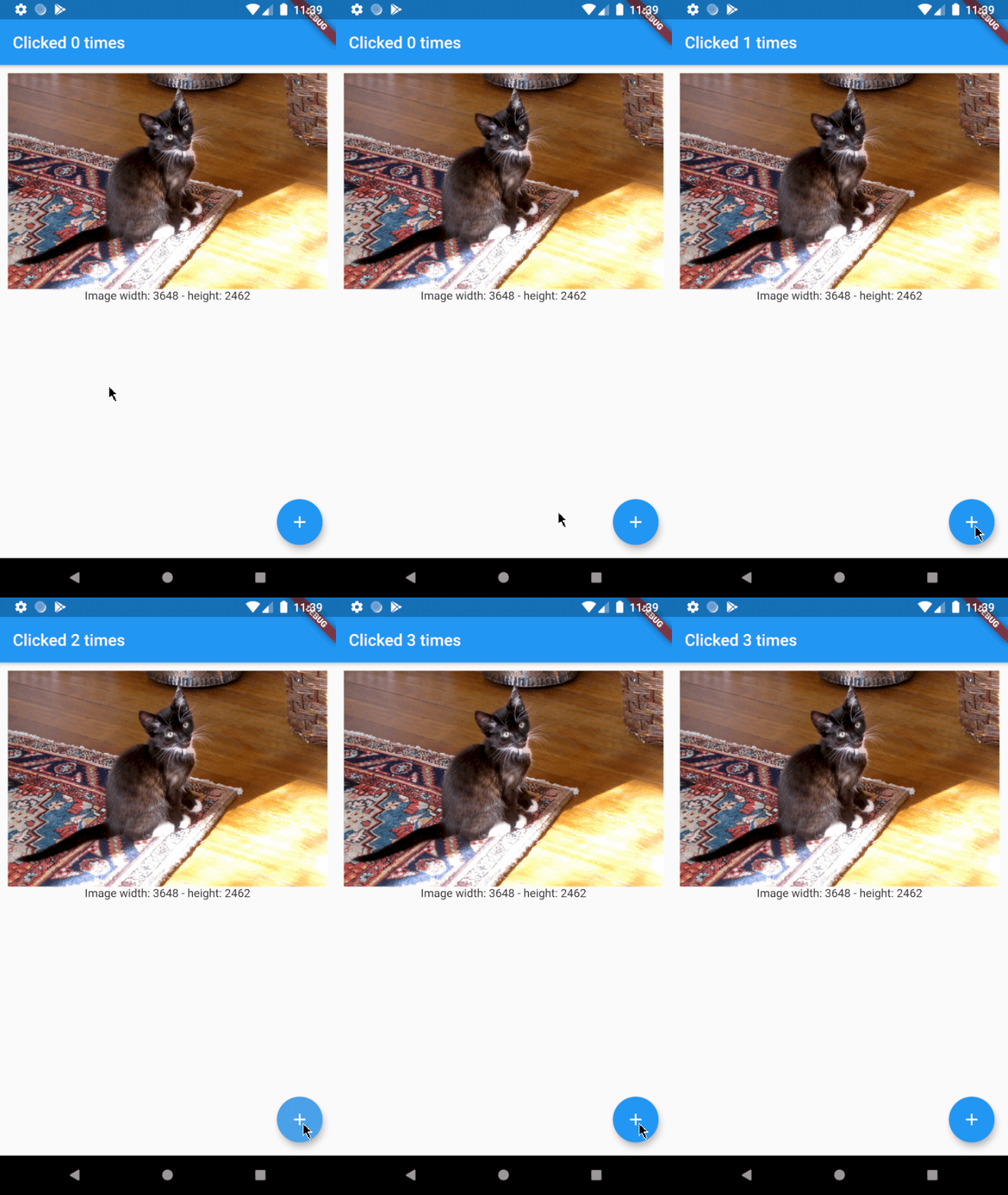
EnhancedFutureBuilder는 표준 FutureBuilder를 개선하여 코드 가독성을 높이고 미래가 완료될 때 발생하는 불필요한 재구성 문제를 해결하는 Flutter 패키지입니다. 비동기 데이터 처리를 위한 더 깔끔하고 직관적인 API를 제공하여 반복 코드를 줄이고 의도하지 않은 위젯 재구성을 방지합니다. Future의 확장으로 제작되어 기존 Flutter 프로젝트에 원활하게 통합할 수 있습니다. 이 패키지는 Android, iOS, Web, macOS, Windows, Linux 등 주요 플랫폼을 모두 지원합니다.
사용 사례
재구성 횟수를 줄여 비동기 데이터 처리하기
상태 관리에서 코드 명확성 향상
미래 기반의 UI 업데이트 간소화
지나치게 긴 FutureBuilder 패턴 대체
로딩/에러/로딩 상태 간소화
주요 기능
미래 완료 후 불필요한 재구성 방지
더 깔끔하고 가독성 높은 문법
로딩, 오류, 데이터 상태에 대한 내장 지원
직관적인 사용을 위해 Future를 확장합니다
크로스 플랫폼 호환성
적합한 대상
더 간단한 비동기 UI 처리를 원하는 개발자
위젯 재구성 횟수를 줄이려는 프로젝트
코드 유지보수를 우선시하는 팀
Flutter 초보자가 비동기 패턴을 배우고 있습니다
자주 비동기 데이터를 가져오는 앱
고려 사항
Dart 2.12 이상이 필요합니다
기존의 FutureBuilder 코드를 리팩터링해야 할 수 있습니다
Future 기반 작업과 함께 사용 가능
복잡한 스트림 시나리오에 적합하지 않습니다
적절한 미래 라이프사이클 관리에 의존합니다
원본 README
연결된 소스 저장소의 README 원문 스냅샷입니다. 최신 내용은 저장소에서 확인하세요.
This library is no longer maintained. Use at your own discretion.
enhanced_future_builder
Small FutureBuilder wrapper to improve readabiltity. It can also be used as an easy solution to the common 'my FutureBuilder keeps refiring' problem (more info about that here).
Stop FutureBuilder from refiring
Let's say you want to build an app that displays a random cat from the internet at launch and then increases a counter whenever a button is clicked. You came up with the following code:
@overrideWidgetbuild(BuildContext context) {
returnScaffold(
appBar: AppBar(
title: Text('Clicked $_counter times')
),
body: FutureBuilder(
// resolves to cat data from the internet
future: widget._api.getRandomCat(),
builder: (context, snapshot) {
if (snapshot.connectionState == ConnectionState.done) {
// builds an image widget containing a random catreturn_showCatWidget(snapshot.data);
}else {
returnCenter(child: Text('Loading...'));
}
}
),
floatingActionButton: FloatingActionButton(
// _incrementCounter calls setState() to update the view
onPressed: _incrementCounter,
tooltip: 'Increment',
child: Icon(Icons.add),
),
);
}
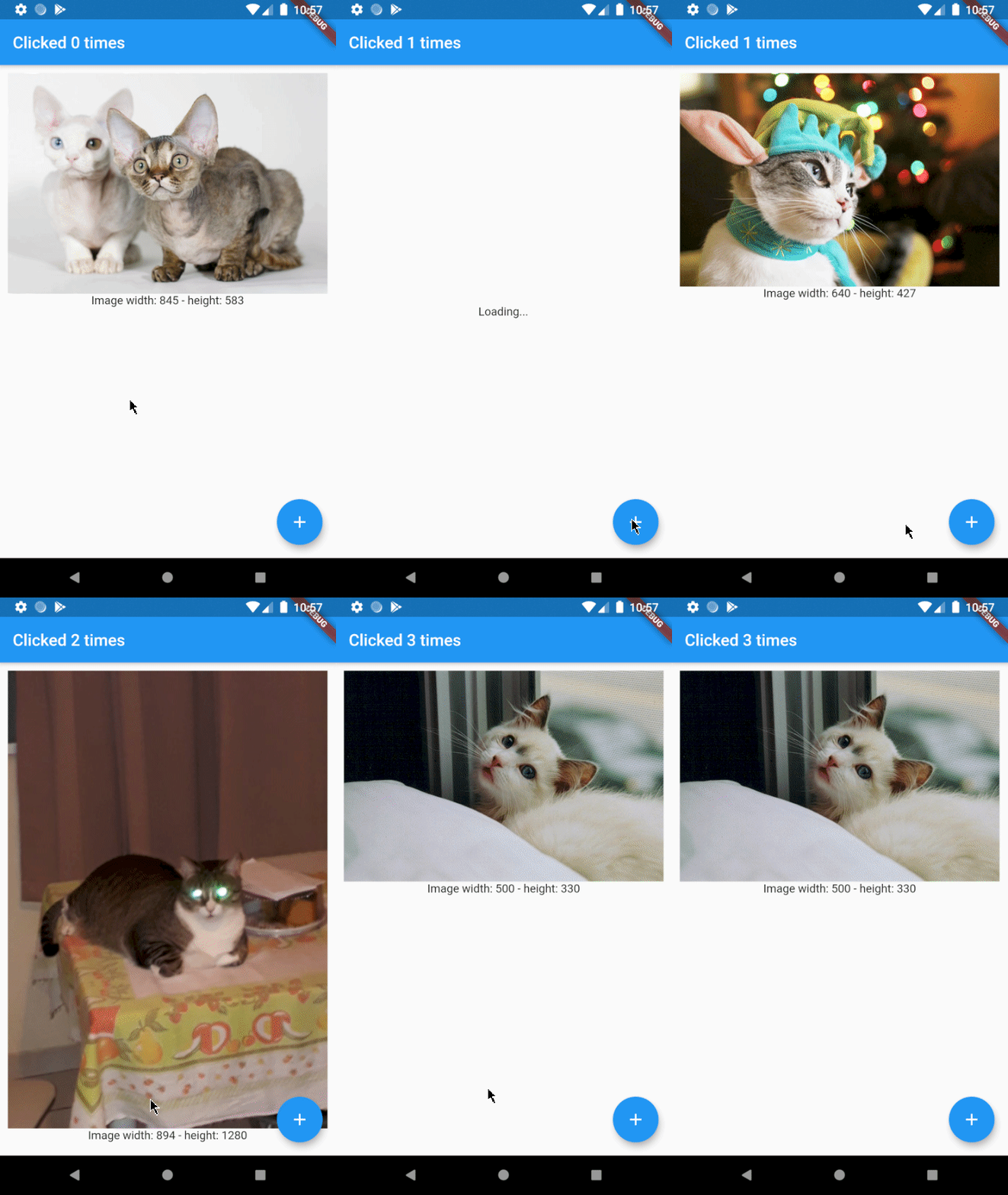
Which results in the following app:
As you can see there's a problem. Whenever the button is clicked, a new cat is shown to the user. This is not what we want and can be solved by using EnhancedFutureBuilder.
Import the package and change the code to: