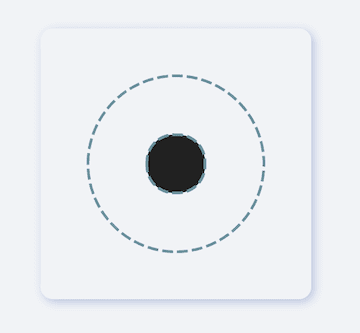
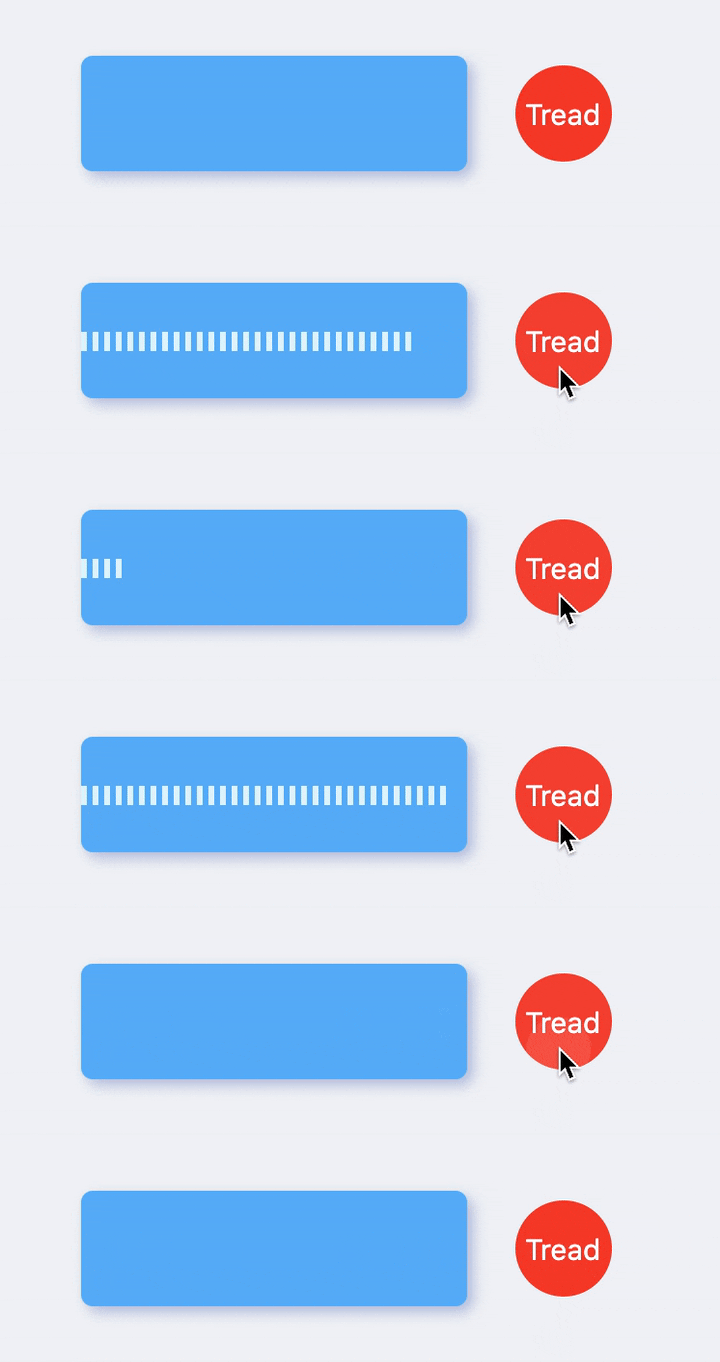
Flutter 3 및 null safety와 호환되는 위젯에 점선 장식을 제공하는 플러터 패키지입니다. 안드로이드, iOS, 웹, macOS, 윈도우, 리눅스 등 여러 플랫폼에서 UI에 스타일링된 점선을 쉽게 추가할 수 있습니다. 가시적 구분선이나 커스터마이징 가능한 대시 크기, 간격 및 색상의 장식 요소를 만들기에 적합합니다. 간단한 API를 사용하여 기존 플러터 프로젝트에 원활하게 통합할 수 있습니다.
사용 사례
목록에서 시각적 구분 기호 만들기
사용자 정의 폼 필드 구분 기호 디자인
레이아웃에 장식용 테두리 추가하기
점선을 사용하여 UI 개선
반응형 디자인 요소 구축
주요 기능
널 안전하고 Flutter 3 호환
사용자 정의 가능한 대시 크기 및 간격
크로스 플랫폼 지원
간단한 API 통합
다양한 라인 방향을 지원합니다
적합한 대상
장식 요소를 찾는 UI 디자이너
크로스 플랫폼 앱을 개발하는 개발자
점선 장식이 필요한 프로젝트
Flutter 초보자가 사용자 정의 위젯 탐색 중
깨끗하고 현대적인 시각적 분리가 필요한 앱
고려 사항
선 스타일 장식만 가능
애니메이션 지원 없음
복잡한 레이아웃에서는 수동 정렬이 필요합니다
동적 라인 생성에 적합하지 않습니다
렌더링에 부모 위젯의 제약 조건에 따라 달라집니다
원본 README
연결된 소스 저장소의 README 원문 스냅샷입니다. 최신 내용은 저장소에서 확인하세요.
fdottedline
Use the easiest way to create a dotted line view 👀!
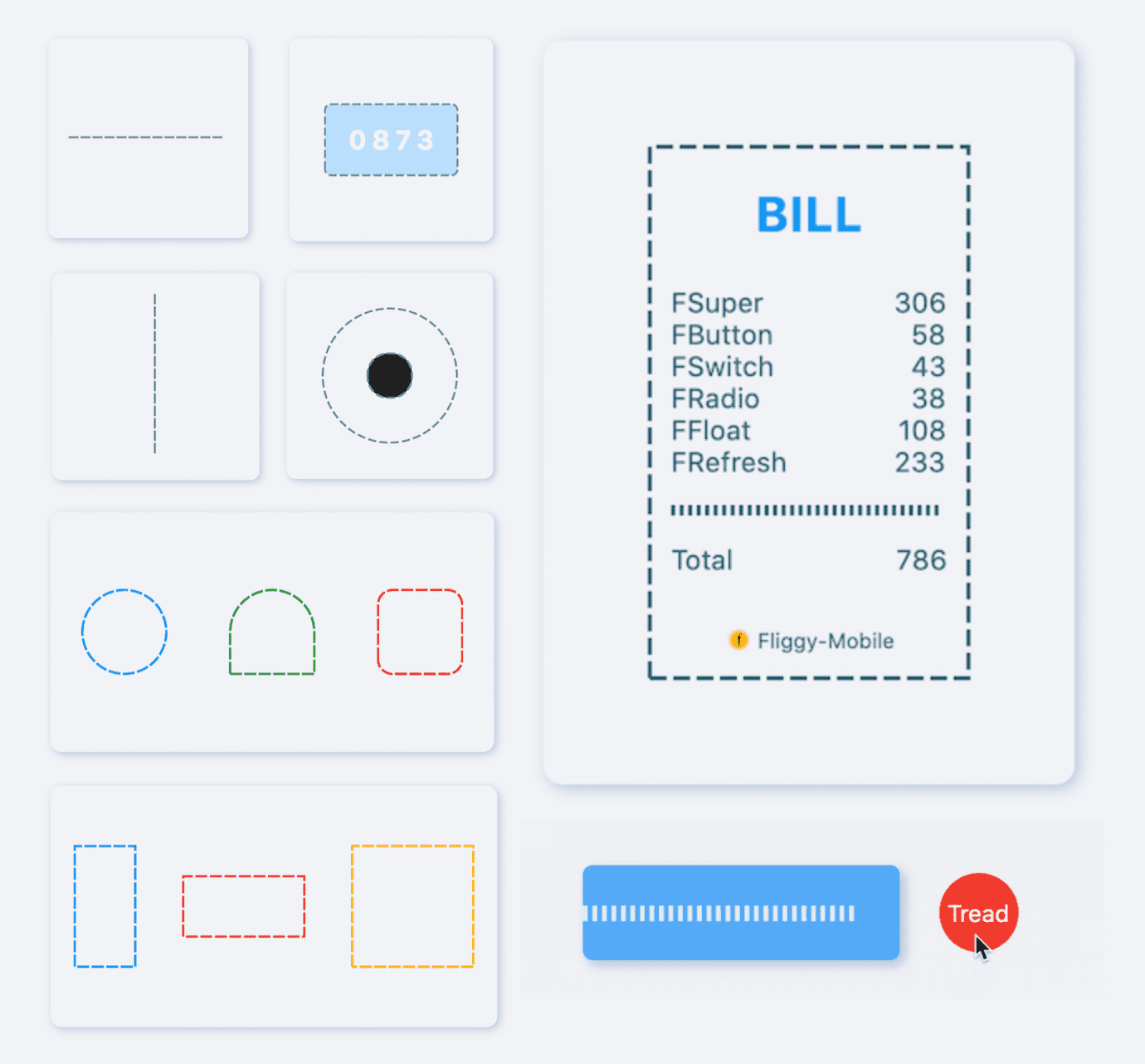
[FDottedLine] provides developers with the ability to create dashed lines. It also supports creating a dashed border for a [Widget]. Support for controlling the thickness, spacing, and corners of the dotted border.
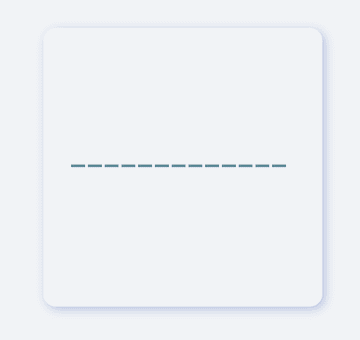
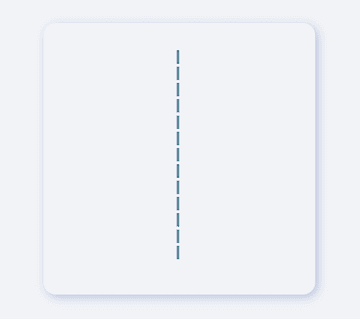
Supports dotted lines in both horizontal and vertical directions
Support to create dashed shapes
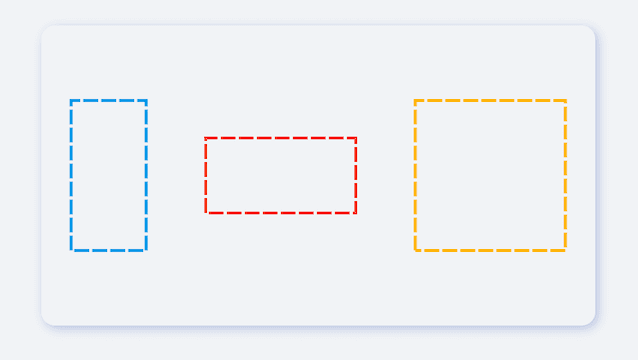
Provide super easy way to add dotted border to Widget
Support creating flexible dotted corner effects
⚙️ Parameter & Interface
🔩 FDottedLine param
Param
Type
Necessary
Default
desc
color
Color
false
Colors.black
Dotted line color
height
double
false
null
height. If there is only [height] and no [width], you will get a dotted line in the vertical direction.If there are both [width] and [height], you will get a dotted border.
width
double
false
null
width. If there is only [width] and no [height], you will get a dotted line in the horizontal direction.If there are both [width] and [height], you will get a dotted border.
strokeWidth
double
false
1.0
The thickness of the dotted line
dottedLength
double
false
5.0
The length of each small segment in the dotted line
space
double
false
3.0
The distance between each segment in the dotted line
corner
FDottedLineCorner
false
null
The corners of the dotted border. See [FDottedLineCorner] for details
child
Widget
false
null
If [child] is set, [FDottedLine] will serve as the dotted border of [child].At this time, [width] and [height] will no longer be valid.
It is very simple to create a horizontal dotted line through FDottedLine.
The developer only needs to set the width parameter, but not the height parameter, which is all the developer needs to do for this.
If you want to control the thickness of the dotted line, set strokeWidth.
Through the dottedLength and space parameters, developers can freely control the length of each small segment in the dotted line and the distance between them.
In the past, it was very difficult to add a dotted border to a Widget.
Because the official did not provide us with a good solution. But now, FDottedLine makes things easier than ever. Developers only need to use their Widget as a child of FDottedLine.
This also means that through the nesting of FDottedLine, many super interesting views can be created.
💡 More Demo
See what FDottedLine can do!
When there is such a simple way to create a dotted line, developers can freely build more wonderful views.
More about the application of FDottedLine , look forward to the exploration of developers 🔆.
😃 How to use?
Add dependencies in the project pubspec.yaml file:
🌐 pub dependency
dependencies:fdottedline:^<versionnumber>
⚠️ Attention,please go to [pub] (https://pub.dev/packages/fdottedline) to get the latest version number of FDottedLine
🖥 Git dependency
dependencies:fdottedline:git:url:'git@github.com:Fliggy-Mobile/fdottedline.git'ref:'<Branch number or tag number>'
⚠️ Attention,please refer to [FDottedLine] (https://github.com/Fliggy-Mobile/fdottedline) official project for branch number or tag.
💡 License
Copyright2020-present FliggyAndroidTeam <alitrip_android@list.alibaba-inc.com>.
Licensed under the ApacheLicense, Version2.0 (the "License");
you may not use this file except in compliance with the License.
You may obtain a copy of the License at following link.
http://www.apache.org/licenses/LICENSE-2.0Unlessrequired by applicable law or agreed to in writing, software
distributed under the Licenseis distributed on an "AS IS" BASIS,
WITHOUT WARRANTIES OR CONDITIONS OF ANY KIND, either express or implied.
See the Licensefor the specific language governing permissions and
limitations under the License.