연결된 소스 저장소의 README 원문 스냅샷입니다. 최신 내용은 저장소에서 확인하세요.
flutter_speedometer
Flutter Speedometer widget package
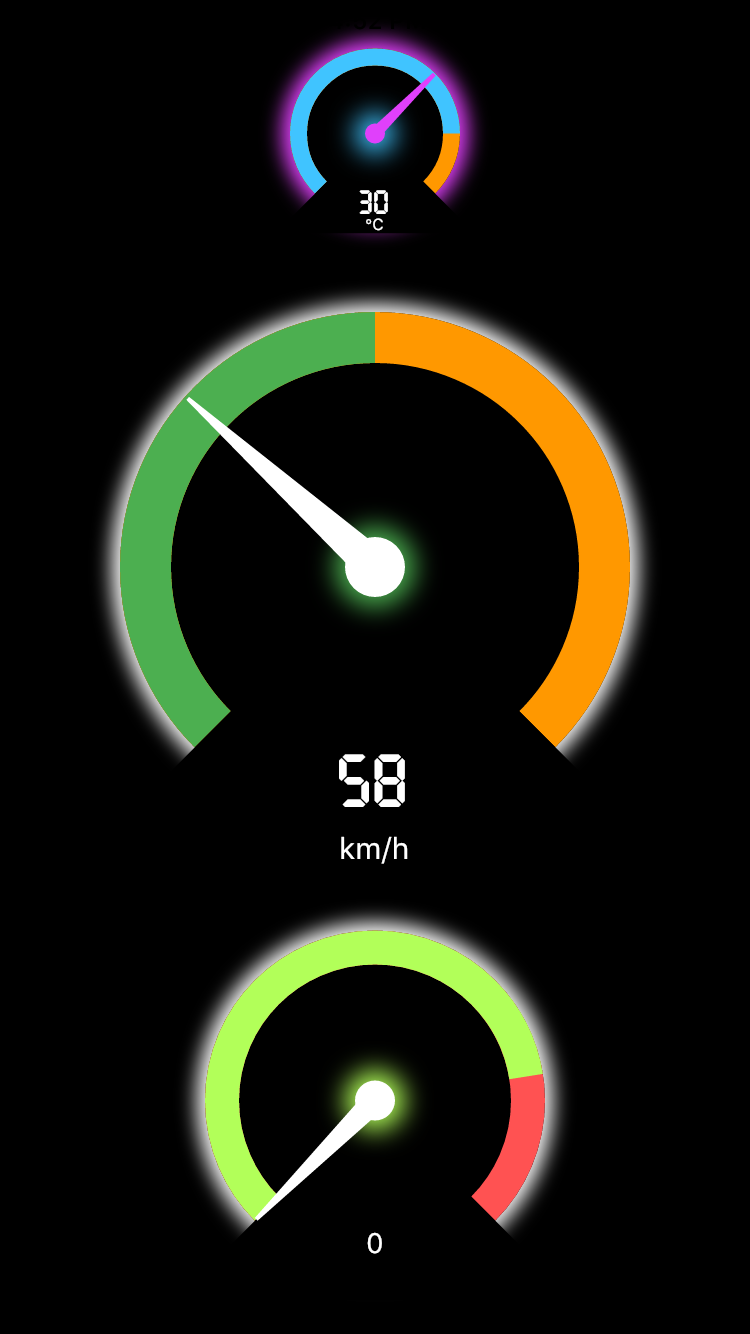
Getting Started
In order to use this package, do import
import 'package:flutter_speedometer/flutter_speedometer.dart';
Basic implementation can be done like below code:
import 'package:flutter/material.dart';
import 'package:flutter_speedometer/flutter_speedometer.dart';

void main() {
  runApp(
    Center(
      child: Speedometer(
        size: 250,
        minValue: 0,
        maxValue: 180,
        currentValue: 76,
        warningValue: 150,
        displayText: 'mph',
      ),
    ),
  );
}
Example App
You can find more examples from Example App
API
In this table, you can find all attributes provided by this package:
| Attribute |
Default value |
Description |
| size |
200 |
Min value to be displayed |
| minValue |
0 |
Min value to be displayed |
| maxValue |
100 |
Max value to be displayed |
| currentValue |
0 |
Set the current value |
| warningValue |
80 |
Set the current value |
Objects
class Speedometer {

    final double size;
    final int minValue;
    final int maxValue;
    final int currentValue;
    final int warningValue;
    final Color backgroundColor;
    final Color meterColor;
    final Color warningColor;
    final Color kimColor;
    final TextStyle displayNumericStyle;
    final String displayText;
    final TextStyle displayTextStyle;
}
Feedback
Feel free to leave any feedback for helping support this package 🍻
