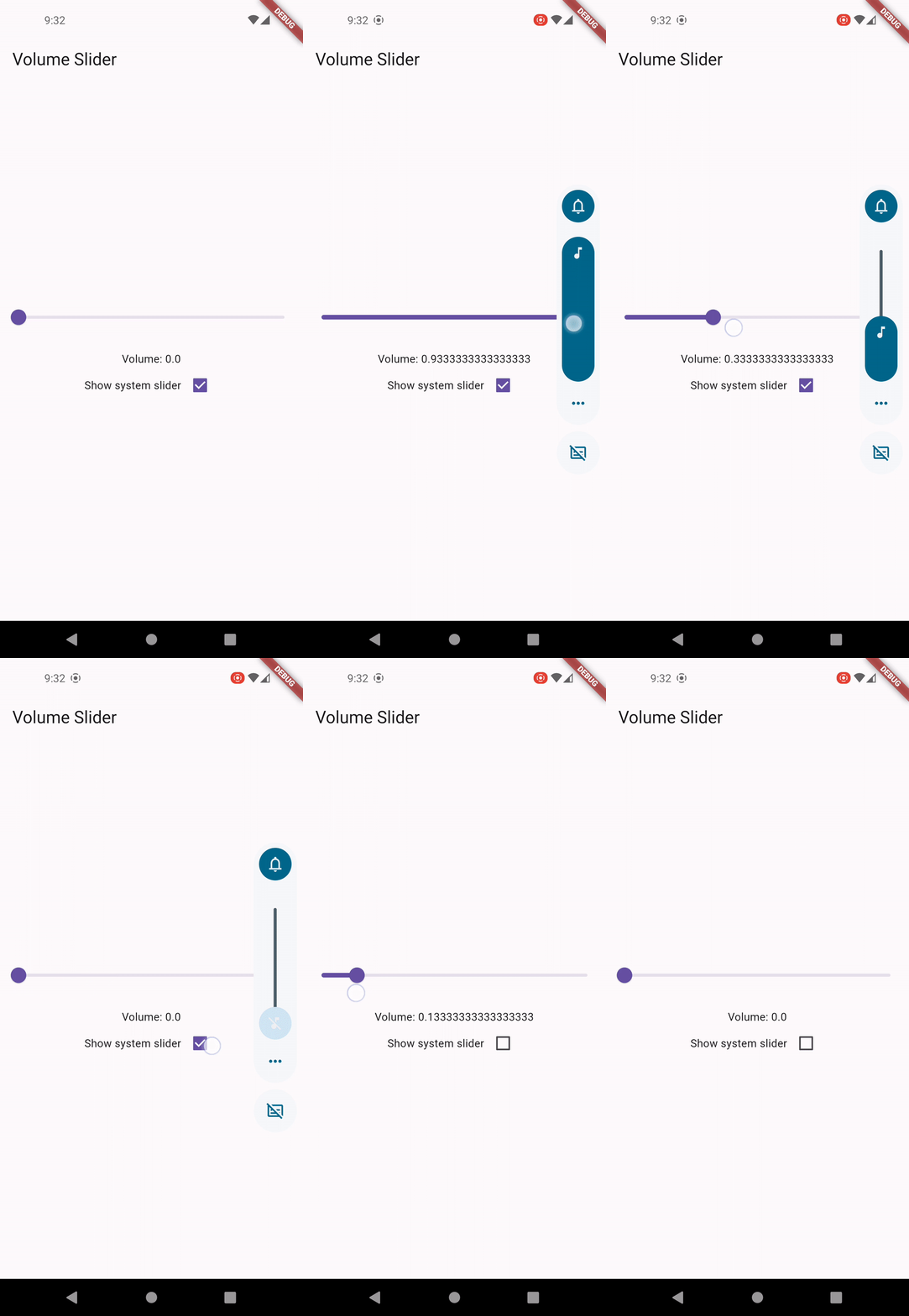
Android, iOS, macOS, Windows 및 Linux에서 시스템 볼륨 제어 및 볼륨 변경 사항 실시간 감지를 가능하게 하는 플러터 플러그인입니다. 사용자 또는 시스템이 트리거한 볼륨 조정에 대응하고 볼륨 수준을 일관성 있게 조정할 수 있는 일관된 API를 제공합니다. 미디어 앱, 오디오 플레이어 또는 정밀한 볼륨 관리가 필요한 모든 애플리케이션에 적합합니다. 플러그인은 플랫폼별 구현을 추상화하여 최소한의 설정으로 크로스플랫폼 호환성을 보장합니다.
사용 사례
미디어 플레이어 볼륨 조절
실시간 볼륨 모니터링
오디오 앱 통합
시스템 수준 볼륨 조정
크로스 플랫폼 오디오 애플리케이션
주요 기능
크로스 플랫폼 볼륨 조절
볼륨 변경 이벤트 리스너
플랫폼에 관계없는 API
Android, iOS, macOS, Windows 및 Linux 지원
pub add를 통한 간단한 통합
적합한 대상
오디오 및 미디어 애플리케이션
시스템 볼륨 접근이 필요한 앱
다중 플랫폼을 대상으로 하는 개발자
인터랙티브 오디오 경험
볼륨 피드백이 필요한 애플리케이션
고려 사항
일부 운영 체제에서는 플랫폼별 권한이 필요합니다
시스템 볼륨에 한정됨(앱별 아님)
플랫폼에 따라 동작이 약간 다를 수 있습니다
저수준 오디오 처리에 적합하지 않습니다
데스크톱 플랫폼에서 추가 구성이 필요할 수 있습니다
원본 README
연결된 소스 저장소의 README 원문 스냅샷입니다. 최신 내용은 저장소에서 확인하세요.
Flutter Volume Controller
A Flutter plugin to control system volume and listen for volume changes on different platforms.
Features
Control system and media volumes.
Listen for volume changes.
Platform Support
✅ Android
✅ iOS
✅ macOS
✅ Windows
✅ Linux
✅ ohos
Swift Package Manager Support
This plugin supports Swift Package Manager (SPM) on Apple platforms:
On iOS, volume control uses MPVolumeView internally which does not works on simulator. Please uses physical
device for testing.
Fine-grained volume control
Due to platform and device difference, it's normal that volume level could not be controlled
precisely.
For example, Android supports only 15 volume steps by default, the volume after being set would be
a rounded off value.
Audio devices without volume control
On desktop platforms like Windows and Linux, you may encounter PlatformException if the default
audio device doesn't support volume control, like an external monitor.
Controlling Android volume slider UI
Currently there is no trivial way to control the volume slider invoked by physical buttons on
Android in plugin level. You may override FlutterActivity::onKeyDown to customize the buttons action.