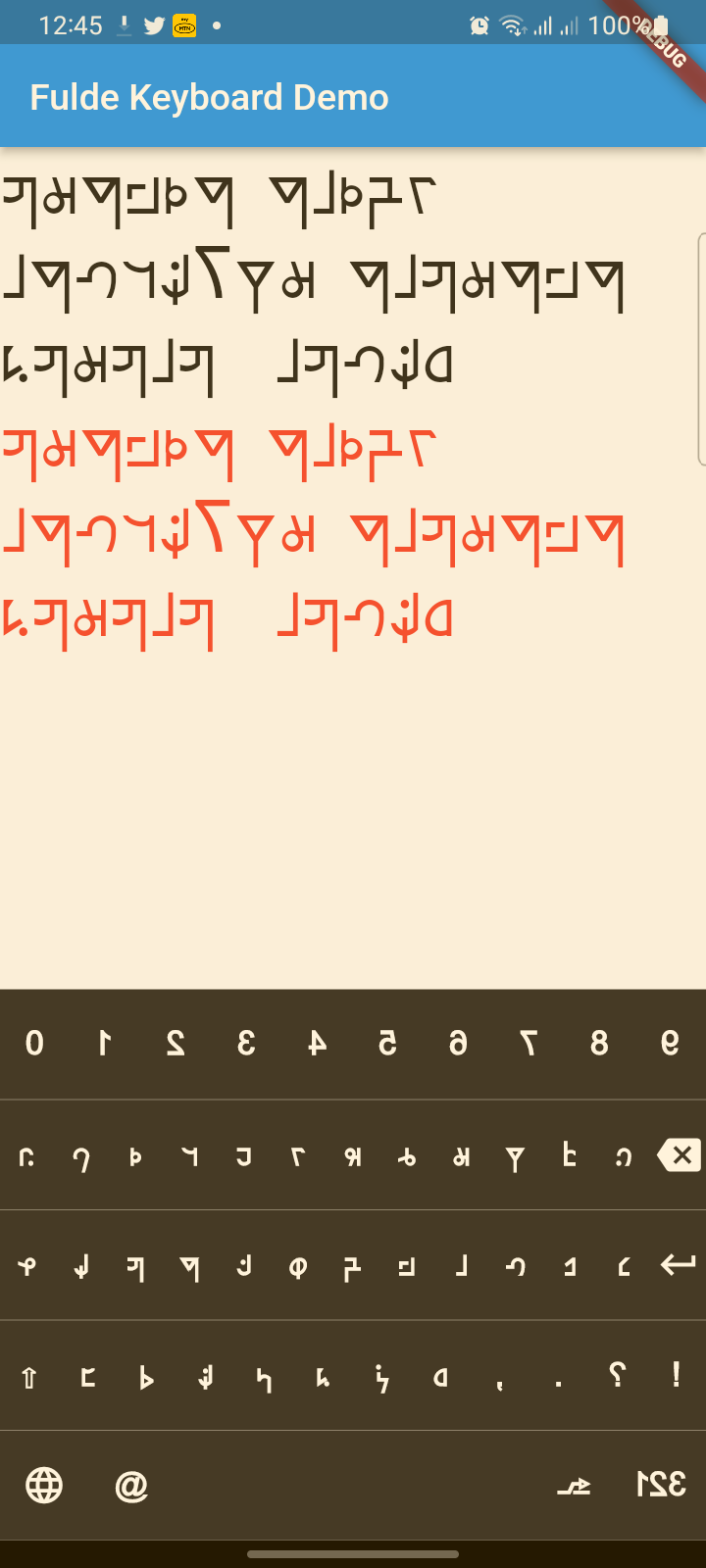
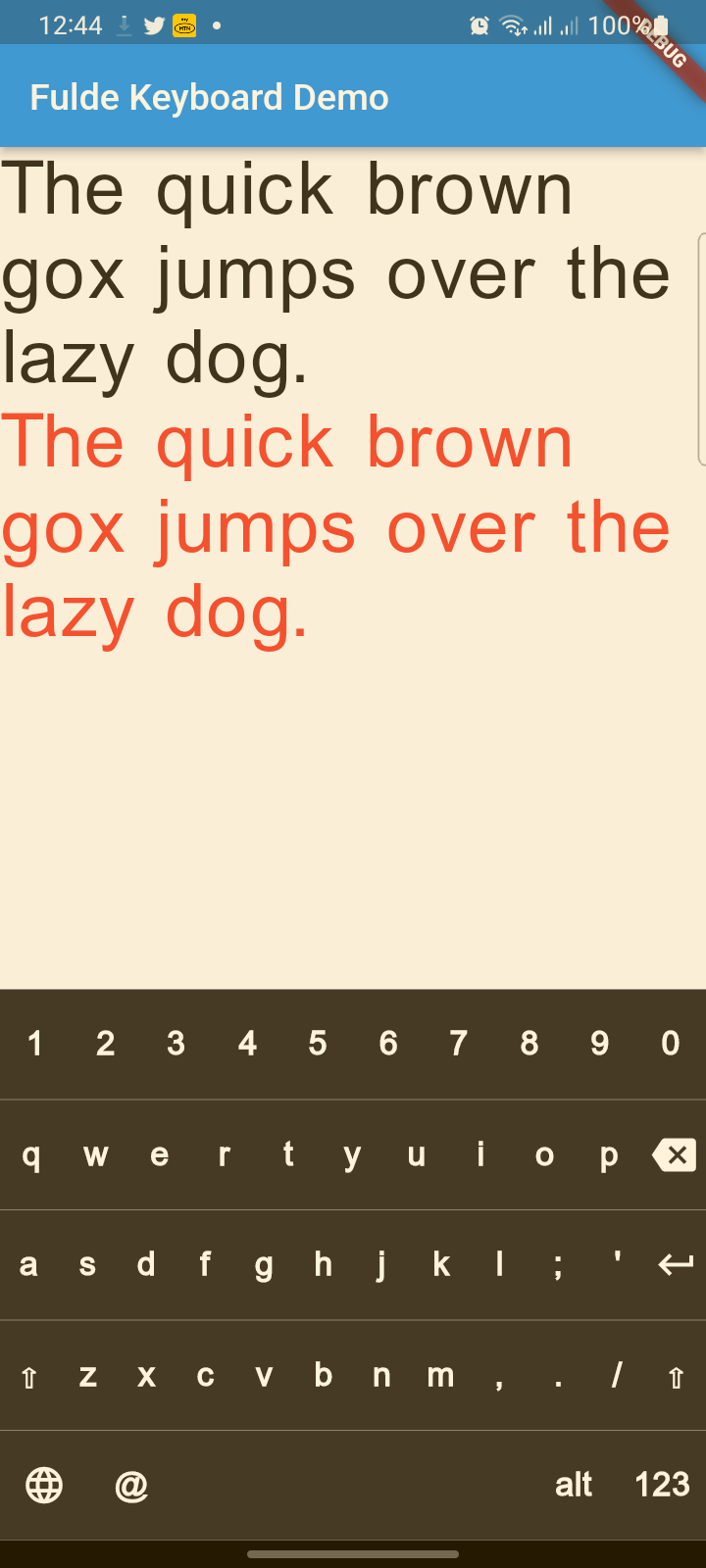
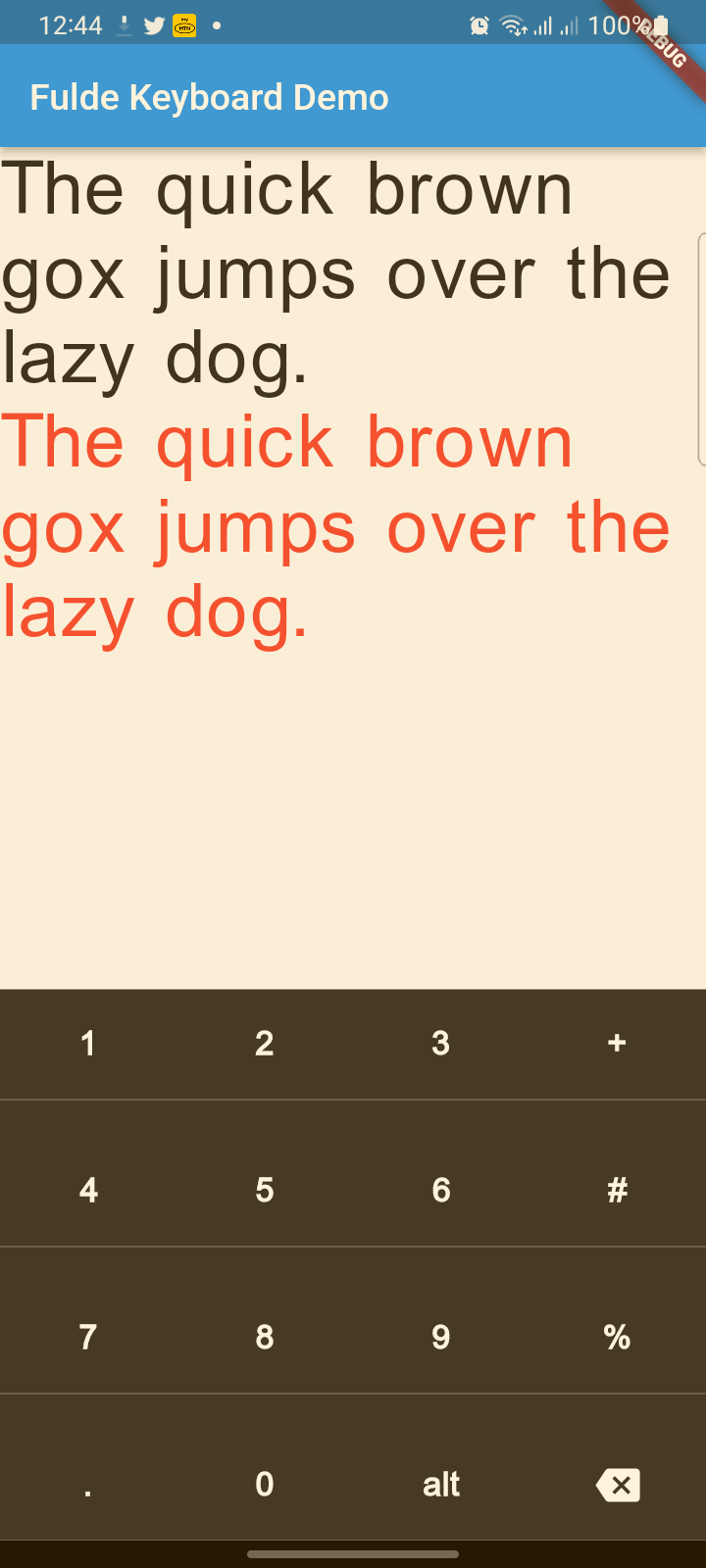
Fulde Keyboard는 Fulde 언어를 위해 특별히 설계된 현대적이고 시각적으로 매력적인 가상 키보드 패키지로, Fulde, 라틴, 영어 문자 체계를 원활하게 지원합니다. 세련된 UI, 햅틱 피드백, 접근성 향상 기능 및 플랫폼 간 부드러운 애니메이션을 제공합니다. Flutter 기반으로 개발되어 다양한 언어적 요구를 충족하는 앱에 쉽게 통합되며, Android, iOS, Web, macOS, Windows, Linux에서 성능과 사용성을 유지합니다.
사용 사례
풀데어 언어 앱에서 다국어 입력
접근성 중심 텍스트 입력
사용자 정의 키보드가 필요한 모바일 및 데스크톱 애플리케이션
푸르데어 학습을 위한 교육 도구
다중 글쓰기 시스템을 지원하는 앱
주요 기능
Fulde, 라틴어 및 영어 언어 지원
현대적이고 애니메이션 처리된 사용자 인터페이스
키 입력을 위한 햅틱 피드백
내장된 접근성 기능
크로스 플랫폼 호환성
적합한 대상
Fulde 언어 애플리케이션을 개발하는 개발자
교육 소프트웨어 제작자
다중 스크립트 입력이 필요한 앱
디자인에 신경 쓴 플러터 프로젝트
접근성 우선 앱 개발
고려 사항
Flutter의 텍스트 입력 시스템과의 통합이 필요합니다
비표준 레이아웃에 맞게 맞춤 설정이 필요할 수 있습니다
성능은 장치의 기능에 따라 달라집니다
확장되지 않는 한 지원되는 언어에 국한됨
웹 지원에는 브라우저별 제한 사항이 있을 수 있습니다
원본 README
연결된 소스 저장소의 README 원문 스냅샷입니다. 최신 내용은 저장소에서 확인하세요.
fulde_keyboard
About
A modern, beautiful virtual keyboard package for Fulde language with multi-language support (Fulde, Latin, English). Features modern UI design, haptic feedback, accessibility support, and smooth animations. Perfect for kiosks, ATMs, and mobile applications.
This project has evolved from a simple virtual keyboard to a comprehensive, production-ready keyboard solution with modern design principles and accessibility features.
✨ Features
🎨 Modern Design
Beautiful UI: Modern gradients, shadows, and rounded corners
Smooth Animations: Key press animations and smooth transitions
Material 3 Design: Latest Material Design principles
Dark/Light Theme: Automatic theme switching support
🌍 Multi-Language Support
Fulde Language: Native Fulde keyboard layout
Latin Script: Latin character support
English: Full English QWERTY layout
Easy Language Switching: Animated language selector with visual indicators
♿ Accessibility & UX
Haptic Feedback: Tactile feedback on key presses
Screen Reader Support: Semantic labels for accessibility
Responsive Design: Works on all screen sizes
Touch Optimized: Proper touch targets and visual feedback
🔧 Technical Features
No Native Dependencies: Pure Dart implementation
Customizable Layouts: Easy to modify and extend
Performance Optimized: Smooth rendering and minimal overhead
Flutter 3.x Compatible: Latest Flutter support
📋 TODO List
(ToDo) Adding Arabic and Hausa keyboards (Rabi'at font)
(ToDo) Adding input result viewer and event handling
(ToDo) Adding spell checker
(ToDo) Voice input integration
Reference
FuldeKeyboard
Flutter widget to show virtual keyboards.
// Keyboard Type: Can be Numeric or Alphanumeric.FuldeKeyboardType type
// Callback for Key press event. Called with pressed `Key` object.Function onKeyPress;
// Virtual keyboard height. Default is 300.double height;
/// Virtual keyboard height. Default is full screen widthdouble width;
// Color for key texts and icons.Color textColor;
// Font size for keyboard keys.double fontSize;;
// Only Caps letters enabled.bool alwaysCaps;;
/// the custom layout for multi or single languageFuldeKeyboardLayoutKeys customLayoutKeys;
/// used for multi-languages with default layouts, the default is English only/// will be ignored if customLayoutKeys is not nullList<FuldeKeyboardDefaultLayouts> defaultLayouts;
/// inverse the layout to fix the issues with right to left languages, default is false.bool reverseLayout;
// Just local variable. Use Text widget or similar to show in UI.String text;
/// Fired when the virtual keyboard key is pressed._onKeyPress(FuldeKeyboardKey key) {
if (key.keyType == FuldeKeyboardKeyType.String) {
text = text + (shiftEnabled ? key.capsText : key.text);
} elseif (key.keyType == FuldeKeyboardKeyType.Action) {
switch (key.action) {
caseFuldeKeyboardKeyAction.Backspace:
if (text.length == 0) return;
text = text.substring(0, text.length - 1);
break;
caseFuldeKeyboardKeyAction.Return:
text = text + '\n';
break;
caseFuldeKeyboardKeyAction.Space:
text = text + key.text;
break;
caseFuldeKeyboardKeyAction.Shift:
shiftEnabled = !shiftEnabled;
break;
default:
}
}
// Update the screensetState(() {});
}