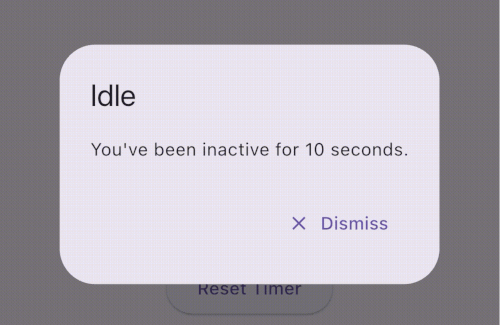
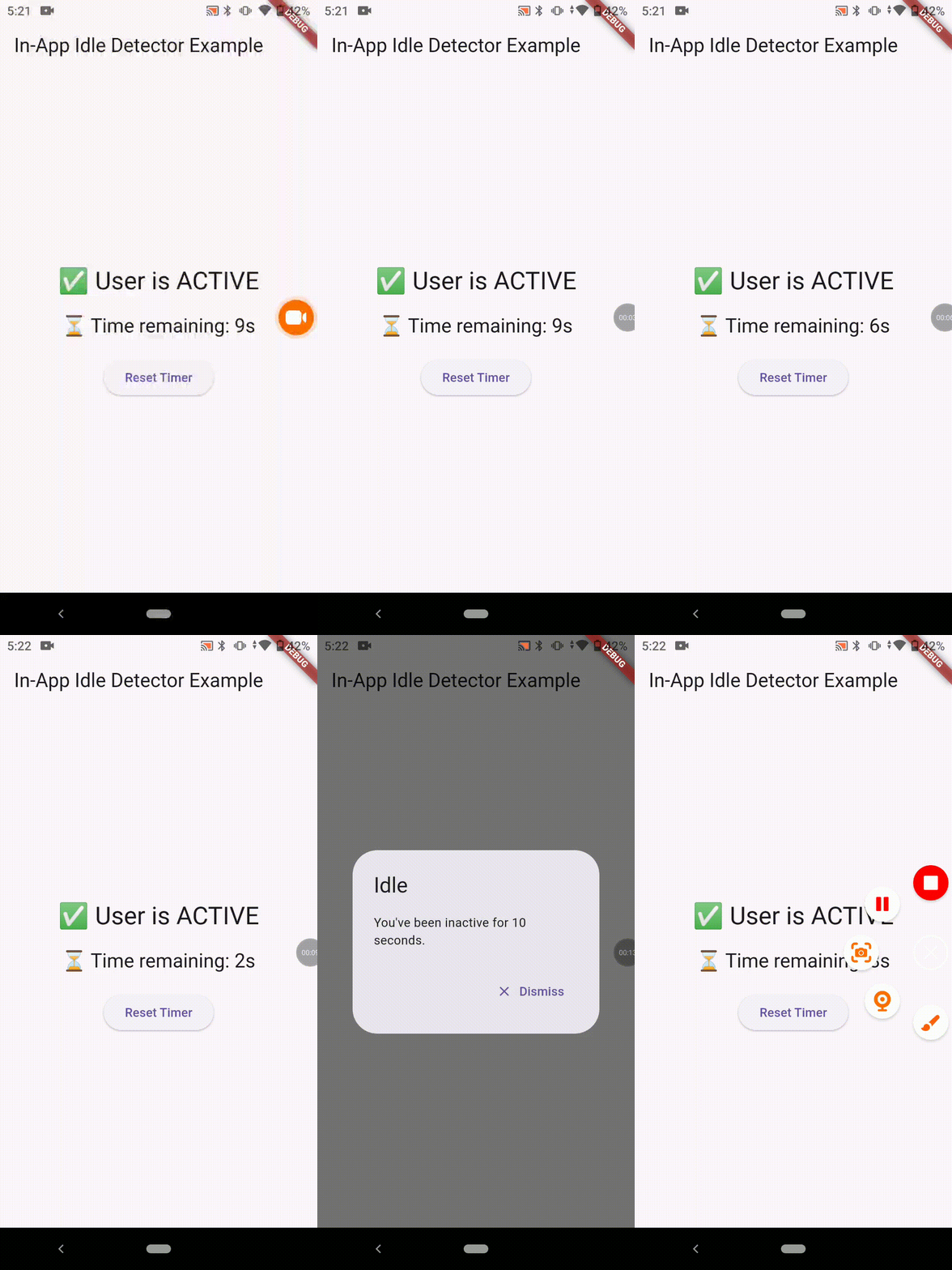
in_app_idle_detector 패키지는 Android, iOS, 웹, macOS, Windows, Linux에서 사용자 비활성 상태(아이들 상태)를 감지하는 크로스플랫폼 플러터 플러그인입니다. 터치, 마우스 이동, 키보드 입력과 같은 사용자 상호작용을 모니터링하여 지정된 기간 동안 사용자가 비활성 상태인지 확인합니다. 이를 통해 개발자는 화면 타임아웃, 세션 만료 또는 자동 로그아웃 기능 등을 트리거할 수 있습니다. 이 플러그인은 가볍고 원래 네이티브 코드 변경 없이 기존 플러터 애플리케이션에 쉽게 통합할 수 있습니다.
사용 사례
자동 세션 만료
사용자 활동 추적
대기 화면 잠금
권한 없는 접근 방지
비활성 후 자동 로그아웃
주요 기능
크로스 플랫폼 지원
실시간 유휴 감지
사용하지 않는 기간 설정 가능
네이티브 코드가 필요하지 않습니다
간단한 API 통합
적합한 대상
보안 민감 앱
시간 기반 세션 관리
키오스크 또는 공공 터미널 앱
사용자 참여도 모니터링이 필요한 앱
고려 사항
장시간 실행되는 앱에서 배터리 소모가 미세하게 발생할 수 있습니다
일부 플랫폼에서는 권한이 필요합니다
플랫폼 간에 동작이 약간 다를 수 있습니다
고정밀 시간 측정 요구 사항에 부적합합니다
원본 README
연결된 소스 저장소의 README 원문 스냅샷입니다. 최신 내용은 저장소에서 확인하세요.
💤 in_app_idle_detector
A lightweight Flutter plugin that detects user inactivity (idle state) across all platforms: Android, iOS, Web, Windows, macOS, and Linux.
Perfect for banking apps, secure dashboards, or any app that needs to react when the user goes idle.
🔐 Ideal for auto logout, lock screen, and productivity
📦 Installation
dependencies:in_app_idle_detector:^0.0.1
Working Demo
🧑💻 Usage
Initialize the plugin (e.g. inside main())
voidmain() {
runApp(MyApp());
InAppIdleDetector.initialize(
timeout: Duration(seconds: 10), // Set your own duration
onIdle: () {
// Called when user goes idleprint("User is idle");
},
onActive: () {
// Called when user becomes active againprint("User is active");
},
);
}
final timeLeft = InAppIdleDetector.remainingTime;
final idleStatus = InAppIdleDetector.isIdle;
✅ Use Cases
🔒 Auto-logout after inactivity (e.g., in banking apps)
🔐 Lock screen on desktops after idle
⏱️ Countdown timers for session expiration
📉 Inactivity analytics and user behavior tracking
🧪 Platform Support
Platform
Supported
✅ Android
Yes
✅ iOS
Yes
✅ Web
Yes
✅ Windows
Yes
✅ macOS
Yes
✅ Linux
Yes
📚 API Summary
Method Description
initialize(...) Starts the idle detection system
reset() Resets the timer (e.g. after activity)
pause() Temporarily disables tracking
resume() Resumes tracking
isIdle Returns true if currently idle
remainingTime Returns Duration until next idle trigger
💡 Tips
Always use navigatorKey.currentContext for dialogs to ensure it works from anywhere.
You can build a visual countdown using remainingTime and a Timer.periodic.
Support the Project
If you find this plugin helpful, consider supporting its development: