mu_state는 Cubit에서 영감을 받은 가볍고 종속성 없는 Flutter용 상태 관리 솔루션입니다. Stream과 ValueNotifier와 같은 Flutter 내장 기본 요소를 활용하여 외부 종속성이 없이 최소한의 효율적인 앱 상태 관리를 제공합니다. 단순성과 성능을 고려해 설계되었으며, 위젯에서 상태 변경을 발생시키고 반응하는 명확한 API를 제공합니다. 전체 기능을 갖춘 상태 관리 라이브러리가 과도할 수 있는 소규모부터 중간 규모의 앱에 적합합니다.
사용 사례
작은 앱에서의 간단한 상태 관리
복잡한 상태 솔루션 교체
Bloc/Cubit의 경량 대안
최소한의 오버헤드로 실시간 UI 업데이트
모듈형 또는 마이크로서비스 유사 아키텍처에서의 상태 처리
주요 기능
외부 종속성 없음
Flutter의 네이티브 기본 요소 위에 구축됨
최소한의 보일러플레이트
Cubit을 영감으로 한 API
기존 Flutter 코드와의 간편한 통합
스트림 기반 상태 방출
적합한 대상
경량 상태 관리를 찾는 개발자
제3자 라이브러리를 피하는 프로젝트
빠른 상태 업데이트가 필요한 앱
상태 관리 개념 학습
간단함과 유지보수성을 우선시하는 팀
고려 사항
매우 대규모 애플리케이션에는 적합하지 않습니다
제한된 내장 오류 처리
내장된 지속성 또는 직렬화 없음
수동 상태 전이 로직 필요
Bloc과 같은 완전한 프레임워크보다 더 주관적이지 않음
원본 README
연결된 소스 저장소의 README 원문 스냅샷입니다. 최신 내용은 저장소에서 확인하세요.
mu_state
Minimal Cubit-inspired state management using Flutter's built-in primitives. No external dependencies.
mu_state provides a lightweight alternative to Bloc/Cubit using Flutter's built-in ValueNotifier, ValueListenableBuilder and InheritedWidget. It follows the same patterns you know from Bloc but with zero dependencies and minimal boilerplate.
Key concepts:
MuLogic<S> - Your business logic (like Cubit)
MuBuilder<S> - Rebuilds UI on state changes (like BlocBuilder)
MuListener<S> - Performs side effects (like BlocListener)
MuConsumer<S> - Combines builder and listener (like BlocConsumer)
MuProvider<T> - Provides values down the widget tree (like Provider or BlocProvider)
Additional widgets are available for handling multiple states or providers: MuMultiBuilder, MuMultiListener, and MuMultiProvider. The MuComparable mixin is also available for state equality comparison. See the Components section for details.
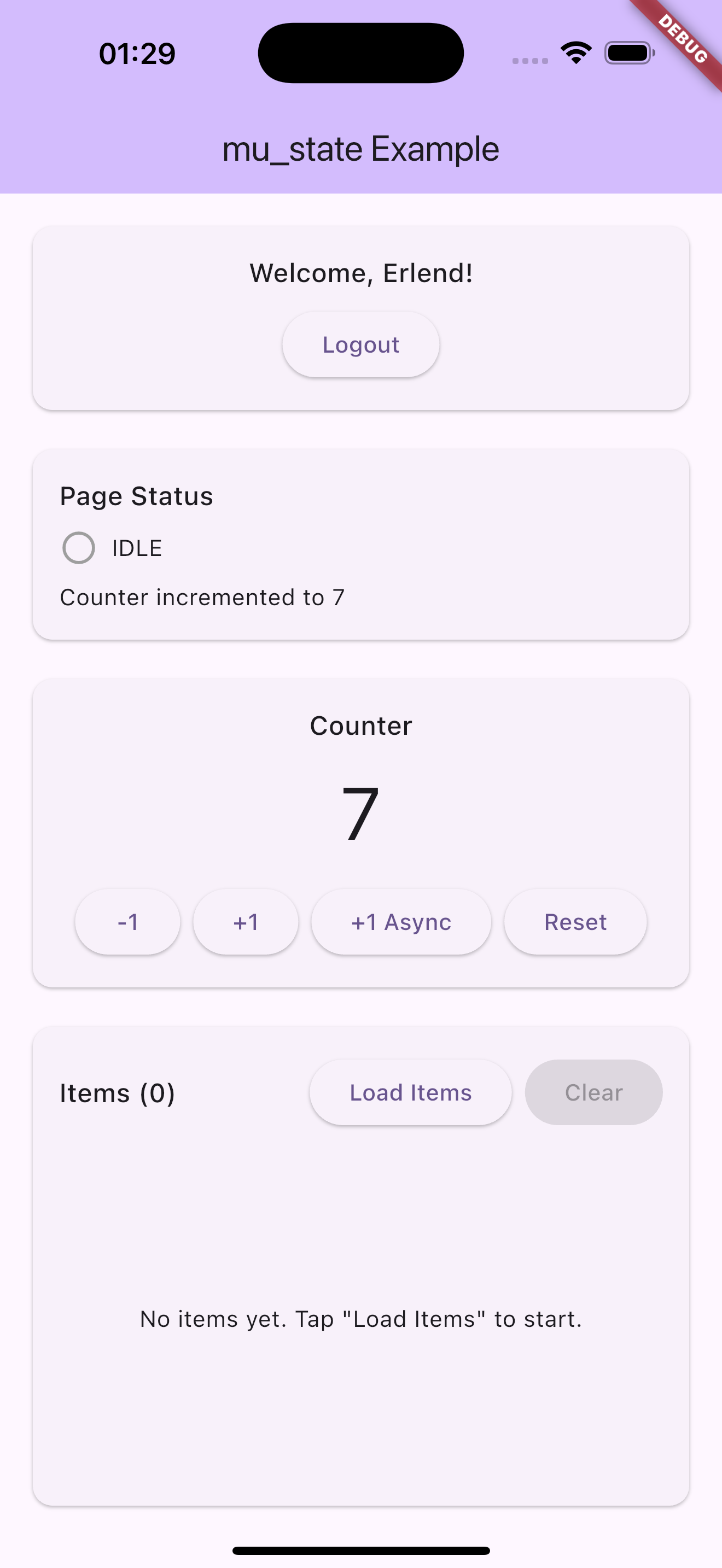
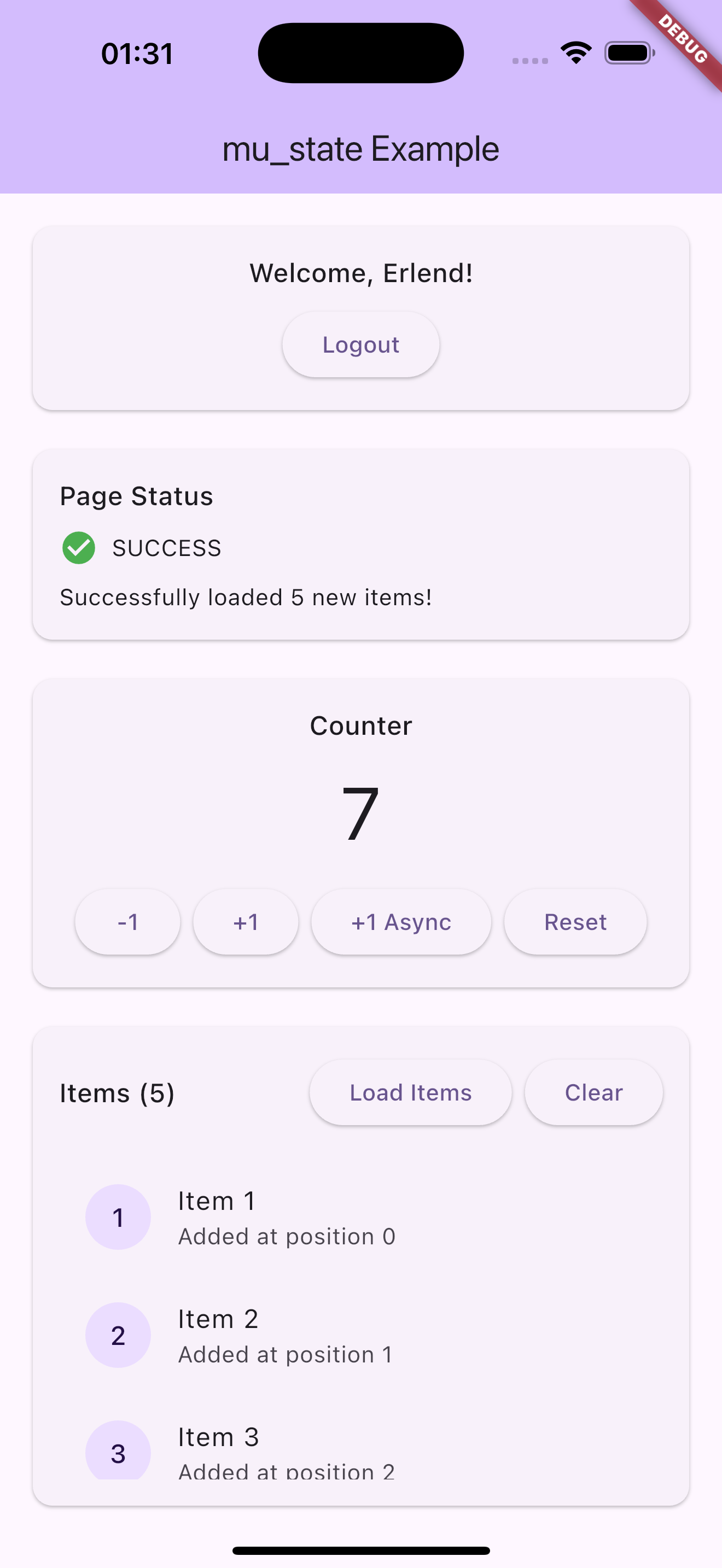
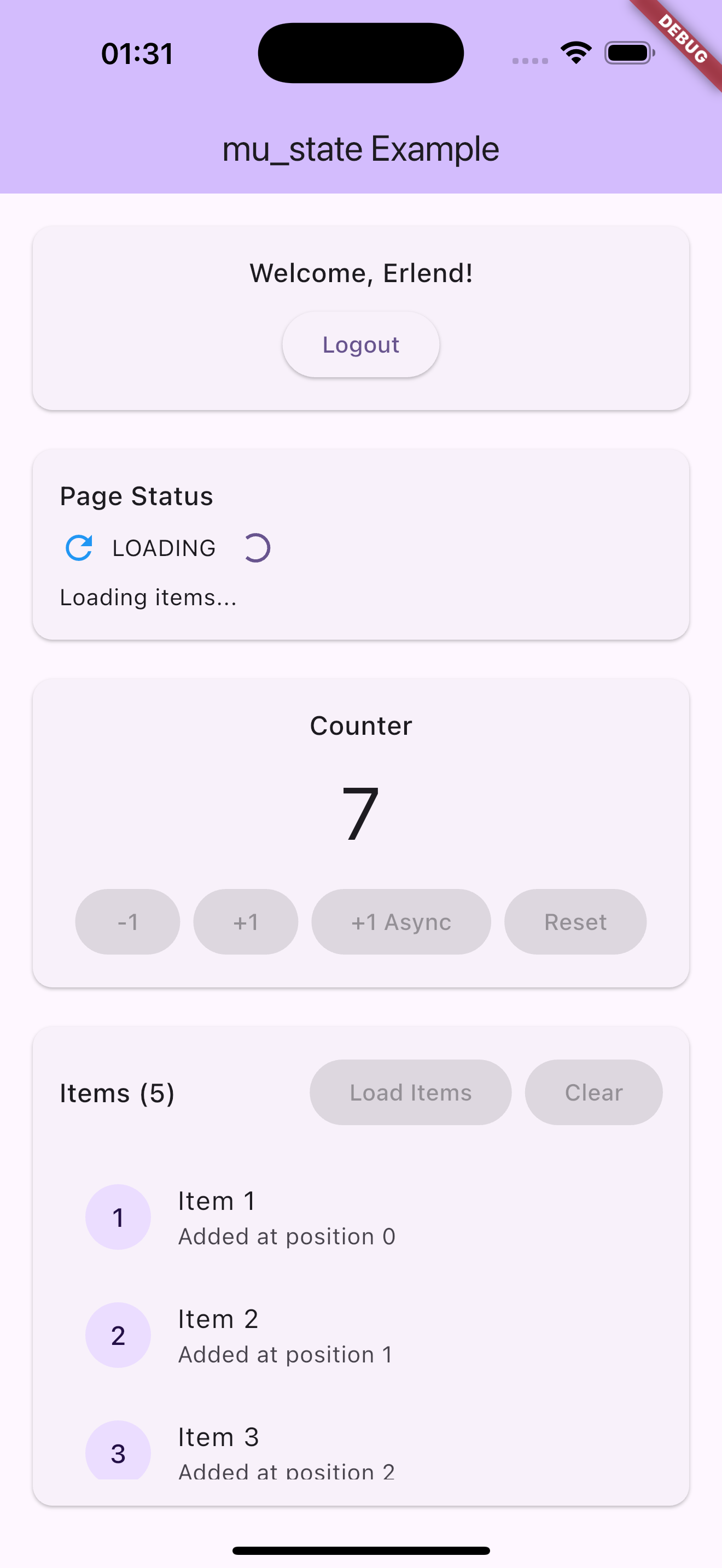
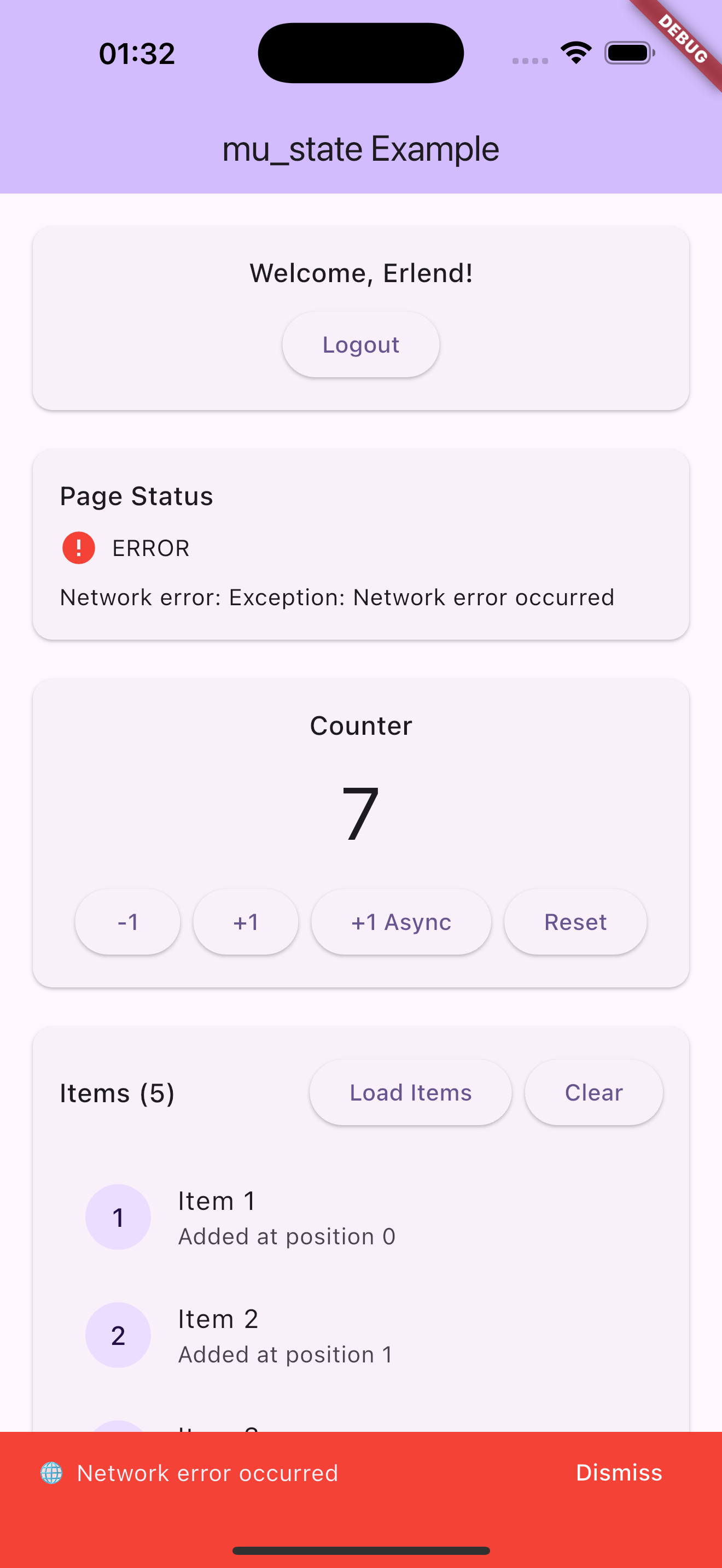
Screenshots
Usage
Let's create a simple counter to see how mu_state works:
At this point we have successfully separated our presentational layer from our business logic layer. Notice that CounterPage knows nothing about what happens when a user taps the buttons. The widget simply notifies the CounterLogic that the user has pressed increment.
Alternative: You could also use MuConsumer to combine the listener and builder functionality in a single widget. See the MuConsumer section below for details.
Components
MuLogic
MuLogic<S> is a typedef for ValueNotifier<S> that serves as the foundation for your business logic. It manages state and notifies listeners when the state changes. MuLogic is essentially an alias that makes the code more semantic for state management purposes.
Since MuLogic extends ValueNotifier, you get all the familiar methods like addListener, removeListener, and the value property for getting and setting state.
MuBuilder
MuBuilder<S> is a typedef for ValueListenableBuilder<S> that rebuilds the widget when the state changes. It's essentially an alias that makes the code more semantic for state management, but underneath it's just Flutter's built-in ValueListenableBuilder.
See MuListener if you want to "do" anything in response to state changes such as navigation, showing a dialog, etc...
MuComparable is a mixin that provides equality comparison for state classes. It's a lightweight alternative to packages like Equatable and helps MuBuilder and other listeners determine when to rebuild.
The props list should include all properties that determine equality. When state changes, widgets will only rebuild if the new state is different from the previous state based on these properties.
Updating collections
Equality is shallow: entries in props are compared with Dart's default ==. For List, Map, and Set that means reference equality, not content equality. Always create a new collection when updating state — never mutate in place:
// ✅ Correct — new list reference, listeners fire.emit(state.copyWith(items: [...state.items, newItem]));
// ❌ Wrong — same reference, listeners do NOT fire.
state.items.add(newItem);
emit(state.copyWith(items: state.items));
If you'd rather have deep collection equality out of the box, equatable is a drop-in alternative with the same props API.
MuListener
MuListener performs side effects in response to state changes - navigation, showing dialogs, etc. The listener is called once per state change and by default NOT on initial state (lazy: true). Set lazy: false to call the listener immediately with the current state.
MuProvider is a Flutter widget which provides any value to its children via dependency injection. While originally designed for MuLogic instances, it's now fully generic and can provide any type - making it perfect for injecting repositories, services, or other dependencies throughout your widget tree.
You provide the instance to MuProvider via the value parameter. MuProvider will automatically handle disposing the value when the provider is disposed (if it implements ChangeNotifier, which MuLogic does).
// For MuLogic instancesfinal logic = context.logic<CounterLogic>();
// For any typefinal repo = context.read<AuthRepository>();
MuMultiProvider
MuMultiProvider is a Flutter widget that merges multiple MuProvider widgets into one. MuMultiProvider improves the readability and eliminates the need to nest multiple MuProviders. By using MuMultiProvider we can go from:
MuMultiBuilder is a Flutter widget which listens to multiple MuLogic instances and rebuilds when any of them change. This is useful when you need to build UI that depends on multiple state sources.
MuMultiListener is a Flutter widget that merges multiple MuListener widgets into one. MuMultiListener improves the readability and eliminates the need to nest multiple MuListeners. By using MuMultiListener we can go from:
MuListener<StateA>(
  logic: logicA,
  listener: (context, state) {
    // handle state A changes
  },
  child: MuListener<StateB>(
    logic: logicB,
    listener: (context, state) {
      // handle state B changes
    },
    child: ChildWidget(),
  ),
)
An optional listenWhen and buildWhen can be implemented for more granular control over when listener and builder are called. The listenWhen and buildWhen functions take the previous state and the current state and return a bool which determines whether or not the listener or builder function will be invoked.
MuConsumer<CounterState>(
logic: logic,
listenWhen: (previous, current) {
// return true/false to determine whether or not// to invoke listener with statereturn previous.error != current.error;
},
listener: (context, state) {
// do stuff here based on state
},
buildWhen: (previous, current) {
// return true/false to determine whether or not// to rebuild the widget with statereturn previous.counter != current.counter;
},
builder: (context, state, child) {
// return widget here based on statereturnText('Counter: ${state.counter}');
}
)
See the example project for a complete implementation with more features.