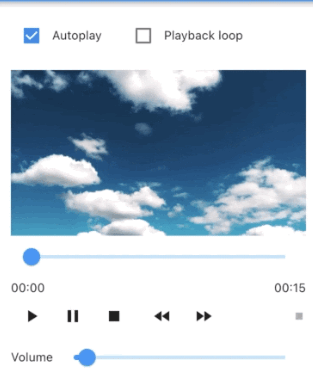
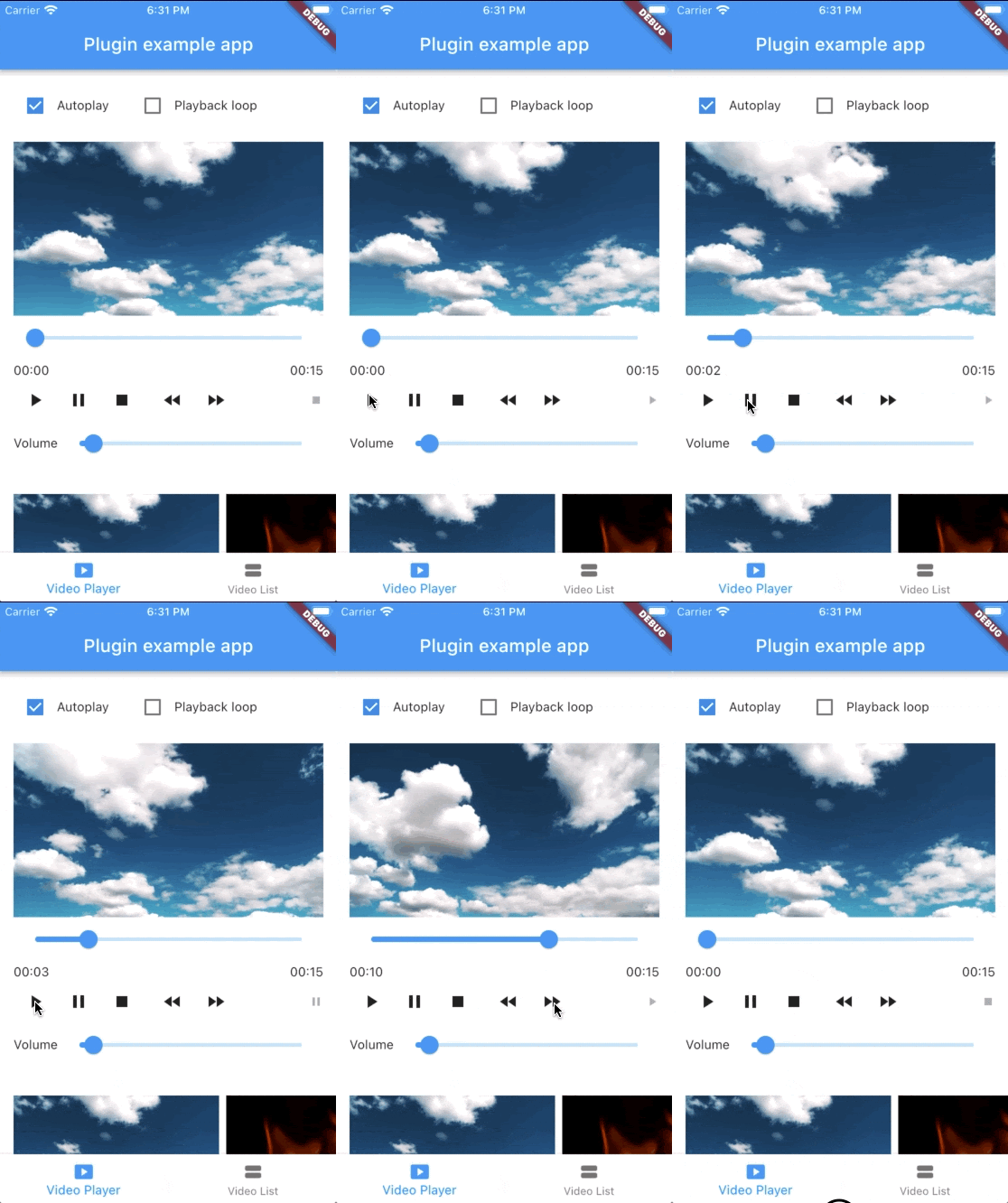
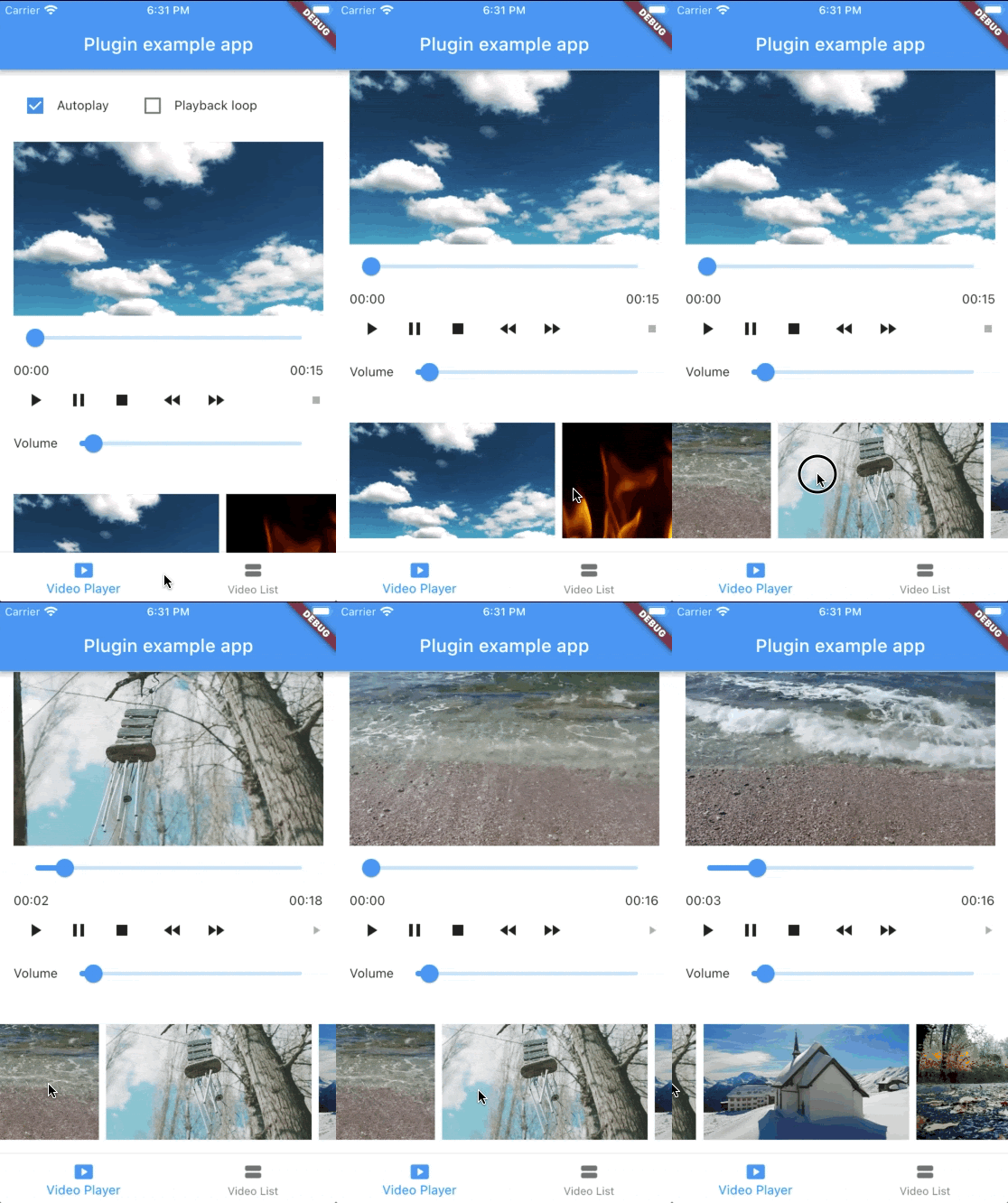
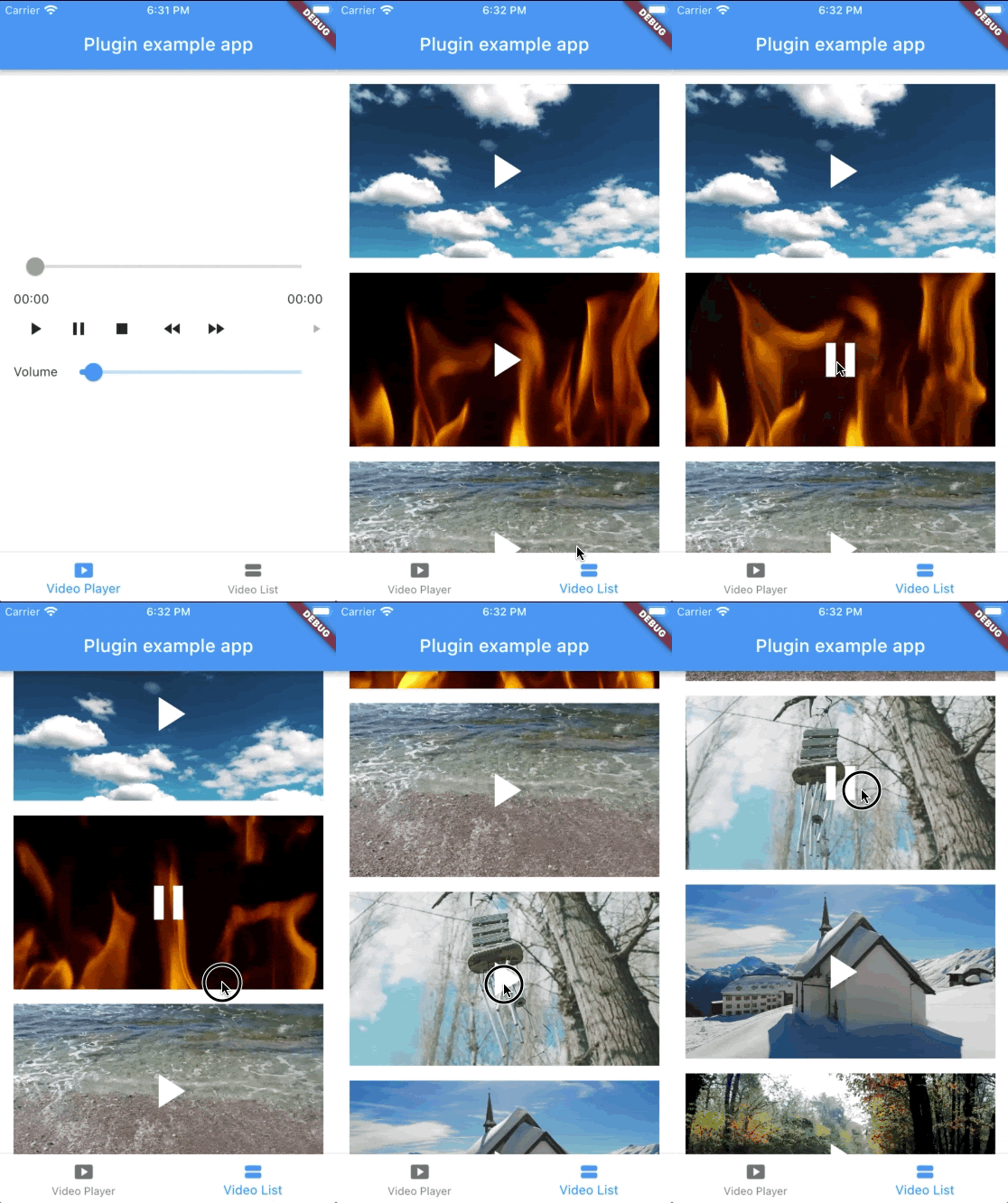
iOS, Android, macOS에서 네이티브 플랫폼 구현을 사용하여 비디오 재생을 가능하게 하는 플러터 패키지입니다. 각 운영 체제의 네이티브 비디오 플레이어를 활용하여 플러터 앱에 비디오 콘텐츠를 신뢰할 수 있고 성능이 뛰어난 방식으로 통합할 수 있도록 제공합니다. 다양한 비디오 형식과 하드웨어 가속 기능과의 호환성이 향상됩니다. 이 패키지는 크로스플랫폼 추상화에 의존하지 않고 원활한 비디오 재생을 원하는 개발자를 위한 것입니다.
사용 사례
로컬 비디오 파일 재생
URL에서 비디오 스트리밍
미디어가 풍부한 애플리케이션에 비디오 통합
전체 화면 비디오 재생 지원
네이티브 성능으로 비디오 플레이어 인터페이스 구축하기
주요 기능
iOS 및 Android에서 네이티브 비디오 플레이어 사용
비디오 스트리밍 및 로컬 파일 지원
하드웨어 가속 재생
크로스 플랫폼 호환성 (iOS, Android, macOS)
Flutter 위젯과의 간단한 통합
적합한 대상
고성능 비디오 재생이 필요한 개발자
네이티브 비디오 기능을 필요로 하는 앱
미디어 또는 교육 응용 프로그램
일관된 비디오 동작을 갖는 다중 플랫폼 대상 프로젝트
고려 사항
iOS, Android 및 macOS에 한정
웹 지원 없음
고급 기능을 사용하려면 네이티브 플랫폼 설정이 필요합니다
플랫폼별 비디오 형식 지원에 따라 다릅니다
원본 README
연결된 소스 저장소의 README 원문 스냅샷입니다. 최신 내용은 저장소에서 확인하세요.
native_video_player
A Flutter widget to play videos on iOS, macOS and Android using a native implementation.
Perfect for building video-centric apps like TikTok, Instagram Reels, or YouTube Shorts, as well as general video playback needs.
Android
iOS
macOS
Support
16+
9.0+
10.11+
Implementation
On iOS and macOS, the video is displayed using a combination
of AVPlayer
and AVPlayerLayer.
On Android, the video is displayed using a combination
of MediaPlayer
and VideoView.
StreamSubscription<void>? _eventsSubscription;
_eventsSubscription = controller.events.listen((event) {
switch (event) {
casePlaybackStatusChangedEvent():
// Emitted when playback status changes (playing, paused, or stopped)final playbackStatus = controller.playbackStatus;
casePlaybackPositionChangedEvent():
// Emitted when playback position changesfinal position = controller.playbackPosition;
casePlaybackReadyEvent():
// Emitted when video is loaded and ready to playfinal height = controller.videoInfo?.height;
final width = controller.videoInfo?.width;
final duration = controller.videoInfo?.duration;
casePlaybackEndedEvent():
// Emitted when video playback endscasePlaybackSpeedChangedEvent():
// Emitted when playback speed changescaseVolumeChangedEvent():
// Emitted when volume changescasePlaybackErrorEvent():
// Emitted when an error occursprint('Playback error: ${event.errorMessage}');
}
});
// Don't forget to dispose the subscription@overridevoiddispose() {
_eventsSubscription?.cancel();
super.dispose();
}
It's important to properly dispose of both the controller and any event subscriptions when you're done with them to prevent memory leaks. This typically happens in the dispose() method of your widget's State.