Material Design 사양을 준수하는 NavigationDrawerMenu 위젯을 제공하는 플러터 패키지로, 네비게이션 드로어 내에서 ListView와 유사하게 작동합니다. Material Design 원칙에 부합하는 스타일과 레이아웃 로직이 내장되어 있어 완전한 네비게이션 드로어를 쉽게 구현할 수 있습니다. 일반적인 사용 사례를 보여주는 완전한 예제가 포함되어 있어 개발자가 앱에 직관적인 네비게이션을 쉽게 통합할 수 있도록 도와줍니다. 다양한 플랫폼 간의 단순성과 일관성을 위해 설계되었습니다.
사용 사례
모바일 앱에서 사이드 네비게이션 구현
접을 수 있는 메뉴를 사용하여 반응형 레이아웃 만들기
계층적 탐색을 사용한 관리 대시보드 구축
화면 간에 일관된 탐색 패턴 추가
주요 기능
Material Design 준수 사용자 인터페이스
드로어 내의 ListView와 유사한 동작
빠른 통합을 위한 내장 예제
메뉴 항목 구성용 간단한 API
동적 콘텐츠 렌더링을 지원합니다
적합한 대상
Flutter 초보자가 탐색 패턴을 배우고 있습니다
빠른 드로어 구현을 찾는 개발자
표준 매터리얼 디자인 탐색이 필요한 앱
경량 탐색 솔루션이 필요한 프로젝트
고려 사항
기본 스타일링을 넘어서는 제한된 사용자 정의
중첩 탐색에 대한 내장 지원 없음
복잡한 라우팅을 위해 추가 로직이 필요할 수 있습니다
큰 메뉴 항목 목록에 최적화되지 않음
원본 README
연결된 소스 저장소의 README 원문 스냅샷입니다. 최신 내용은 저장소에서 확인하세요.
navigation_drawer_menu
Flutter Material Design Navigation Drawer Menu
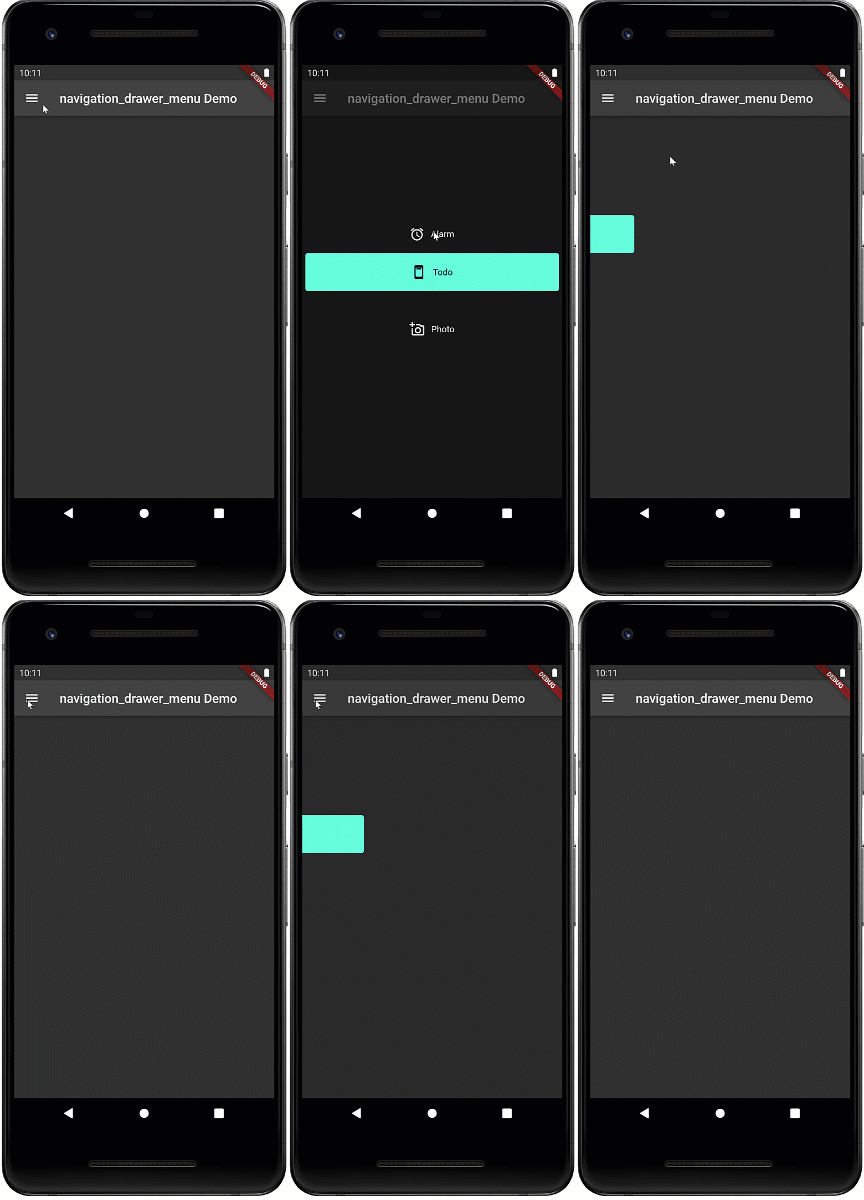
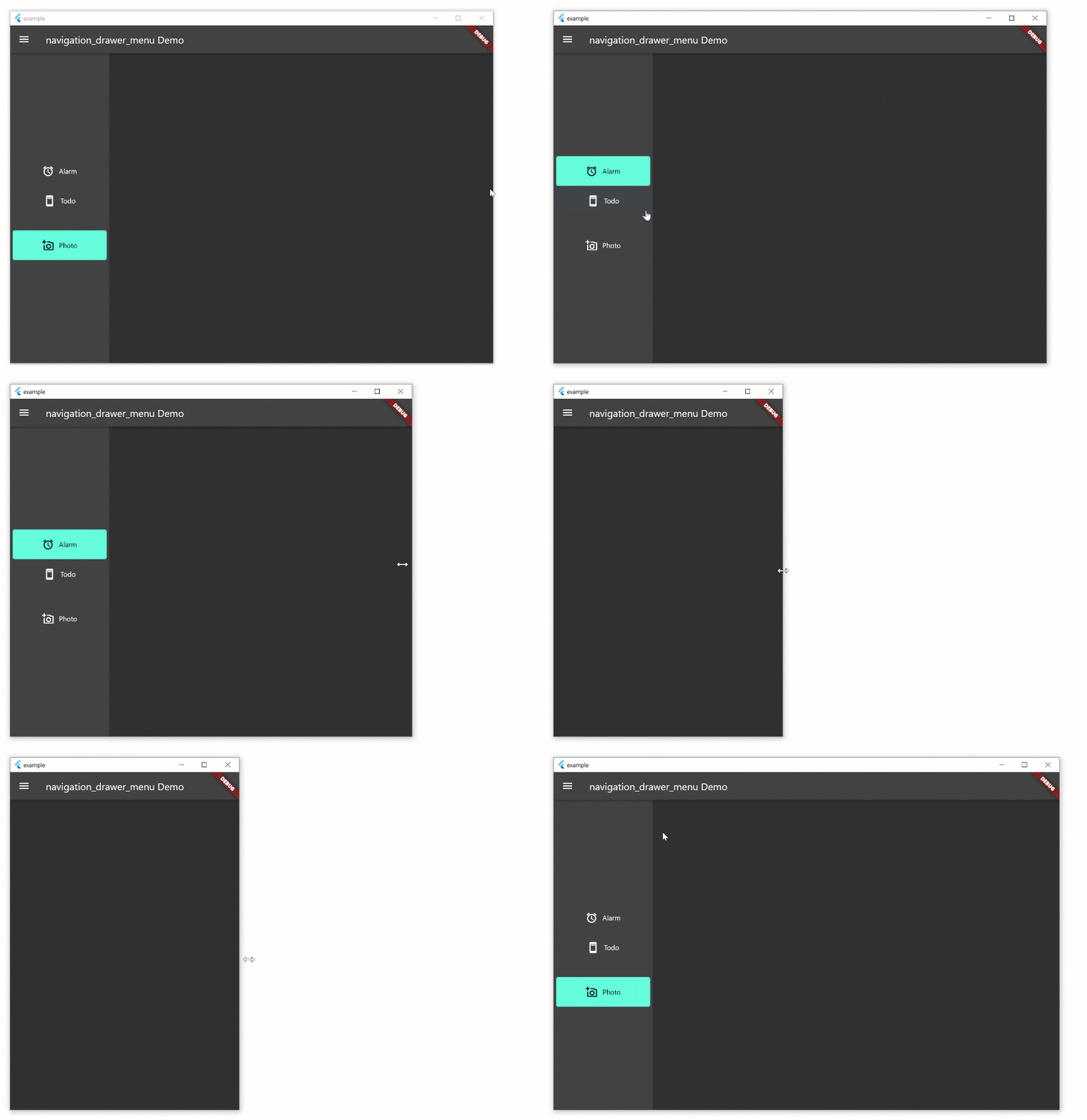
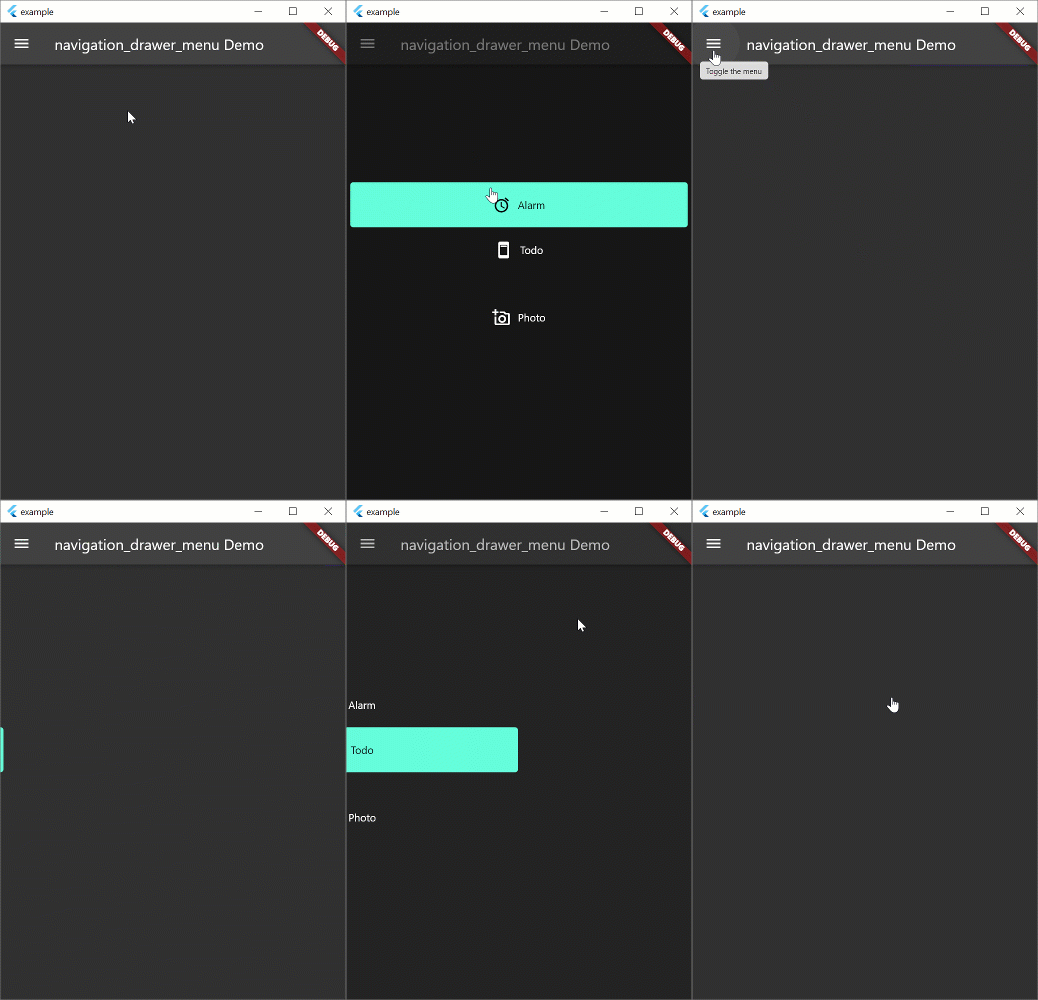
Navigation drawer is a common UI pattern for adaptive menus. The Material Design documentation formalizes the behavior of the menu but this pattern is not peculiar to Material Design. The pattern includes a basic Hamburger menu but isn't limited to small screens. The menu pattern suits all screen sizes. On larger width screens you see the icon and text, smaller screens will display icons only, and on phones, the menu will disappear during normal use and slide in with the hamburger icon.
Beta
This widget is in beta and the public interface is likely to change
Example
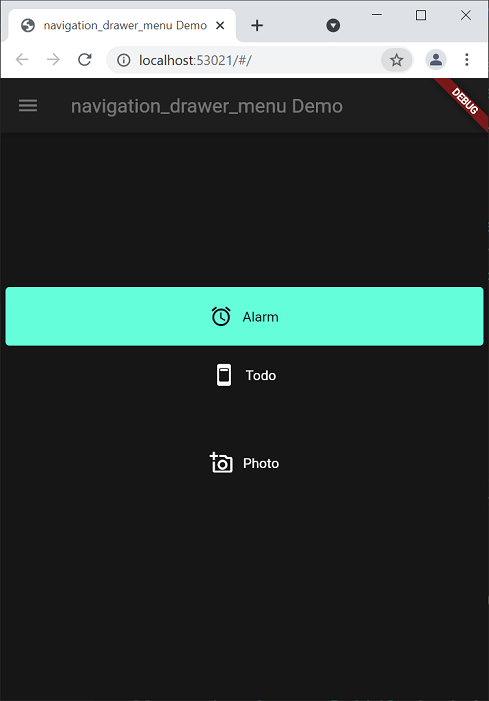
The example aims to implement the Navigation Drawer pattern documented above. This is a work in progress and conformance to the behavior in the Material Design documentation is the long term aim. Pull requests to fix behavior are welcome. The example works on all form factors: desktop and tablet (landscape, portrait), phone, and web. Try resizing the width of the window to see how the behavior changes. Most of the behavior exists in the example. the aim is to create a new widget which will replace Scaffold and allow you to spin up new apps with this functionality very quickly.
Note: if you're just looking for a simple drawer menu that doesn't adapt to the screen, check out this.
Run the Example
Open the root folder in Visual Studio Code
Open a terminal window
Add platforms by running these commands in the root folder (not example folder)
Click Run -> Start Debugging
flutter create example --platforms=windows,macos,linux

flutter create --platforms=web

flutter create --platforms=android
This is a widget that basically functions like a ListView. However, it exists to remove some of the boilerplate code necessary for constructing the menu, and allows you to put arbitrary sized spacers and headings inside the menu. The example uses this set of definitions. If you don't want to use this widget, you can use ListView instead.