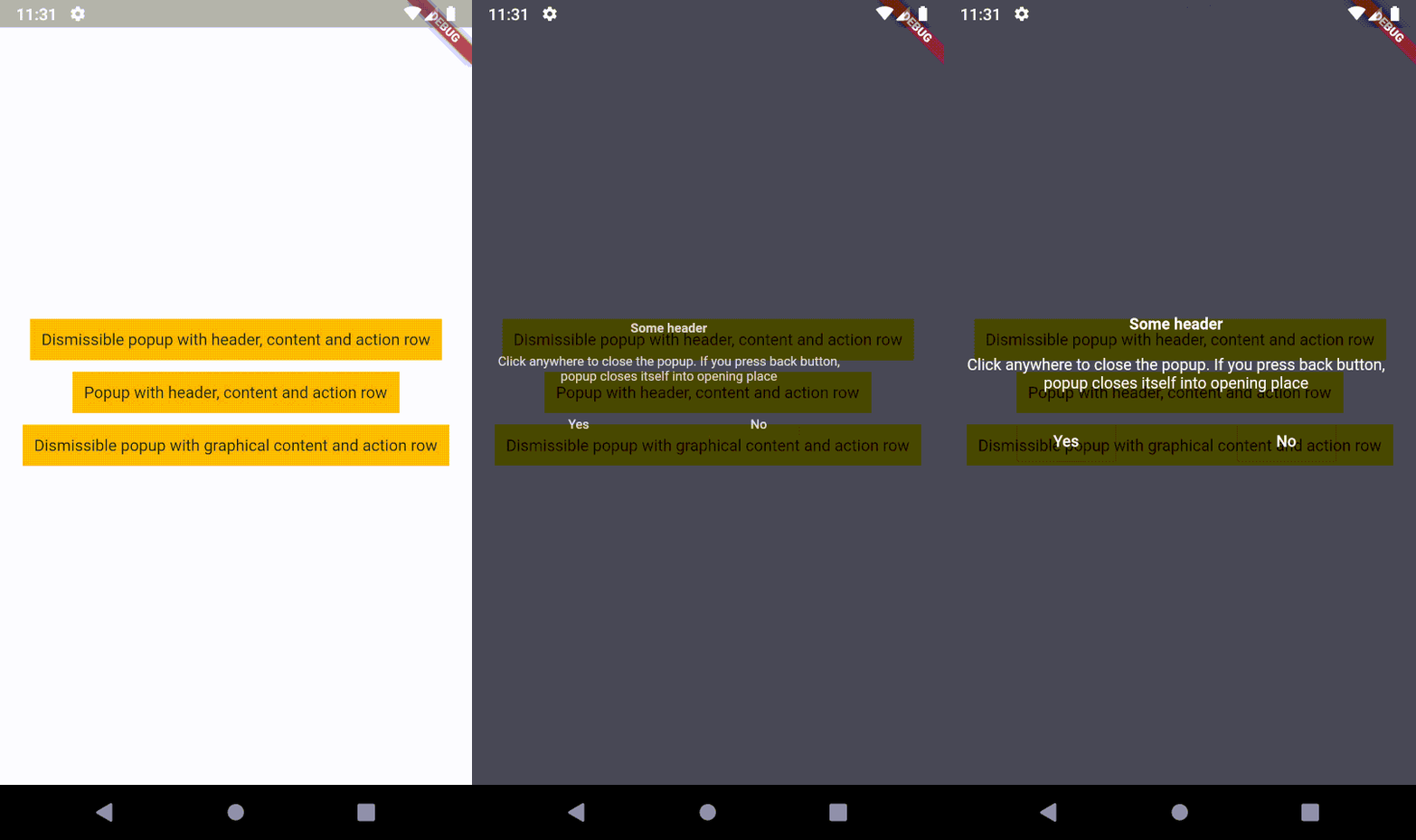
o_popup은 뒤로 가기 버튼을 누르거나 포인터가 처음 화면에 접촉한 위치로 돌아갈 때 닫히는 오버레이 콘텐츠 위젯을 제공하는 Flutter 패키지입니다. 탭 제스처를 지원하여 사용자 입력에 자연스럽게 반응하는 인터랙티브 팝업에 적합합니다. 팝업은 부드럽게 자리 잡고 원래 위치로 돌아가며, 다양한 플랫폼에서 사용자 경험을 향상시킵니다. 특히 Android, iOS, Web, macOS, Windows, Linux용 앱에서 컨텍스트 메뉴, 툴팁 또는 일시적인 오버레이에 유용합니다.
사용 사례
컨텍스트 액션 메뉴
툴팁 및 힌트
임시 정보 오버레이
제스처 기반 팝업
완전한 모달리티 없이 모달과 유사한 상호작용
빠른 설정 패널
주요 기능
뒤로 가기 시 자동으로 닫힘
취소 시 터치 포인트로 돌아가기
부드러운 애니메이션
크로스 플랫폼 지원
터치 제스처 인식
사용자 정의 가능한 오버레이 콘텐츠
적합한 대상
인터랙티브 UI를 구축하는 개발자
경량 팝업이 필요한 앱
크로스플랫폼 모바일 및 웹 앱
제스처 피드백이 있는 사용자 경험 중심 인터페이스
간단한 모달 대안
고려 사항
신중한 위치 로직이 필요할 수 있습니다
복잡한 중첩 대화에 적합하지 않습니다
성능은 오버레이의 복잡성에 따라 달라집니다
고급 레이아웃에 대한 사용자 지정 제한
간단하고 일시적인 콘텐츠와 함께 사용하는 것이 가장 좋습니다
원본 README
연결된 소스 저장소의 README 원문 스냅샷입니다. 최신 내용은 저장소에서 확인하세요.
Description
An overlaid content, which closes itself into opening place (on back button)
or into the position where the pointer contacted the screen. It means, popup supports tap gesture!
The second step is to create a popup.
I recommend to use OPopupTrigger class
in order to simply create the popup as in the example.
It pushes OPopupOverlay widget
into Navigation stack, thus a user can dismiss the popup by back button
or by tapping anywhere on a screen.
In the OPopupTrigger class you can also set barrierDismissible
to false (to prevent dismissing popup by taping anywhere)
and for example create a button,
which pops the popup from Navigator stack (Navigator.of(context).pop())
in order to close the popup - like buttons in the example.
Customization
If you do not want to use OPopupContent class as a content of a popup triggered by OPopupTrigger
you should skip popupHeader and popupActionRow fields and set your own widget to
popupContent field. It gives you an ability to fully customize the content of the popup:
size, alignment etc.
You can also overwrite OPopupContent (create a class which extends OPopupContent),
customize it inside your own class and set your version of OPopupContent
to OPopupTrigger.popupContent
(also do not set popupHeader and popupActionRow in order to omit original OPopupContent).
If you use this code in commercial project, please donate me via GitHub Sponsors. I do the same for packages which I use, because it ensures stable development for all of us!