사용자 정의 가능한 관찰 전략을 갖춘 인터넷 연결 상태를 모니터링하기 위한 플러터 패키지입니다. 안드로이드, 아이오스, 맥OS, 윈도우즈, 리눅스 등 다양한 플랫폼에서 네트워크 상태에 대한 실시간 업데이트를 제공합니다. 개발자는 연결 변경 사항을 감지하고 반응하는 방식을 맞춤 설정할 수 있어 신뢰할 수 있는 네트워크 인식 기능이 필요한 앱에 유연하게 통합할 수 있습니다. 기본 기능은 외부 종속성 없이 온라인/오프라인 상태 처리를 간소화합니다.
사용 사례
실시간 네트워크 상태 모니터링
앱에서의 오프라인 모드 처리
연결성에 기반한 동적 UI 업데이트
백그라운드 네트워크 상태 추적
연결성 변경 시 앱 동작 적응
실패한 요청에 대한 자동 재시도 로직
주요 기능
사용자 정의 가능한 관측 전략
크로스 플랫폼 지원
실시간 연결 업데이트
경량이며 최소한의 종속성
간단한 통합용 API
사용자 지정 가능한 풀링 간격
적합한 대상
반응형 네트워크 피드백이 필요한 앱
오프라인 기능을 구현하는 개발자
플랫폼에 관계없이 연결 검사를 필요로 하는 프로젝트
정제되고 유지보수 가능한 코드를 우선시하는 팀
자주 네트워크 작업을 수행하는 애플리케이션
고려 사항
일부 플랫폼에서는 추가 권한이 필요할 수 있습니다
사용자 정의 전략은 신중한 구현이 필요합니다
배터리 사용량은 풀링 주기와 관련이 있습니다
고주파, 저지연 네트워크 검사에 적합하지 않습니다
기본적인 연결 감지에 국한됨(속도 또는 품질 지표 없음)
원본 README
연결된 소스 저장소의 README 원문 스냅샷입니다. 최신 내용은 저장소에서 확인하세요.
A flutter package that helps to observe internet connection via a customizable observing strategy
Problem Statement
I found that just using the connectivity package was not enough to tell if the internet was available or not. It only checks if there is WIFI or if mobile data is turned on, it does not check for an actual internet connection...
Check to know if a device has an internet connection
final hasInternet = awaitInternetConnectivity().hasInternetConnection;
if (hasInternet) {
//You are connected to the internet
} else {
//"No internet connection
}
Listen to internet connection changes via stream
final subscription =
InternetConnectivity().observeInternetConnection.listen((bool hasInternetAccess) {
if(!hasInternetAccess){
showToast('No Internet Connection');
}
});
awaitFuture.delayed(constDuration(seconds: 10 ));
subscription.cancel();
Note:bell:: This example uses the DefaultObServingStrategy therefore you need to remember to cancel the subscription manually, Other available strategies have a mechanism in which the subscription is automatically cancelled.
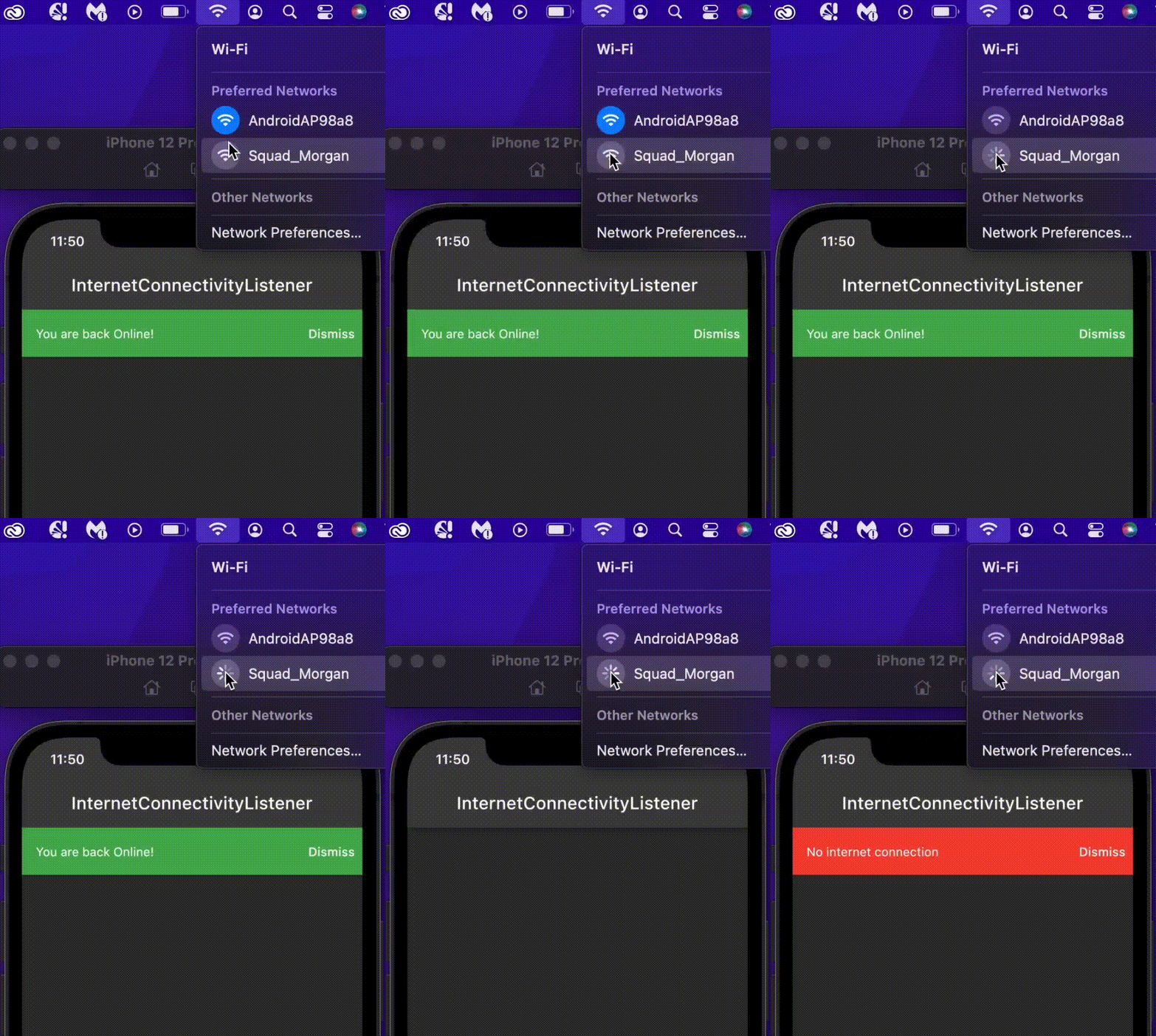
Use InternetConnectivityListener to listen to internet connectivity changes inside a flutter widget
returnInternetConnectivityListener(
connectivityListener: (BuildContext context, bool hasInternetAccess) {
if (hasInternetAccess) {
context.showBanner('You are back Online!', color: Colors.green);
} else {
context.showBanner('No internet connection', color: Colors.red);
}
},
child: Scaffold(
body: Container(),
),
);
This is mostly useful if you want to get notified of internet connection changes in the widget class, either to retry a failed request or to give the user some feedback about their network state.
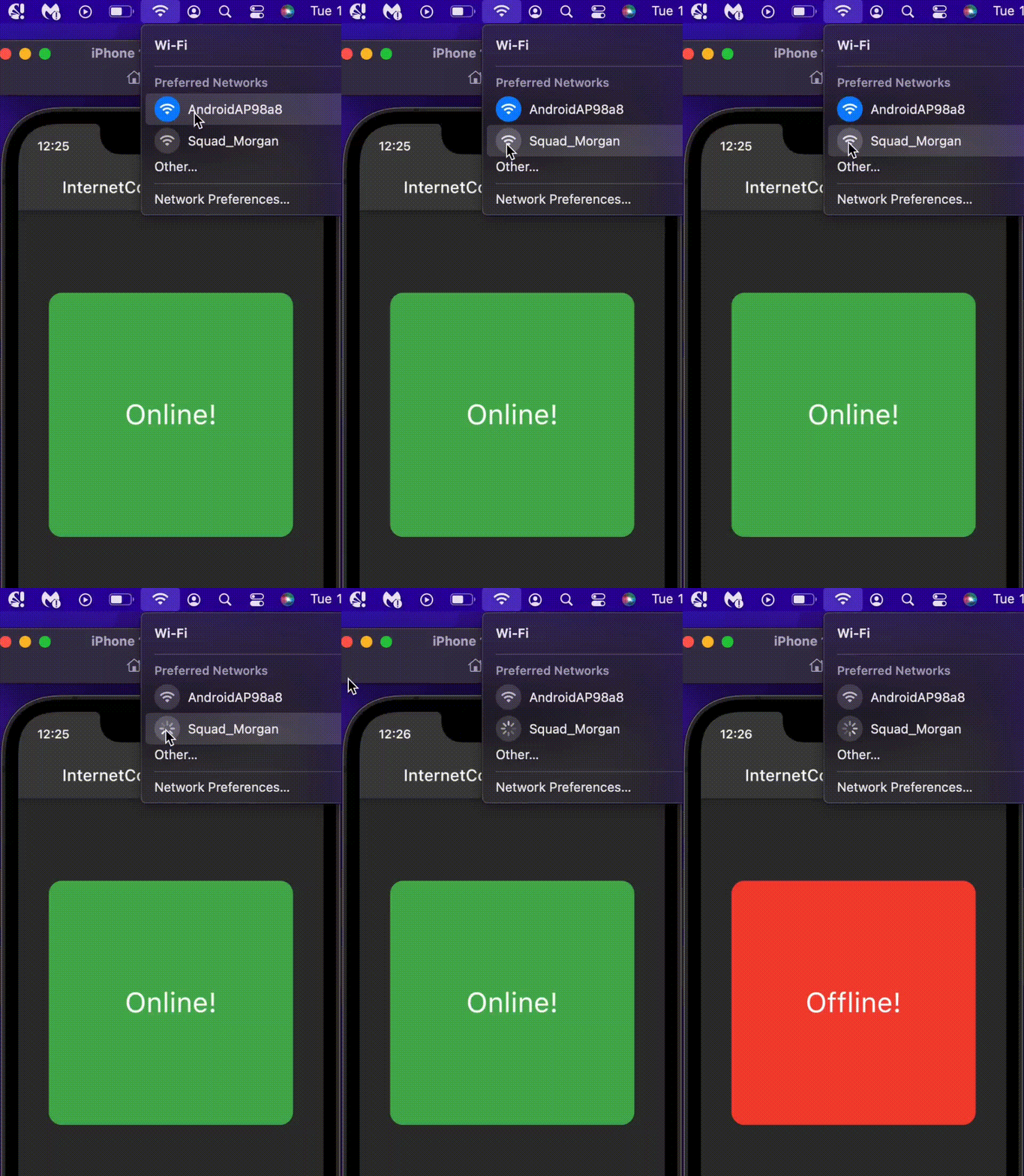
Use InternetConnectivityBuilder to build internet connection aware widgets
This returns the OnlineWidget when the user has an internet connection and returns the OfflineWidget widget when the user is disconnected
Deep Dive
The InternetConnectivity class is responsible for observing the internet connectivity using the InternetObservingStrategy and a StreamController to emit internet connection changes. If no strategy is supplied when creating InternetConnectivity, the DefaultObServingStrategy will be used.
The package checks for active internet connection by opening a socket to a list of specified addresses, each with an individual port and timeout using SocketObservingStrategy. If you'd like to implement a different type of observing strategy, you can create a new strategy by extending InternetObservingStrategy. All observing strategies are a sub-class of InternetObservingStrategy
SocketObservingStrategy
abstractclassSocketObservingStrategyextendsInternetObservingStrategy{
/// The initial duration to wait before observing internet access////// Defaults to [kDefaultInitialDuration] (0 seconds)@overridefinalDuration? initialDuration;
/// The interval between periodic observing.////// Defaults to [kDefaultInterval] (5 seconds).@overridefinalDuration interval;
/// The timeout period before a check request is dropped and an address is/// considered unreachable.////// If not null, it is set to the [timeOut] for each of the [internetAddresses]./// if (timeOut != null) {/// internetAddresses = internetAddresses/// .map((e) => e.copyWith(timeOut: timeOut))/// .toList(growable: false);/// }finalDuration? timeOut;
/// A list of internet addresses (with port and timeout) to ping.////// These should be globally available destinations.////// Default is [kDefaultInternetAddresses].List<InternetAddress> internetAddresses;
SocketObservingStrategy(
{this.initialDuration,
requiredthis.interval,
this.timeOut,
requiredthis.internetAddresses}) {
if (timeOut != null) {
internetAddresses = internetAddresses
.map((e) => e.copyWith(timeOut: timeOut))
.toList(growable: false);
}
}
/// The observing strategy is to ping each of the [internetAddresses] supplied,/// Using [stream.any] to check for the first address to connect./// Once an address connects, it is assumed that there is internet access and the process stops///@overrideFuture<bool> get hasInternetConnection async {
final futures = internetAddresses
.map((internetAddress) => _hasInternet(internetAddress));
final stream = Stream.fromFutures(futures);
return stream.any((element) => element);
}
Future<bool> _hasInternet(InternetAddress internetAddress) async {
Socket? sock;
try {
sock = awaitSocket.connect(
internetAddress.host,
internetAddress.port,
timeout: internetAddress.timeOut,
)
..destroy();
returntrue;
} catch (_) {
sock?.destroy();
returnfalse;
}
}
}
The library comes with 4 different strategies that extend SocketObservingStrategy for a different use cases, namely;
DefaultObServingStrategy:
This is the strategy used if you don't supply any strategy to the InternetConnectivity class, you will have to cancel the subscription manually.
DisposeOnFirstConnectedStrategy:
This strategy cancels the subscription automatically after the first connected event, i.e once the device has an internet connection, the stream subscription will be automatically closed.
DisposeOnFirstDisconnectedStrategy:
This strategy cancels the subscription automatically after the first disconnected event, i.e once the device is offline, the stream subscription will be automatically closed.
DisposeAfterDurationStrategy:
This strategy set the duration to listen for the internet connection events, the subscription will be closed once the duration elapses
each of the strategies is initiated with default values for convenience, you can override any of the default values. e.g creating a
DefaultObServingStrategy with a timeOut of 5 sec and initialDuration of 2 mins.
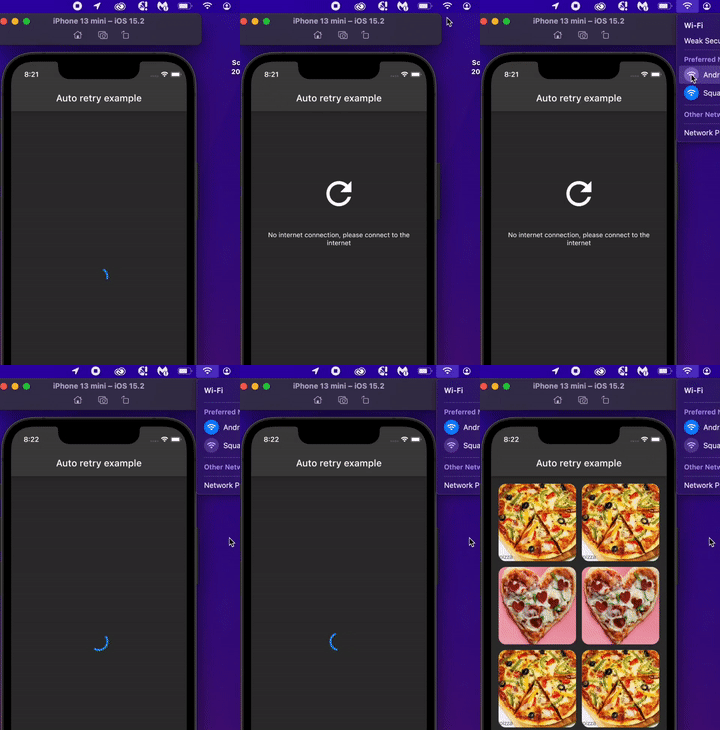
This example showcase how you can use the InternetConnectivityListener and the DisposeOnFirstConnectedStrategy to automaticaly retry a failed network request once the device is back online.
Note:bell:: The InternetConnectivity is not a singleton, for the ease of testing. If you would like to maintain a single instance throughout the app lifecycle, you can: