패키지, 저장소 및 앱 카테고리 검색

패키지 상세v2.2.1

playify

Playify는 음악 재생 및 음악 메타데이터를 가져오는 데 사용할 수 있는 Flutter 플러그인입니다. 현재 iOS만 지원합니다.

AndroidiOS
30일 다운로드
45
좋아요
27
Pub 점수
130

패키지 설치

flutter pub add playify

패키지 개요

공개 정보를 바탕으로 생성한 선택 가이드입니다.

Playify는 음악 재생 및 음악 메타데이터를 검색하기 위해 설계된 Flutter 플러그인으로, 현재 iOS만 지원합니다. 개발자들은 Flutter 앱 내에서 오디오 재생 기능을 통합하고 곡 제목, 아티스트, 앨범 정보와 같은 메타데이터에 접근할 수 있습니다. 이 플러그인은 원격 iOS 기능을 활용하여 부드러운 성능과 신뢰할 수 있는 오디오 처리를 보장합니다. 현재 구현은 iOS에 한정되어 있지만, 소스 코드는 GitHub에 공개되어 있으며, 향후 플랫폼 확장을 위한 커뮤니티 기여를 환영합니다. Apple 기기에서 기본적인 음악 재생과 메타데이터 검색이 필요한 앱에 적합합니다.

사용 사례

  • 모바일 앱에서 백그라운드 음악 재생하기
  • 제목 및 아티스트와 같은 곡 메타데이터 가져오기
  • 음성 중심 앱에 음악 재생 통합하기
  • 앨범 아트 및 트랙 세부 정보 표시
  • 음악 플레이어 인터페이스 구축
  • 로컬 또는 원격 소스에서 오디오 스트리밍 활성화

주요 기능

  • iOS 전용 오디오 재생 지원
  • 음악 메타데이터(제목, 아티스트, 앨범)를 검색합니다
  • 재생/일시정지/탐색 컨트롤을 위한 간단한 API 제공
  • 네이티브 iOS 오디오 프레임워크 사용
  • 오픈소스이며 공개된 GitHub 저장소 보유
  • 경량이며 통합이 쉬움

적합한 대상

  • iOS 중심의 Flutter 개발자
  • 음악 앱 제작자
  • 기본 오디오 재생이 필요한 앱
  • 팟캐스트 또는 오디오 콘텐츠 플랫폼을 구축하는 개발자
  • 간단한 메타데이터 가져오기를 원하는 사람
  • 오디오 기능을 위한 최소한의 설정이 필요한 프로젝트

고려 사항

  • 현재 iOS 플랫폼에만 제한되어 있습니다
  • 현재 Android 지원 없음
  • 네이티브 iOS 오디오 시스템에 의존합니다
  • 백그라운드 재생을 위해 추가 구성이 필요할 수 있습니다
  • 향후 업데이트에서 플랫폼 지원이 확장될 수 있습니다
  • 고급 사용 사례를 위한 설명이 더 자세했으면 합니다

원본 README

연결된 소스 저장소의 README 원문 스냅샷입니다. 최신 내용은 저장소에서 확인하세요.

Playify

Pub Version

Playify is a Flutter plugin for play/pause/seek songs, fetching music metadata, and browsing music library. Playify was built using iOS's MediaPlayer Framework and Android's MediaPlayer to fetch and play music from the users music library. Checkout the documentation.

Requirements:

  • iOS: >= iOS 10.3
  • Android SDK: >= 21

Usage

import 'package:playify/playify.dart';

//Create an instance
Playify myplayer = Playify();

//Play from the latest queue.
await myplayer.play();

//Fetch all songs from the user's device.
var artists = await myplayer.getAllSongs(sort: true);

//Fetch song information about the currently playing song in the queue.
var songInfo = await myplayer.nowPlaying();

//Set the queue using songID's.
await myplayer.setQueue(songIDs: songIDs);

//Skip to the next song in the queue.
await myplayer.next();

//Skip to the previous song in the queue.
await myplayer.previous();

//Set the playback time of the song.
await myplayer.setPlaybackTime(time);

//Set the shuffle mode.
await myplayer.setShuffleMode(mode);

iOS

  • For iOS, Playify uses iOS's MediaPlayer framework. This makes Playify available only on iOS >= 10.3. Make sure to specify the minimum version of the supported iOS version of your app from Xcode.

  • Getting All Songs: For geting all songs from the Apple Music library of the iPhone, you can specify whether to sort the artists. The songs are sorted by their track number, and the albums are sorted alphabetically. The cover art of each album is fetched individually, and you can specify the size of the cover art. The larger the cover art, the more amount of RAM it consumes and longer it takes to fetch. In my case, the default value takes about 1-2 seconds with 800+ songs.

Android

  • For Android, Playify uses Android's MediaPlayer framework. It is available for Android SDK 21+. Make sure to set the minimum version of your app using minSdkVersion.

Screenshots

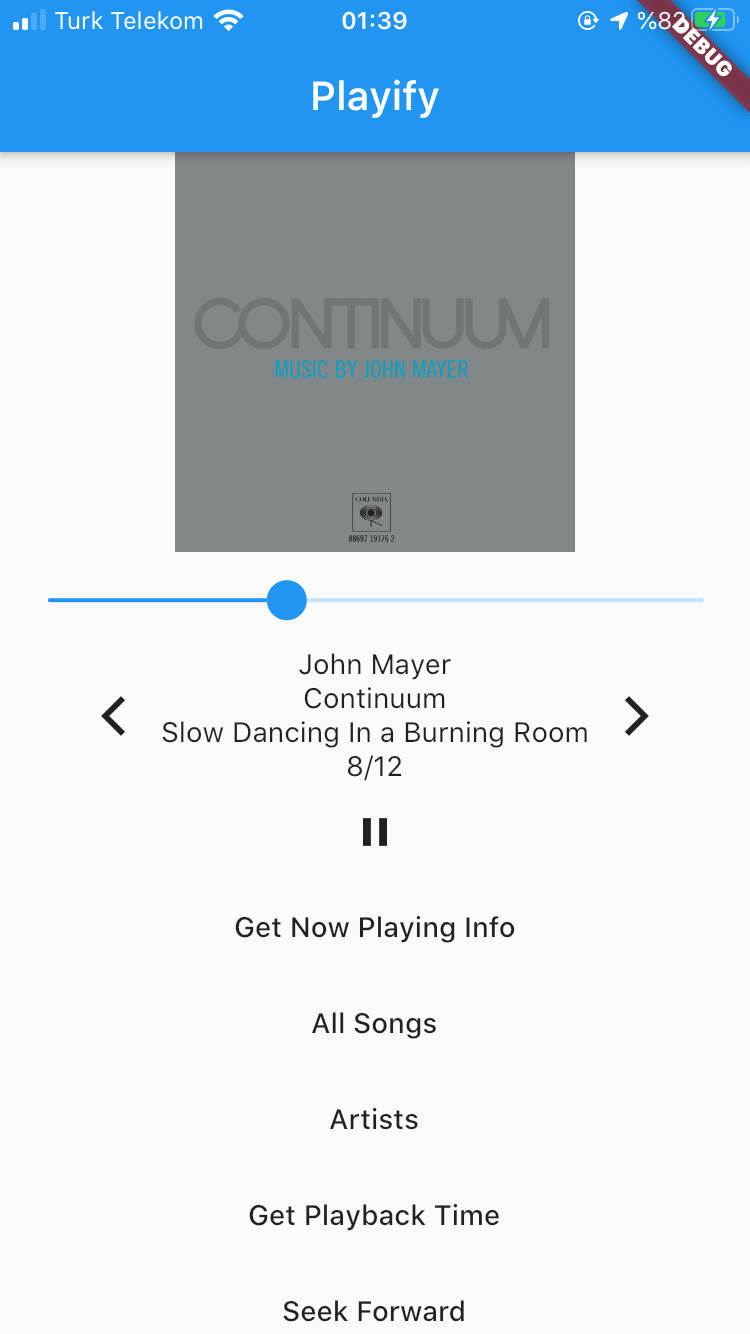
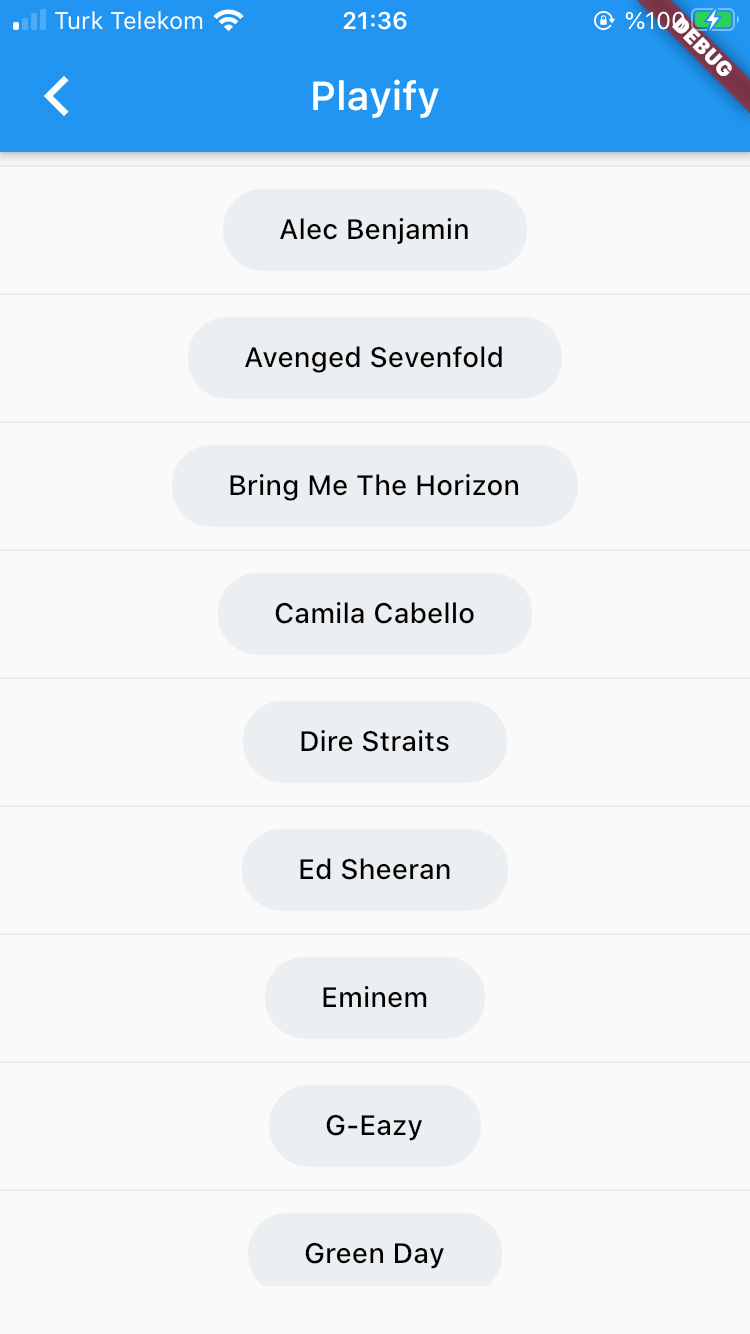
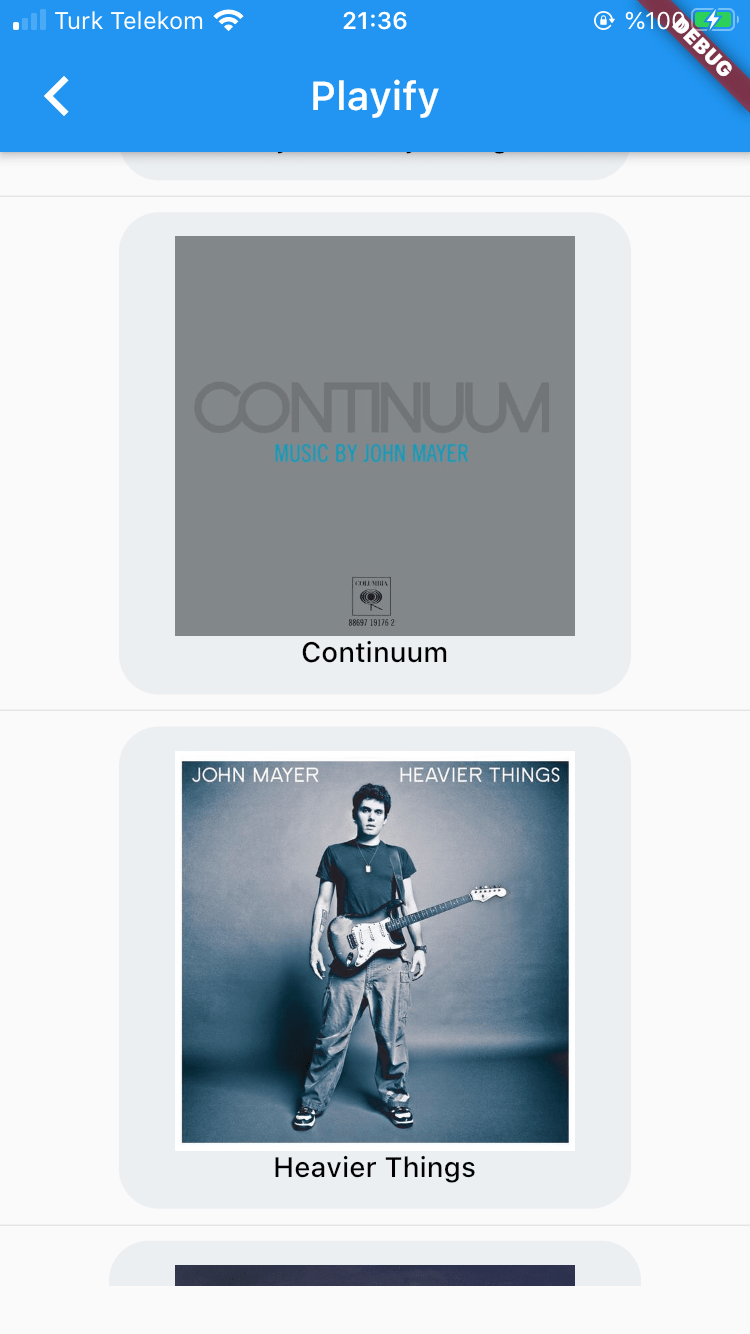
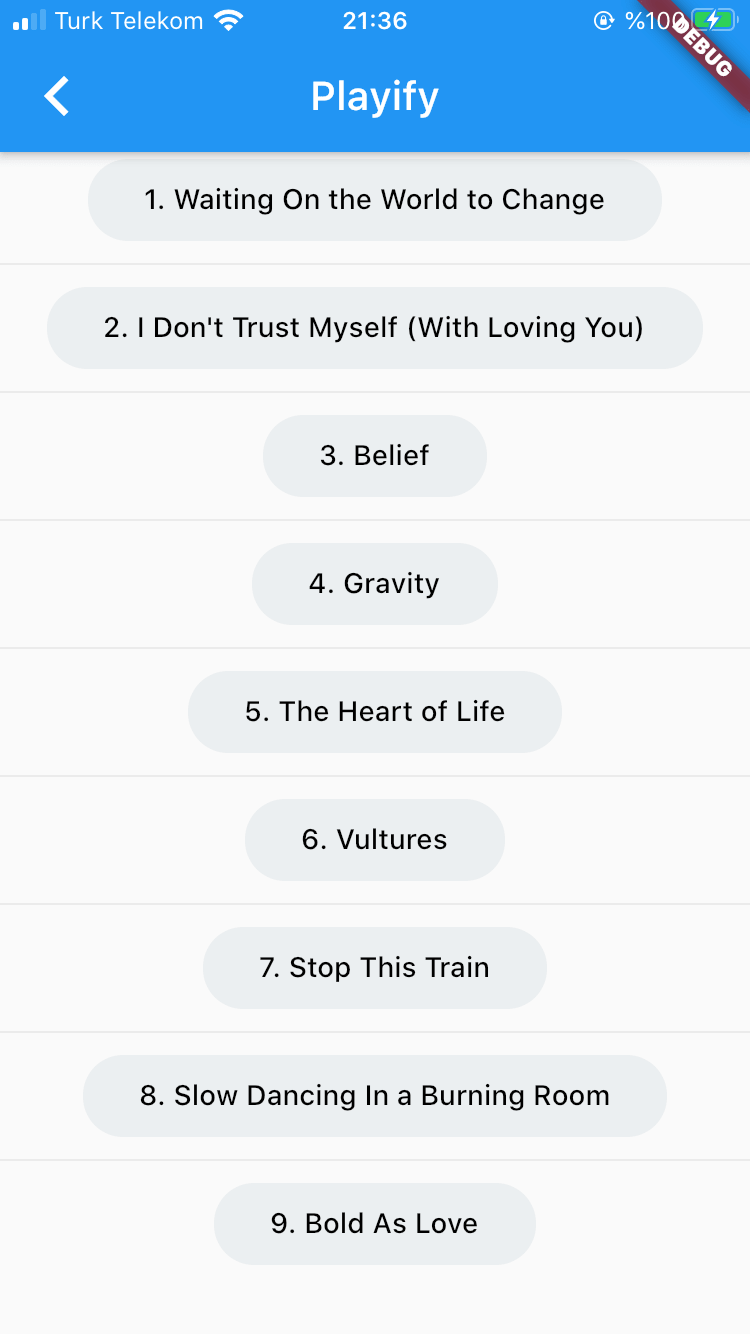
Screenshot Screenshot Screenshot Screenshot

카테고리

소스 저장소

이 패키지를 사용하는 프로젝트

아직 데이터가 없습니다.