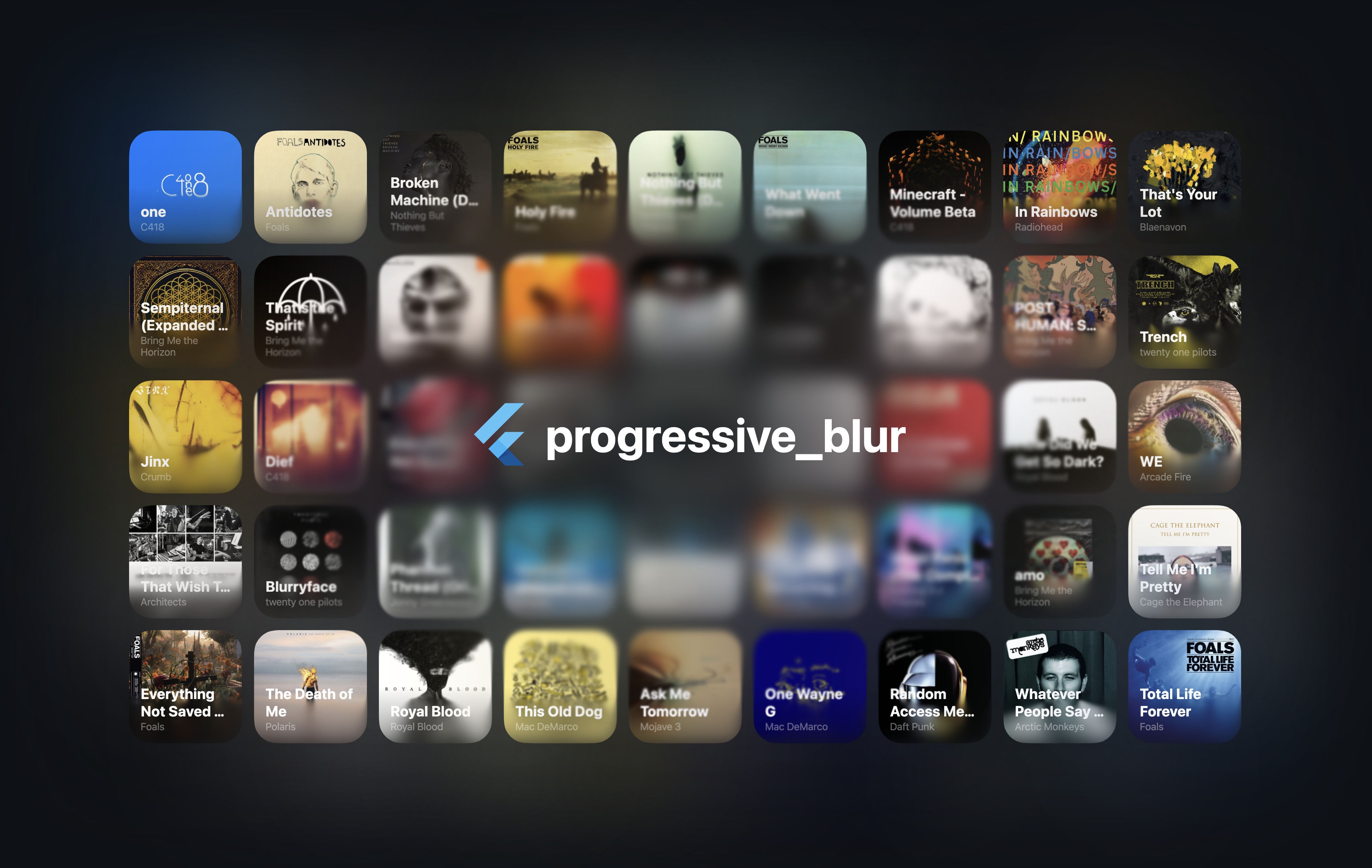
진보적 블러는 이미지 로딩 중 시각적 전환과 성능을 향상시키기 위해 부드럽고 단계적으로 이미지를 흐리게 하는 실험적인 Flutter 패키지입니다. 이미지가 로드되면서 점진적으로 블러를 적용하여 시각적 충격을 줄이고 인식되는 반응성을 개선합니다. 이미지 중심 애플리케이션에 적합하며 Android, iOS, Web, macOS, Windows, Linux 등 여러 플랫폼을 지원합니다. Flutter의 렌더링 파이프라인을 활용해 최소한의 오버헤드로 효율적인 실시간 블러 효과를 제공합니다. 스플래시 화면, 이미지 갤러리, 시각적 연속성이 중요한 동적 UI에 이상적입니다.
사용 사례
부드러운 전환을 사용한 이미지 로딩
흐린 배경이 있는 스플래시 화면
동적 이미지 갤러리
고성능 UI 애니메이션
이미지 렌더링 중 시각적 피드백
주요 기능
실험적인 프로그레시브 블러 효과
이미지 로드 중 부드러운 시각적 전환
크로스 플랫폼 지원 (Android, iOS, Web, macOS, Windows, Linux)
최소 성능 오버헤드
Flutter 렌더링 파이프라인과의 통합
적합한 대상
이미지가 풍부한 앱을 개발하는 개발자
시각적 완성도를 추구하는 UI 디자이너
부드러운 로딩 경험을 필요로 하는 앱
실험적 기능 테스트
성능 중심의 Flutter 프로젝트
고려 사항
실험적 상태는 불안정성을 의미할 수 있다
사용 가능한 문서가 제한되어 있습니다
플랫폼에 특화된 튜닝이 필요할 수 있습니다
생산에 중요한 기능에는 아직 추천하지 않습니다
블러 처리 중 메모리 사용량 증가
원본 README
연결된 소스 저장소의 README 원문 스냅샷입니다. 최신 내용은 저장소에서 확인하세요.
[!NOTE]
Early version of the project. The performance may be suboptimal, and the APIs may change in the future.
An iOS-like progressive blur implementation for Flutter.
Usage
See the example folder for a complete example.
[!CAUTION]
The CanvasKit web performance seems to be terrible. I'm not exactly sure why at the moment. However, skwasm performs much better.
import'package:progressive_blur/progressive_blur.dart';
// Simple gradient blur with optional tintProgressiveBlurWidget(
sigma: 24.0,
linearGradientBlur: constLinearGradientBlur(
values: [0, 1], // 0 - no blur, 1 - full blur
stops: [0.5, 0.8],
start: Alignment.topCenter,
end: Alignment.bottomCenter,
),
tintColor: Colors.orange.withOpacity(0.3), // Optional tint color
child: ...
);
// Advanced: custom blur texture//// You can create a custom blur texture using the Flutter's Canvas API. Note that the red channel controls the blur strength (0 - no blur, 255 - full blur).ProgressiveBlurWidget.custom(
sigma: 24.0,
blurTexture: [instance of ui.Image],
tintColor: Colors.purple.withOpacity(0.4), // Optional tint color
child: ...,
)
Rendering implementations
The package ships two implementations of the blur:
ImageFilter.shader (Impeller only): the two blur passes are applied as
chained ui.ImageFilter.shader
filters via an ImageFiltered widget. This avoids rendering the subtree into
an intermediate ui.Image every frame. Requires Flutter 3.35+ and the
Impeller rendering engine.
AnimatedSampler (fallback): the original implementation — the subtree
is rendered into a composited layer and the resulting ui.Image is bound as
a shader sampler. Works on Skia and on the web.
By default, the implementation is selected automatically at runtime via
ui.ImageFilter.isShaderFilterSupported. You can override the selection with
the static useImageFilter toggle:
// null (default): pick automatically — ImageFilter.shader on Impeller,// AnimatedSampler otherwise.ProgressiveBlurWidget.useImageFilter = null;
// Force the ImageFilter.shader implementation.ProgressiveBlurWidget.useImageFilter = true;
// Force the AnimatedSampler implementation.ProgressiveBlurWidget.useImageFilter = false;
The toggle can be changed at any time (existing widgets pick it up on their
next rebuild), and both implementations render identically.
[!NOTE]
With the ImageFilter.shader implementation, the blur parameters are read
when the widget is built or its configuration changes — animating them every
frame is not supported yet (see
flutter/flutter#163302).
Additional information
Feel free to report bugs/issues on GitHub.
If you have questions, you can contact me directly at kk.erzhan@gmail.com.
Credits:
https://www.shadertoy.com/view/Mfd3DM - an inspiration for the blur shader
flutter_shaders - a great library for working with shaders in Flutter