패키지, 저장소 및 앱 카테고리 검색

roulette 표지
패키지 상세v0.3.2

roulette

이 라이브러리는 일반적으로 추첨에 사용되는 간단한 룰렛 위젯을 제공합니다.

AndroidiOSWebmacOSWindowsLinux
30일 다운로드
384
좋아요
53
Pub 점수
160

패키지 설치

flutter pub add roulette

패키지 개요

공개 정보를 바탕으로 생성한 선택 가이드입니다.

룰렛 패키지는 추첨형 게임과 보상 시스템을 위한 간단하고 사용자 정의 가능한 룰렛 휠 위젯을 제공합니다. Flutter로 구현되어 부드러운 회전 애니메이션을 지원하며, 경품 행사, 콘테스트 또는 게임화 경험용 앱에 쉽게 통합할 수 있습니다. 가볍고 Android, iOS, 웹, macOS, Windows, Linux 등 주요 플랫폼에서 모두 작동합니다. 복잡한 구현 없이 인터랙티브한 회전 휠을 추가하고 싶은 개발자에게 이상적인 즉시 사용 가능한 솔루션입니다.

사용 사례

  • 로또 추첨
  • 게임화된 사용자 보상
  • 경품 선택
  • 인터랙티브 앱 기능
  • 사용자 참여 도구

주요 기능

  • 부드러운 회전 애니메이션
  • 사용자 정의 가능한 휠 세그먼트
  • 크로스 플랫폼 호환성
  • 간단한 API 통합
  • 사용자 정의 회전 지속 시간

적합한 대상

  • 게임을 개발하는 앱 개발자
  • 프로모션 캠페인을 기획하는 팀
  • 상호작용 요소를 갖춘 교육 앱
  • 랜덤한 상품 선택이 필요한 앱

고려 사항

  • 기본 스타일링을 초과한 제한된 사용자 정의
  • 내장 사운드 효과 없음
  • 결과 로직을 수동으로 처리해야 합니다
  • 고주파 회전에 최적화되지 않음
  • 결과를 외부 상태 관리에 의존합니다

원본 README

연결된 소스 저장소의 README 원문 스냅샷입니다. 최신 내용은 저장소에서 확인하세요.

Pub Verify & Test License

Project Status: Stable & Open for Contributions

This project has reached its primary goals. The author actively maintains it for compatibility with the latest SDKs and critical bug fixes, but is no longer actively developing new features.

Feature Requests: Suggestions are welcome! Please open an Issue for discussion.

Contributions: If you need a new feature, Pull Requests are highly encouraged and appreciated.

This is a Flutter library that provides a simple wheel widget for lottery usage.

Features

  • Quickly build customizable roulettes
  • Support roulettes with different sized parts based on specified weight
  • Easily control the roll animation and settle position
  • Support text, icons and images for roulette parts

There are various types of roulette provided by this package (text is optional):

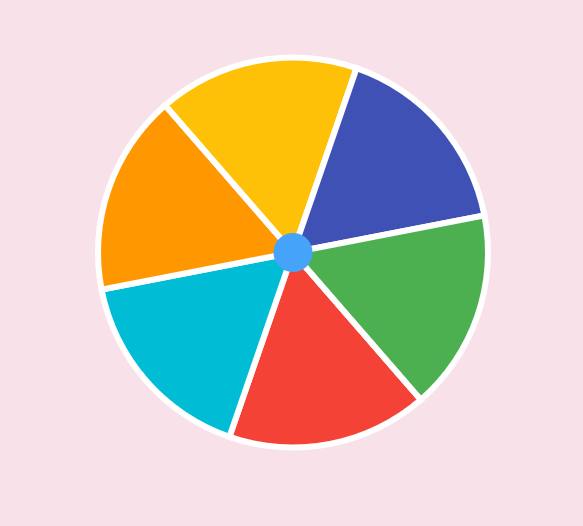
  • Uniformed roulette:

    Uniformed with no text
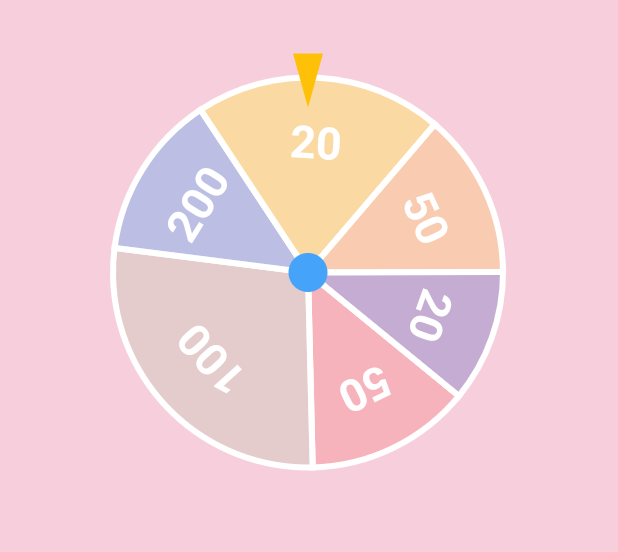
  • Weight-based roulette:

    Weight based with text
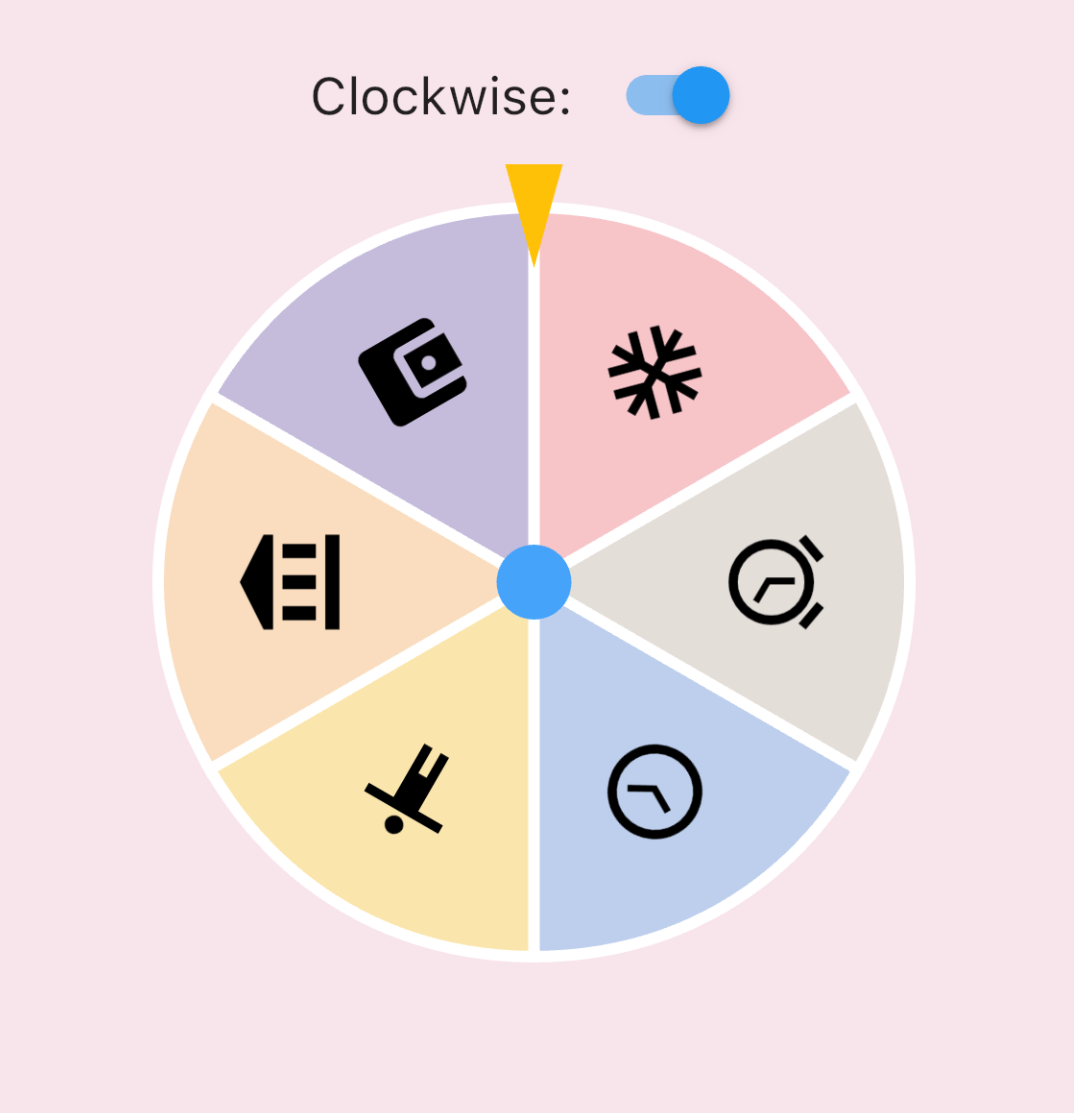
  • IconData roulette (available in 0.1.4):

    Icon roulette
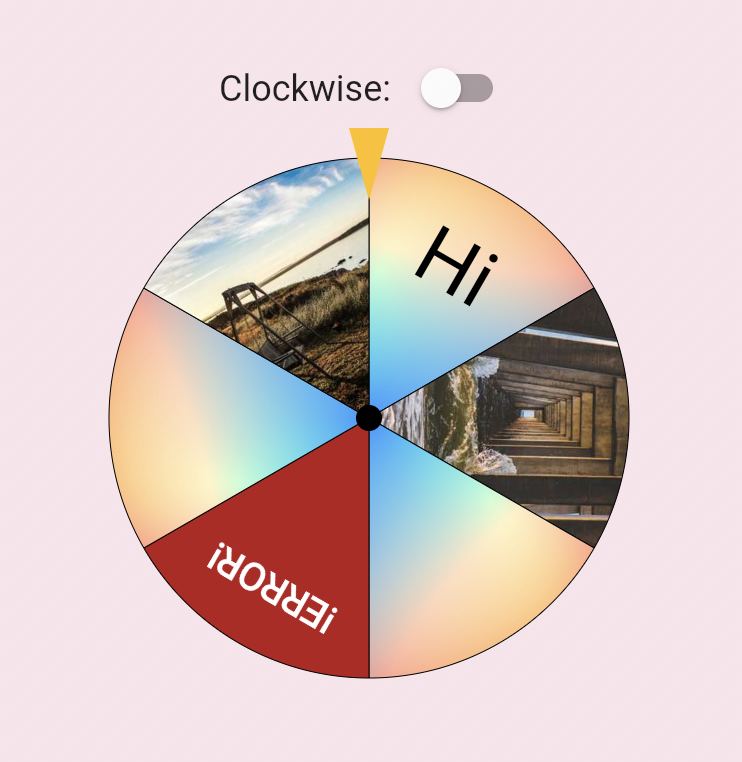
  • Image roulette (available in 0.1.5):

    Icon roulette

Getting started

Add this to your pubspec.yaml file:

dependencies:
  roulette: ^1.0.0-rc.1

Note (v1.0.0-rc.1): The package no longer depends on package:flutter/material.dart. RouletteStyle now requires centerStickerColor and dividerColor — use the deprecated RouletteStyle.material() to keep the previous default look. It's highly recommend to specify the colors explicitly, the material ported version will be removed in future.

Usage

Create a RouletteController

First, create a RouletteController instance:

// Create roulette units
final units = [
  RouletteUnit.noText(color: Colors.red),
  RouletteUnit.noText(color: Colors.green),
  // ...other units
];

// Initialize controller
final controller = RouletteController();

For uniformed roulette from a list, use the builder:

// Source data
final values = <int>[1, 2, 3, 4];

// Build uniformed group
final group = RouletteGroup.uniform(
  values.length,
  colorBuilder: (index) => Colors.blue,
  textBuilder: (index) => values[index].toString(),
  textStyleBuilder: (index) {
    // Customize text style, don't forget to return it
  },
);

// Create controller
controller = RouletteController();
Add Roulette Widget

With the controller, add a Roulette widget:

@override
Widget build(BuildContext context) {
  return Roulette(
    group: group,
    controller: controller,
    style: RouletteStyle(
      centerStickerColor: Colors.white,
      dividerColor: Colors.black38,
      // Customize appearance (e.g. sectionImageLayout for image sections)
    ),
  );
}
Add Tappable Roulette Widget

Available from 0.3.1, you can use TappableRoulette which wraps Roulette to detect which sector is tapped by the user.

@override
Widget build(BuildContext context) {
  return TappableRoulette(
    group: group,
    controller: controller,
    onTap: (index) {
      print('Tapped on $index sector');
    },
    style: RouletteStyle(
      centerStickerColor: Colors.white,
      dividerColor: Colors.black38,
      // Customize appearance
    ),
  );
}
Control the Animation

Use rollTo method to spin the roulette:

ElevatedButton(
  onPressed: () async {
    // Spin to index 2
    await controller.rollTo(2);
    // Do something after settled
  },
  child: Text('Roll!'),
);

rollTo allows options like randomizing stop position:

// Generate random offset
final random = Random();
final offset = random.nextDouble();

// Spin with offset
await controller.rollTo(2, offset: offset);
Animation Configurations

You can customize the roll animation by passing an AnimationConfig to rollTo:

Curve-based animation (default):

await controller.rollTo(
  2,
  animationConfig: CurveAnimationConfig(
    curve: Curves.easeInOut,
    duration: Duration(seconds: 3),
  ),
);

Physics-based animation (available in 0.3.0):

await controller.rollTo(
  2,
  animationConfig: PhysicsAnimationConfig(
    drag: 0.3, // Lower = stronger friction, shorter spin
  ),
);
Roll infinitely before determine the result (available in 0.3.2)

You can also use rollInfinitely to roll infinitely until you call stop or rollTo method:

// Roll infinitely
controller.rollInfinitely();

// Getting the result value somewhere...
try {
  final result = await service.request()
  final index = values.indexOf(result);
  // Stop rolling and settle to index
  controller.rollTo(index, offset: random.nextDouble());
} catch (e, st) {
  // Or stop rolling immediately, stop with this method has no animation
  // controller.stop();
}

Please refer to API documentation for more details.

For more complete examples, please check the example app.

Legal Statement

The creators of this library do not endorse or encourage any illegal gambling activities. Please use this library responsibly and comply with all applicable laws in your local jurisdiction. The authors assume no liability for any misuse of this software.

카테고리

의존성

의존성 목록 1 개

소스 저장소

이 패키지를 사용하는 프로젝트

아직 데이터가 없습니다.