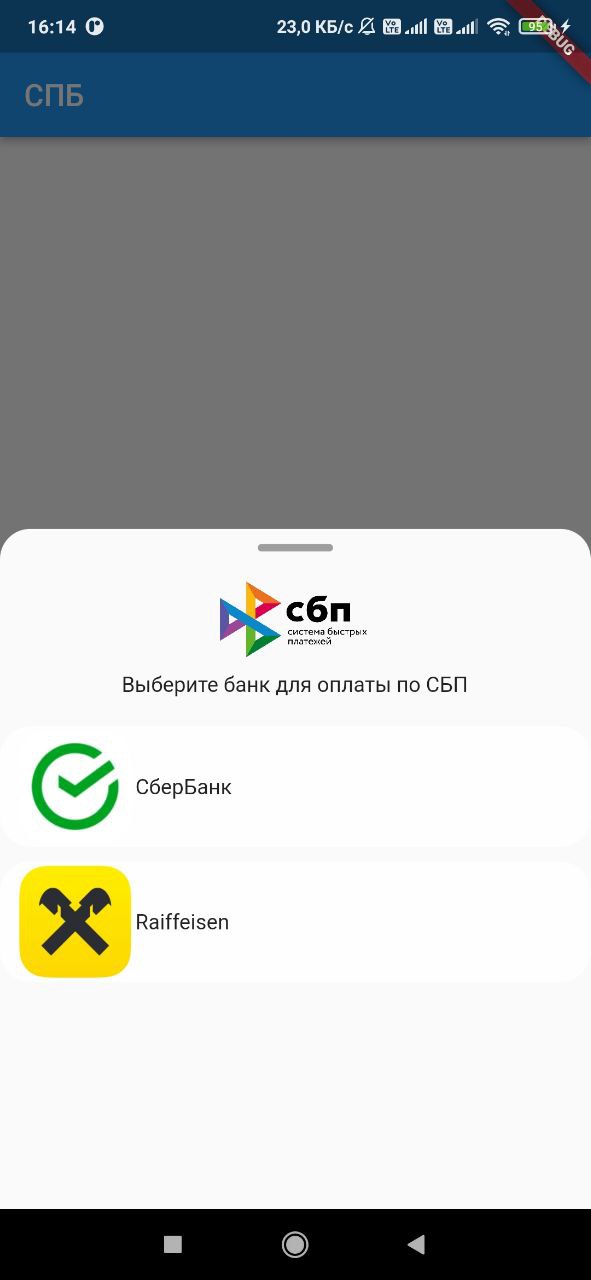
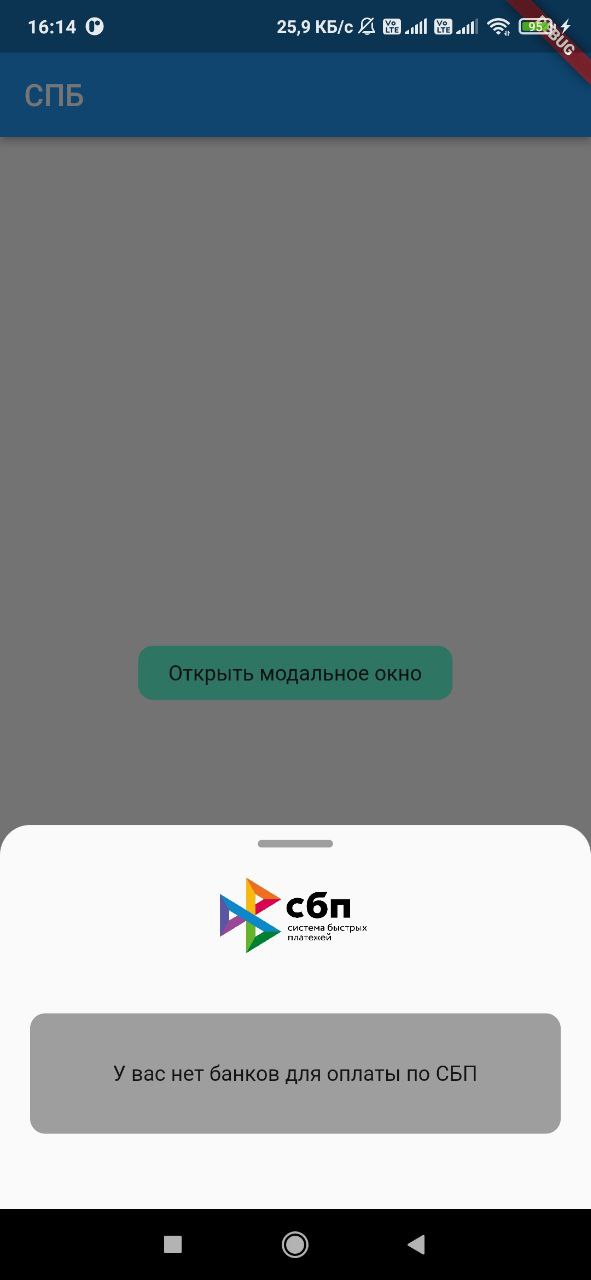
sbp 패키지는 러시아의 신속 결제 시스템(SBP)과의 통합을 가능하게 하는 플러터 플러그인입니다. 개발자가 사용자 기기에서 설치된 은행 앱을 감지하고, qr.nspk.ru와 같은 SBP 결제 링크를 앱에서 직접 실행할 수 있도록 해줍니다. 이를 통해 플러터 애플리케이션 내에서 원활하고 즉각적인 은행 송금이 가능해집니다. 이 플러그인은 안드로이드 및 iOS 플랫폼 모두를 지원하여 광범위한 호환성을 보장합니다. 기존의 은행 앱을 활용함으로써 사용자가 카드 정보를 입력할 필요 없이 결제 처리를 간편하게 만듭니다.
사용 사례
전자상거래 앱에서의 즉시 은행 송금
모바일 지갑에 SBP 결제 통합
QR 코드 기반 결제 활성화
디지털 서비스 구독 지원
피어 투 피어 송금 지원
주요 기능
설치된 SBP 호환 은행 감지
딥링크를 통해 SBP 결제 링크를 시작합니다
Android 및 iOS 플랫폼을 지원합니다
표준 QR 기반 결제 URL을 사용합니다
결제 시작을 위한 간단한 API를 제공합니다
적합한 대상
러시아 시장 결제 솔루션
즉시 은행 송금이 필요한 앱
금융 또는 유통 앱을 개발하는 개발자
QR 기반 결제를 사용하는 프로젝트
SBP 활성 사용자를 대상으로 하는 플러터 앱
고려 사항
사용자 기기에서 SBP 호환 은행이 필요합니다
SBP(예: 러시아)를 지원하는 지역에 한정
외부 은행 앱 사용 가능 여부에 따라 다름
링크 검증을 위해 추가 처리가 필요할 수 있습니다
비-SBP 결제 시스템에는 적합하지 않습니다
원본 README
연결된 소스 저장소의 README 원문 스냅샷입니다. 최신 내용은 저장소에서 확인하세요.
sbp
Flutter plugin, with which you can get a list of banks installed on the device user, as well as
launch a link to pay for the SBP of the form https://qr.nspk.ru/.../
Adding dependencies
To use the plugin, add it to the pubspec.yaml file.
Installing
Android
Starting with android 11 in AndroidManifest.xml, you need to specify applications that our
application can see
Add URL schemes to LSApplicationQueriesSchemes in Info.plist file:
This list is needed in order to make it possible to open third-party installed applications on iOS.
The list of banks supported by SBP can be obtained
at c2bmembers.json.
Warning! Starting with iOS 15, the maximum number of the scheme list should not exceed
50.Detailed information can be obtained from
this link
Description of functions with examples
To use sbp and get current information on supported banks, SBP needs to be raised own server, which
will pull up new information on banks once in a while.
Warning!If you use json, don't forget to change the links to images in the file
/sbp/lib/data/c2bmembers_data.dart as they take a long time to load or not to load at all (IOS).
Links to current banks from the official website of the SBP
We pass the url of the form ('https://qr.nspk.ru/...' deprecated) schema://qr.nspk.ru/.... and the packageName of the application in which you want to open the SBP
IOS
Sbp.openIOSBank(String url, String schema)
We pass the url of the form https://qr.nspk.ru/.../ and the schema of the application in which you
want to open the SBP
useAndroidLocalIcons - if you want to use native android application icons, then put
true and use the bitmap variable to display the bank icon
useAndroidLocalNames - if you want to use the native name of the android application, then put
true and use the localName variable to display the name of the bank
A variable is passed c2bmembersData (json /sbp/lib/data/c2bmembers_data.dart), which is parsed and
returns a C2bmembersModel.
C2bmembersModel contains fields such as:
version - json version
c2bmembersModel - List C2bmemberModel installed applications
C2bmemberModel contains fields such as:
bankName - bank name
logoURL - link to picture
schema - application schema
packageName - application packageName
icon - icon app from assets
bitmap - bitmap app on device(only for Android)
localName - local name app on device(only for Android)