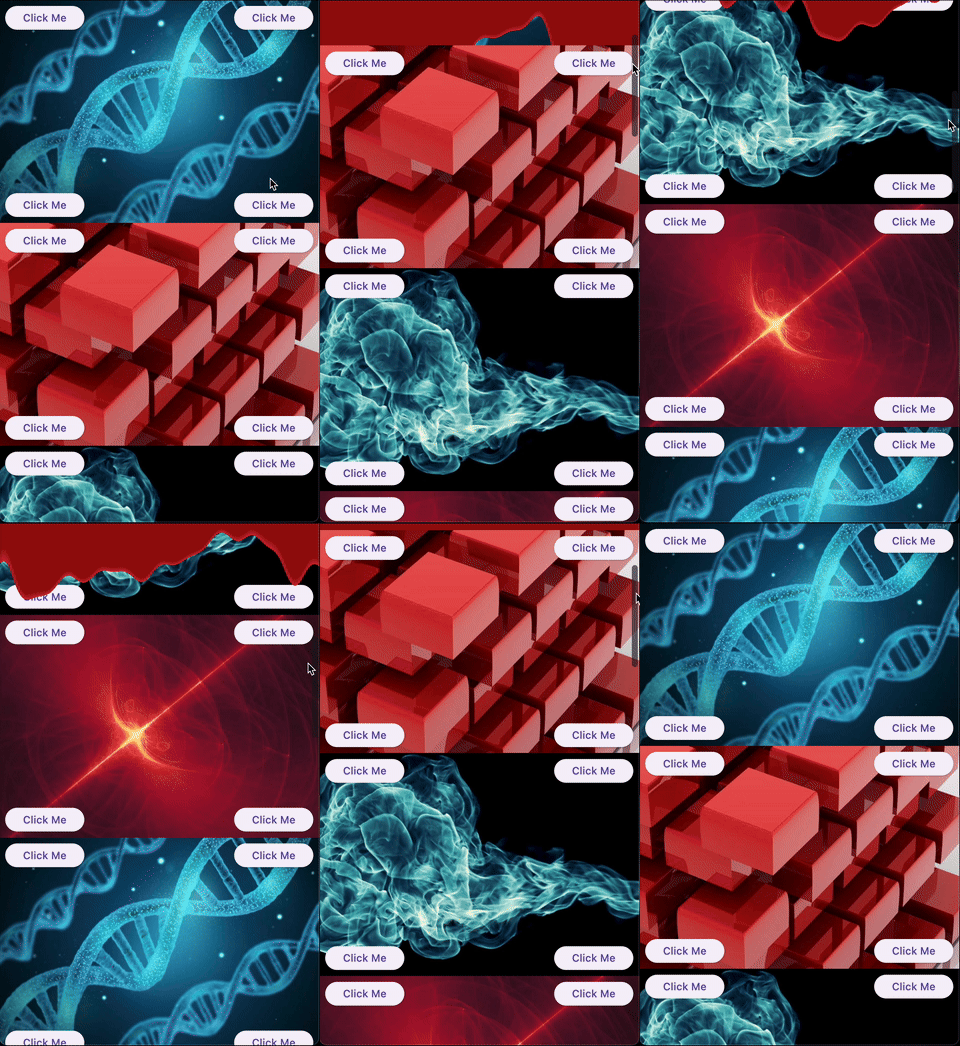
sliver_catalog는 Flutter 패키지로, 스크롤 가능한 인터페이스를 향상시키기 위해 실험적이고 창의적인 슬리버의 정성 어린 컬렉션을 제공합니다. 독특하고 시각적으로 매력적인 스크롤 경험을 찾는 개발자를 위한 것으로, Flutter 내장 슬리버 컴포넌트를 혁신적인 레이아웃과 동작으로 확장합니다. 복잡한 스크롤 상호작용을 가진 앱의 프로토타이핑이나 특별한 분위기를 더하는 데 이상적이며, 모바일, 웹, 데스크톱을 포함한 모든 주요 플랫폼을 지원합니다. 모듈러 디자인으로 기존 스크롤 뷰에 쉽게 통합할 수 있습니다.
사용 사례
동적 스크롤 가능한 UI 만들기
고급 스크롤 효과 프로토타이핑
앱 시각적 매력 향상
사용자 정의 스크롤 레이아웃 만들기
실험적 슬리버 동작 추가
주요 기능
실험적인 슬리버 위젯
창의적인 스크롤 디자인
크로스 플랫폼 지원
모듈식이고 확장 가능
ScrollView와의 간편한 통합
적합한 대상
스크롤 효과를 탐색하는 Flutter 개발자
독특한 UI 컴포넌트를 원하는 디자이너
시각적 혁신을 추구하는 앱 빌더
새로운 스크롤 패턴을 테스트하는 프로토타이퍼
몰입형 스크롤 경험을 구축하는 팀
고려 사항
실험 프로젝트에 가장 적합
추가 스타일링이 필요할 수 있습니다
생산 안정성에 권장되지 않음
제한된 문서
복잡한 레이아웃과 함께 가능한 성능 영향
원본 README
연결된 소스 저장소의 README 원문 스냅샷입니다. 최신 내용은 저장소에서 확인하세요.
What this library is
A collection of experimental and creative slivers for Flutter. Extend your scrolling experience beyond the basics.
Gallery
Demo
Overview
Sliver Catalog provides a set of advanced and experimental slivers for Flutter, enabling developers to create unique, visually engaging scroll effects. The package includes basic slivers as a platform for creating effects and specific implementations that provide ready-to-use effects.
Basics
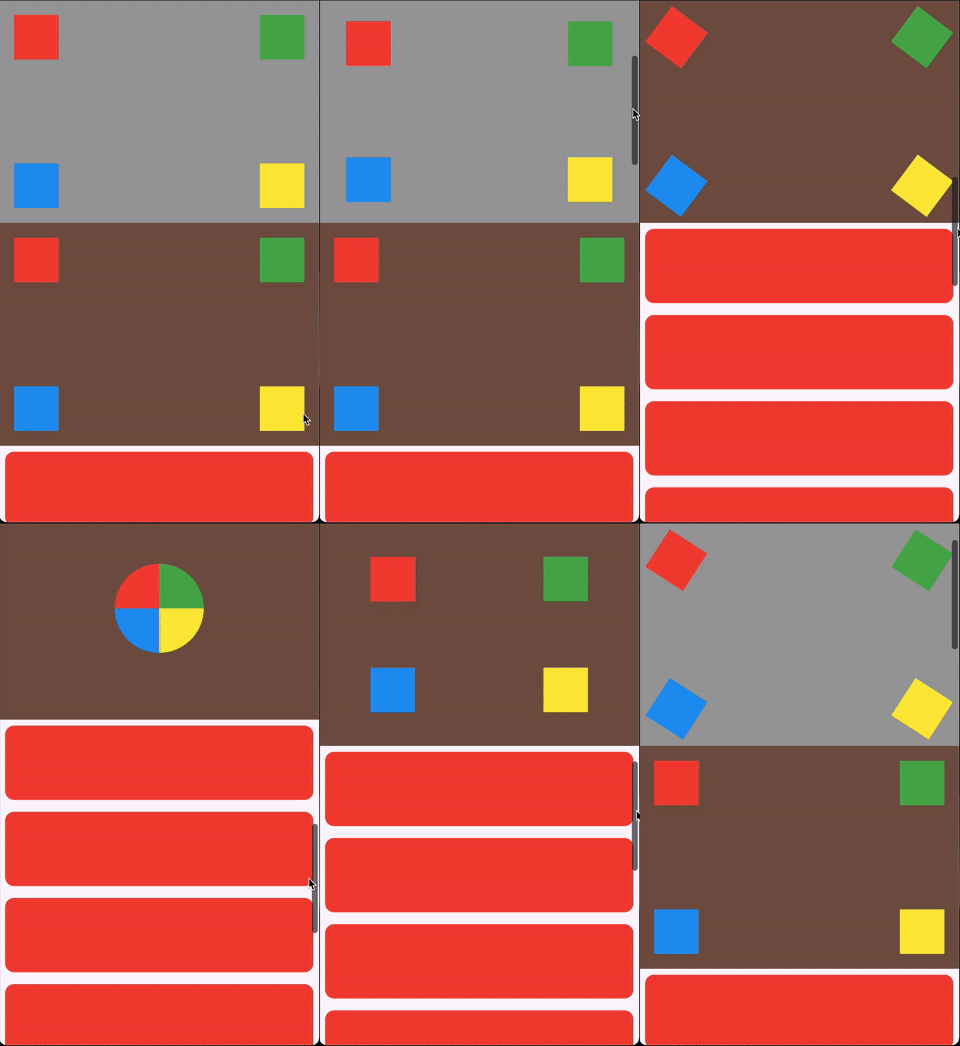
ScrollHijackSliver: A sliver that consumes a specified amount of scrollable space before allowing its child to start scrolling.
LeavingViewportShaderSliver: Applies a shader on top of the child while it leaves the viewport.
LeavingViewportTransformedRenderSliver: A render object that applies a transformation to the child while it leaves the viewport.
Ready-to-use effects
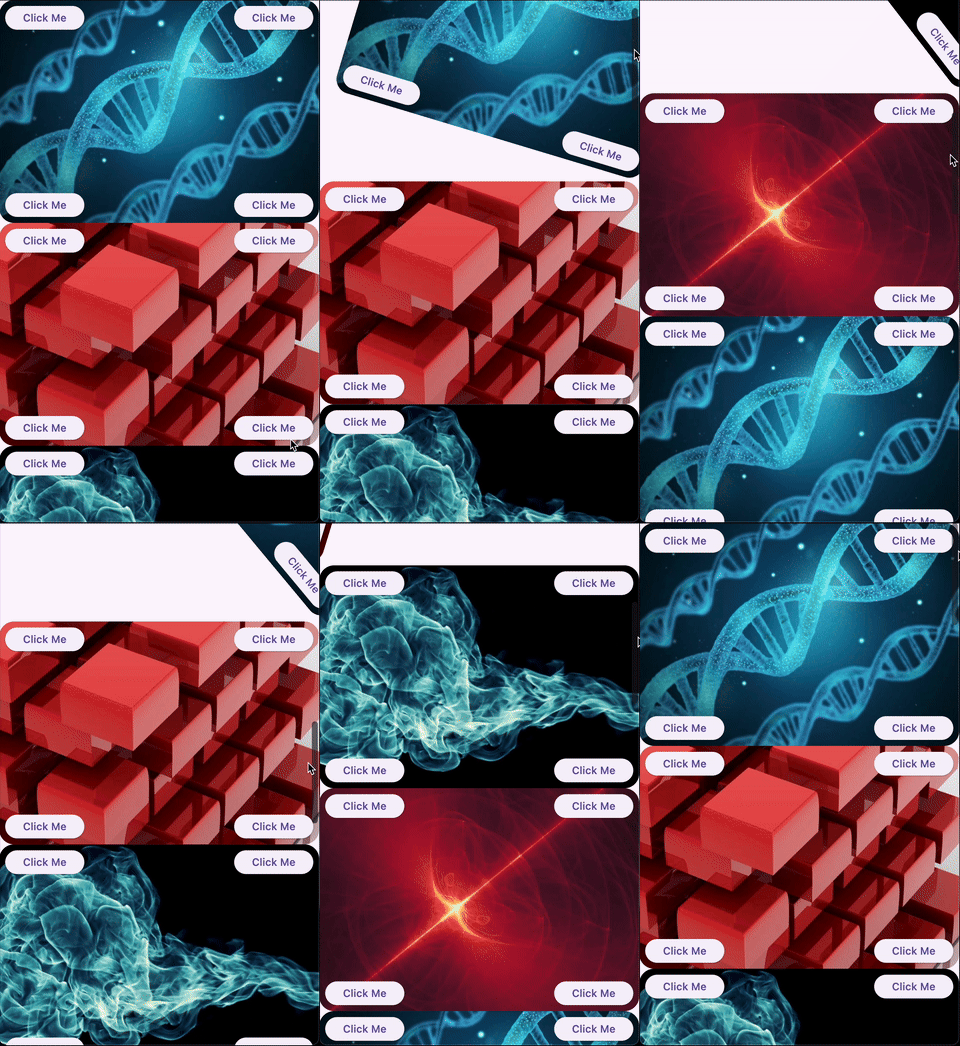
SpinnerSliver: Rotates its child as it leaves the viewport, with configurable anchor and angle.
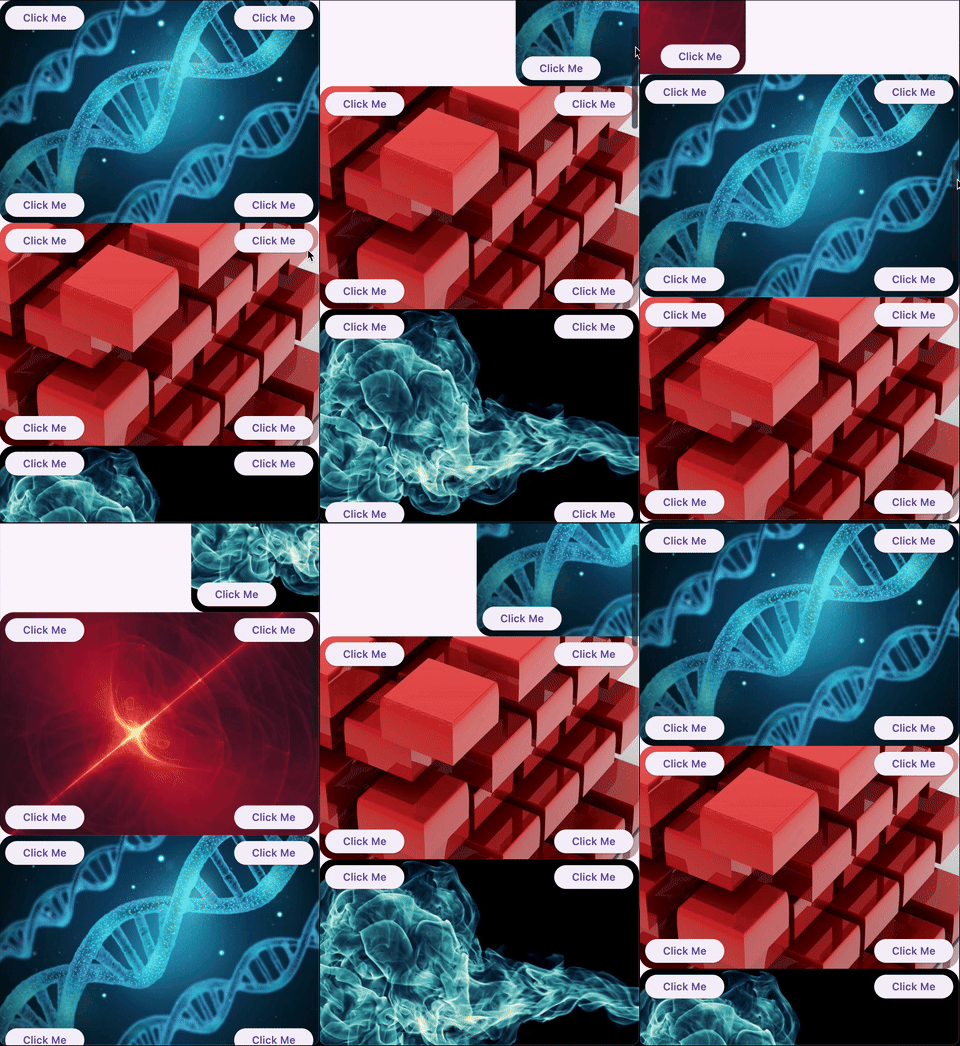
GliderSliver: Smoothly shifts the child in and out of the viewport.
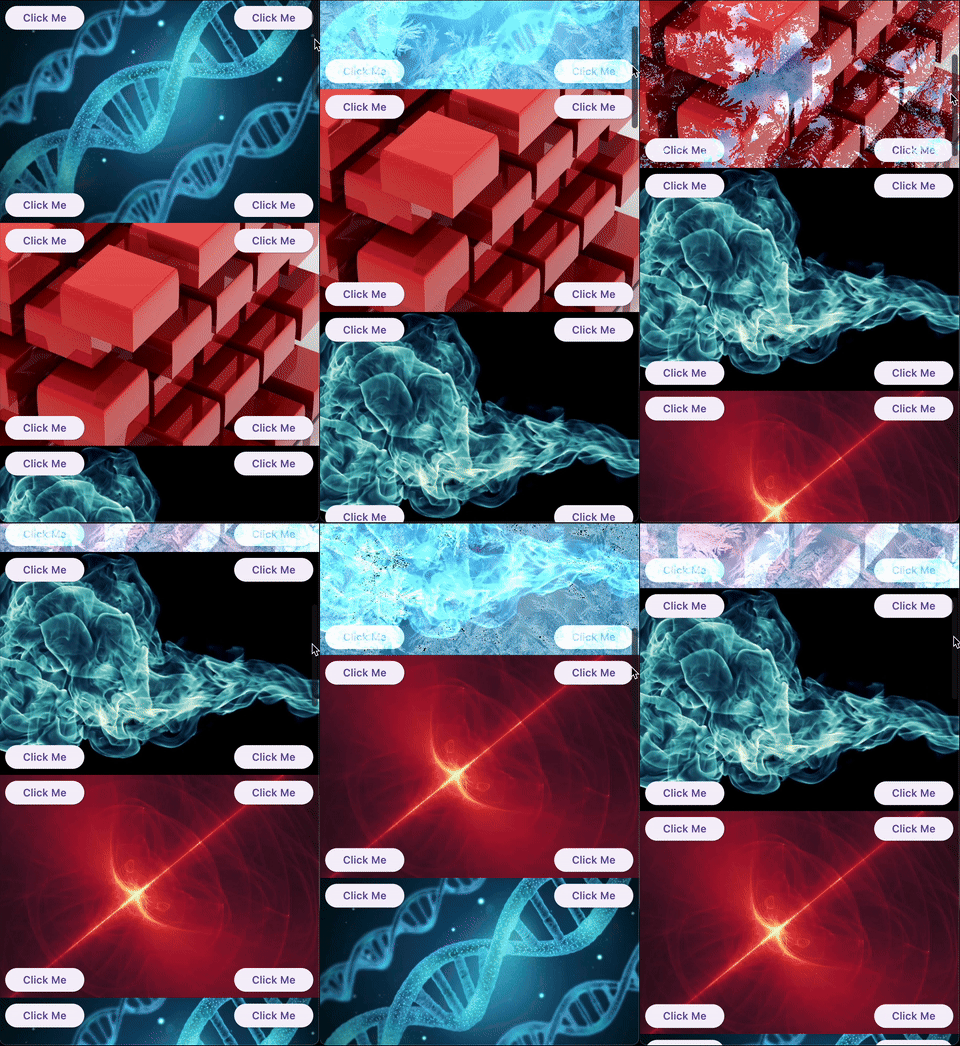
FreezeSliver: Applies a freezing effect to the child while it leaves the viewport.
BloodSliver: Applies a blood covering effect to the child while it leaves the viewport.
Explore the library
ScrollHijackSliver
A sliver that consumes a specified amount of scrollable space before allowing its child to start scrolling. This is useful for creating custom scroll-driven animations and effects.
Key features:
Exposes a ValueListenable<double> progress (0.0–1.0) to the builder, so you can animate your child based on the progress.
Supports different progress calculation behaviors via ScrollHijackProgressBehavior.
A sliver that applies a fragment shader effect to its child as it leaves the viewport. This enables advanced visual effects as the user scrolls.
Key features:
Can operate with a raw FragmentShader that uses a specific order of arguments (size, offset, progress), or with a custom shader wrapper for any uniform order via the LeavingViewportShader interface.
The shader receives the child's size, paint offset, and a progress value (0.0–1.0) indicating how much the child has left the viewport.
Example:
CustomScrollView(
slivers: [
// Using a raw FragmentShader (default uniform order)LeavingViewportShaderSliver.fromFragmentShader(
shader: myFragmentShader,
child: Image.network('https://...'),
),
// Using a custom wrapper for arbitrary uniform orderLeavingViewportShaderSliver(
shader: MyCustomLeavingViewportShader(),
child: Image.network('https://...'),
),
// ... other slivers ...
],
)
There are also two built-in inheritances of LeavingViewportShaderSliver:
FreezeSliver
A sliver that applies a "freezing" shader effect to its child as it leaves the viewport. This effect is built-in and requires no manual shader setup.
Key features:
Uses a predefined freezing shader bundled with the package.
No shader code required—just wrap a content with the sliver.
A sliver that applies a "blood covering" shader effect to its child as it leaves the viewport. This effect is built-in and requires no manual shader setup.
Key features:
Uses a predefined blood shader bundled with the package.
No shader code required—just wrap a content with the sliver.
A base render sliver for creating scroll-driven 3D or 2D transformations as a child leaves the viewport. This class is intended for advanced use, enabling you to define custom transformation effects (such as rotation, scaling, skewing, etc.) based on scroll progress.
Key features:
Exposes a performTransform method to define any transformation matrix based on child size and leaving progress.
Handles all the layout, painting, and hit testing logic for you.
Allows to define a custom hit testing logic if it is necessary.
Usage:
To create a custom effect, extend LeavingViewportTransformedRenderSliver and implement performTransform.
We appreciate any form of support, whether it's a financial donation, a public sharing, or a star on GitHub and a like on Pub. If you want to provide financial support, there are several ways you can do it: