패키지, 저장소 및 앱 카테고리 검색

패키지 상세v1.0.1

spinner

고정된 크기의 위젯 목록을 순환하는 간단한 애니메이션 스피너

30일 다운로드
15
좋아요
23
Pub 점수
40

패키지 설치

flutter pub add spinner

패키지 개요

공개 정보를 바탕으로 생성한 선택 가이드입니다.

사전에 정의된 고정 크기 위젯 목록을 순환하여 원형으로 전환하는 간단한 애니메이션 스피너를 제공하는 가벼운 플러터 패키지입니다. 로딩 상태나 지속적인 프로세스를 부드러운 시각적 피드백과 함께 표시하는 데 이상적입니다. 사용자 정의가 가능하고, 어떤 UI에도 쉽게 통합할 수 있으며, 비동기 작업 중 사용자 경험을 깔끔하고 효율적으로 향상시키는 방법을 제공합니다.

사용 사례

  • 양식 내 로딩 표시기
  • 진행 중인 백그라운드 작업 표시
  • 데이터 가져오기 중 사용자 경험 향상
  • 이동 전환 시 시각적 피드백
  • 간단한 애니메이션 자리표시자

주요 기능

  • 순환 위젯
  • 고정 크기 위젯 지원
  • 부드러운 애니메이션 전환
  • 필수 구성 최소화
  • 경량이고 성능이 뛰어남

적합한 대상

  • 간단한 로딩 애니메이션을 찾는 개발자
  • 미묘한 시각적 신호가 필요한 UI 디자이너
  • 경량 진행 표시기를 필요로 하는 앱
  • 성능 제약이 까다로운 프로젝트

고려 사항

  • 고정 크기 위젯에 제한됨
  • 회전 속도에 대한 내장된 사용자 정의 없음
  • 복잡한 애니메이션에 적합하지 않습니다
  • 위젯 라이프사이클을 수동으로 처리해야 합니다
  • 업데이트를 위해 외부 소스 코드에 의존합니다

원본 README

연결된 소스 저장소의 README 원문 스냅샷입니다. 최신 내용은 저장소에서 확인하세요.

Spinner

This flutter package implements a simple Spinner animation that cycles through any number of fixed size child widgets. Useful for selecting a random word from a list and displaying it to a user.

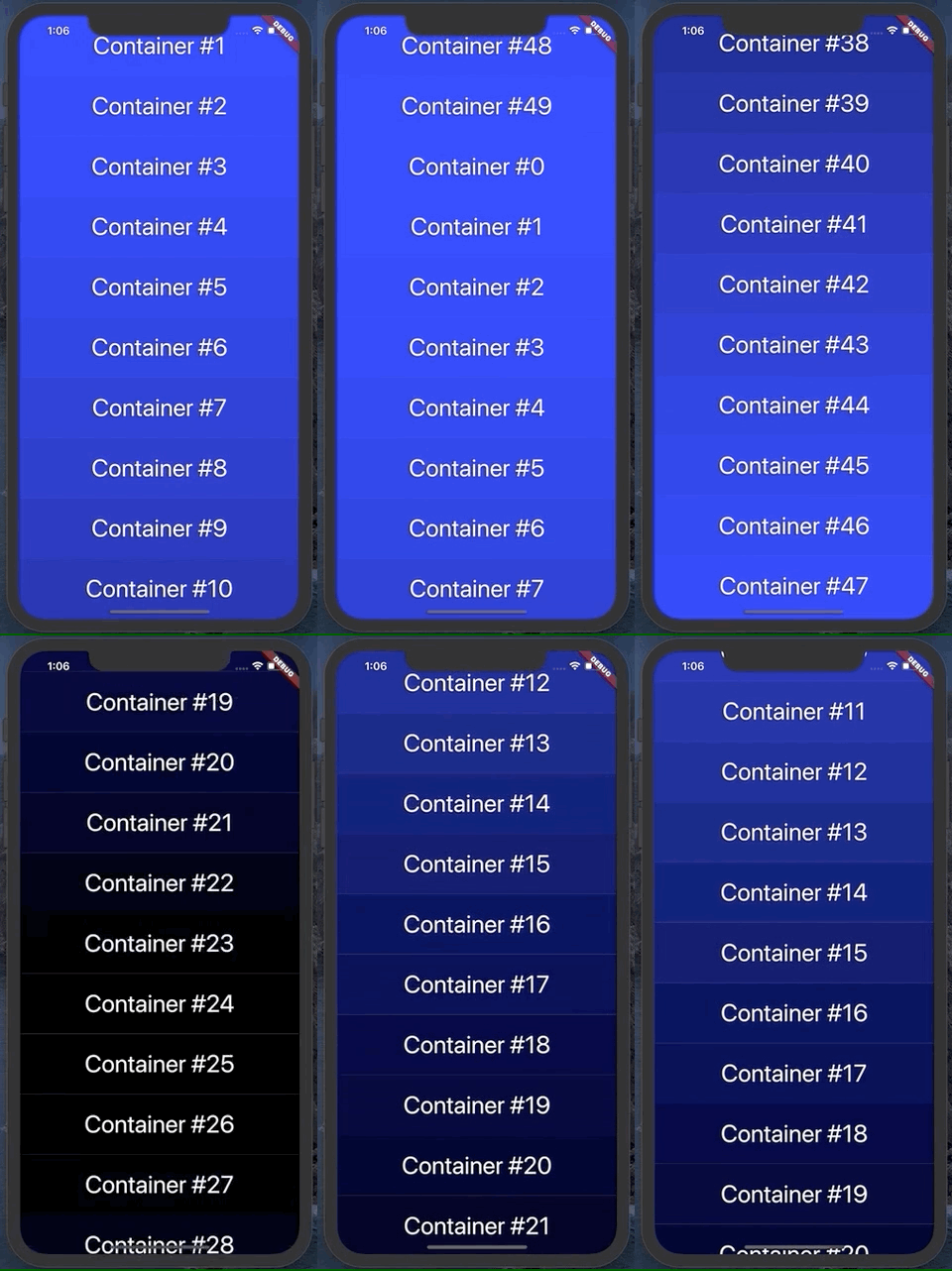
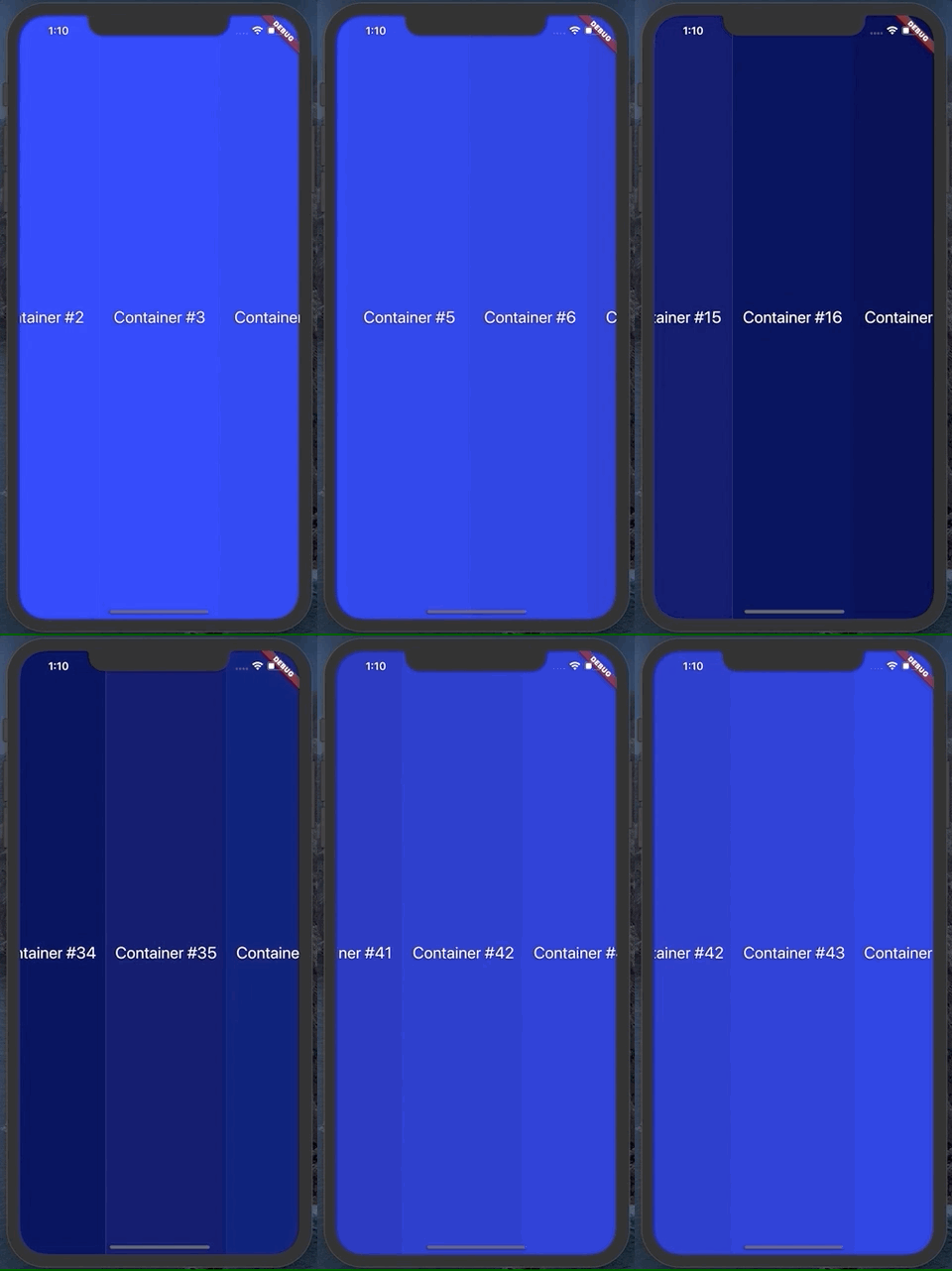
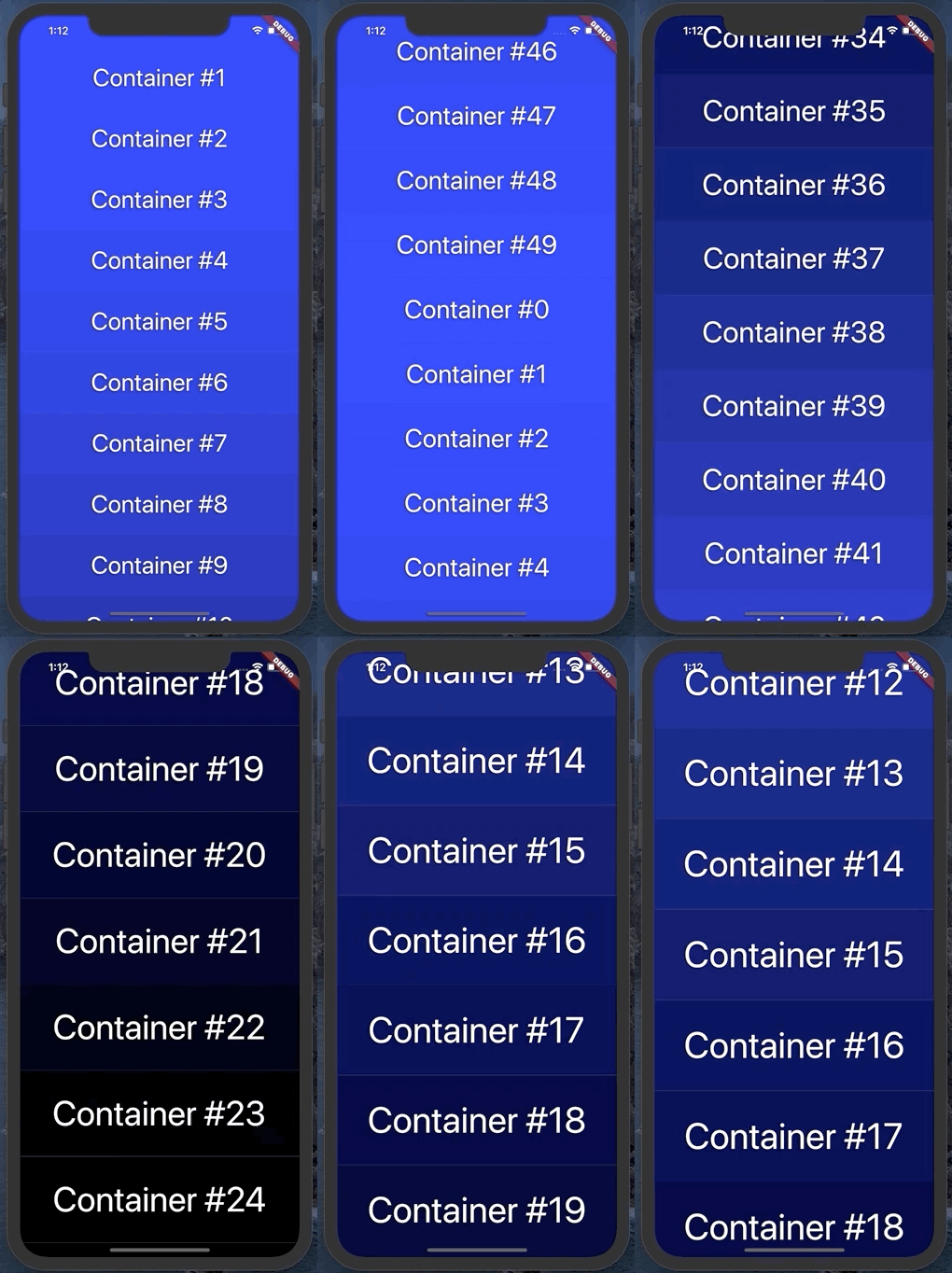
It can animate vertically, up or down:

Or horizontally, left or right:

Usage

To use this plugin, add spinner as a dependency in your pubspec.yaml file.

Example

See the example project in the repo for a quick demo

API

Spinner has several useful parameters. You can see them used in the example file

  • duration: change the duration of the animation

  • animationSpeed: change how fast the animation moves and what index the animation lands on

  • spinDirection: change the direction of animation

  • containerCount: number of containers that should appear on screen

  • containerSize: for vertical scroll, this is the width of each container produced by the builder function. For horizontal, this is the height

  • builder: a function that takes in an integer and returns a widget with height/width of containerSize

  • curve: the curve for the animation to follow. Defaults to easeInOutCubic

  • callback: a function called when the animation completes

  • zoomFactor: optional zoom in by this amount during the animation. It looks something like this, with a zoom factor of 1.5:

카테고리

소스 저장소

이 패키지를 사용하는 프로젝트

아직 데이터가 없습니다.