분류, 패키지 및 저장소 검색

패키지 상세v1.1.0

watermark_unique

watermark_unique는 이미지에 텍스트 및 이미지 워터마크를 추가하는 플러터 패키지입니다. 워터마크의 위치, 색상, 배경색, 여백을 사용자 정의할 수 있습니다.

AndroidiOSWeb
30일 다운로드
105
좋아요
29
Pub 점수
150

패키지 설치

flutter pub add watermark_unique

패키지 개요

공개 정보를 바탕으로 생성한 선택 가이드입니다.

watermark_unique는 이미지에 사용자 정의 텍스트 및 이미지 워터마크를 추가하기 위해 설계된 Flutter 패키지입니다. 사용자는 워터마크의 위치, 색상, 배경색, 여백을 조정하여 정밀한 제어가 가능합니다. 이미지 보호 또는 브랜딩이 필요한 앱에 적합하며, Android, iOS, Web 플랫폼을 지원합니다. 이 패키지는 가볍고 간단한 명령어로 기존 Flutter 프로젝트에 원활하게 통합할 수 있습니다. 오픈소스 성격으로 커뮤니티 기여와 투명성을 장려합니다.

사용 사례

  • 이미지에 저작권 표시 추가하기
  • 로고로 브랜딩 사진 만들기
  • 비승인 사용으로부터 디지털 콘텐츠 보호
  • 워터마크가 있는 썸네일 생성
  • 시각적으로 이미지 메타데이터 사용자 정의하기

주요 기능

  • 텍스트 및 이미지 워터마크 지원
  • 설정 가능한 위치 및 정렬
  • 조정 가능한 색상 및 배경 옵션
  • 사용자 정의 패딩 설정
  • 크로스 플랫폼 호환성 (Android, iOS, Web)

적합한 대상

  • 사진 및 미디어 앱
  • 콘텐츠 관리 시스템
  • 전자상거래 플랫폼
  • 디지털 자산 라이브러리
  • 크리에이티브 도구 및 편집기

고려 사항

  • 워터마크를 적용하기 전에 이미지 로드가 필요합니다
  • 큰 이미지에서는 성능이 달라질 수 있습니다
  • 정적 워터마크 배치에 제한됨
  • 내장된 되돌리기 또는 편집 기록 없음
  • 외부 이미지 처리 효율에 따라 다름

원본 README

연결된 소스 저장소의 README 원문 스냅샷입니다. 최신 내용은 저장소에서 확인하세요.

watermark_unique

watermark_unique is a flutter package to add text and image watermarks on an image. You can customize the watermark's position, color, background color, and padding. Check on pub.dev: https://pub.dev/packages/watermark_unique

Documentation

Features
  • Add text to image
  • Add watermark to image
  • Get result via File or Uint8List

Parameters for image that you can change

  • Text
  • Position by X
  • Position by Y
  • Text size
  • Text color (withOpacity)
  • Background text color (optional / withOpacity)
  • Padding for text if background exist (optional)
  • Quality of image with watermark
  • Image format that you will use to compress

Usage

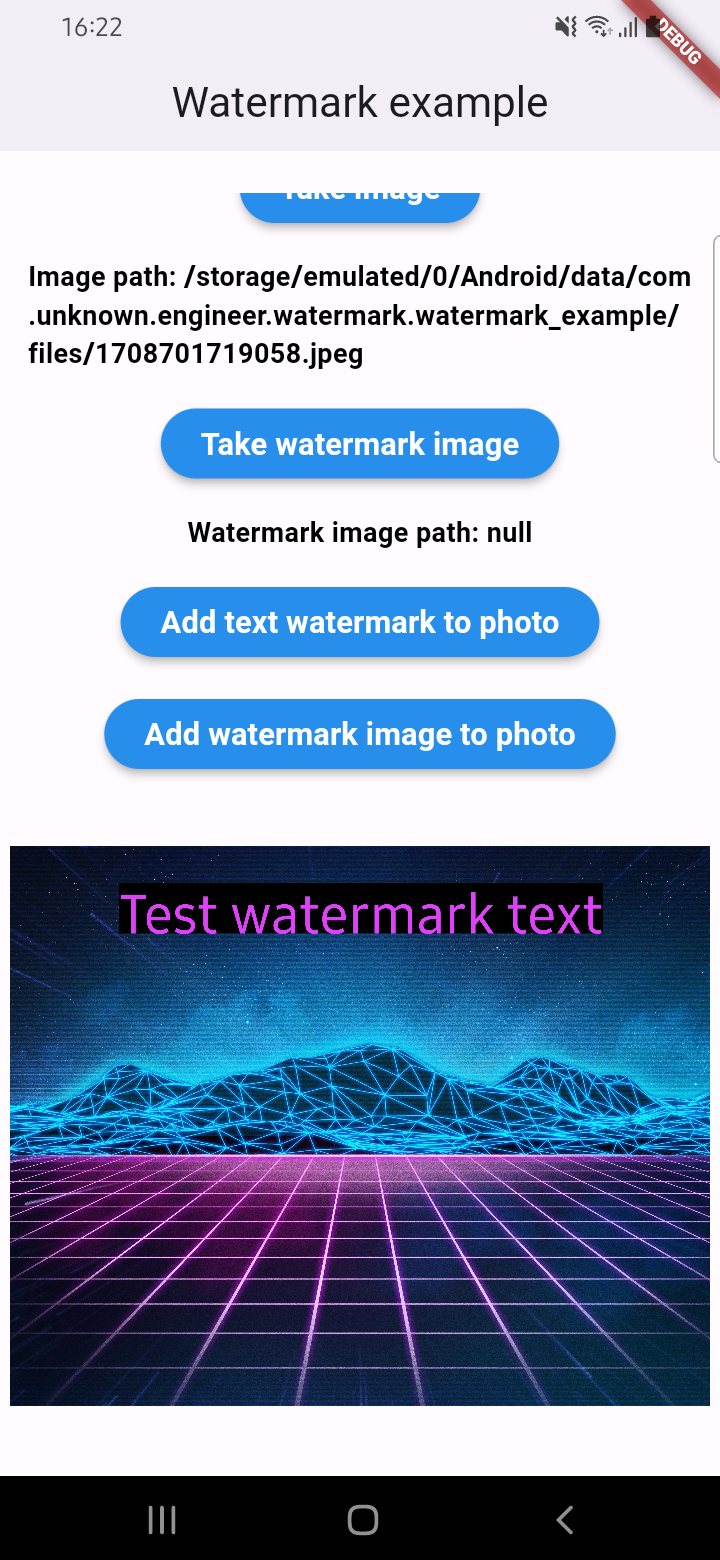
An example of how you can add text to an image (only IOS or Android):

final image = await watermarkPlugin.addTextWatermark(
  filePath: photo!.path, // image file path
  text: 'Test watermark text', // watermark text
  x: 500, // position by x
  y: 400, // position by y
  textSize: 250, // text size
  color: Colors.purpleAccent, // color of text
  isNeedRotateToPortrait: true, // rotation image to portrait (Default: false) ONLY ANDROID
  backgroundTextColor: Colors.black.withOpacity(0.5), // color of background text (optional)
  quality: 100, // quality of image with watermark
  backgroundTextPaddingLeft: 12, // padding of background text (optional)
  backgroundTextPaddingTop: 12, // padding of background text (optional)
  backgroundTextPaddingRight: 12, // padding of background text (optional)
  backgroundTextPaddingBottom: 12, // padding of background text (optional)
  imageFormat: ImageFormat.jpeg, // image format that you will use to compress
);

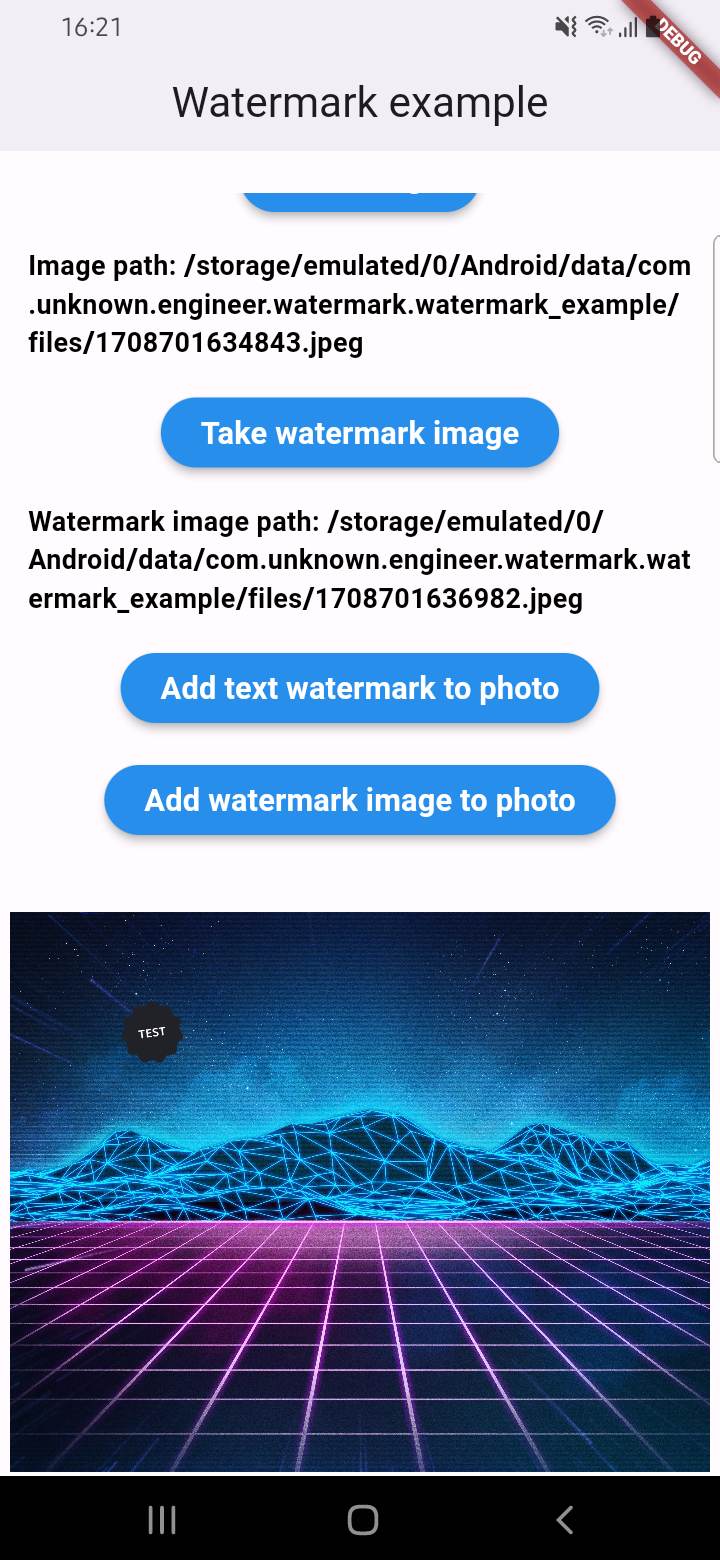
An example of how you can add a watermark to an image (only IOS or Android):

final image = await watermarkPlugin.addImageWatermark(
  filePath: photo!.path, // image file path
  watermarkImagePath: watermark!.path, // watermark image file path
  x: 500, // position by x
  y: 400, // position by x
  quality: 100, // quality of image with watermark
  imageFormat: ImageFormat.jpeg, // image format that you will use to compress
  watermarkWidth: 300, // watermark image width
  watermarkHeight: 300,  // watermark image height
);

An example of how you can add text to an image and get results via Uint8List (IOS || Android || WEB):

final image = await watermarkPlugin.addTextWatermarkUint8List(
  filePath: photo!.path, // image file path
  text: 'Test watermark text', // watermark text
  x: 500, // position by x
  y: 400, // position by y
  textSize: 250, // text size
  color: Colors.purpleAccent, // color of text
  isNeedRotateToPortrait: true, // rotation image to portrait (Default: false) ONLY ANDROID
  backgroundTextColor: Colors.black, // color of background text (optional)
  backgroundTextPaddingLeft: 12, // padding of background text (optional)
  backgroundTextPaddingTop: 12, // padding of background text (optional)
  backgroundTextPaddingRight: 12, // padding of background text (optional)
  backgroundTextPaddingBottom: 12, // padding of background text (optional)
);

An example of how you can add a watermark to an image and get results via Uint8List (IOS || Android || WEB):

final image = await watermarkPlugin.addImageWatermarkUint8List(
  filePath: photo!.path, // image file path
  watermarkImagePath: watermark!.path, // watermark image file path
  x: 500, // position by x
  y: 400, // position by x
  watermarkWidth: 300, // watermark image width
  watermarkHeight: 300,  // watermark image height
);

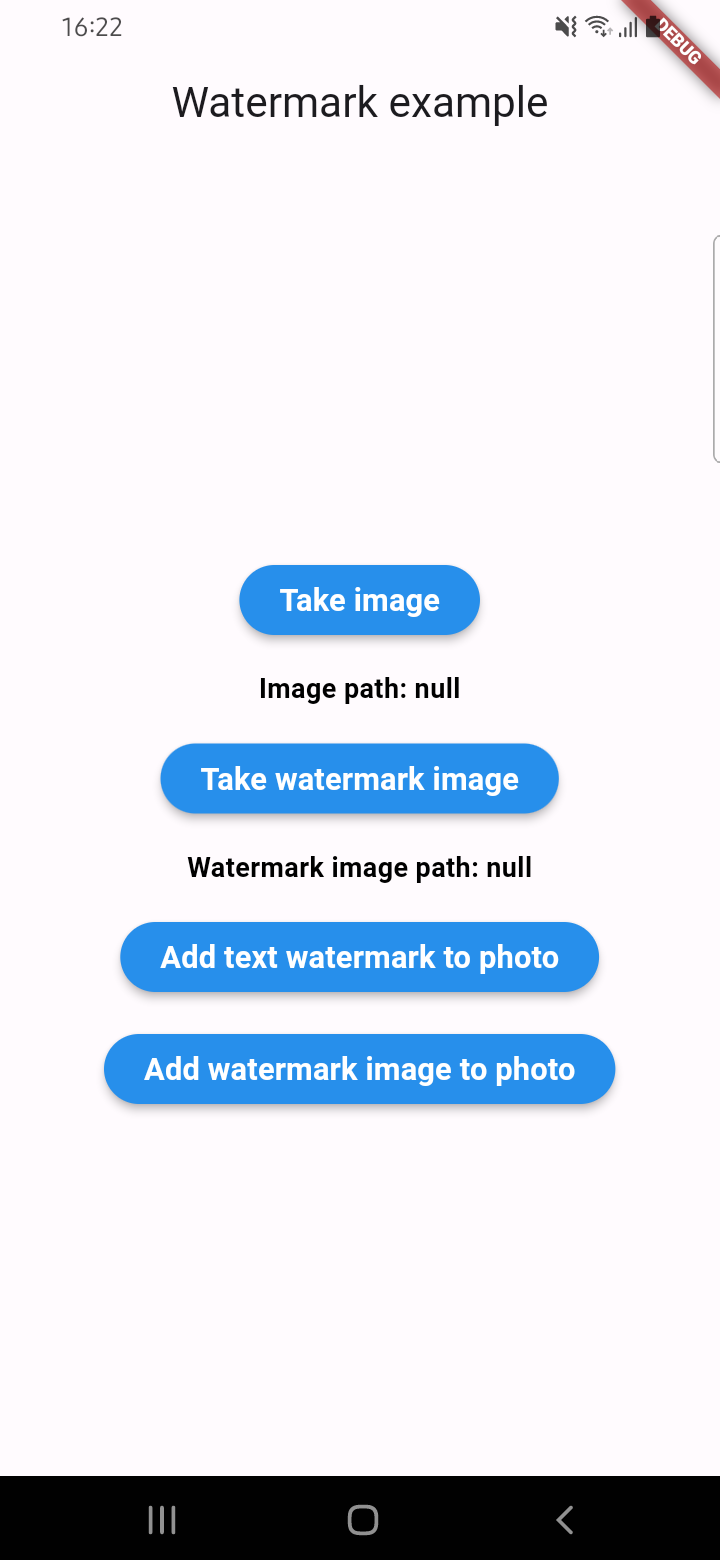
Example screenshots

카테고리

의존성

의존성 목록 2 개

  • image^4.5.4
  • plugin_platform_interface^2.1.8

소스 저장소

이 패키지를 사용하는 프로젝트

아직 데이터가 없습니다.