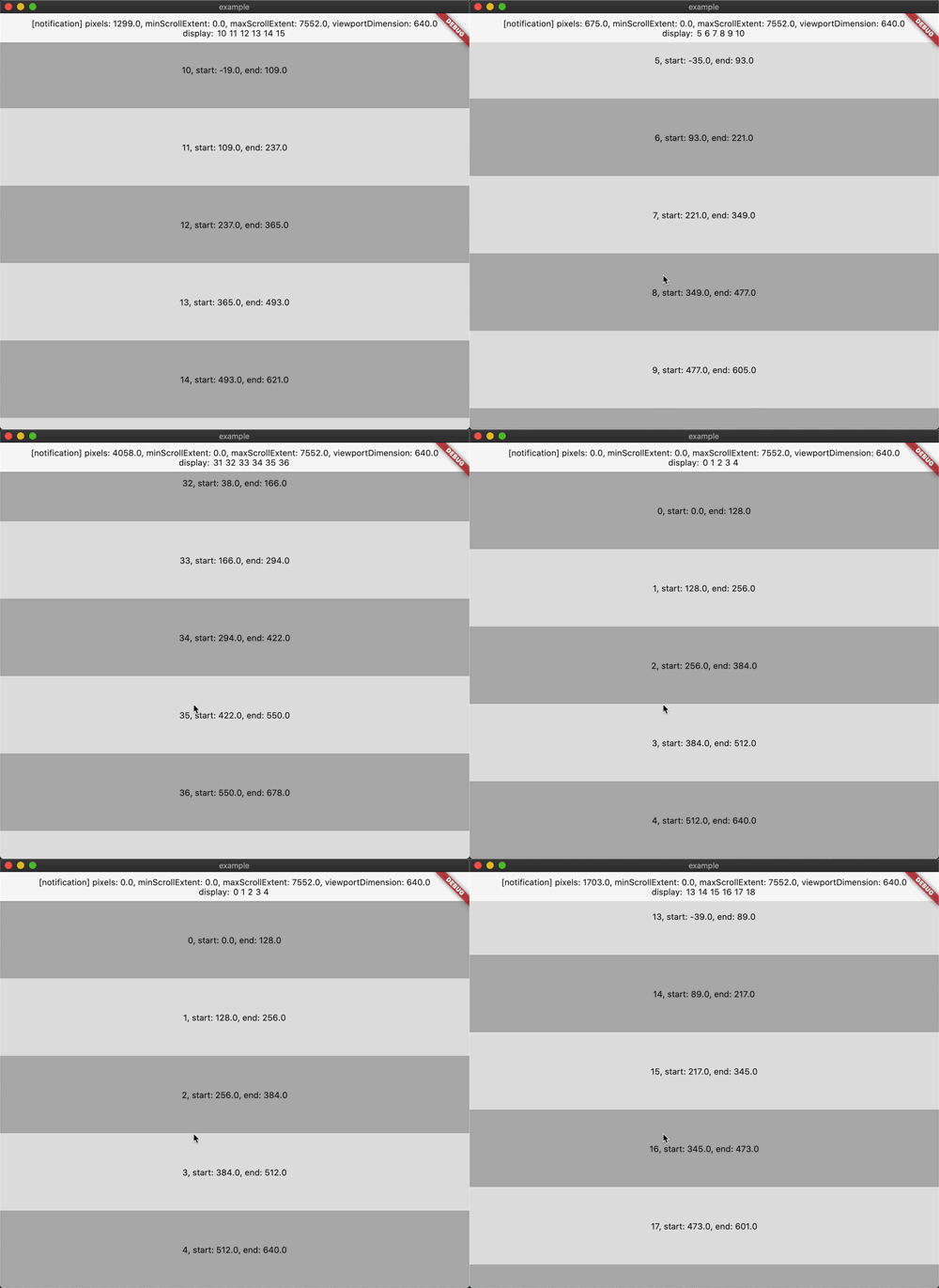
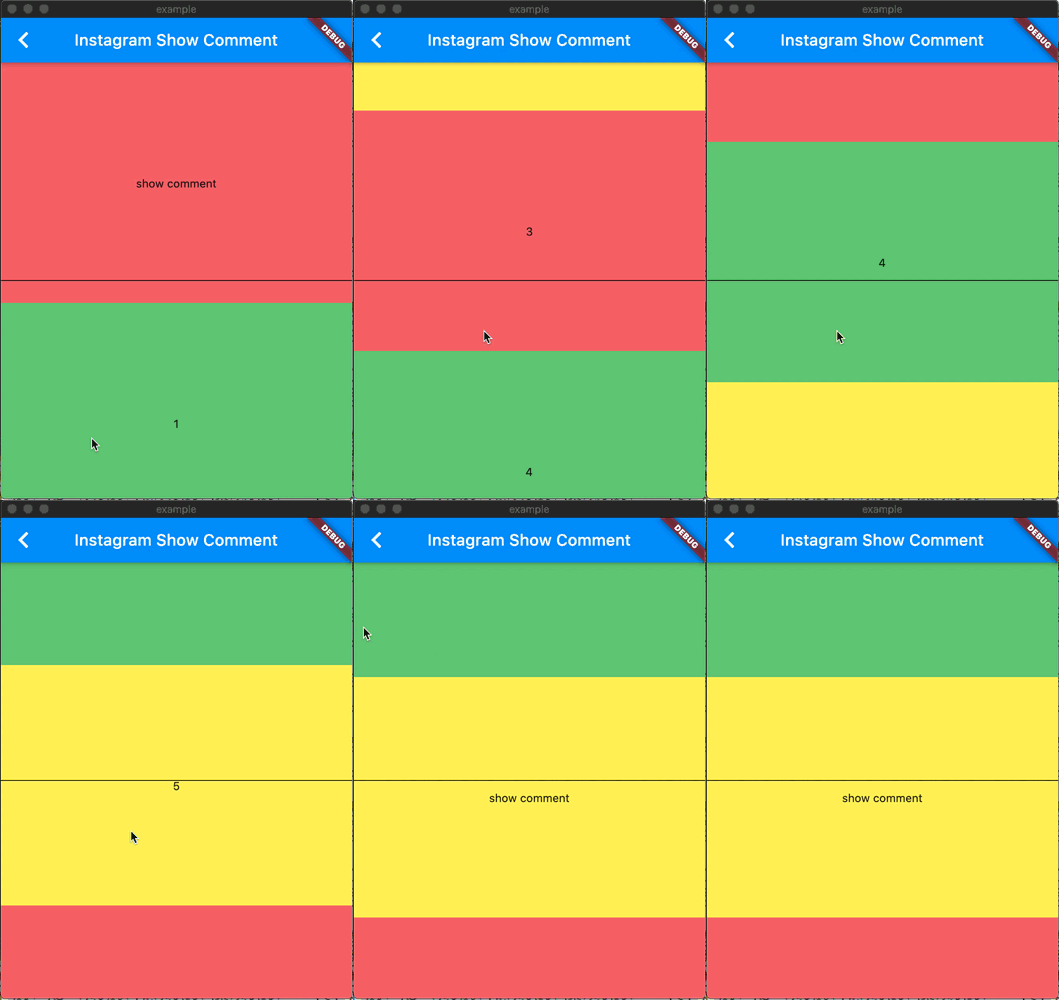
widgets_visibility_provider 패키지는 스크롤 가능한 컨테이너 내의 자식 위젯의 가시성을 모니터링하기 위해 설계된 Flutter 라이브러리입니다. ScrollView 내부의 자식 요소의 위치를 감지하고, 해당 요소가 보이거나 숨겨질 때 알림을 보내며 사용자의 스크롤에 따라 동적 행동을 가능하게 합니다. 지연 로딩, 애니메이션, 특정 콘텐츠 섹션에 대한 사용자 참여 추적과 같은 기능을 구현하는 데 이상적입니다. 이 패키지는 Android, iOS, Web, macOS, Windows, Linux 등 모든 주요 플랫폼을 지원하여 크로스플랫폼 애플리케이션에 매우 유연하게 활용할 수 있습니다.
사용 사례
콘텐츠의 지연로딩
분석을 위한 추적 가시성
스크롤 시 애니메이션 트리거
무한 스크롤 구현
가시성에 기반한 동적 UI 업데이트
주요 기능
실시간 가시성 감지
크로스 플랫폼 호환성
ScrollView와의 간단한 통합
콜백 기반 알림 시스템
경량이고 효율적
적합한 대상
긴 스크롤 가능한 목록이 있는 앱
콘텐츠 중심 인터페이스
인터랙티브 스크롤 기반 경험
분석 통합형 UI
성능 중심 개발자
고려 사항
많은 위젯을 모니터링할 경우 성능에 영향을 줄 수 있습니다
콜백을 신중하게 관리해야 합니다
보이는 자식 요소의 수가 적당한 경우에 가장 적합
복잡한 중첩 스크롤 구조에 적합하지 않음
다양한 플랫폼 스크롤 동작에서 테스트가 필요합니다
원본 README
연결된 소스 저장소의 README 원문 스냅샷입니다. 최신 내용은 저장소에서 확인하세요.
widgets_visibility_provider
A library that listens to children inside scrollview
WidgetsVisibilityProvider(
// range condition default or return null condition is:// 范围判断默认或者返回 null 情况下执行的是:// positionData.endPosition >= 0 && positionData.startPosition <= positionData.viewportSize
condition: (PositionData positionData)=> null,
// No need to wrap directly// 不必直接包裹
child: SomeWidget(
child: ListView.builder(// CustomScrollView, GridView...
...some code...
),
),
)
Second
Use VisibleNotifierWidget to wrap child widget
使用 VisibleNotifierWidget 包裹子 widget
on ListView:
ListView.builder(
itemCount: itemCount,
itemBuilder: (context, index) => VisibleNotifierWidget(
// data type is dynamic, you can set everything or don't set or null// data 的类型是 dynamic, 你可以设置任何数据或者为 null 或者不设置
data: index,
// you can use builder or child// 你可以使用 builder 或者 child// positionData and notification is nullable// positionData 和 notification 有可能为空
builder: (context, notification, positionData) => ...,
// if you use builder, can't use listener and child// 如果你使用了 builder, 就不能使用 listener 和 child
listener: (context, notification, positionData) {
...
},
child: child(),
// default buildWhen or return null condition is:// 默认判断或者返回 null 情况下执行的是:// if (previousPositionData != currentPositionData) return true;// if (previousPositionData != null && currentPositionData != null)// return previousNotification != currentNotification;// return false;
condition: (
previousNotification,
previousPositionData,
currentNotification,
currentPositionData,
)=>...,
),
)
on SliverToBoxAdapter
SliverToBoxAdapter(
child: VisibleNotifierWidget(
// same to ListView example// 和上面一样
...
child: child,
),
)
on SliverList
SliverList(
delegate: SliverChildBuilderDelegate(
(BuildContext context, int index) => VisibleNotifierWidget(
// same to ListView example// 和上面一样
...
child: child,
),
),
)
Maybe Third
If you want to watch all widget information
如果你希望一次过获取所有范围内的 widget 信息
Use WidgetsVisibilityBuilder or WidgetsVisibilityListener or WidgetsVisibilityConsumer in WidgetsVisibilityProvider childtree
If you use bloc, you can also use WidgetsVisibilityProviderBloc