패키지, 저장소 및 앱 카테고리 검색

패키지 상세v2.7.8

zerker

Zerker는 유연하고 가벼운 Flutter 캔버스 그래픽 애니메이션 라이브러리입니다.

AndroidiOSWebmacOSWindowsLinux
30일 다운로드
90
좋아요
92
Pub 점수
135

패키지 설치

flutter pub add zerker

패키지 개요

공개 정보를 바탕으로 생성한 선택 가이드입니다.

Zerker는 캔버스 기반 그래픽 애니메이션을 만들기 위해 설계된 가볍고 유연한 Flutter 라이브러리입니다. 개발자가 캔버스에서 부드럽고 성능이 우수한 애니메이션을 직접 구현할 수 있게 해주며, 인터랙티브 시각 효과나 게임 같은 경험에 이상적입니다. Android, iOS, Web, macOS, Windows, Linux 등 여러 플랫폼에서 지원되며, 크로스플랫폼 일관성을 제공합니다. 최소한의 크기와 직관적인 API 덕분에 간단한 애니메이션부터 복잡한 시각 효과까지 게임이나 동적 UI에서 모두 활용하기 좋습니다.

사용 사례

  • 애니메이션 게임 요소 만들기
  • 인터랙티브 UI 컴포넌트 빌드
  • 사용자 정의 그리기 애니메이션 구현
  • 크로스 플랫폼 캔버스 그래픽 개발
  • 모바일 앱에 시각 효과 추가하기
  • 실시간 렌더링 인터페이스 설계

주요 기능

  • 캔버스 기반 애니메이션 엔진
  • 가볍고 고성능
  • 크로스 플랫폼 호환성
  • 유연한 애니메이션 제어
  • 실시간 렌더링 지원
  • 복잡한 시각화를 위한 간단한 API

적합한 대상

  • Flutter를 사용하는 게임 개발자
  • 맞춤 애니메이션을 필요로 하는 UI 디자이너
  • 인터랙티브 대시보드를 구축하는 개발자
  • 시각 예술 애플리케이션 제작자
  • 다중 플랫폼을 대상으로 하는 팀

고려 사항

  • 캔버스 그리기 이해 필요
  • 성능이 중요한 애니메이션에 가장 적합
  • 추가 상태 관리가 필요할 수 있습니다
  • 기본 위젯 전환에 적합하지 않음
  • 제한된 내장 애니메이션 프리셋
  • 초보자에게 더 높은 학습 곡선

원본 README

연결된 소스 저장소의 README 원문 스냅샷입니다. 최신 내용은 저장소에서 확인하세요.


pub package Made-with-Flutter Made-with-Dart

What is Zerker

Zerker is a flexible and lightweight flutter canvas graphic animation library.

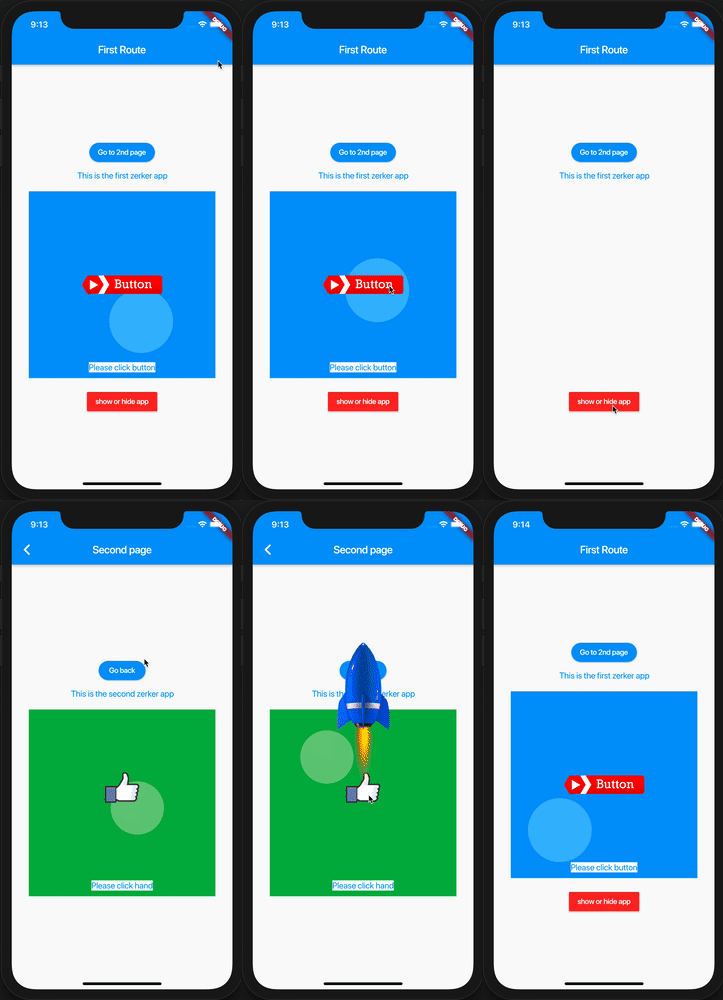
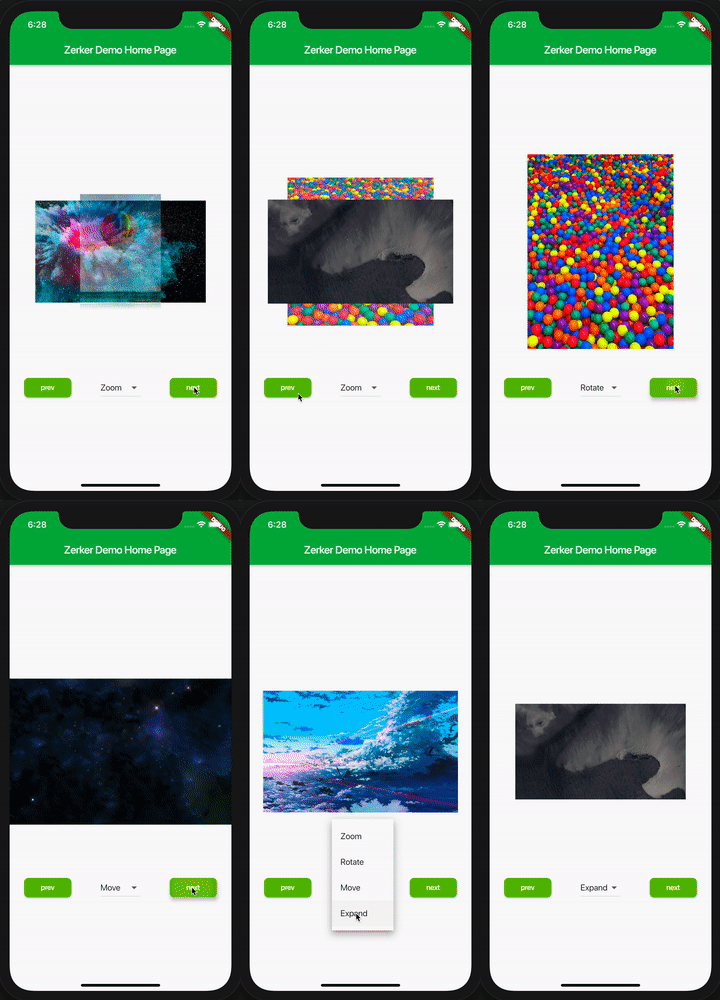
With Zerker, you can create a lot of seemingly cumbersome animation effects, such as animated animations, pop-up animations, scene transitions, icon effects, and more.

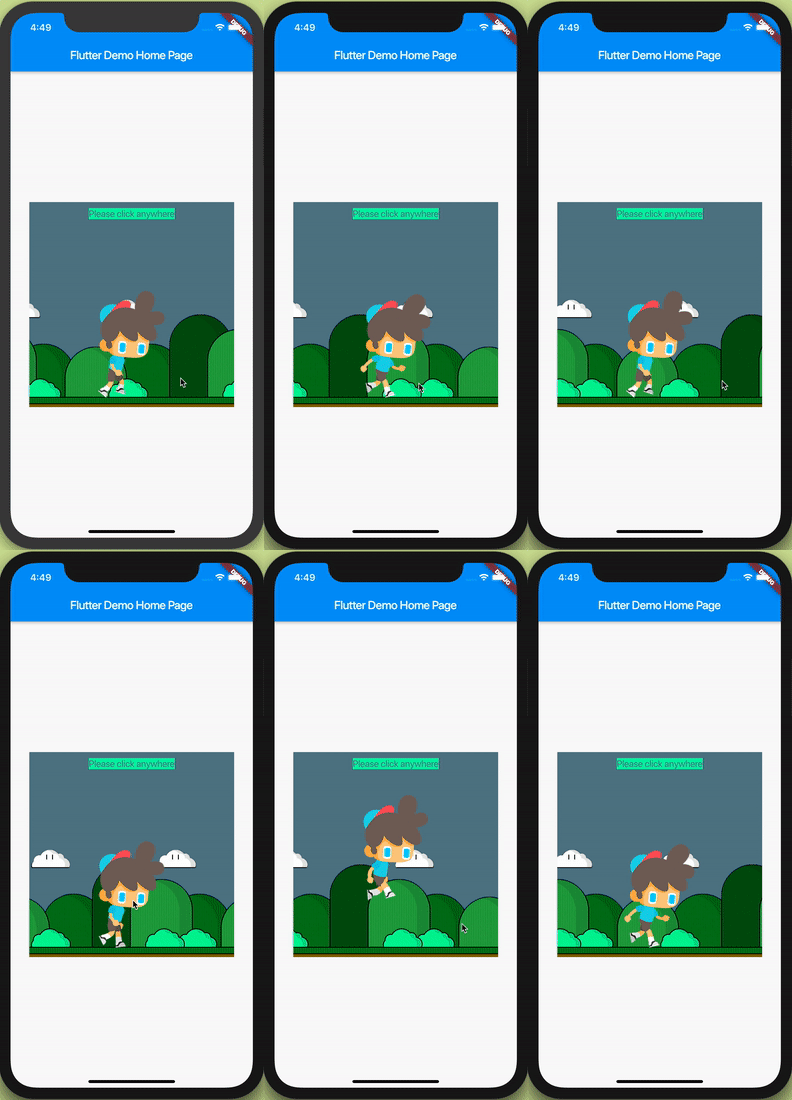
At the same time, you can create a lot of simple games with Zerker. Zerker contains elements such as sprites, scrolling backgrounds, and atlases, making it easy to create game worlds with them.


➤ More detailed documentation about Zerker is here https://flutterkit.github.io/zerkerdocs/

An image

Installation

Add this to your package's pubspec.yaml file, And execute the commandflutter pub get:

dependencies:
  zerker: <latest_version_here>
More detailed installation steps, you can refer to here. https://pub.dev/packages/zerker/install

Getting started

Import the package
import 'package:zerker/zerker.dart';
Useage
Create a zerker widget
class _MyHomePageState extends State<MyHomePage> {
  @override
  Widget build(BuildContext context) {
    return Scaffold(
        appBar: AppBar(
          title: Text(widget.title),
        ),
        body: Center(
          child: Zerker(app: MyZKApp(), clip: true, interactive: true, width: 350, height: 350),
        ));
  }
}
Create your Zerker class inherited from ZKApp
class MyZKApp extends ZKApp {

  @override
  init() {
    super.init();
    /// init zerker scene
  }

  @override
  update(int time) {
    super.update(time);
    sprite.position.x++;
  }
}
Initialize the scene and create elements in the init function
/// Create a zerker sprite
ZKSprite bigboy = ZKSprite(key: "bigboy")
  ..animator.make("front", [0, 1, 2, 3, 4])
  ..animator.make("left", ['5-9'])
  ..animator.make("after", ['10-14'])
  ..animator.make("right", ['15-19'])
  ..onTapDown = (event) {
    bigboy.animator.play("right", 8, true);
  };
stage.addChild(bigboy);

/// Create a zerker text
ZKText text = ZKText()
  ..setPosition(100, 100)
  ..text = "hello world"
  ..setStyle(color: Colors.blueGrey, backgroundColor: Colors.red[50]);
stage.addChild(_text);

More cases

You can quickly start learning an example here. https://flutterkit.github.io/zerkerdocs/guide/tutorial.html

More zerker examples you can view here https://github.com/flutterkit/zerker-samples. If you have any questions about Zerker, please let me know by email, thank you very much!

img img img

License

Zerker is licensed under MIT license. View license. https://github.com/flutterkit/zerker/blob/master/LICENSE

카테고리

소스 저장소

이 패키지를 사용하는 프로젝트

아직 데이터가 없습니다.