 v4.0.0
shimmer
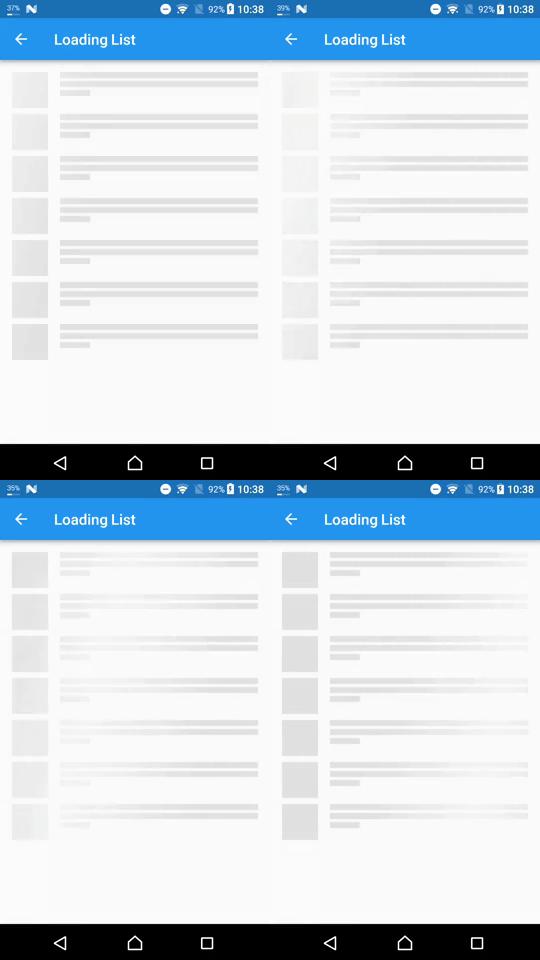
A package provides an easy way to add shimmer effect in Flutter project
5.5KLikes 1.7M30-day downloads160Pub points
AndroidiOSWebmacOSWindowsLinux
Weather app created using Flutter and Dart

English project snapshot. Visit GitHub for the latest content.
A simple weather App created using Flutter and Dart and using API from OpenWeatherMap
New Design Inspired by Rina Damayanti on Dribbble.
[!IMPORTANT] This project uses version 2.5 of the OpenWeatherMap API
API used in this project:
Sometimes after getting your OpenWeatherMap API key it won't work right away
To test if your API key is working or not copy and paste the following link to your browser
https://api.openweathermap.org/data/2.5/weather?lat=53.4794892&lon=-2.2451148&units=metric&appid=YOUR_API_KEY
Then replaceYOUR_API_KEYwith your own API key from OpenWeatherMap
git clone https://github.com/ArizArmeidi/FlutterWeather.git
flutter pub get
String apiKey = 'Paste Your API Key Here';
Distributed under the MIT License. See LICENSE for more information.
A package provides an easy way to add shimmer effect in Flutter project
Geolocation plugin for Flutter. This plugin provides a cross-platform (iOS, Android) API for generic location (GPS etc.) functions.
Powerful package to create beautiful custom animations in no time.
Supercharged brings all the comfort features from languages like Kotlin to all Flutter developers.
A flutter package to select a country from a list of countries.
Implementation of Phosphoricons for Flutter. 772 icons and counting. Thin, Light, Regular, Bold, Fill.
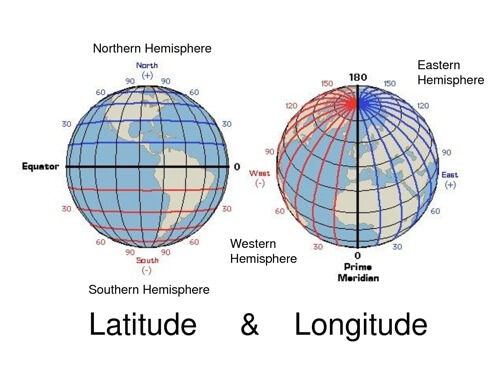
Lightweight library for common latitude and longitude calculation
A Flutter implementation of an expandable and animated floating search bar, also known as persistent search.
Dependency list 15 items
{"sdk":"flutter"}^2.0.20^1.0.0^6.1.0^9.0.2^1.1.0^0.18.0^0.8.1^0.5.0^2.0.1^6.0.5^3.0.0^5.0.0+3^2.1.1{"sdk":"flutter"}Start with your use case, compare repository activity, and check the original project before adopting it.
“A repository is the most basic element of GitHub.”
GitHub Docs — About repositories ↗