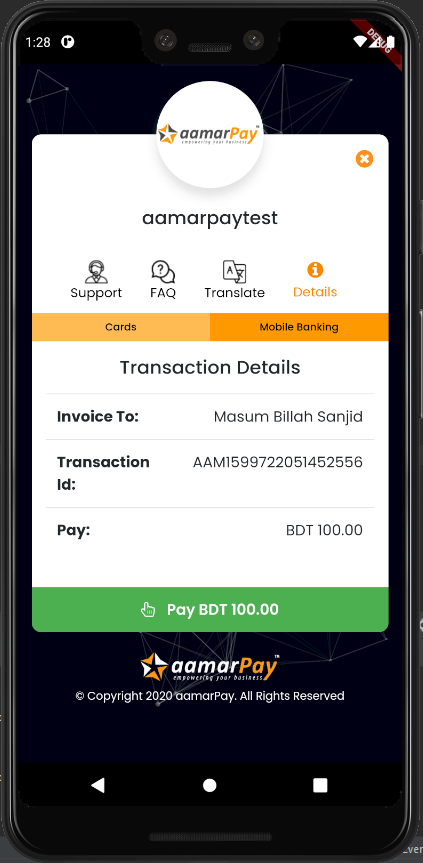
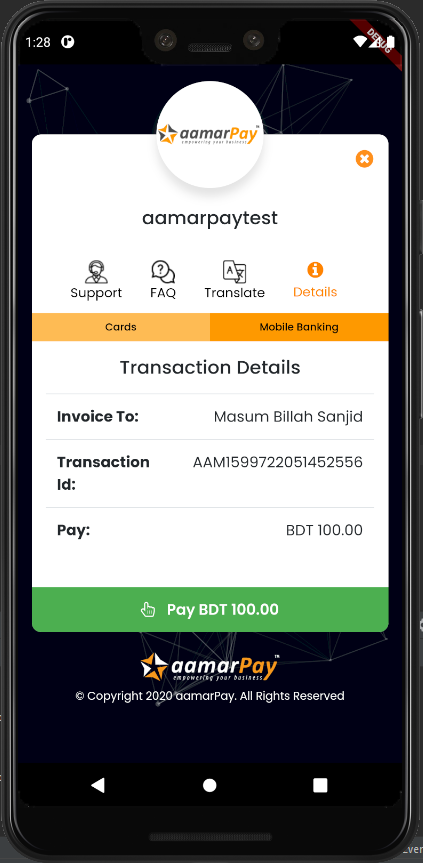
aamarPay is an online payment gateway service for Bangladesh. Committed to provide best payment experience online for business. Lowest fee and fast checkout will give you good experience of receiving payment online.
Requirements
Android: minSdkVersion 19
How to use:
In the dependencies: section of your pubspec.yaml, add the following line:
dependencies:aamarpay:^1.0.15
install packages from the command line:
$ flutter pub get
Importance notes
Read the comments in the example code
The transactionID must be unique for every payment
There is a test signature key. But when you go to the production you must use your own signature key
It is better to practice with the example code first
Here is the example code:
import'package:flutter/material.dart';
import'package:aamarpay/aamarpay.dart';
voidmain() {
runApp(MaterialApp(
home: MyPay(),
));
}
classMyPayextendsStatefulWidget{
@override_MyPayStatecreateState() => _MyPayState();
}
class_MyPayStateextendsState<MyPay> {
bool isLoading = false;
@overrideWidgetbuild(BuildContext context) {
returnScaffold(
body: Center(
child: Aamarpay(
// This will return a payment url based on failUrl,cancelUrl,successUrl
returnUrl: (String url) {
print(url);
},
// This will return the payment loading status
isLoading: (bool loading) {
setState(() {
isLoading = loading;
});
},
// This will return the payment event with a message
status: (EventState event, String message) {
if (event == EventState.error) {
setState(() {
isLoading = false;
});
}
},
// When you use your own url, you must have the keywords:cancel,confirm,fail otherwise the callback function will not work properly
cancelUrl: "example.com/payment/cancel",
successUrl: "example.com/payment/confirm",
failUrl: "example.com/payment/fail",
customerEmail: "masumbillahsanjid@gmail.com",
customerMobile: "01834760591",
customerName: "Masum Billah Sanjid",
// That is the test signature key. But when you go to the production you must use your own signature key
signature: "dbb74894e82415a2f7ff0ec3a97e4183",
// That is the test storeID. But when you go to the production you must use your own storeID
storeID: "aamarpaytest",
// Use transactionAmountFromTextField when you pass amount with TextEditingController// transactionAmountFromTextField: amountTextEditingController,
transactionAmount: "200",
//The transactionID must be unique for every payment
transactionID: "${DateTime.now().millisecondsSinceEpoch}",
//The transactionID must be unique for every payment
transactionID: "transactionID",
description: "test",
// When the application goes to the producation the isSandbox must be false
isSandBox: true,
child: isLoading
? Center(
child: CircularProgressIndicator(),
)
: Container(
color: Colors.orange,
height: 50,
child: Center(
child: Text(
"Payment",
style: TextStyle(
fontWeight: FontWeight.bold, color: Colors.white),
),
),
),
),
),
);
}
}