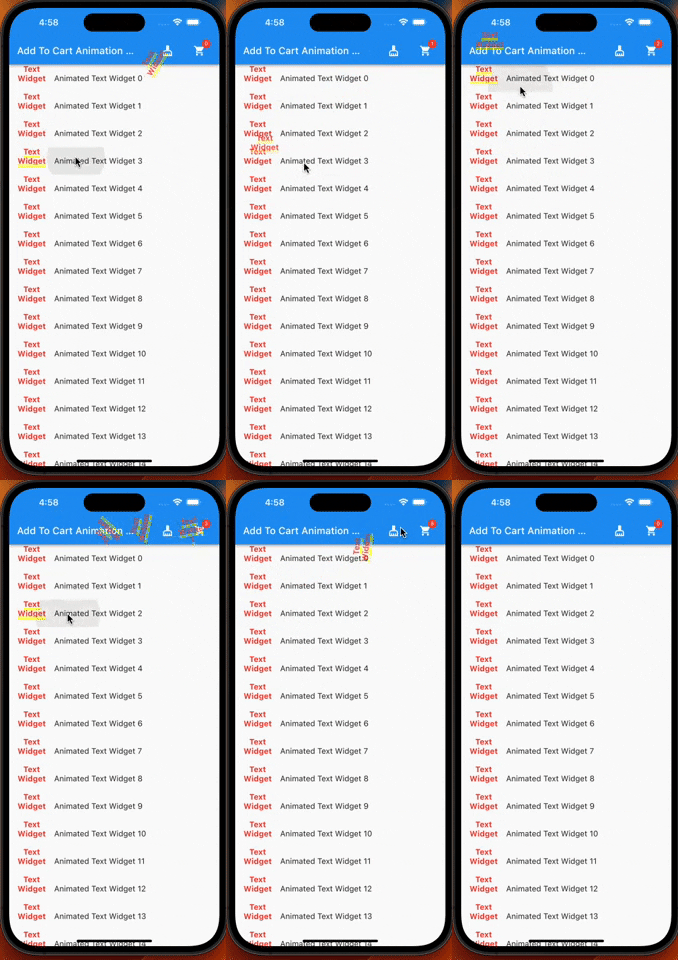
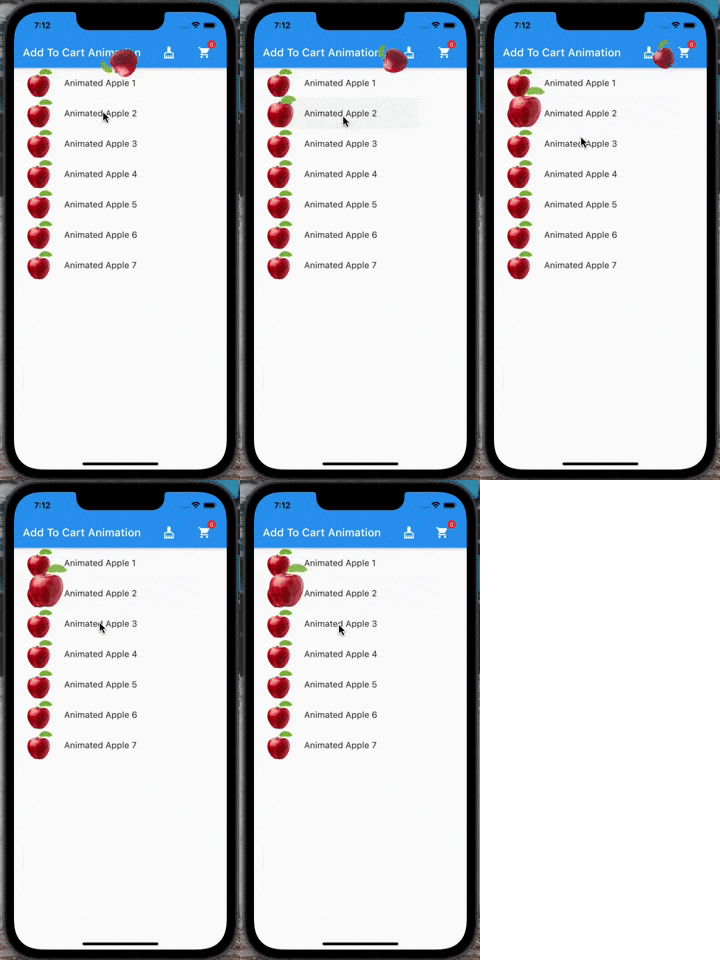
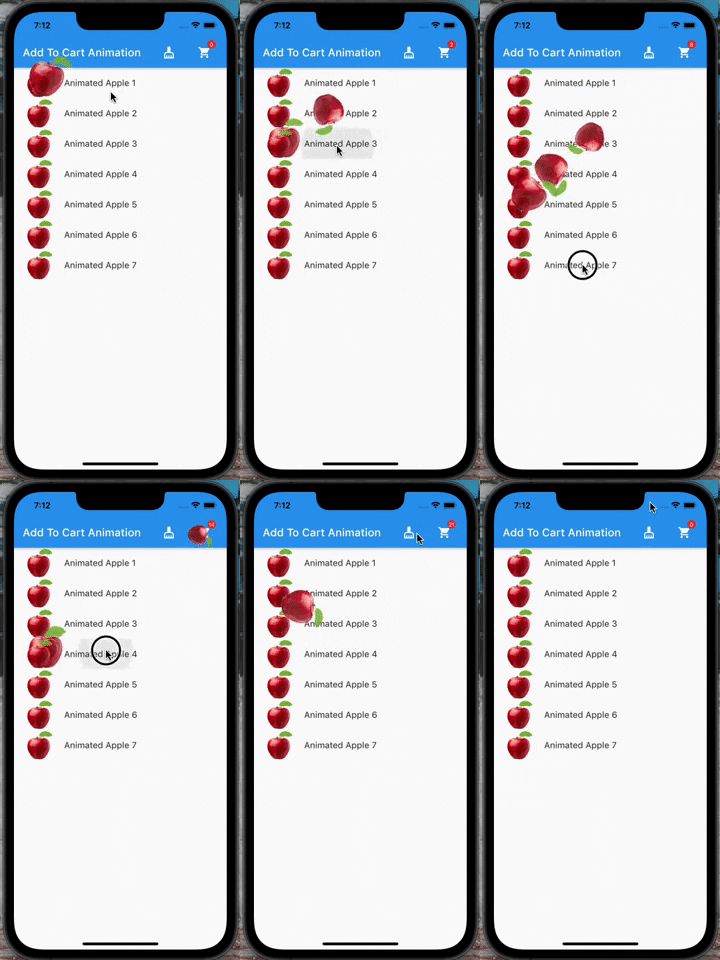
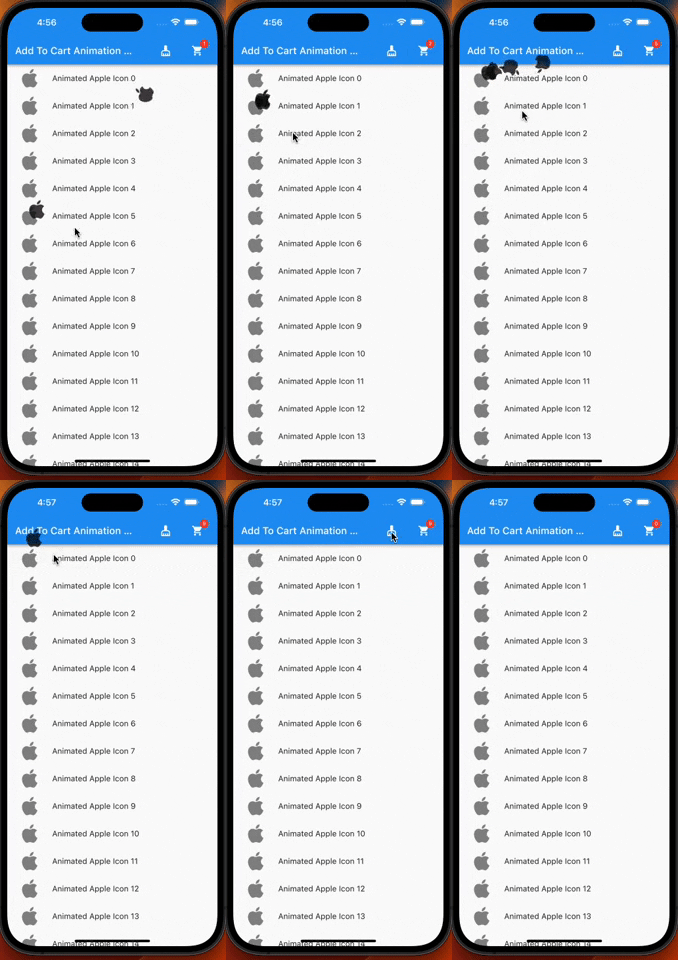
A flutter plugin which provide you add to cart animation. I have prepared it to special to shopping apps however you can use it on the others apps too, becasue it accept every widget to drag as in the gif. So It can be useful at shopping, game, news and other category apps.
| |
Features
Product container accepts every widget.
The cart and cart's badge can be invisible.
The product animation is fully controlled(duration, curve)
The first jump animation is fully controlled(active, duration, curve)
If you need it, you can add it to your project easily. It is easy to use
Add the dependency to your pubspec.yaml:
add_to_cart_animation:^2.0.4
And check the example code to solve how it works.
import'package:add_to_cart_animation/add_to_cart_animation.dart';
import'package:flutter/material.dart';
voidmain() {
runApp(constMyApp());
}
classMyAppextendsStatelessWidget{
constMyApp({super.key});
// This widget is the root of your application.@overrideWidgetbuild(BuildContext context) {
returnMaterialApp(
title: 'Add To Cart Animation Example',
theme: ThemeData(
primarySwatch: Colors.blue,
),
home: constMyHomePage(title: 'Add To Cart Animation Example'),
debugShowCheckedModeBanner: false,
);
}
}
classMyHomePageextendsStatefulWidget{
constMyHomePage({Key? key, requiredthis.title}) : super(key: key);
finalString title;
@overrideMyHomePageStatecreateState() => MyHomePageState();
}
classMyHomePageStateextendsState<MyHomePage> {
// We can detect the location of the cart by this GlobalKey<CartIconKey>GlobalKey<CartIconKey> cartKey = GlobalKey<CartIconKey>();
lateFunction(GlobalKey) runAddToCartAnimation;
var _cartQuantityItems = 0;
@overrideWidgetbuild(BuildContext context) {
returnAddToCartAnimation(
// To send the library the location of the Cart icon
cartKey: cartKey,
height: 30,
width: 30,
opacity: 0.85,
dragAnimation: constDragToCartAnimationOptions(
rotation: true,
),
jumpAnimation: constJumpAnimationOptions(),
createAddToCartAnimation: (runAddToCartAnimation) {
// You can run the animation by addToCartAnimationMethod, just pass trough the the global key of the image as parameterthis.runAddToCartAnimation = runAddToCartAnimation;
},
child: Scaffold(
appBar: AppBar(
title: Text(widget.title),
centerTitle: false,
actions: [
// Adding 'clear-cart-button'IconButton(
icon: constIcon(Icons.cleaning_services),
onPressed: () {
_cartQuantityItems = 0;
cartKey.currentState!.runClearCartAnimation();
},
),
constSizedBox(width: 16),
AddToCartIcon(
key: cartKey,
icon: constIcon(Icons.shopping_cart),
badgeOptions: constBadgeOptions(
active: true,
backgroundColor: Colors.red,
),
),
constSizedBox(
width: 16,
)
],
),
body: ListView(
children: List.generate(
15,
(index) => AppListItem(
onClick: listClick,
index: index,
),
),
),
),
);
}
voidlistClick(GlobalKey widgetKey) async {
awaitrunAddToCartAnimation(widgetKey);
await cartKey.currentState!
.runCartAnimation((++_cartQuantityItems).toString());
}
}
classAppListItemextendsStatelessWidget{
finalGlobalKey widgetKey = GlobalKey();
finalint index;
finalvoidFunction(GlobalKey) onClick;
AppListItem({super.key, requiredthis.onClick, requiredthis.index});
@overrideWidgetbuild(BuildContext context) {
// Container is mandatory. It can hold images or whatever you wantContainer mandatoryContainer = Container(
key: widgetKey,
width: 60,
height: 60,
color: Colors.transparent,
child: Image.network(
"https://cdn.jsdelivr.net/gh/omerbyrk/add_to_cart_animation/example/assets/apple.png",
width: 60,
height: 60,
),
);
returnListTile(
onTap: () => onClick(widgetKey),
leading: mandatoryContainer,
title: Text(
"Animated Apple Product Image $index",
),
);
}
}
By the way, you can run the example project in the plugin to check it deeply.

 |
 |