パッケージ、リポジトリ、アプリカテゴリを検索

animated_reorderable_list のカバー
パッケージ詳細v1.3.0

animated_reorderable_list

シンプルな実装とスムーズな遷移を備えたFlutterの並べ替え可能なアニメーションリスト。

AndroidiOSWebmacOSWindowsLinux
30日間ダウンロード
3.9万
いいね数
195
Pub ポイント
150

パッケージをインストール

flutter pub add animated_reorderable_list

パッケージ概要

公開情報に基づく選定ガイドです。参考としてご利用ください。

標準のReorderableListViewを、アイテムの再順序付け時にスムーズでアニメーション付きの遷移機能で拡張するFlutterパッケージです。シンプルさとパフォーマンスを重視して設計されており、複雑なカスタムロジックを必要とせずに、滑らかなユーザー体験を提供します。タスクマネージャーやカスタマイズ可能なダッシュボードなど、ユーザーが頻繁にアイテムを並び替えたいリストに最適です。このパッケージはすべての主要プラットフォームをサポートしており、既存のFlutterプロジェクトにシームレスに統合できます。

用途

  • タスク管理アプリ
  • カスタマイズ可能なダッシュボードレイアウト
  • ドラッグアンドドロップによるアイテムの再順序付け
  • ユーザーの好みの並べ替え
  • インタラクティブなリストインターフェース

主な機能

  • スムーズなアニメーション遷移
  • シンプルなAPI統合
  • クロスプラットフォーム対応
  • 最適化されたパフォーマンス
  • 組み込みドラッグフィードバック
  • 簡単なカスタマイズ

適している対象

  • 直感的なリスト再順序付けを求める開発者
  • 応答性のあるUI操作を必要とするプロジェクト
  • 動的なコンテンツ順序付けを備えたアプリ
  • 開発スピードを最優先するチーム
  • Flutter 初心者が高度なウィジェットを探索している

注意事項

  • 非常に大きなリストではパフォーマンスに影響する可能性があります
  • 垂直リストレイアウトに限定
  • アイテムキーの取り扱いに注意が必要です
  • 水平再順序付けには適していない
  • 安定したアイテム識別子と併用するのが最適
  • 他のジェスチャー検出器との潜在的な競合

元の README

関連するソースリポジトリの README 原文のスナップショットです。最新の内容はリポジトリをご覧ください。

animated_reorderable_list

This library is a powerful and easy-to-use solution for implementing animated list and grid with drag-and-drop functionality in Flutter.

Features

  • [x] Smooth transition during item insertion and removal from the list with animations.
  • [x] Drag and Drop support (ReorderableList) for both ListView and GridView with Animation.
  • [x] It can be both animated and reordered at the same time
  • [x] Animating items is as simple as updating the list.
  • [x] Pre-built animation like fade,scale, slide, flip etc for Flutter list.
  • [x] Provides support for both lists and grids
  • [x] Supports large lists and creates items on demand as they come into the viewport.
  • [x] Enable/disable drag and drop functionality.
  • [x] Control reordering of item / locked an item.

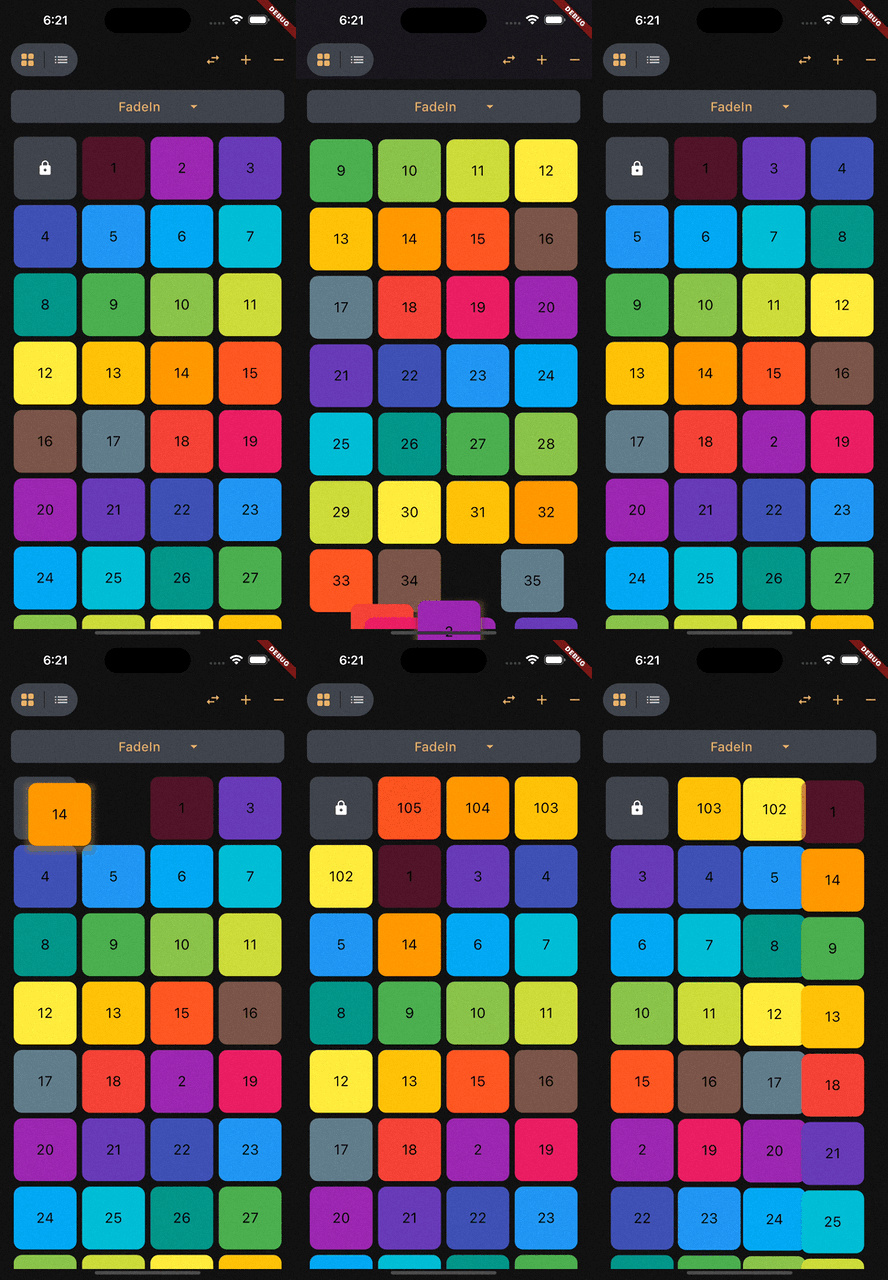
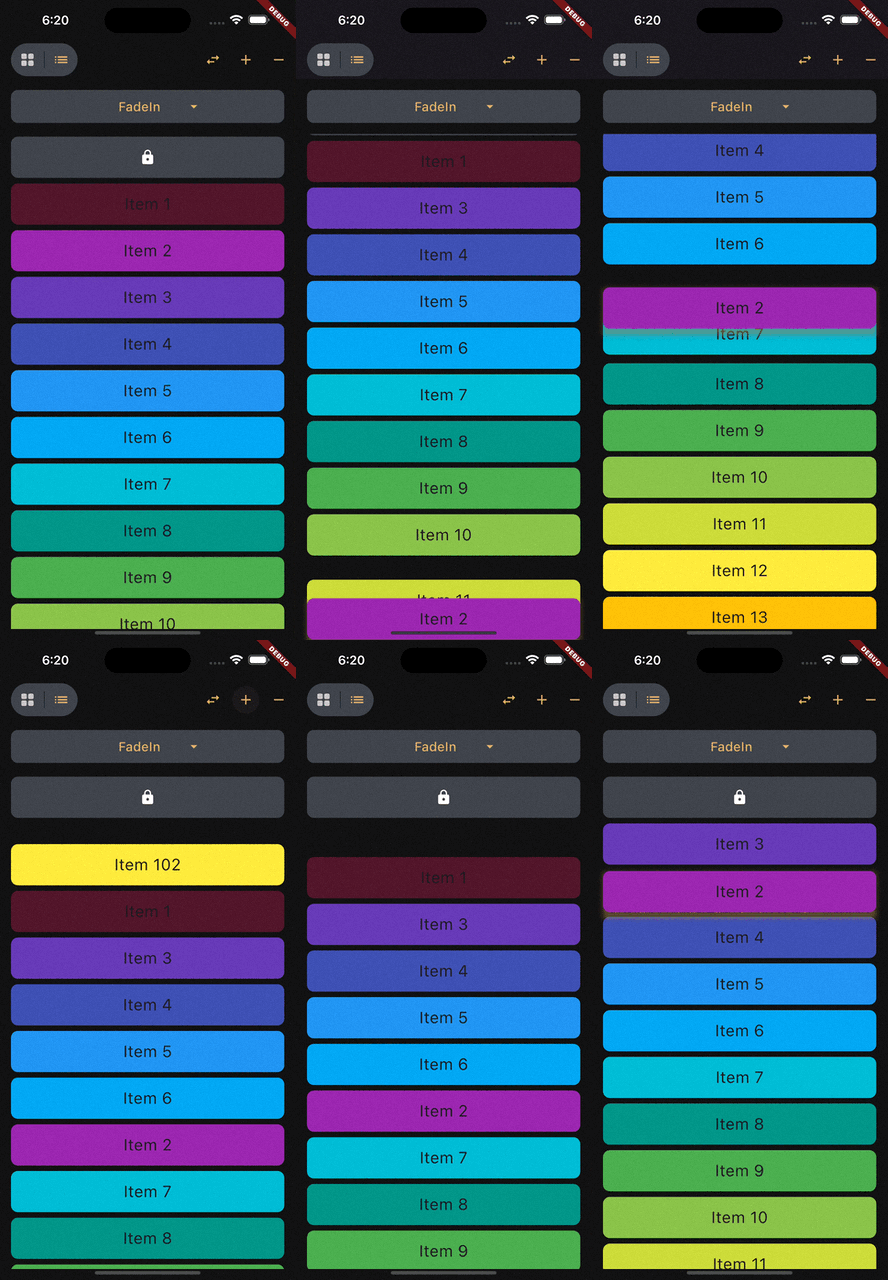
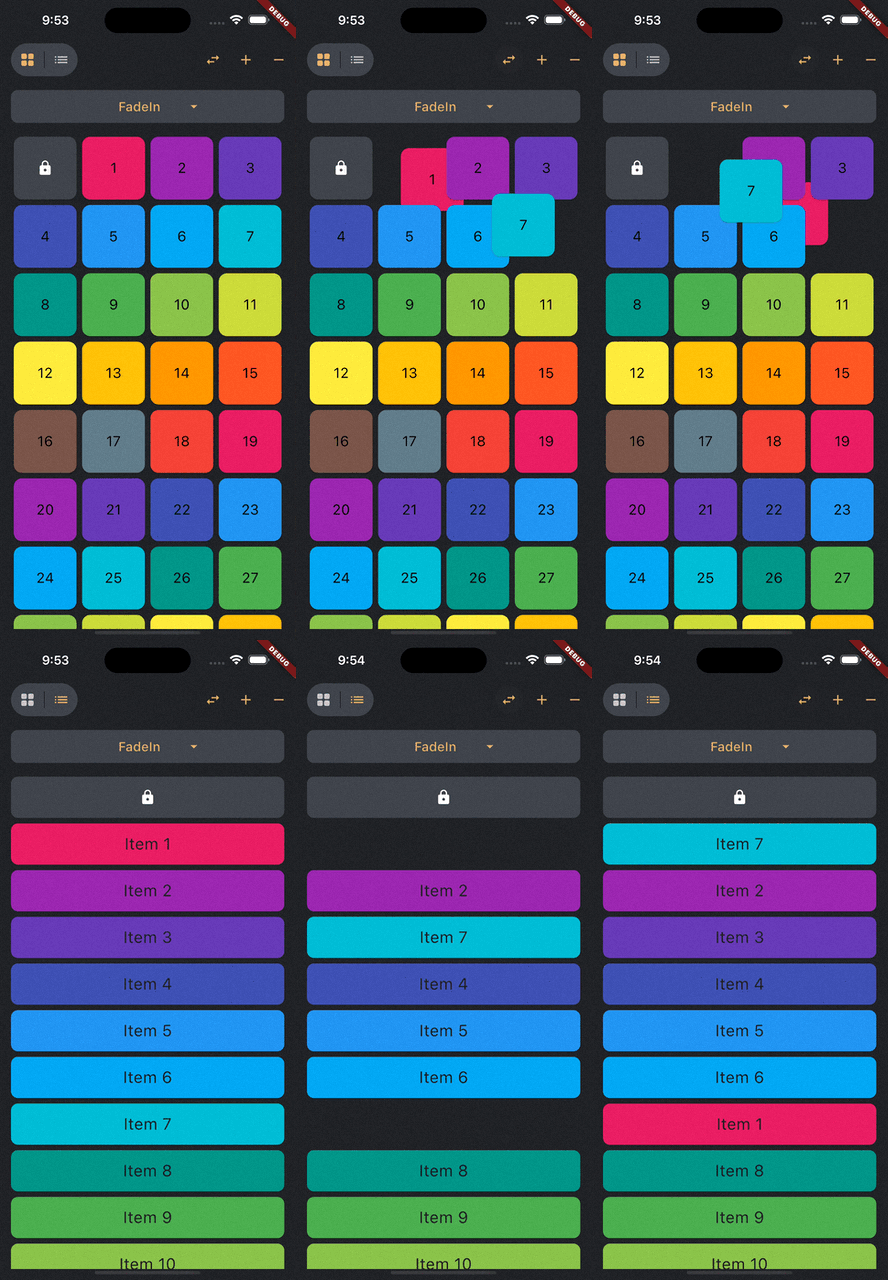
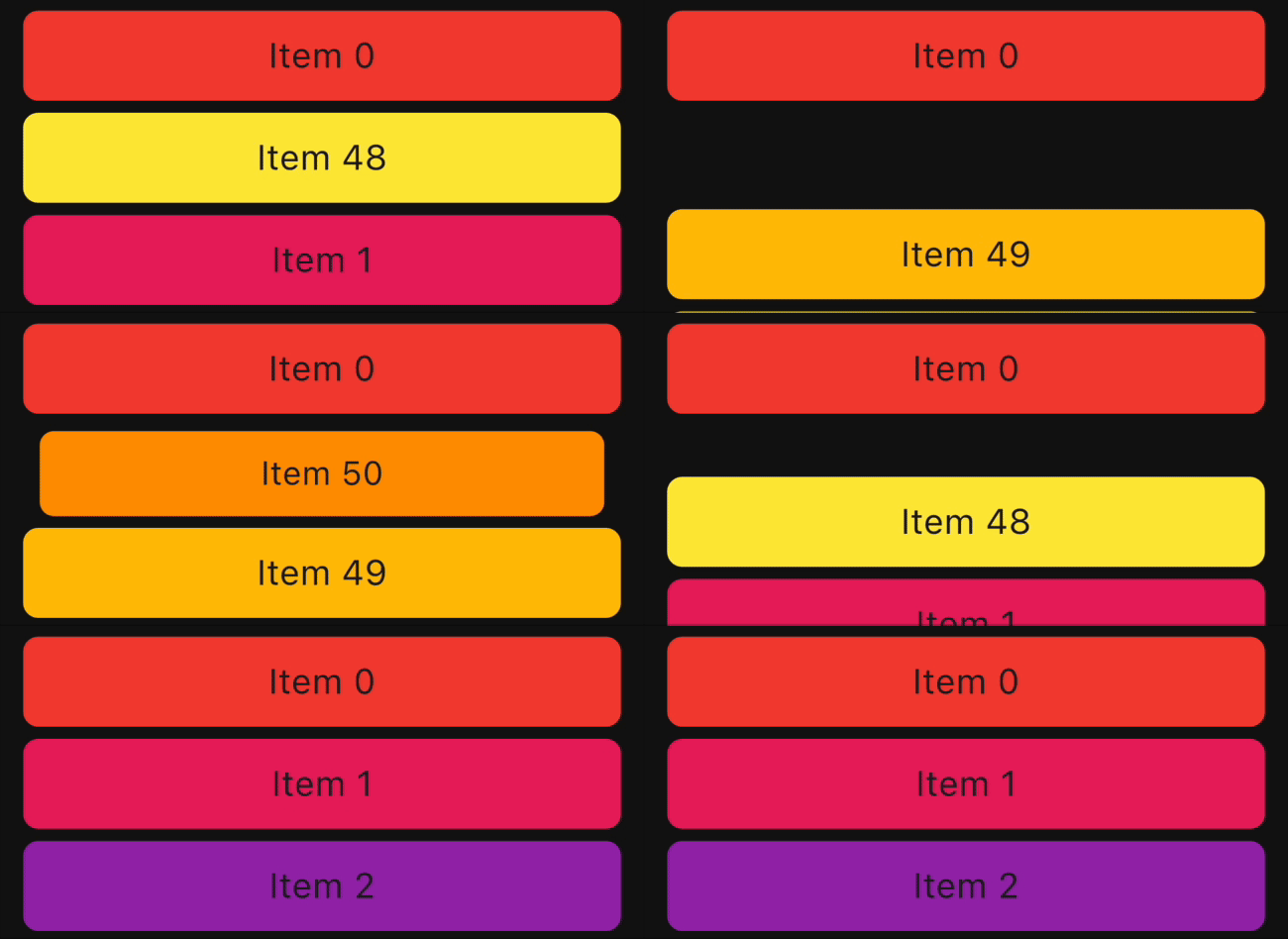
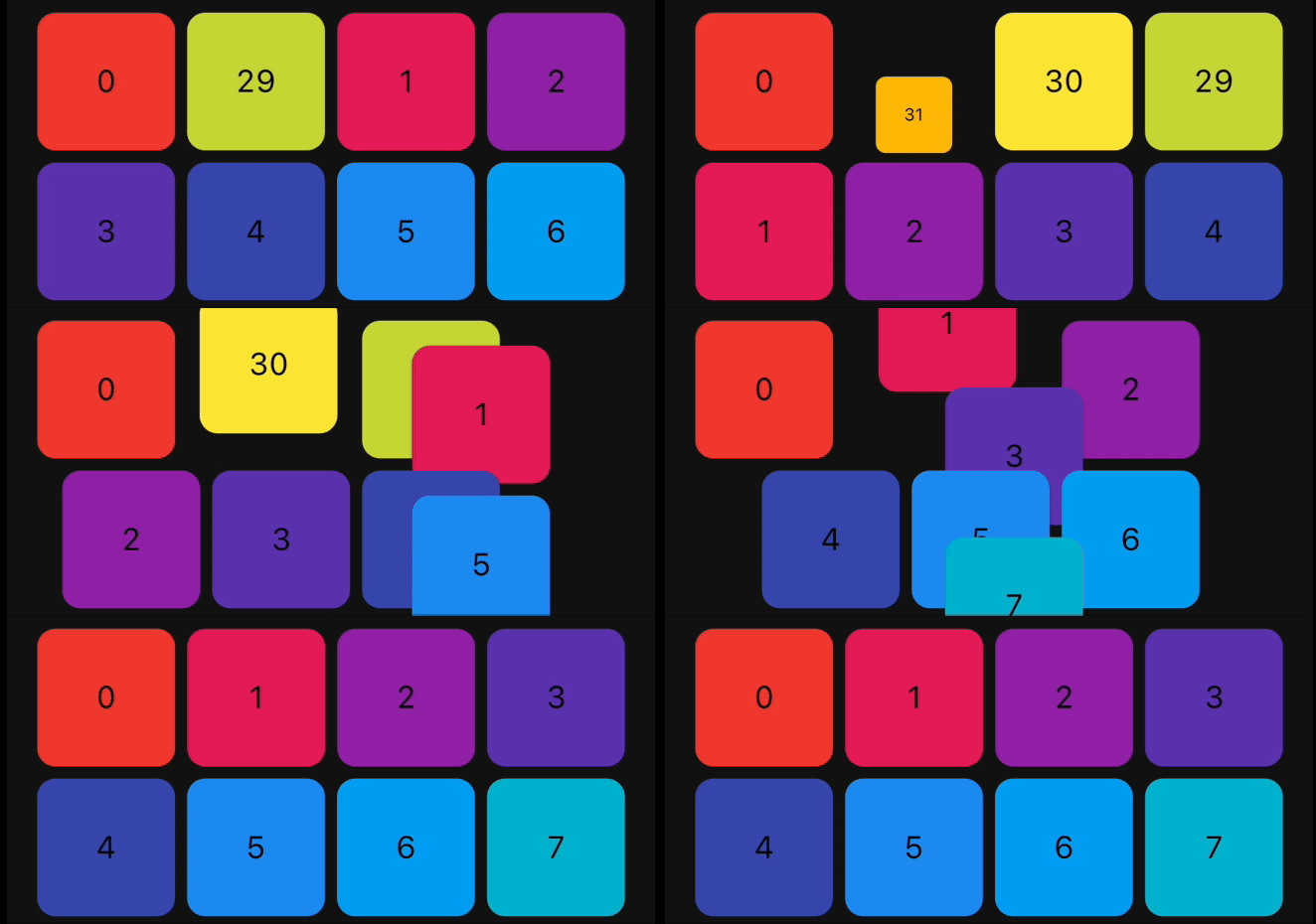
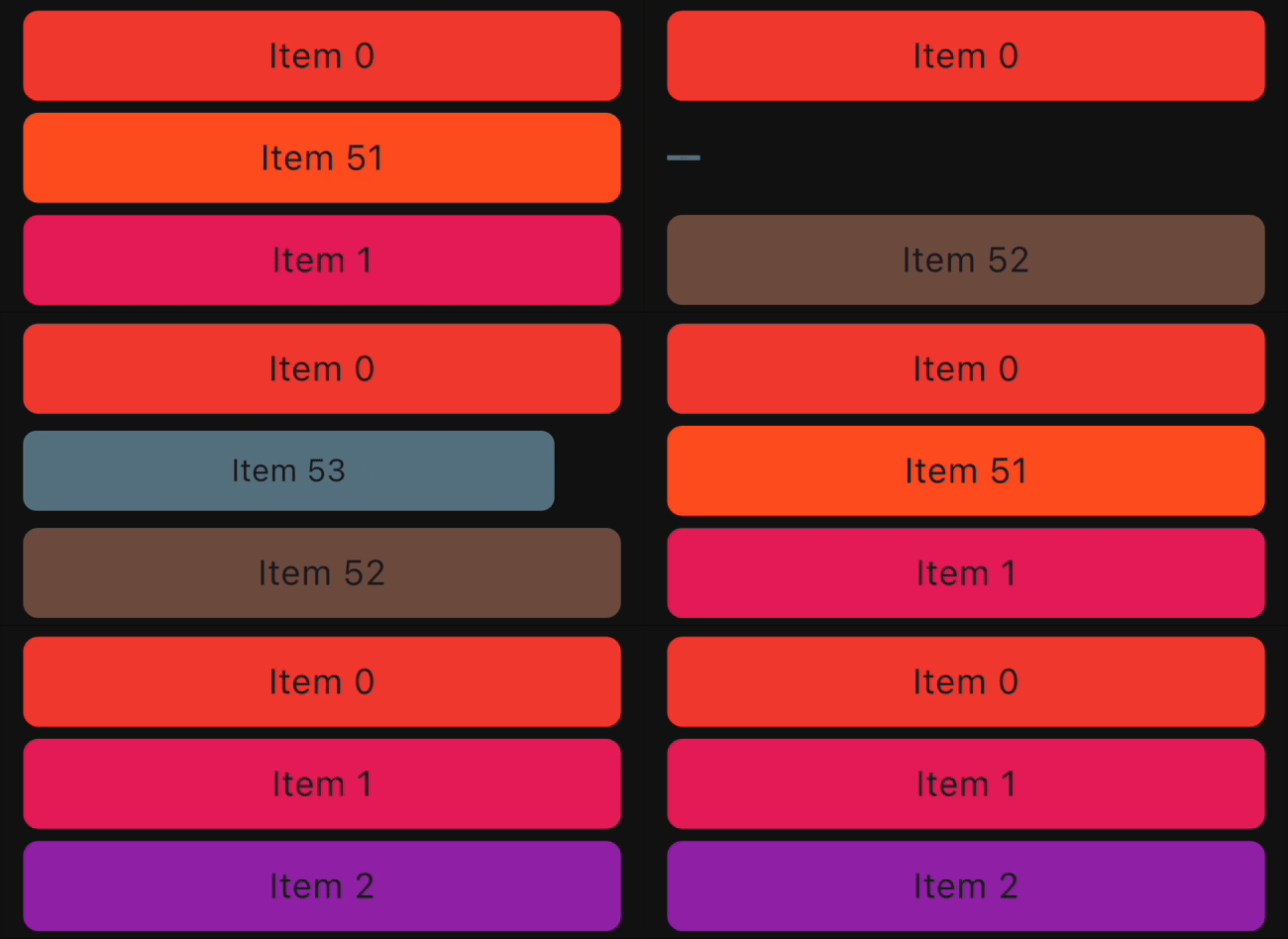
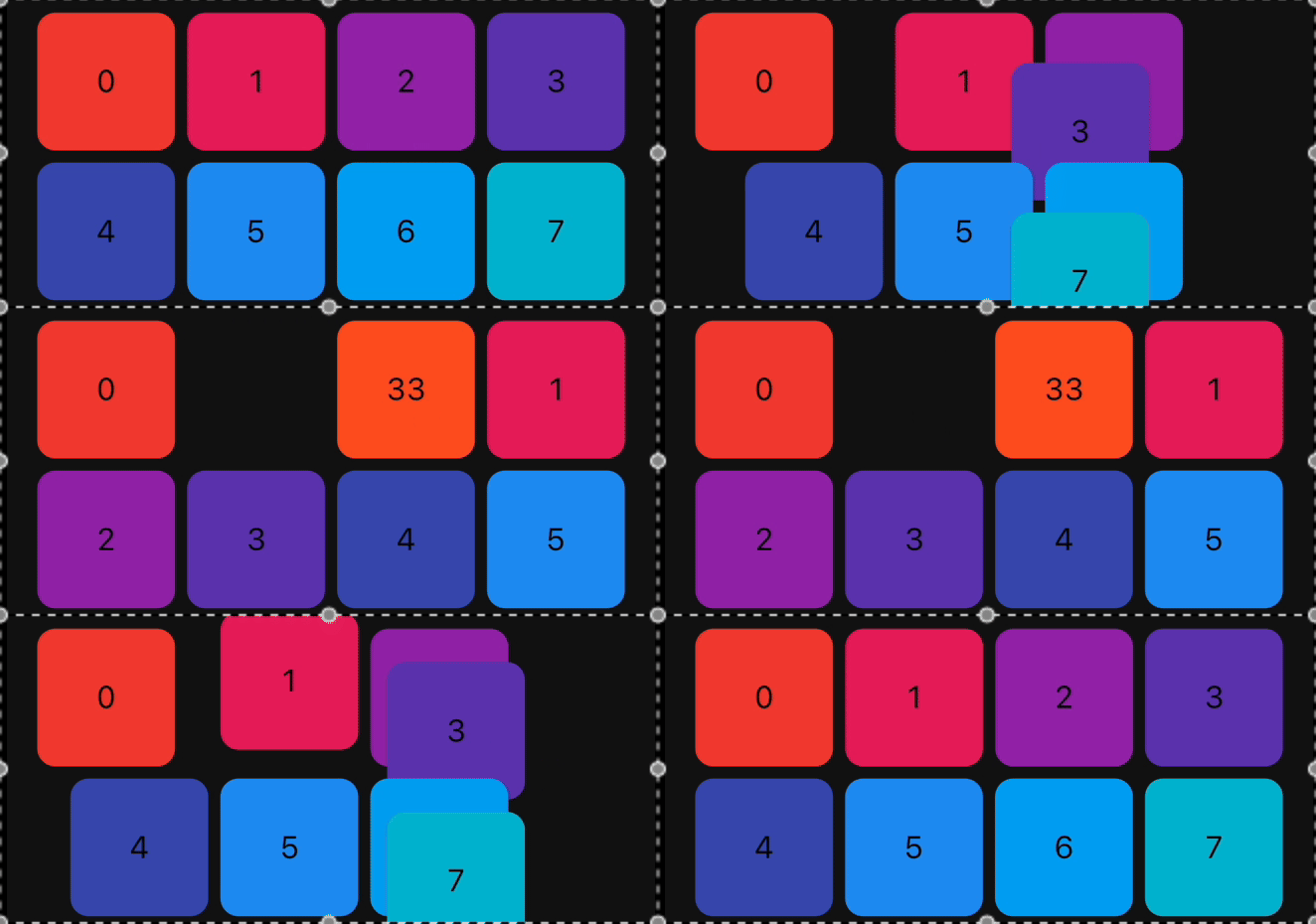
Demo

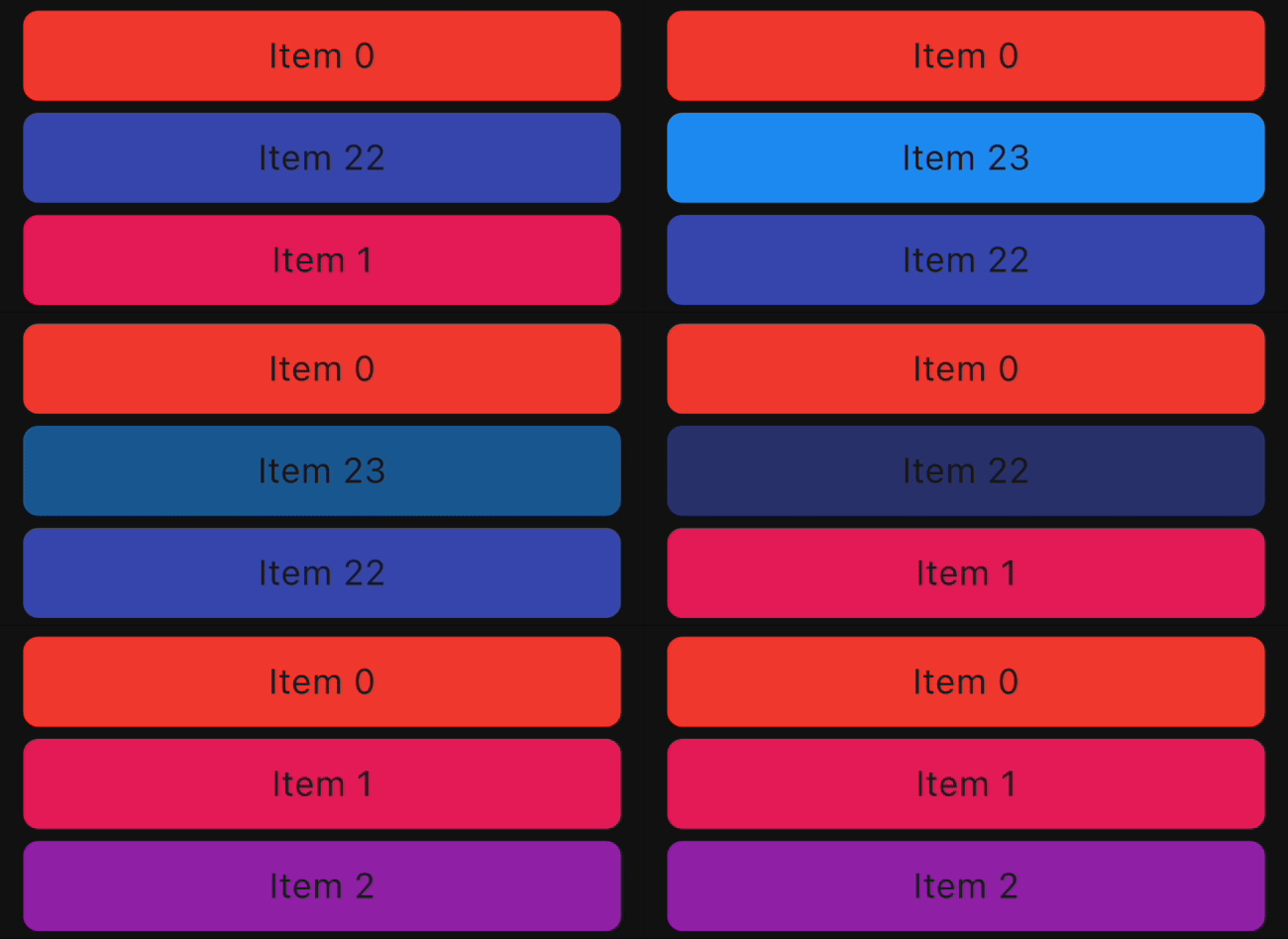
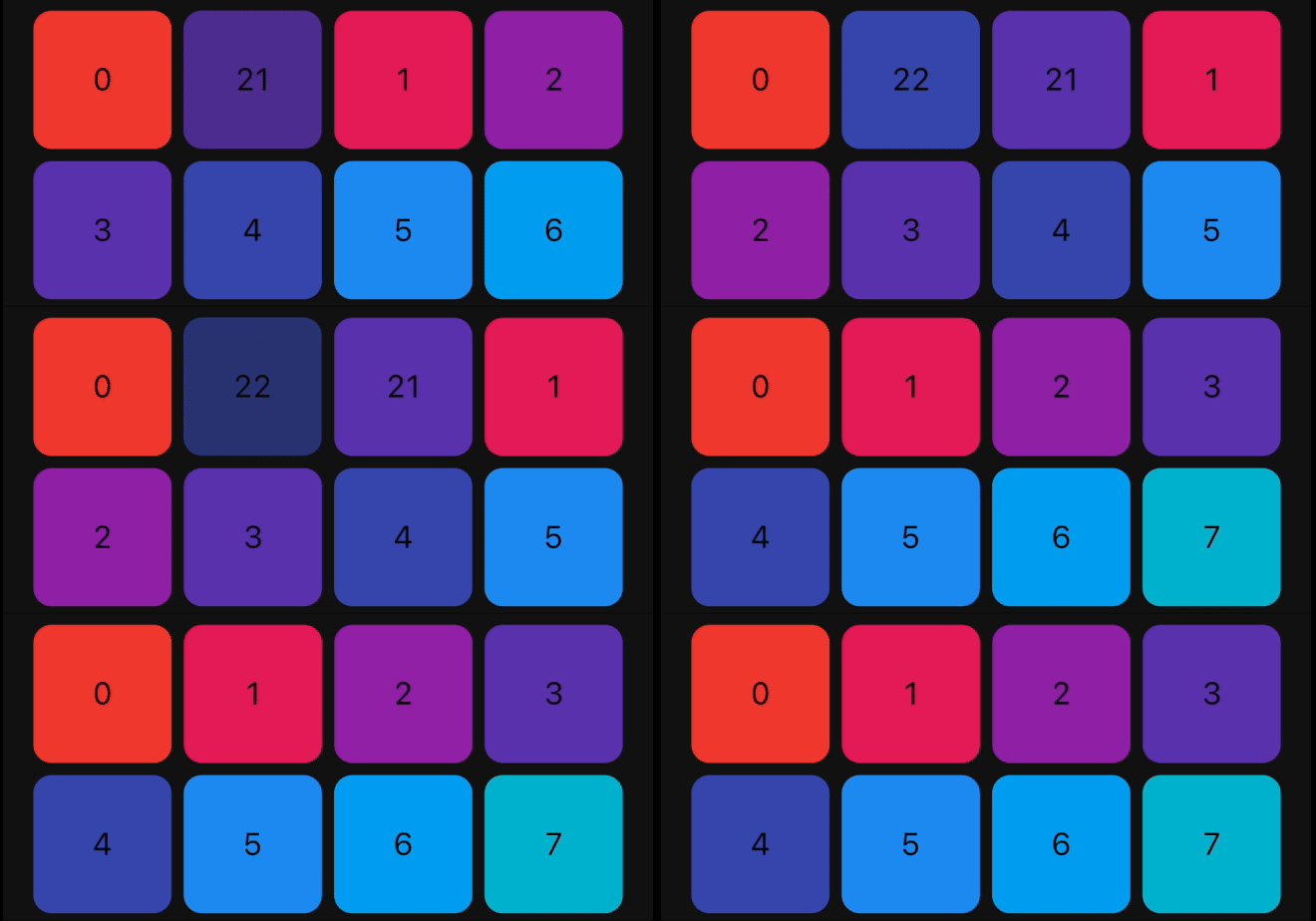
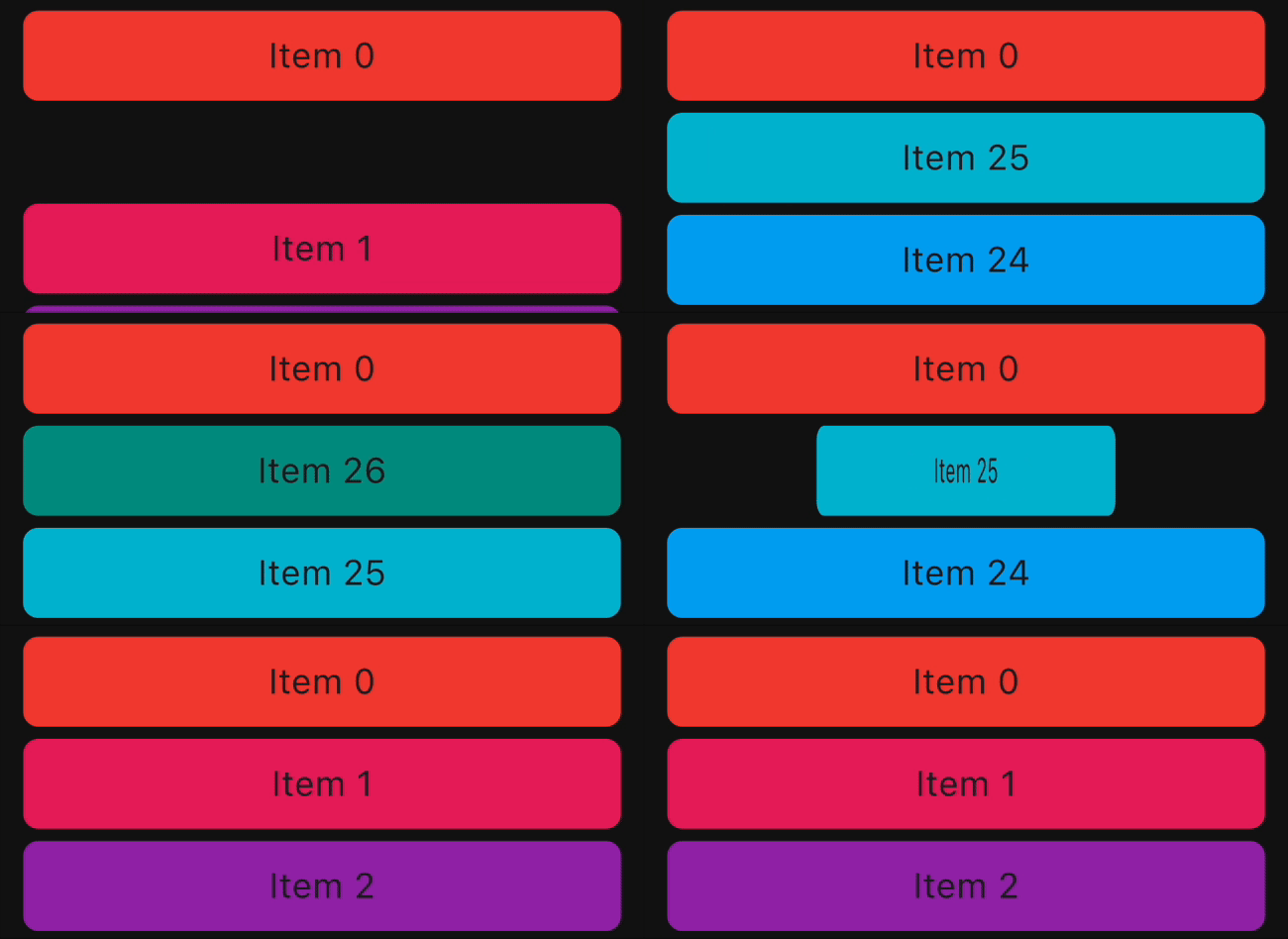
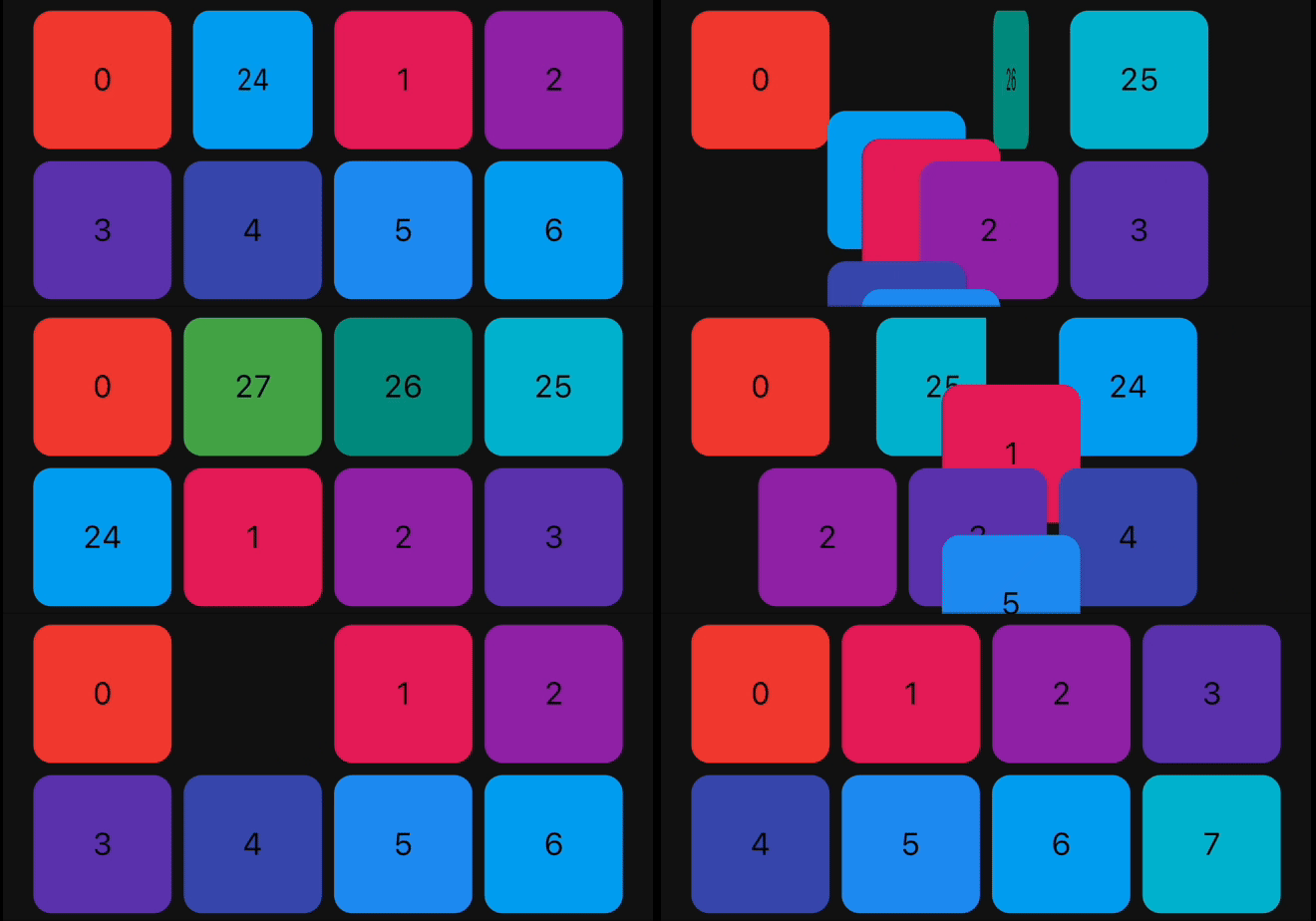
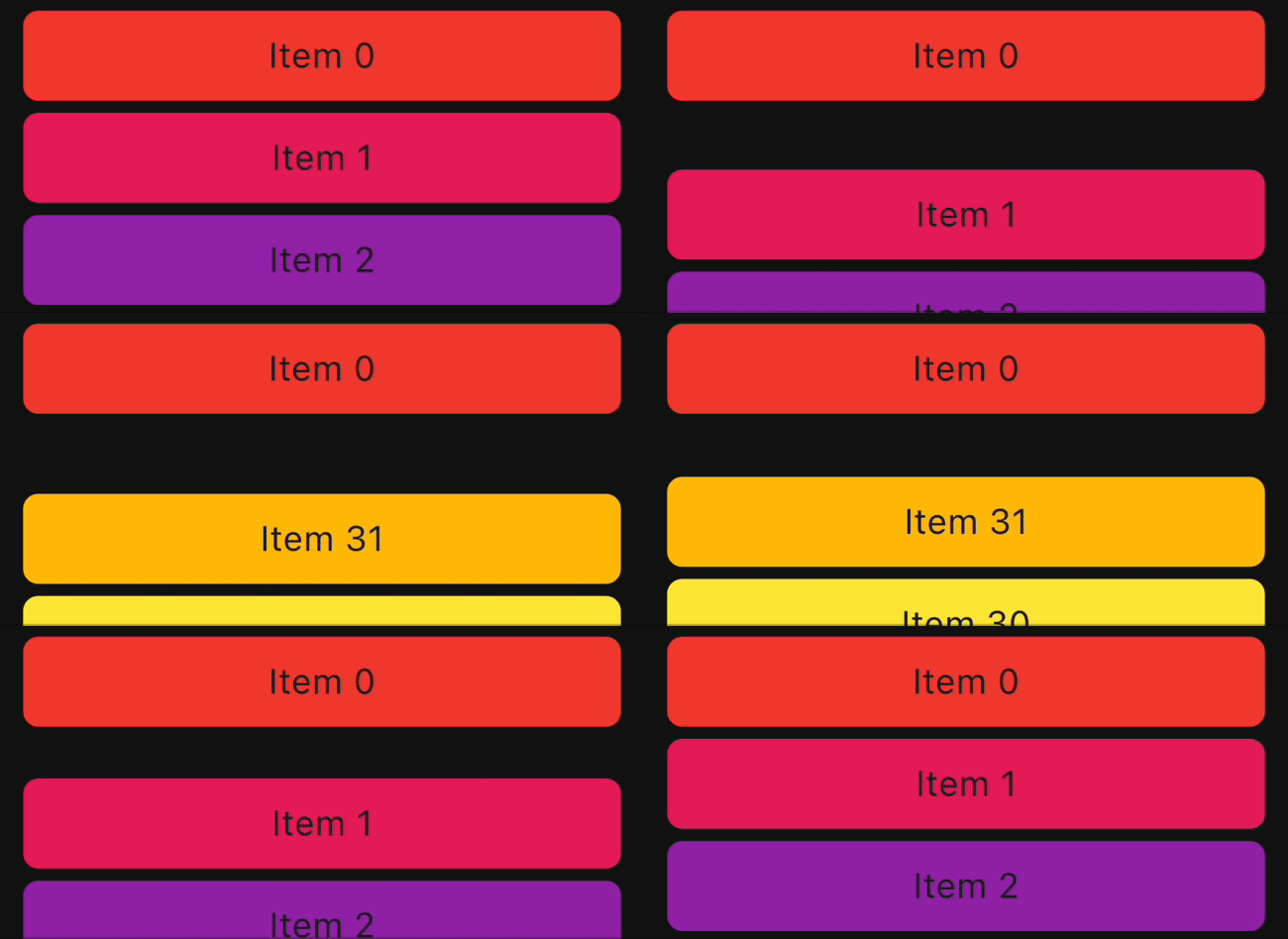
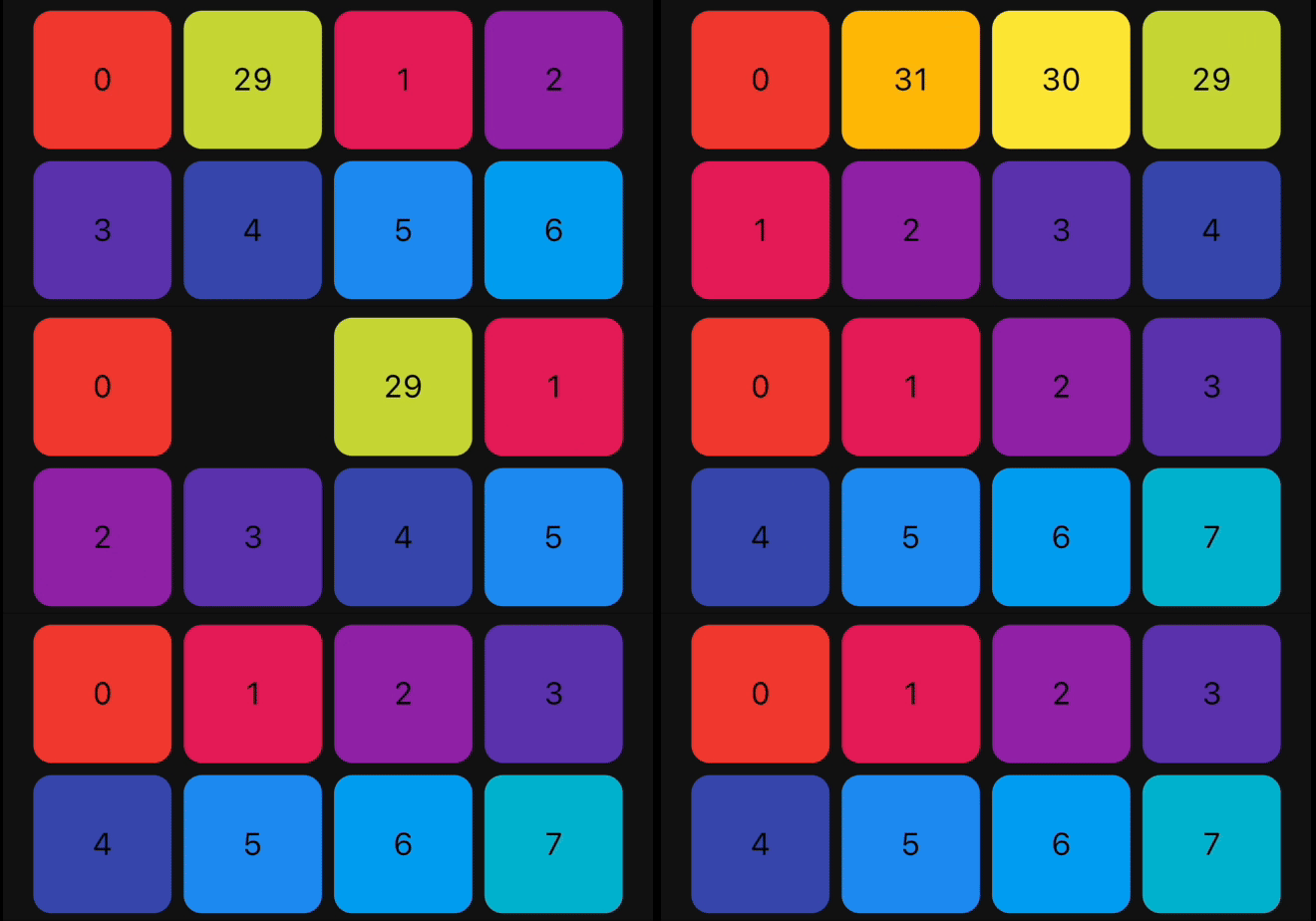
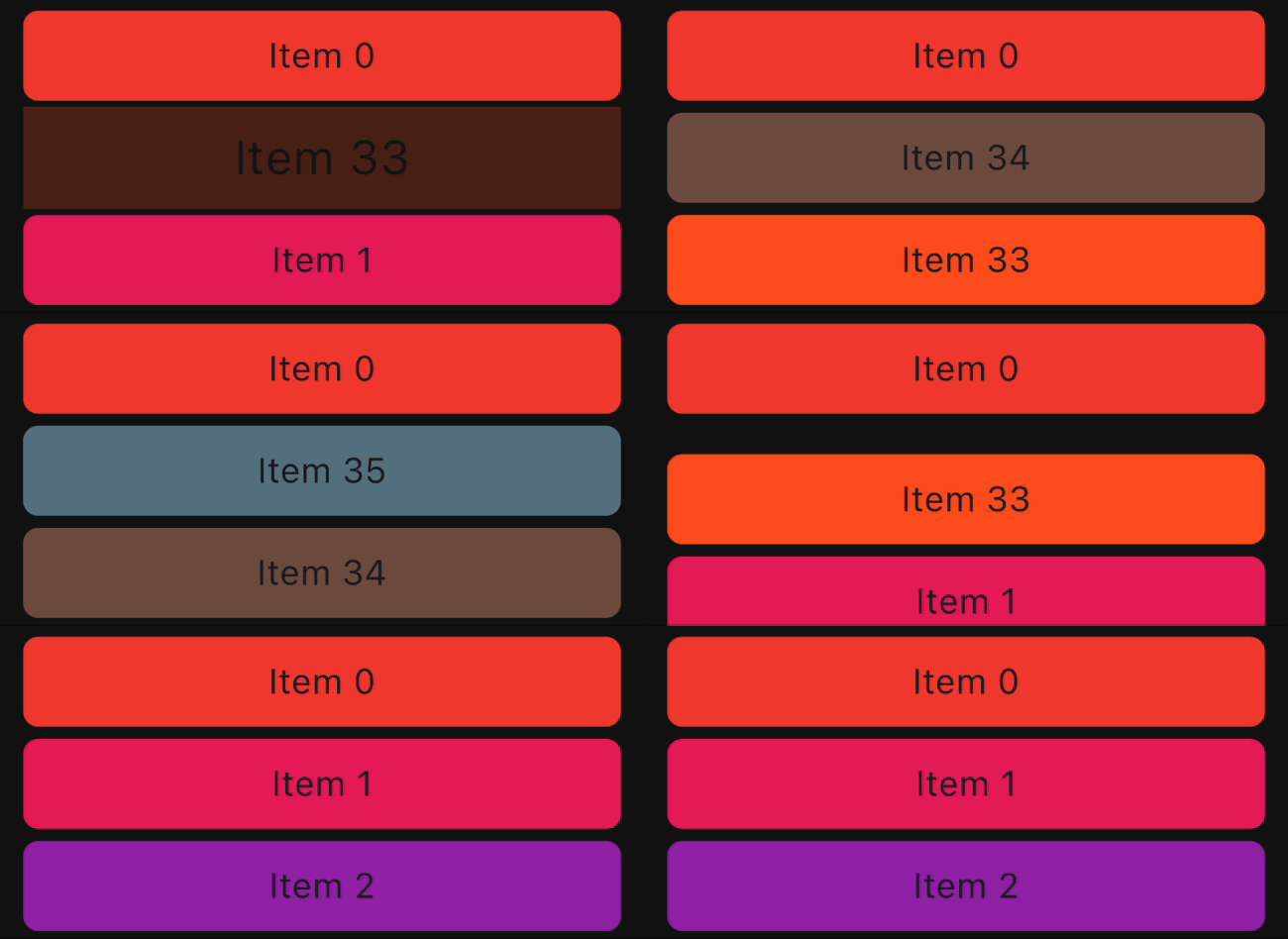
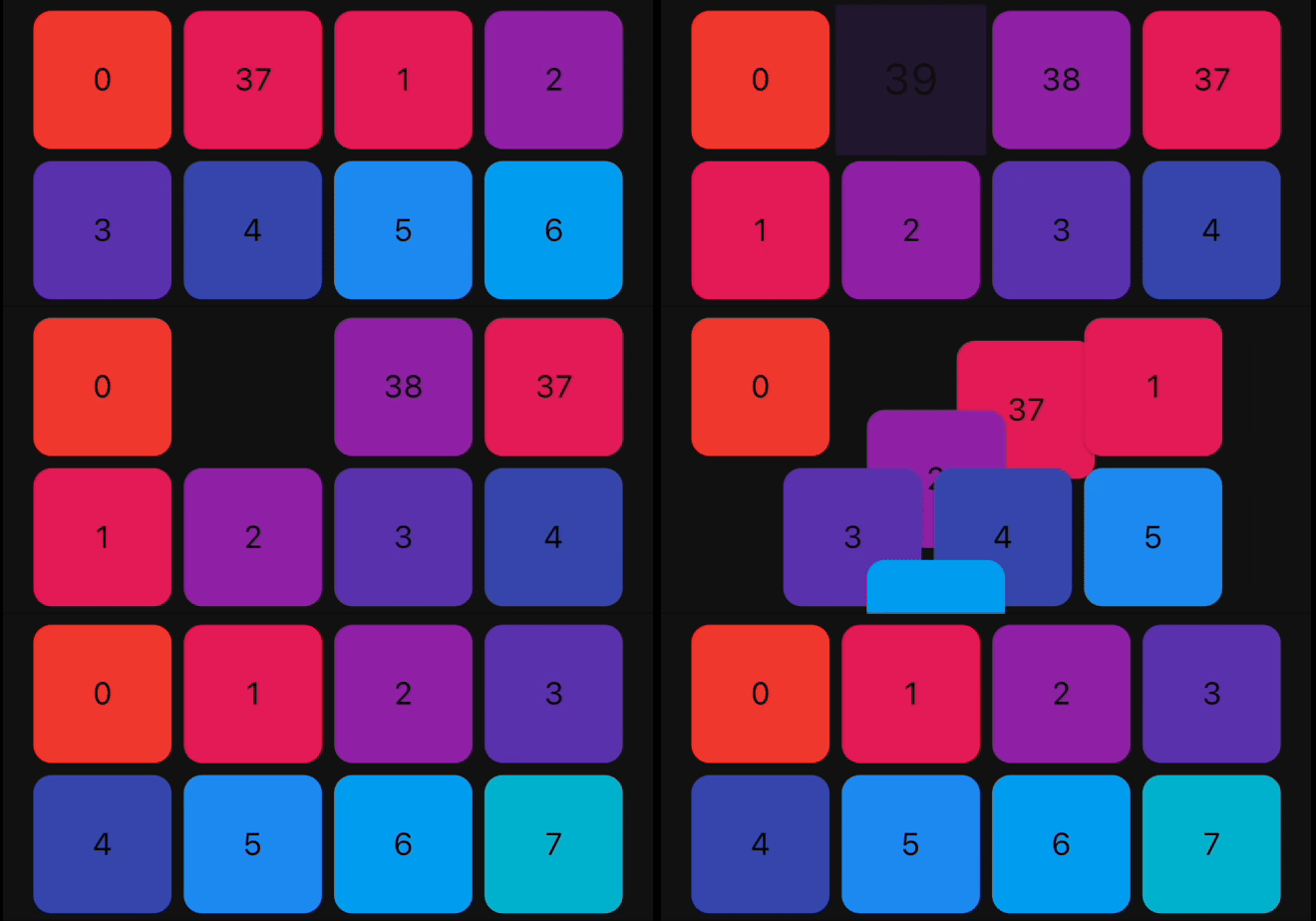
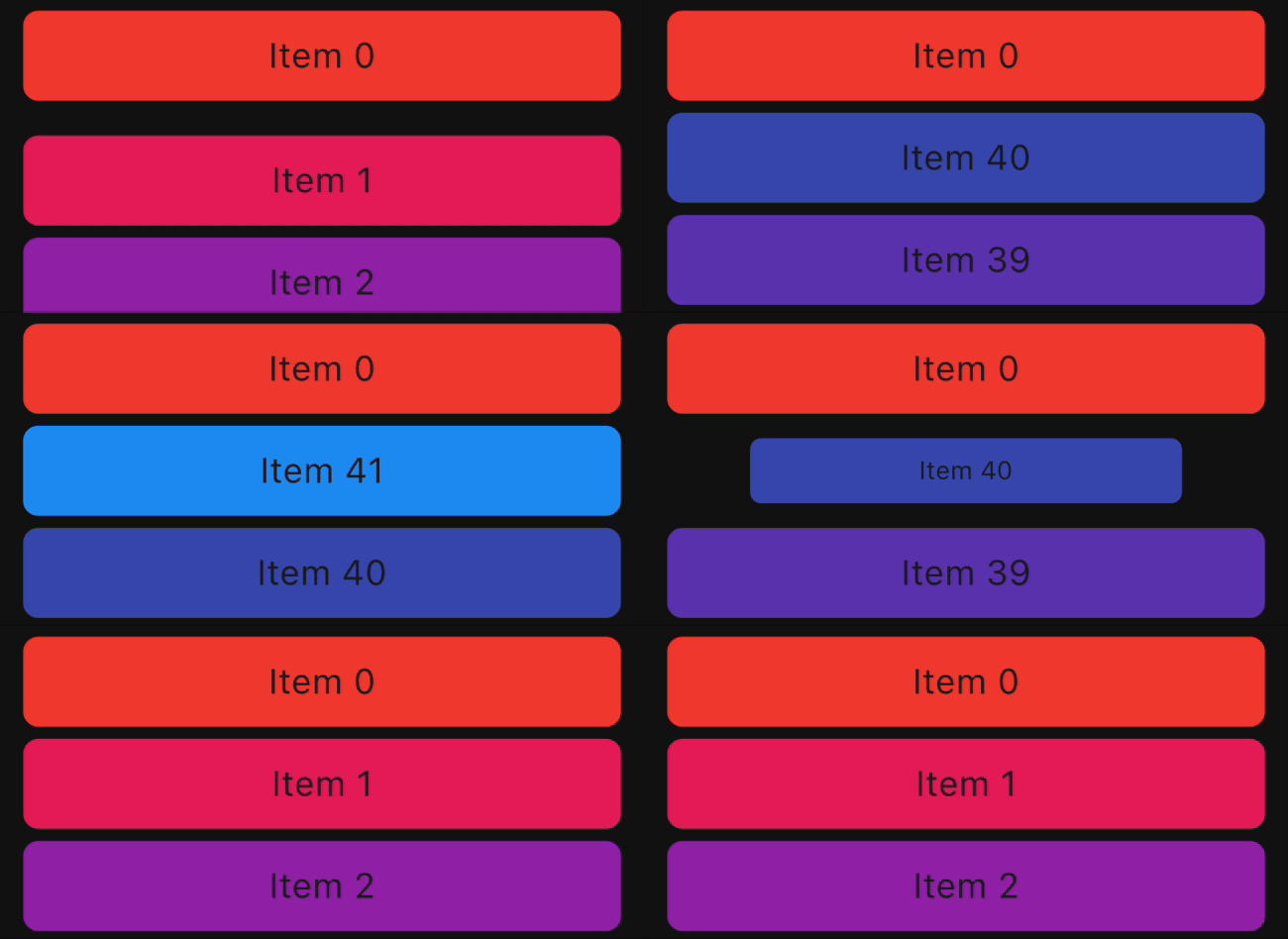
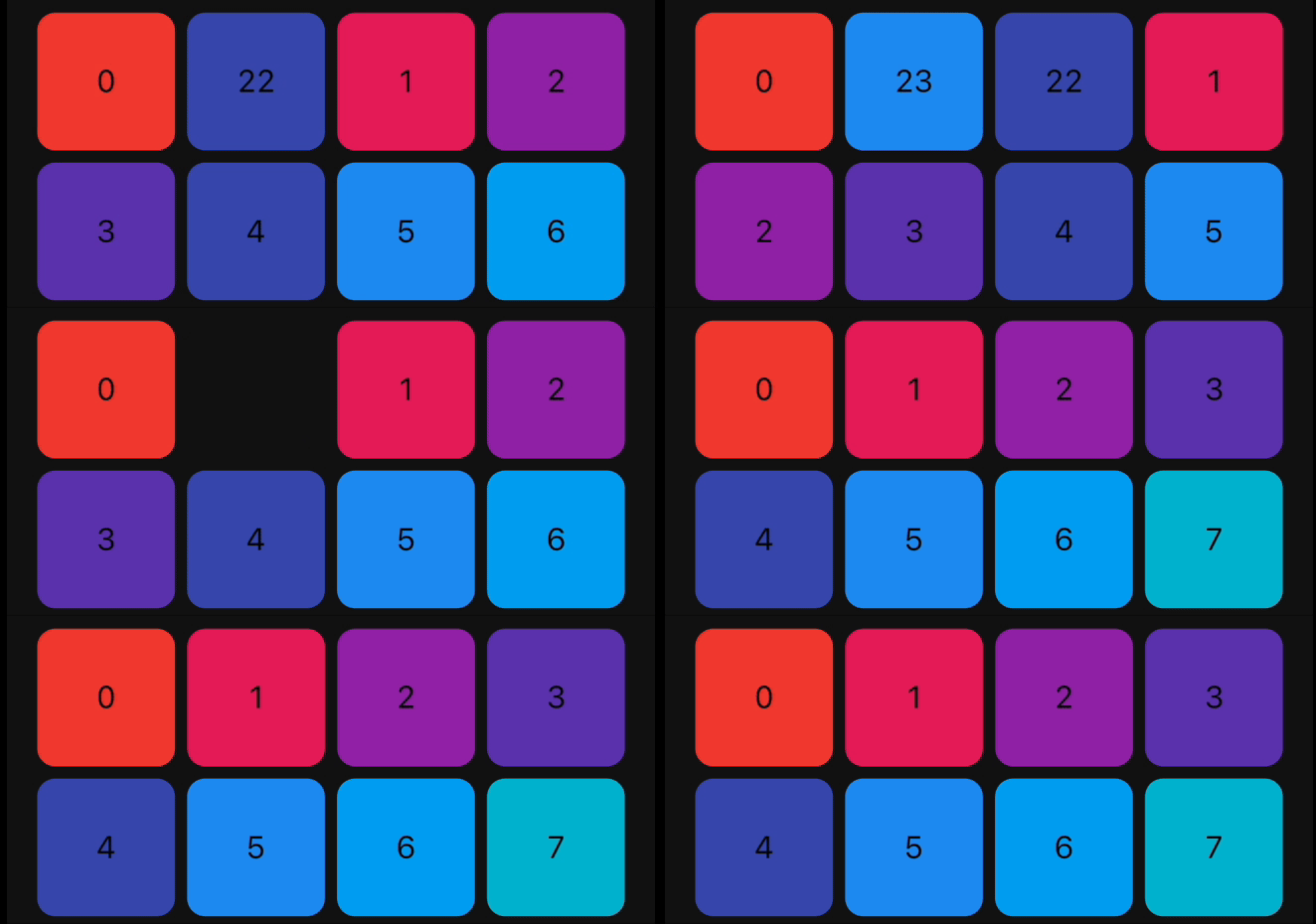
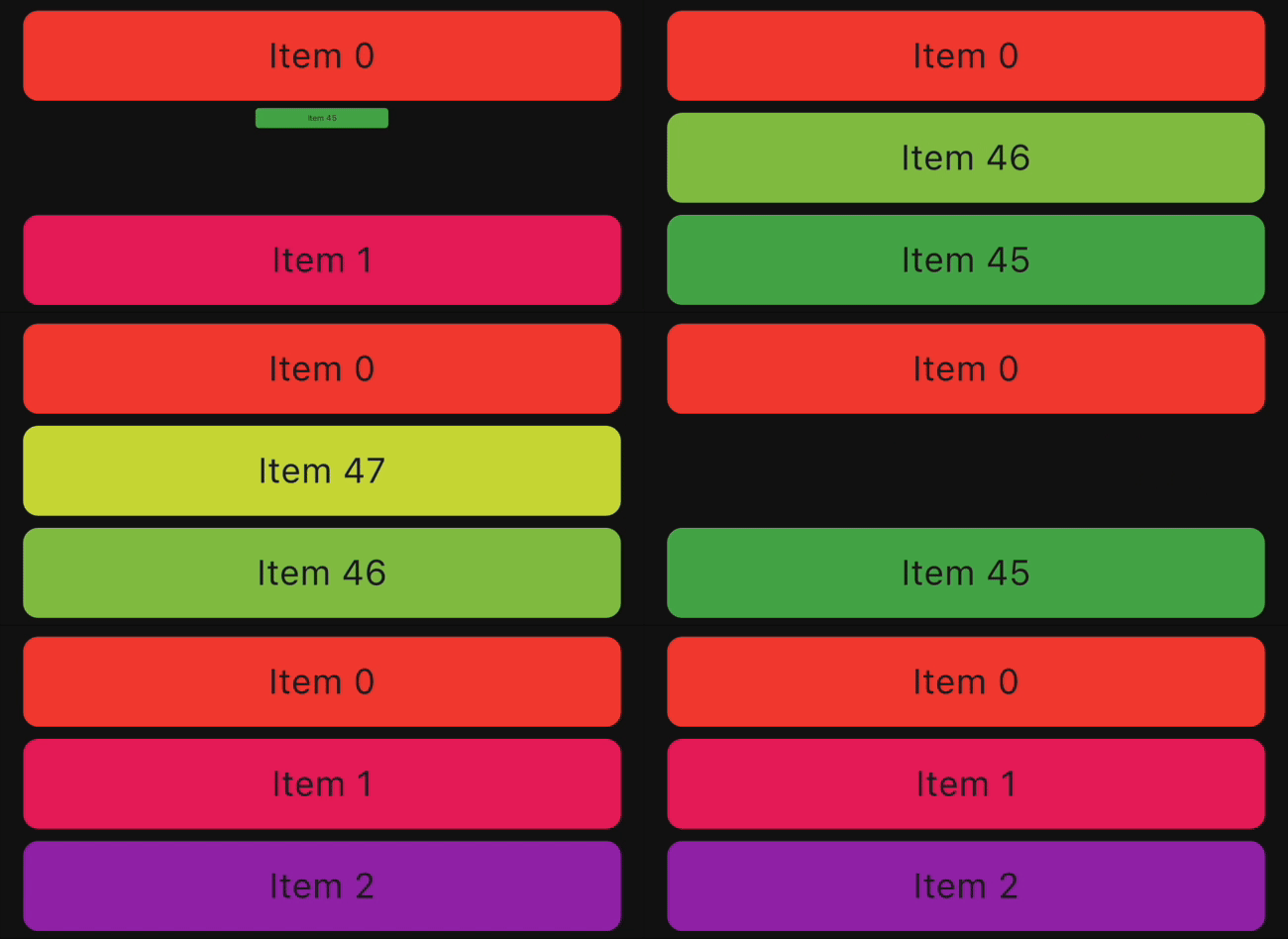
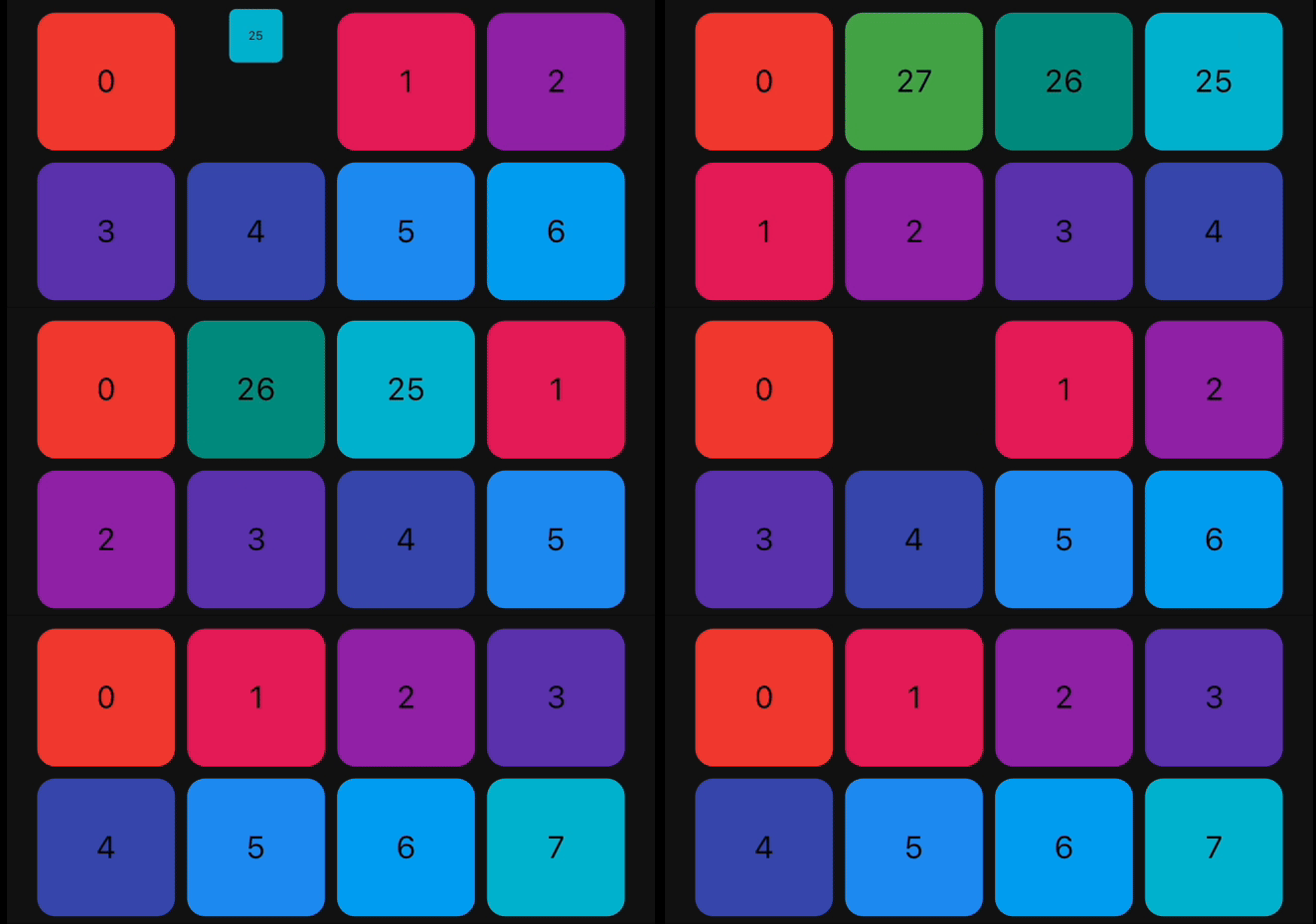
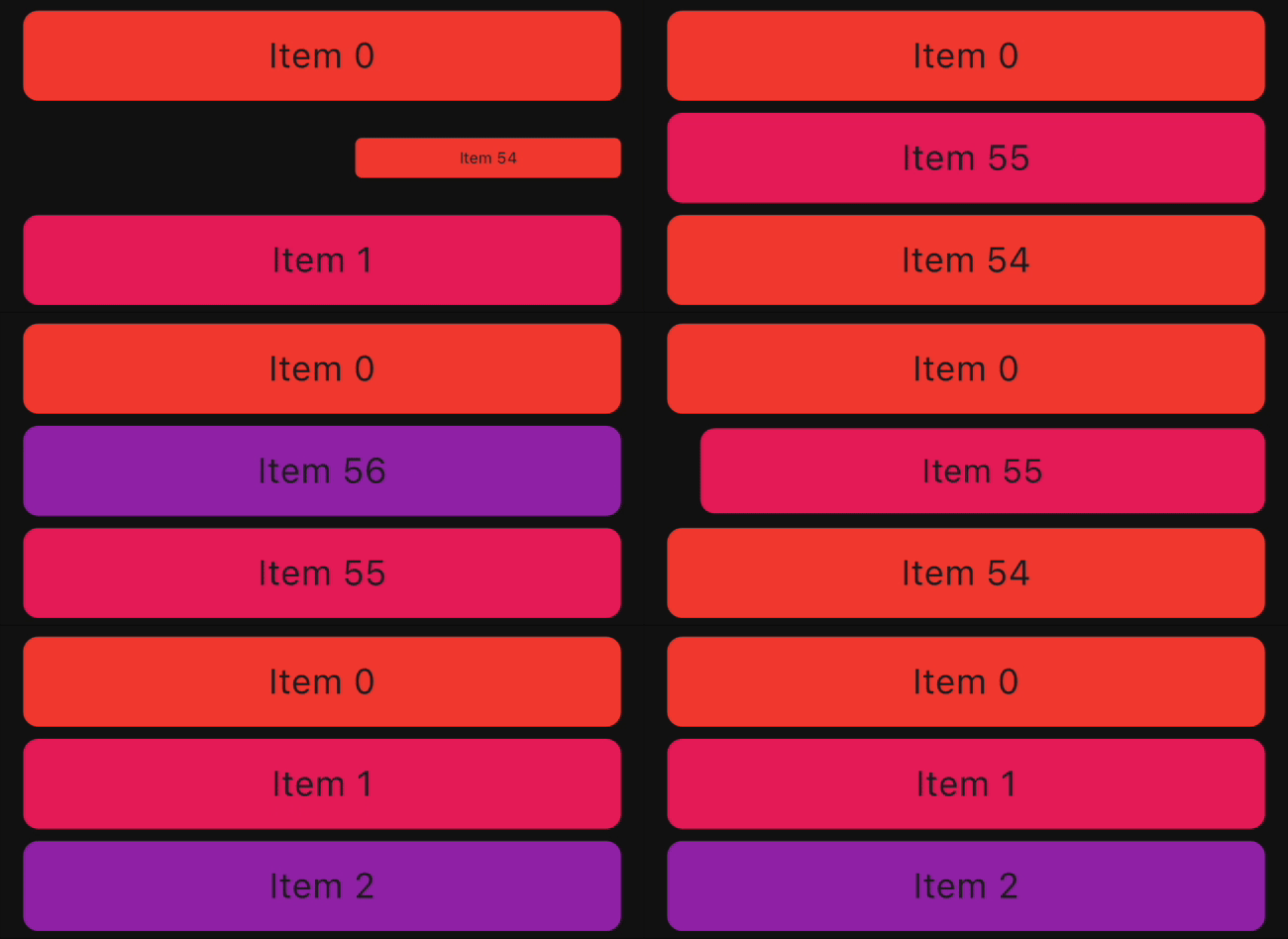
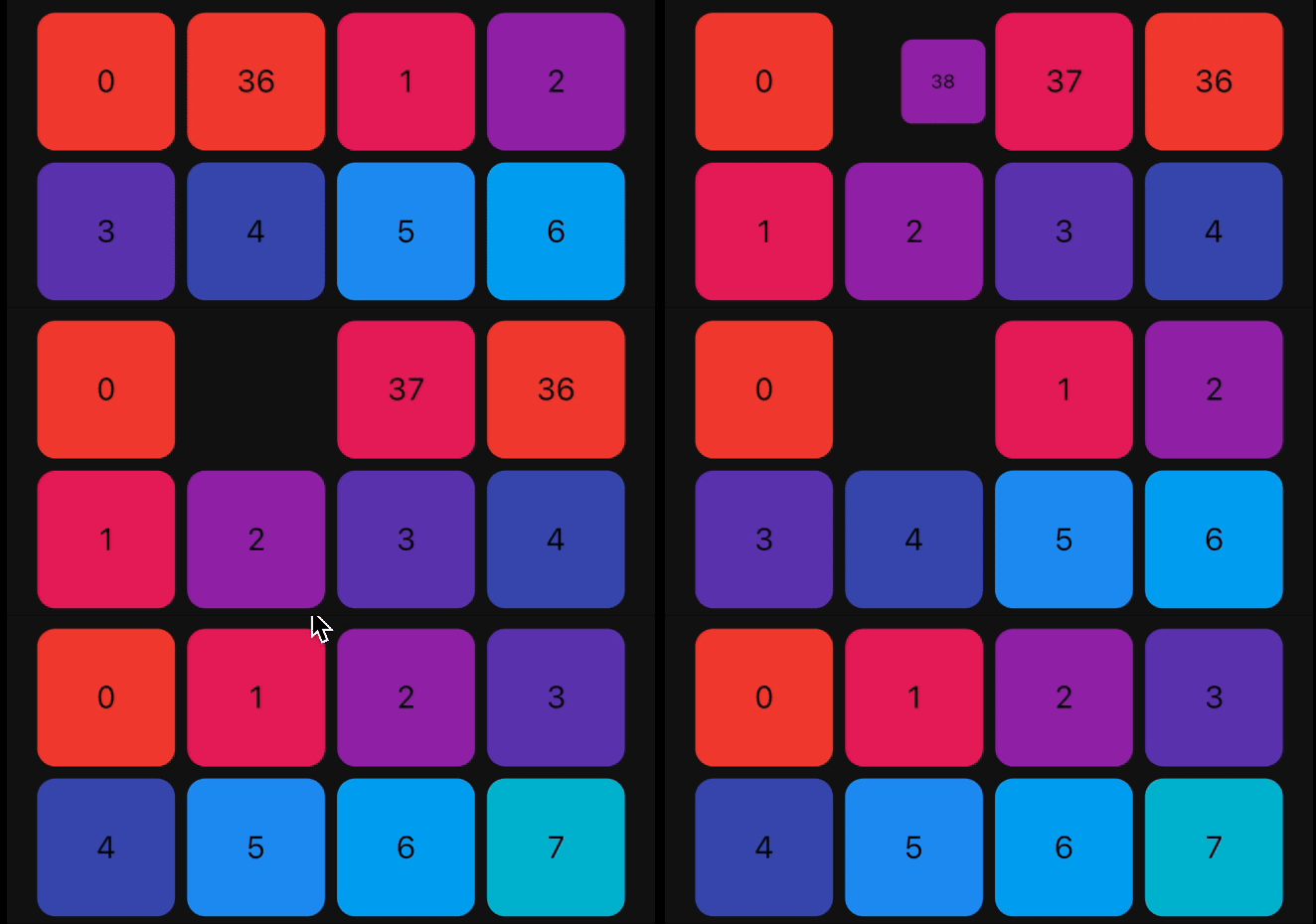
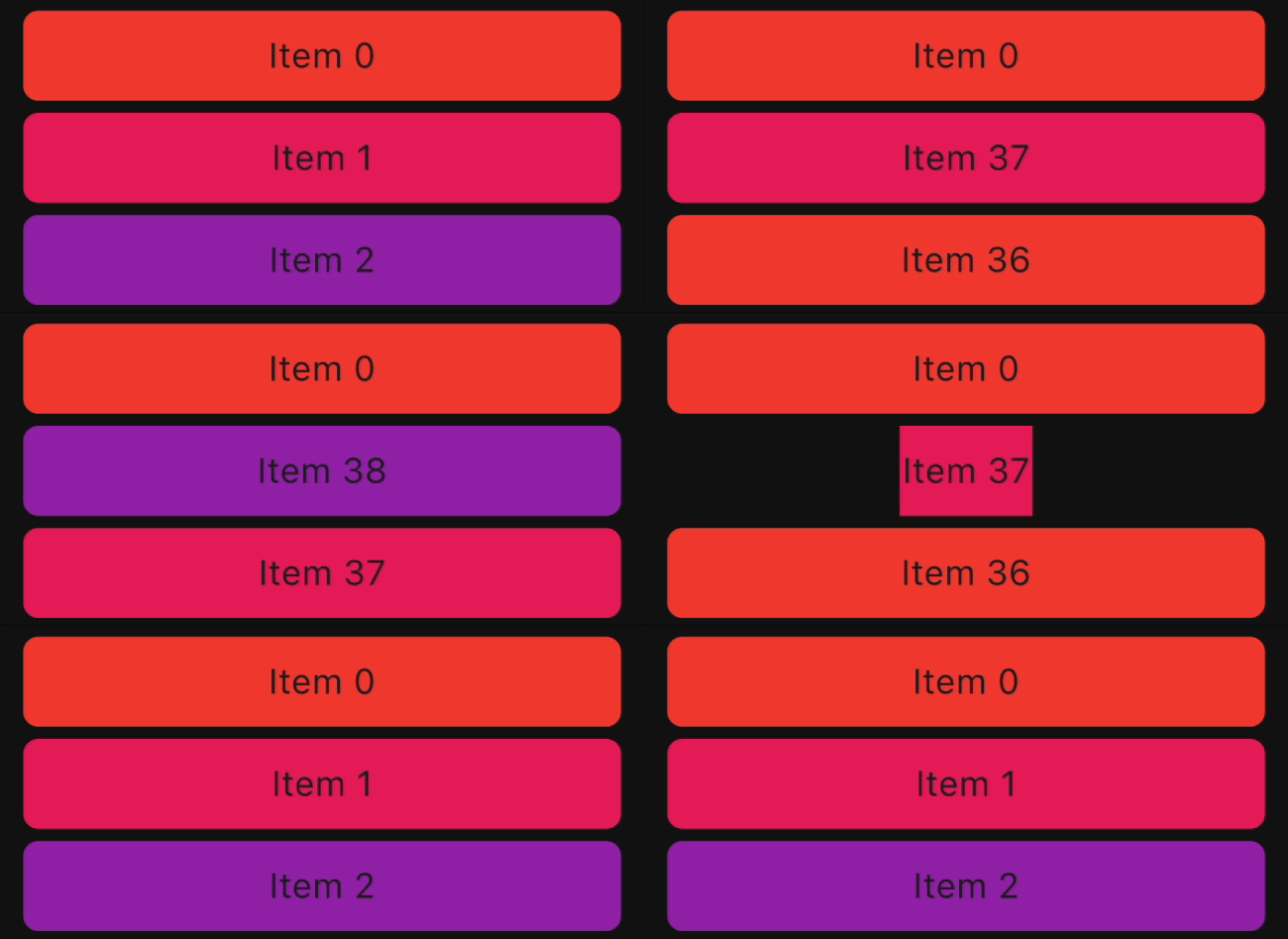
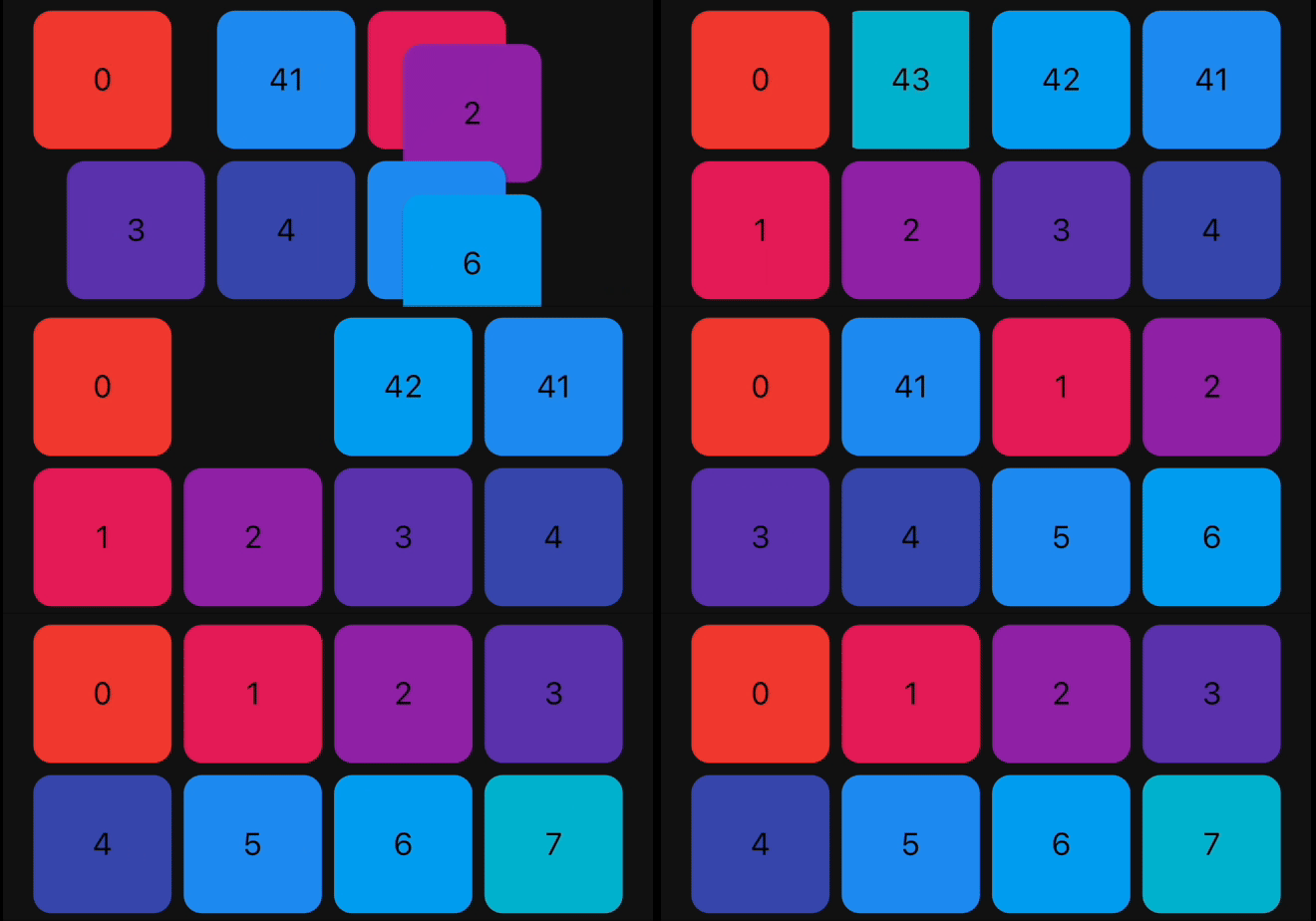
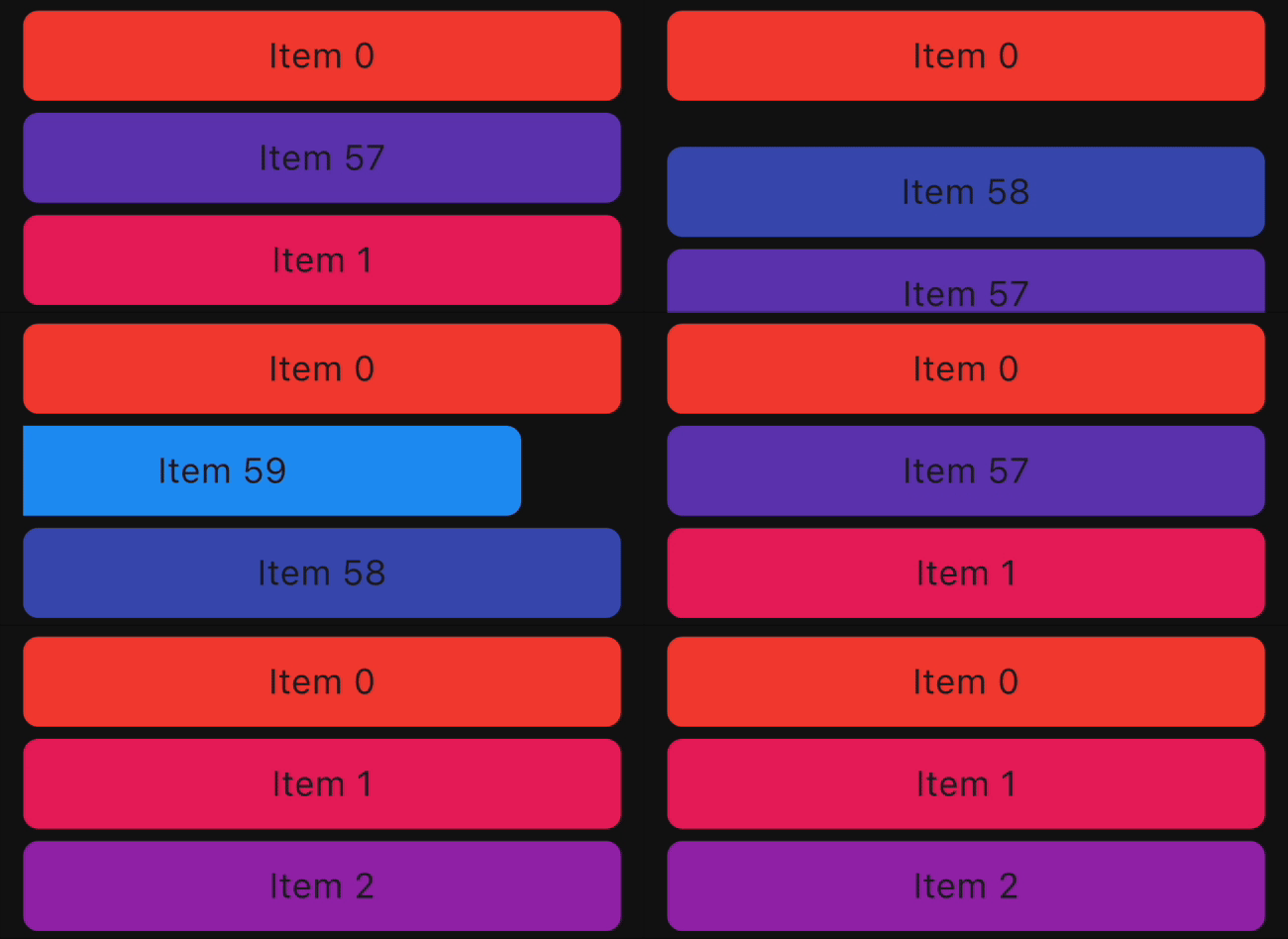
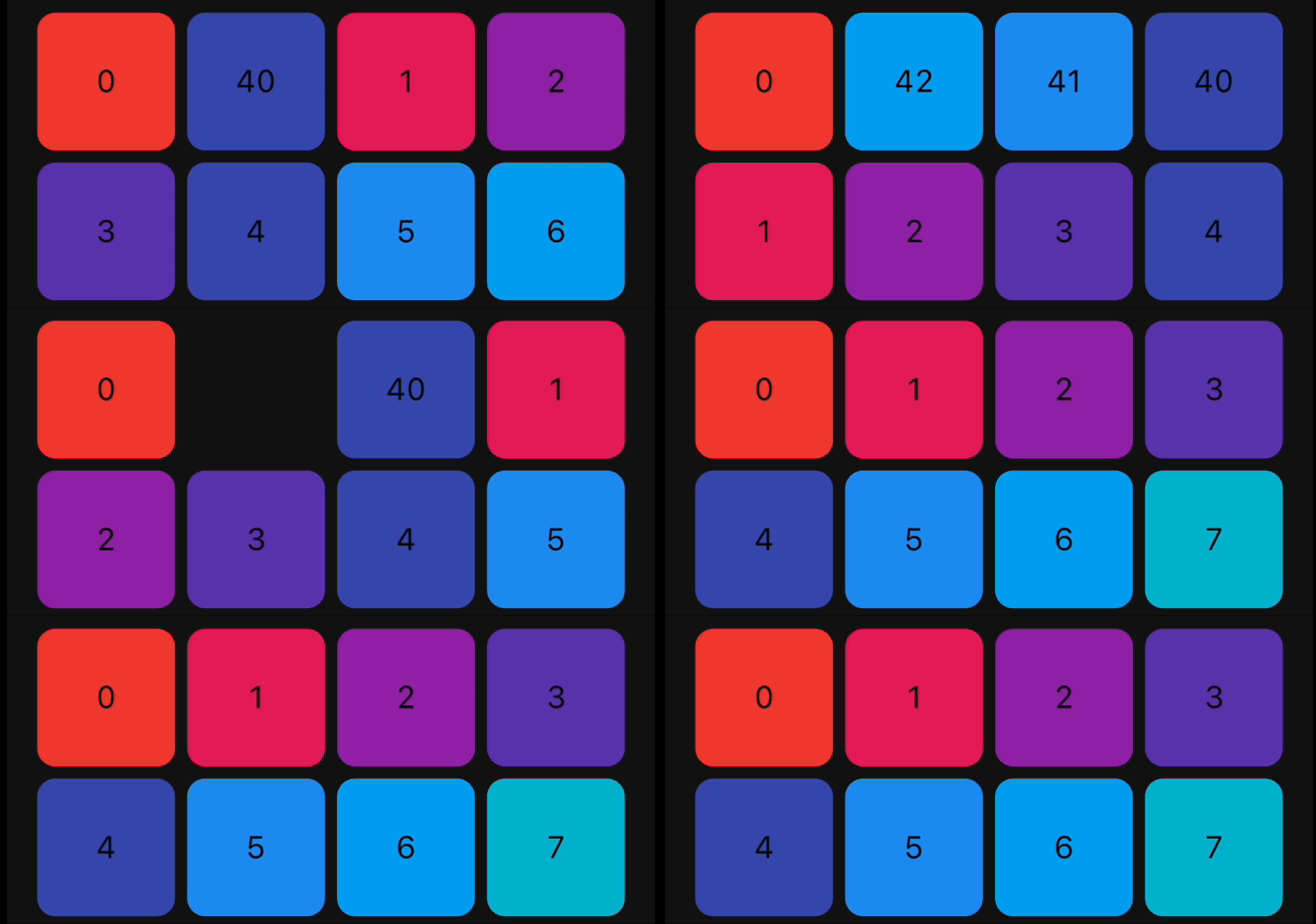
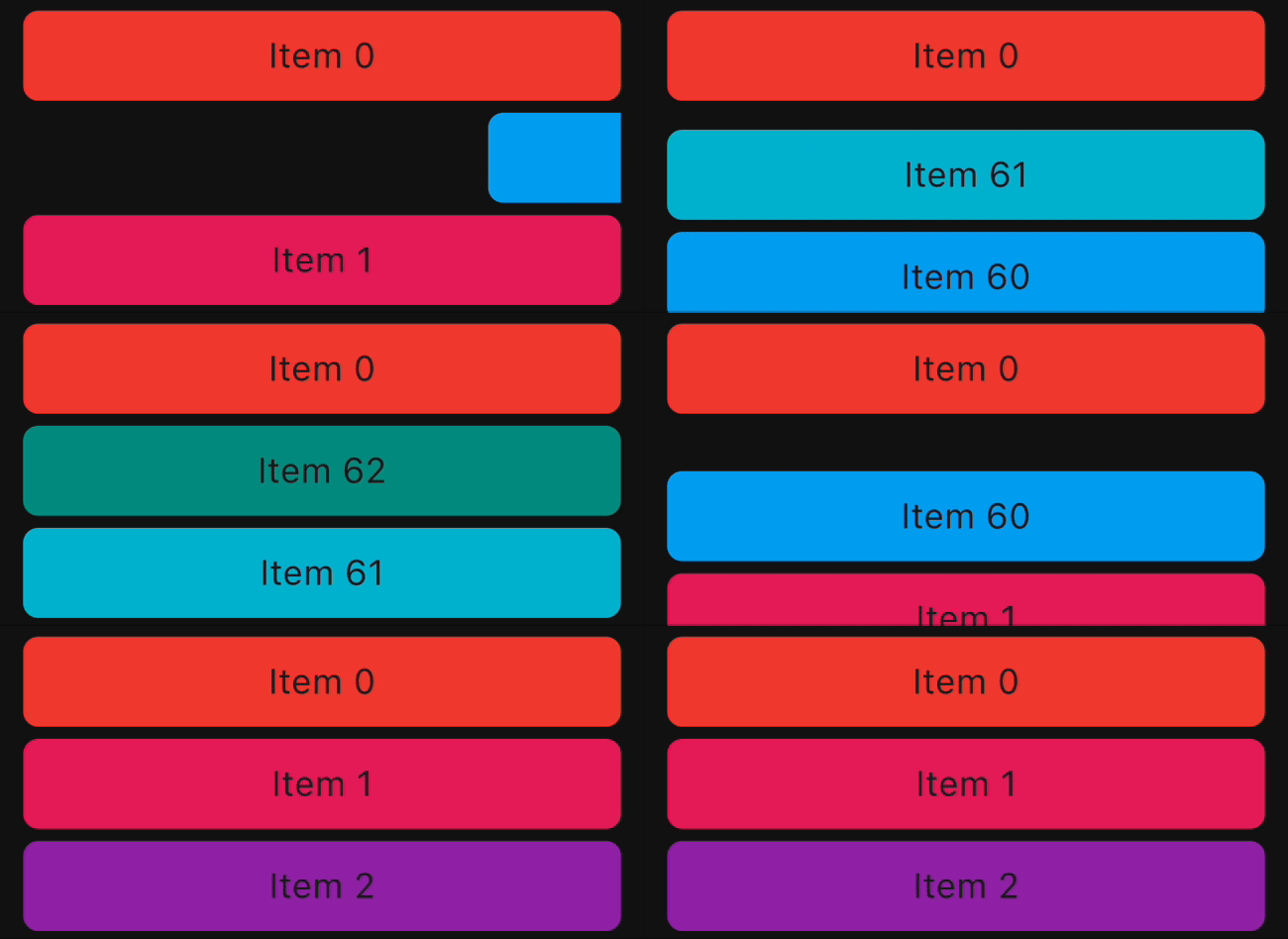
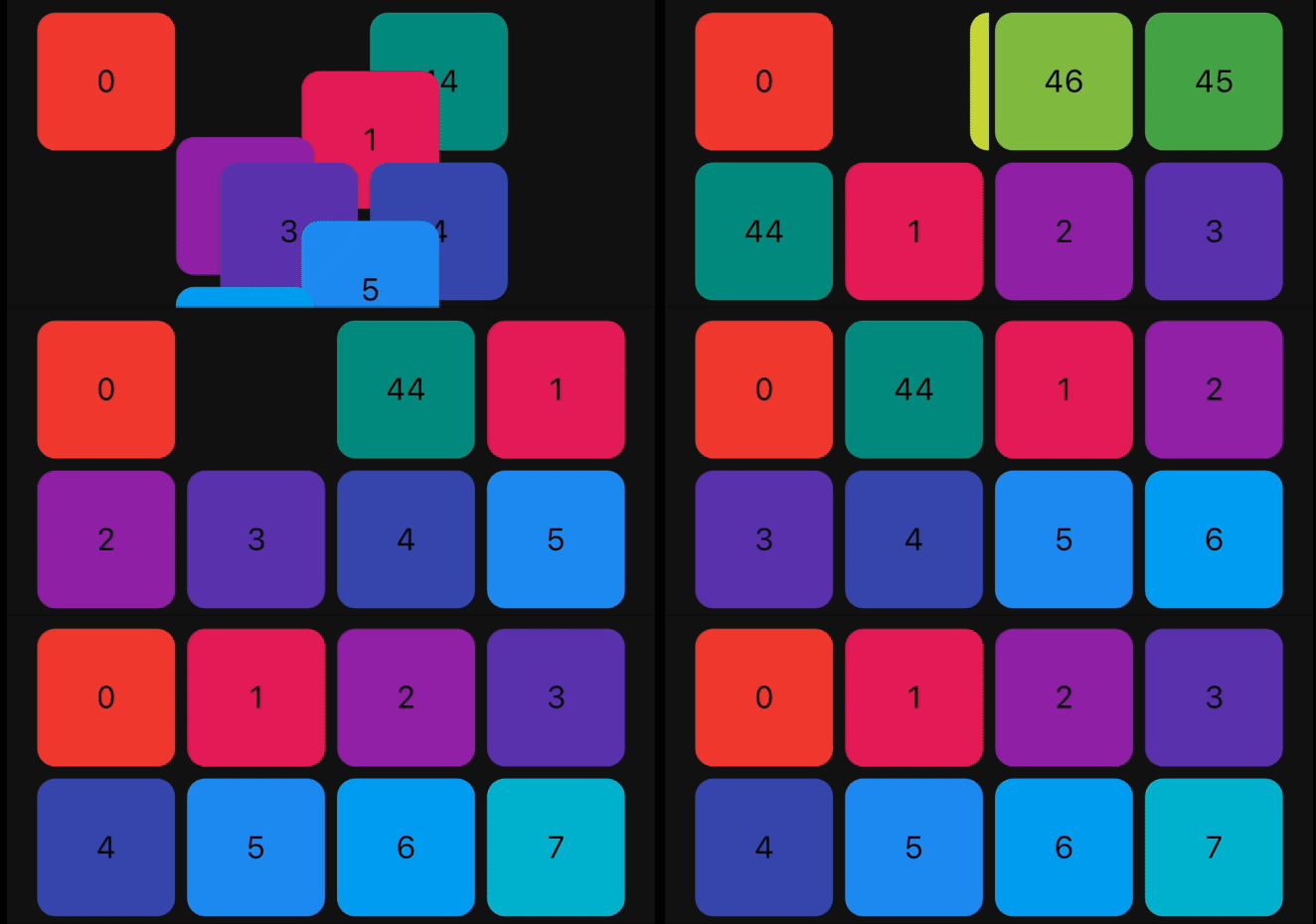
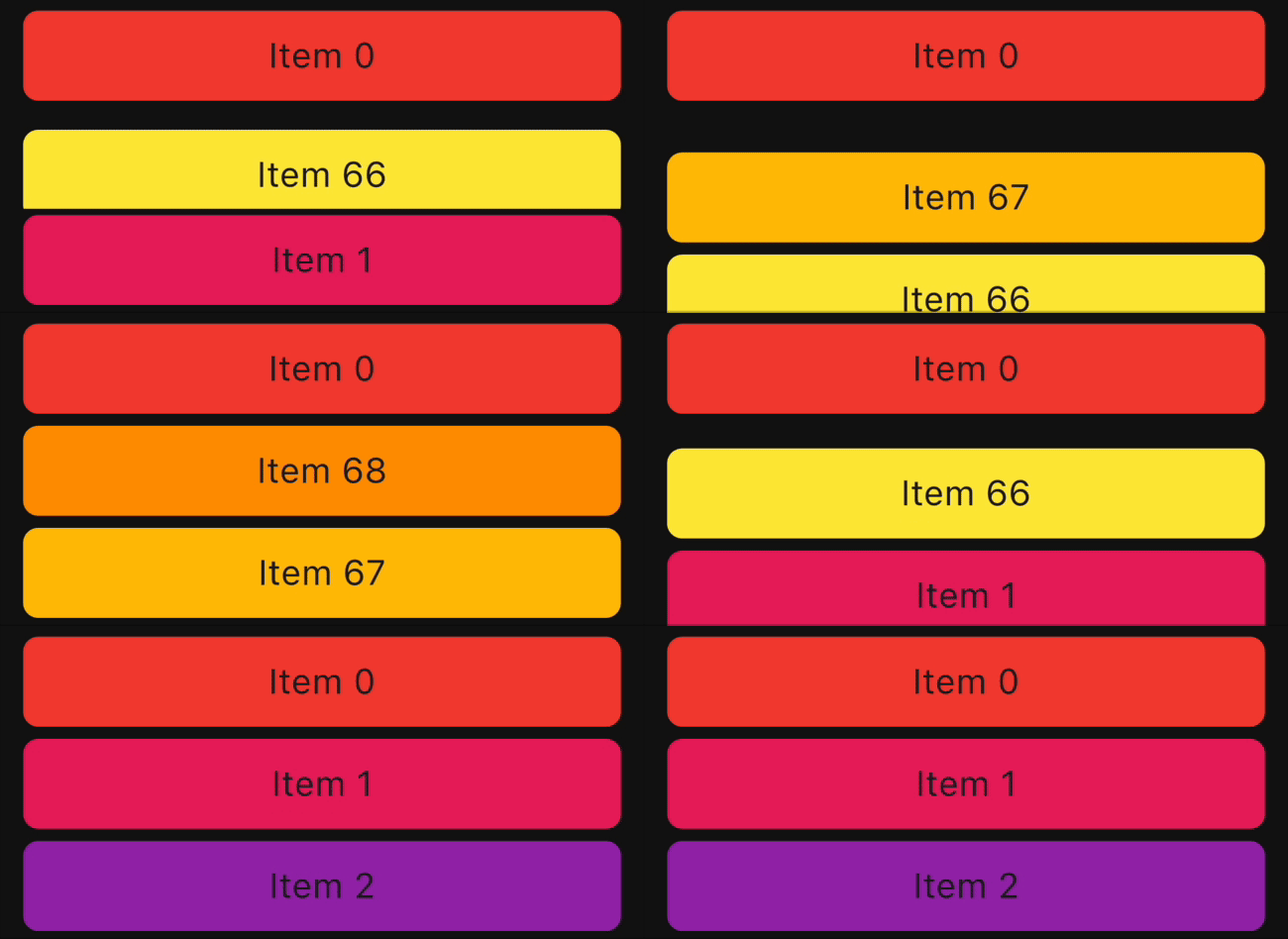
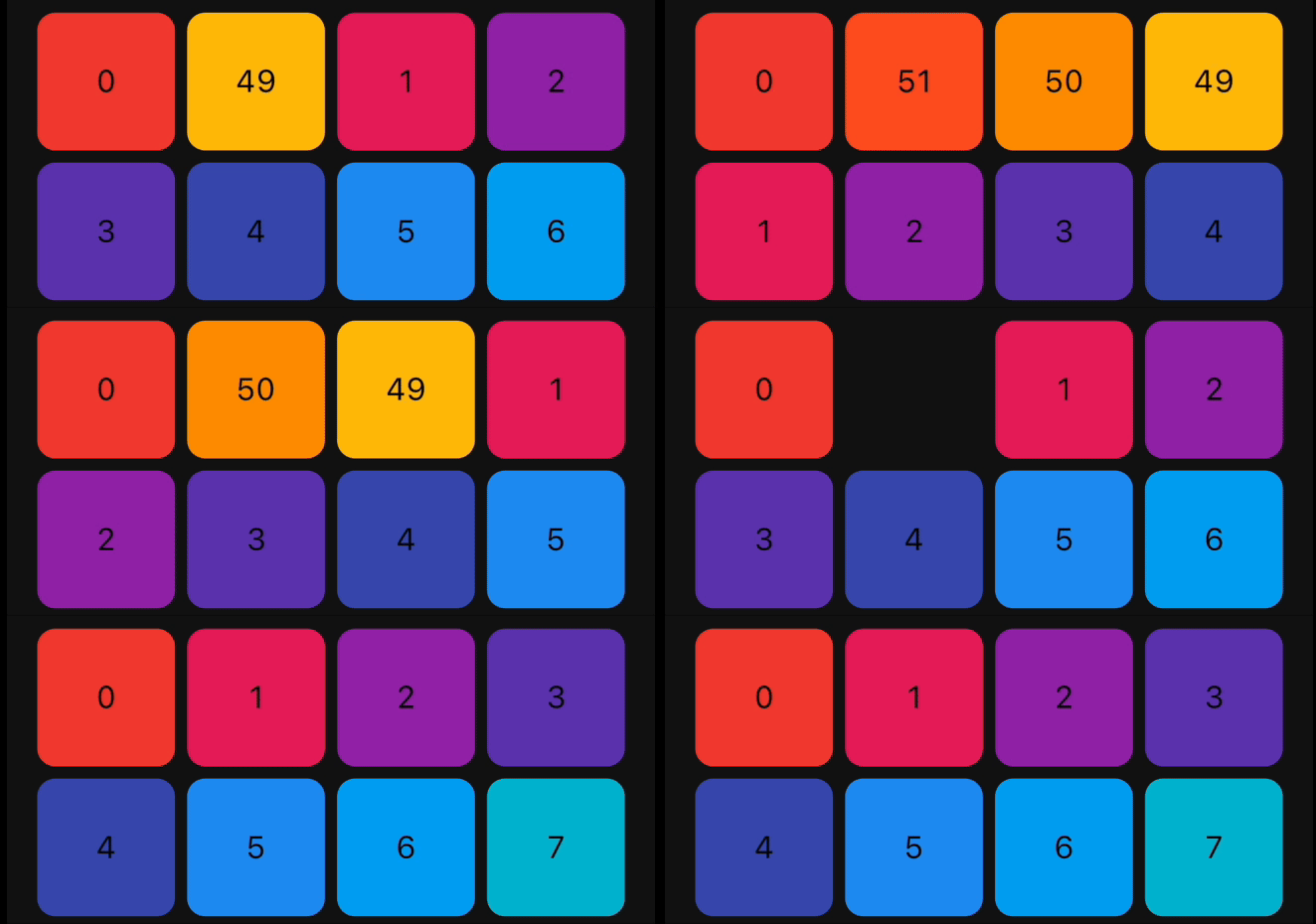
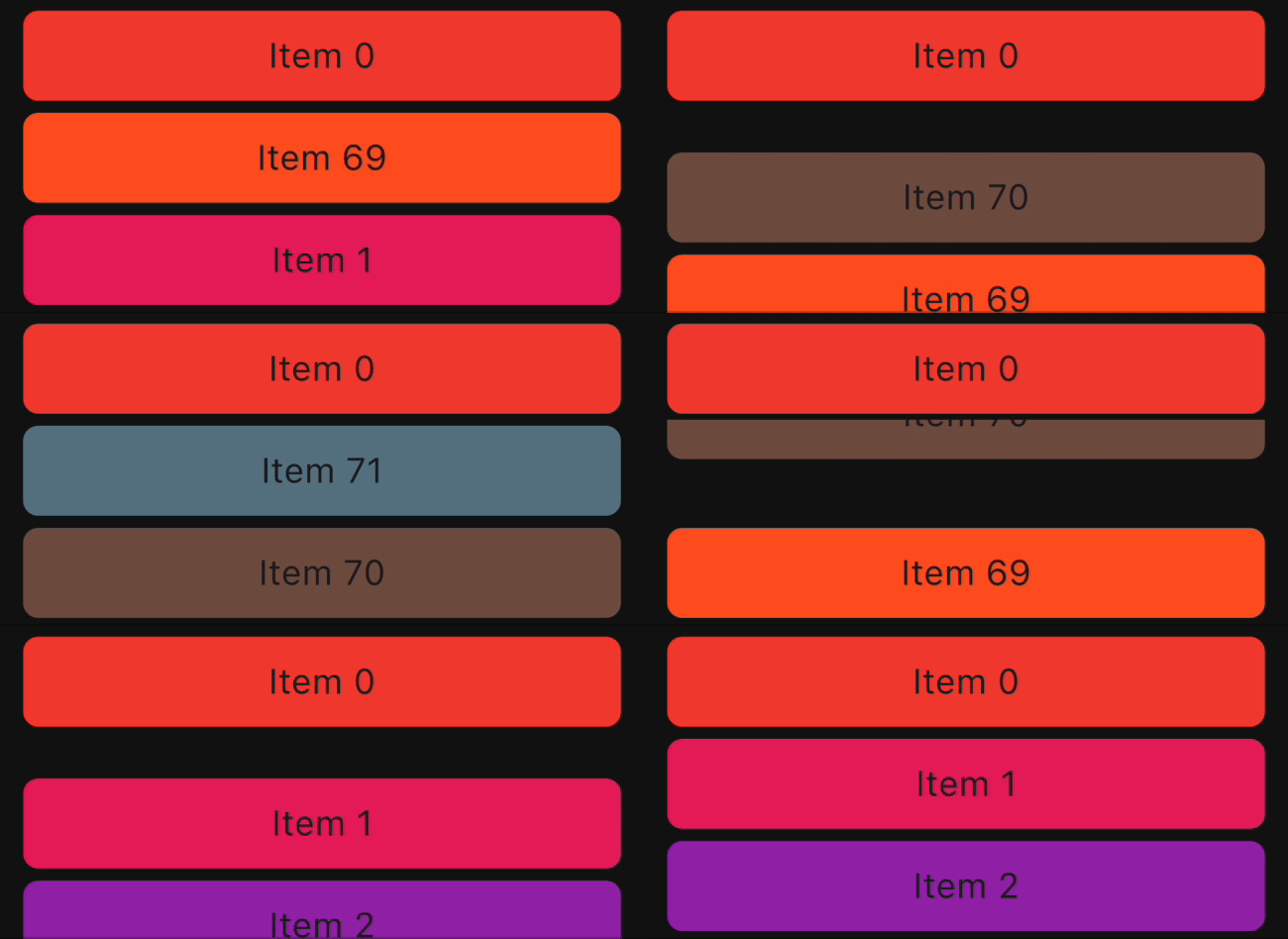
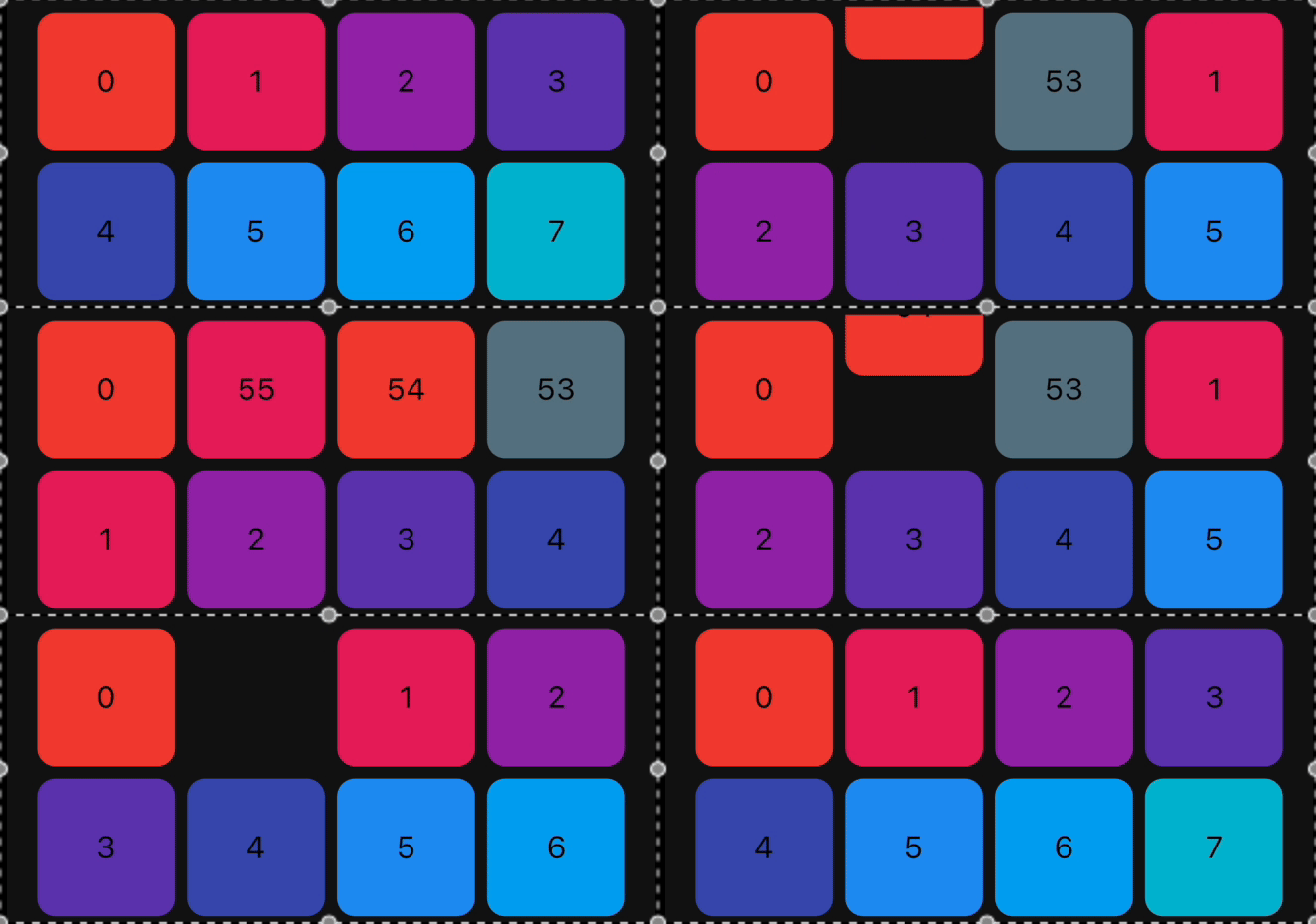
Reorderable List
ReorderableGridView ReorderableListView Swap Animation

How to use it?

1. Add dependency

Add this to your package's pubspec.yaml file:

dependencies:
  animated_reorderable_list: <latest_version>
2. Install it

You can install packages from the command line:

with pub:

$ pub get

with Flutter:

$ flutter pub get
3. Import it

Now in your Dart code, you can use:

import 'package:animated_reorderable_list/animated_reorderable_list.dart';
4. Use it

Sample app demonstrates how simple the usage of the library actually is.

Basic usage

AnimatedReorderableGridView

A AnimatedGridView with built-in support for drag and drop functionality.

AnimatedReorderableGridView(
  items: list,
  itemBuilder: (BuildContext context, int index) {
    final user = list[index];
    return ItemCard(
      key: ValueKey(user.id),
      id: user.id,
    );
  },
  sliverGridDelegate:
      SliverReorderableGridDelegateWithFixedCrossAxisCount(
          crossAxisCount: 4),
  enterTransition: [FlipInX(), ScaleIn()],
  exitTransition: [SlideInLeft()],
  insertDuration: const Duration(milliseconds: 300),
  removeDuration: const Duration(milliseconds: 300),
  onReorder: (int oldIndex, int newIndex) {
    setState(() {
      final User user = list.removeAt(oldIndex);
      list.insert(newIndex, user);
    });
  },
  dragStartDelay: const Duration(milliseconds: 300),
  isSameItem: (a, b) => a.id == b.id,
)
AnimatedReorderableListView

A AnimatedListView with built-in support for drag-and-drop functionality.

 AnimatedReorderableListView(
  items: list,
  itemBuilder: (BuildContext context, int index) {
    final user = list[index];
    return ItemTile(
      key: ValueKey(user.id),
      id: user.id,
    );
  },
  enterTransition: [SlideInDown()],
  exitTransition: [SlideInUp()],
  insertDuration: const Duration(milliseconds: 300),
  removeDuration: const Duration(milliseconds: 300),
  dragStartDelay: const Duration(milliseconds: 300),
  onReorder: (int oldIndex, int newIndex) {
    setState(() {
      final User user = list.removeAt(oldIndex);
      list.insert(newIndex, user);
    });
  },
  isSameItem: (a, b) => a.id == b.id
)

AnimatedListView

A AnimatedListView that animates insertion and removal of the item. Use this widget when you don't need drag-and-drop functionality.

AnimatedListView(
  items: list,
  itemBuilder: (context, index) {
    final user = list[index];
    return ItemTile(
      key: ValueKey(user.id),
      id: user.id,
    );
  },
  enterTransition: [FadeIn(), ScaleIn()]
  exitTransition: [SlideInUp()],
  isSameItem: (a, b) => a.id == b.id,
)
AnimatedGridView

A AnimatedGridView that animates insertion and removal of the item. Use this widget when you don't need drag-and-drop functionality.

AnimatedGridView(
  items: list,
  itemBuilder: (context, index) {
    final user = list[index];
    return ItemCard(
      key: ValueKey(user.id),
      id: user.id,
    );
  },
  sliverGridDelegate:
      SliverReorderableGridDelegateWithFixedCrossAxisCount(
          crossAxisCount: 4),
  enterTransition: [FadeIn(), ScaleIn()],
  exitTransition: [SlideInDown()],
  isSameItem: (a, b) => a.id == b.id),

Duration for animation

//optional
insertDuration: const Duration(milliseconds: 300),
removeDuration: const Duration(milliseconds:300),

The duration for item insertion and removal animation. If not specified, the default duration is Duration(milliseconds: 300).

Enter and exit Animation

To apply animation, while inserting or removing item, specify a list of animation:

//optional
    enterTransition: [FadeIn(), ScaleIn()],
    exitTransition:  [SlideIn()],

If not specified, then default FadeIn() animation will be applied.

Delay, duration, curve

Animation have optional delay, duration, begin, end and curve parameters. Animations run in parallel, but you can use a delay to run them sequentially:

//optional
 enterTransition: [
     FadeIn(
        duration: const Duration(milliseconds: 300),
        delay: const Duration(milliseconds: 100)),
     ScaleIn(
        duration: const Duration(milliseconds: 500),
        curve: Curves.bounceInOut)
    ],

If a specific duration is provided for the animation, it will run for that specified duration. However, if insertDuration or removeDuration are specified, it will override specific item duration.

Custom AnimationBuilder

//optional
insertItemBuilder: (Widget child, Animation<double> animation){
      return ScaleTransition(
         scale: animation,
         child: child,
     );
  }
                                    
removeItemBuilder: (Widget child, Animation<double> animation){
       return ScaleTransition(
          scale: animation,
          child: child,
      );
    }

You can use custom insertItemBuilder or removeItemBuilder if you wish to implement your own customized animations instead of relying on the built-in animations provided by the library. In these custom builder functions, the child parameter represents the widget returned by the itemBuilder callback, and the animation parameter provides the animation control.

If a custom insertItemBuilder is provided, it will override the enterTransition. Similarly, if removeItemBuilder is provided, then it will override exitTransition.

Animations

The library provides a set of pre-built animations that can be used for item insertion and removal. You can use multiple animations at the same time by providing a list of animations.

The following animations are available:

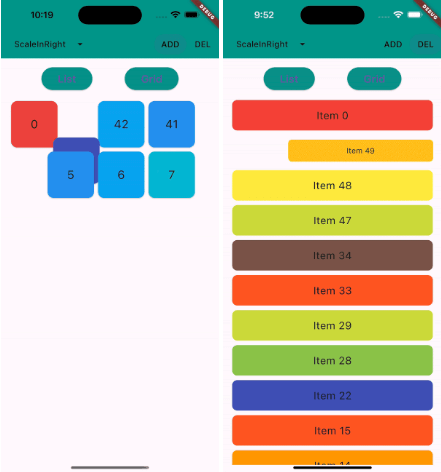
Animation Type ListView Example GridView Example
FadeIn
FlipInY
FlipInX
Landing
ScaleIn
ScaleInTop
ScaleInBottom
ScaleInLeft
ScaleInRight
Size
SlideInLeft
SlideInRight
SlideInDown
SlideInUp

Bugs and Feedback

We welcome and appreciate any suggestions you may have for improvement. For bugs, questions, and discussions please use the Github Issues.

Acknowledgments

This library builds upon the foundation laid by the incredible work of the Flutter team. The core logic for animated list and drag-and-drop functionality are derived from Flutter's native widgets, specifically AnimatedList and ReorderableListView.

Contribution

The Canopas team enthusiastically welcomes contributions and project participation! There are a bunch of things you can do if you want to contribute! The Contributor Guide has all the information you need for everything from reporting bugs to contributing entire new features. Please don't hesitate to jump in if you'd like to, or even ask us questions if something isn't clear.

Credits

animated_reorderable_list is owned and maintained by the Canopas team. You can follow them on Twitter at @canopassoftware for project updates and releases.

Inspired by recyclerview-animators in Android.

カテゴリー

ソースリポジトリ

このパッケージを使用しているプロジェクト