パッケージ、リポジトリ、アプリカテゴリを検索

another_transformer_page_view のカバー
パッケージ詳細v2.0.1

another_transformer_page_view

null安全性対応のFlutter用ページ変換ツール

AndroidiOSWebmacOSWindowsLinux
30日間ダウンロード
1.3万
いいね数
98
Pub ポイント
150

パッケージをインストール

flutter pub add another_transformer_page_view

パッケージ概要

公開情報に基づく選定ガイドです。参考としてご利用ください。

Another Transformer Page View は、PageView ウィジェット向けの拡張されたページ変換機能を提供する Flutter パッケージであり、null 安全性をサポートしています。ページ間のスムーズでカスタマイズ可能なアニメーションを可能にし、ダイナミックなトランジションを持つ魅力的なユーザーインターフェースを作成するのに最適です。パフォーマンスと使いやすさを重視して構築されており、複数のプラットフォームで既存の Flutter プロジェクトにシームレスに統合できます。このパッケージは juliansteenbakker によってメンテナンスされており、複雑な実装なしに高度なビジュアル効果を実現したい開発者に適しています。軽量な設計により、最小限のオーバーヘッドで豊かなインタラクティブ体験を提供します。

用途

  • アニメーション付きオンボーディング画面の作成
  • 視覚的な奥行きを活かしたインタラクティブスライダーの構築
  • ダイナミックなページ遷移によるナビゲーションの向上
  • 没入型製品ショーケースのデザイン
  • カスタムスクロール効果の実装

主な機能

  • null セーフティ対応
  • カスタマイズ可能なページ変換
  • スムーズなアニメーションパフォーマンス
  • クロスプラットフォーム互換性
  • PageView との簡単な統合
  • 拡張可能な変換論理

適している対象

  • インタラクティブなUIを構築するFlutter開発者
  • 高度なトランジション効果を望むデザイナー
  • 視覚的に豊かなスクロール体験を必要とするアプリ
  • 複数のプラットフォームをターゲットにするプロジェクト
  • クリーンで保守しやすいコードを重視するチーム

注意事項

  • PageView およびアニメーションの概念を理解している必要がある
  • 重い変換処理ではパフォーマンスに影響する可能性があります
  • 基本的な例以外のドキュメントは限られている
  • 中程度の複雑さのアニメーションに最適
  • 単純な線形スクロールには適していません

元の README

関連するソースリポジトリの README 原文のスナップショットです。最新の内容はリポジトリをご覧ください。

another_transformer_page_view

PageTransformer for flutter. Fork from transformer_page_view

Very simple to use

import 'package:another_transformer_page_view/another_transformer_page_view.dart';

...

new TransformerPageView(
loop: true,
transformer: new AccordionTransformer(),
itemBuilder: (BuildContext context, int index) {
  return new Container(
    color: list[index%list.length],
    child: new Center(
      child: new Text("$index",style: new TextStyle(fontSize: 80.0,color: Colors.white),),
    ),
  );
},
itemCount: 3)

Almost the same as PageView.builder, simplely specify a transformer to TransformerPageView, which is a sub class of PageTransformer

Show cases

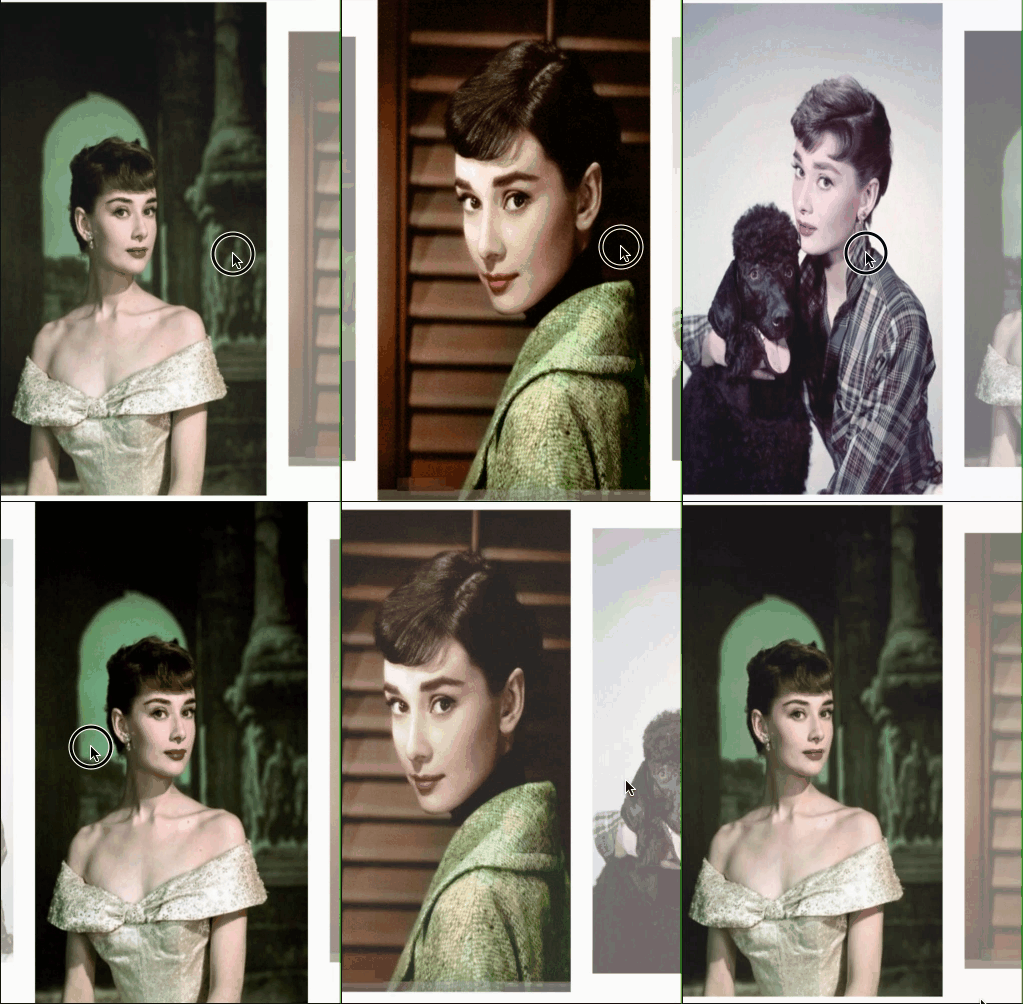
Parallax

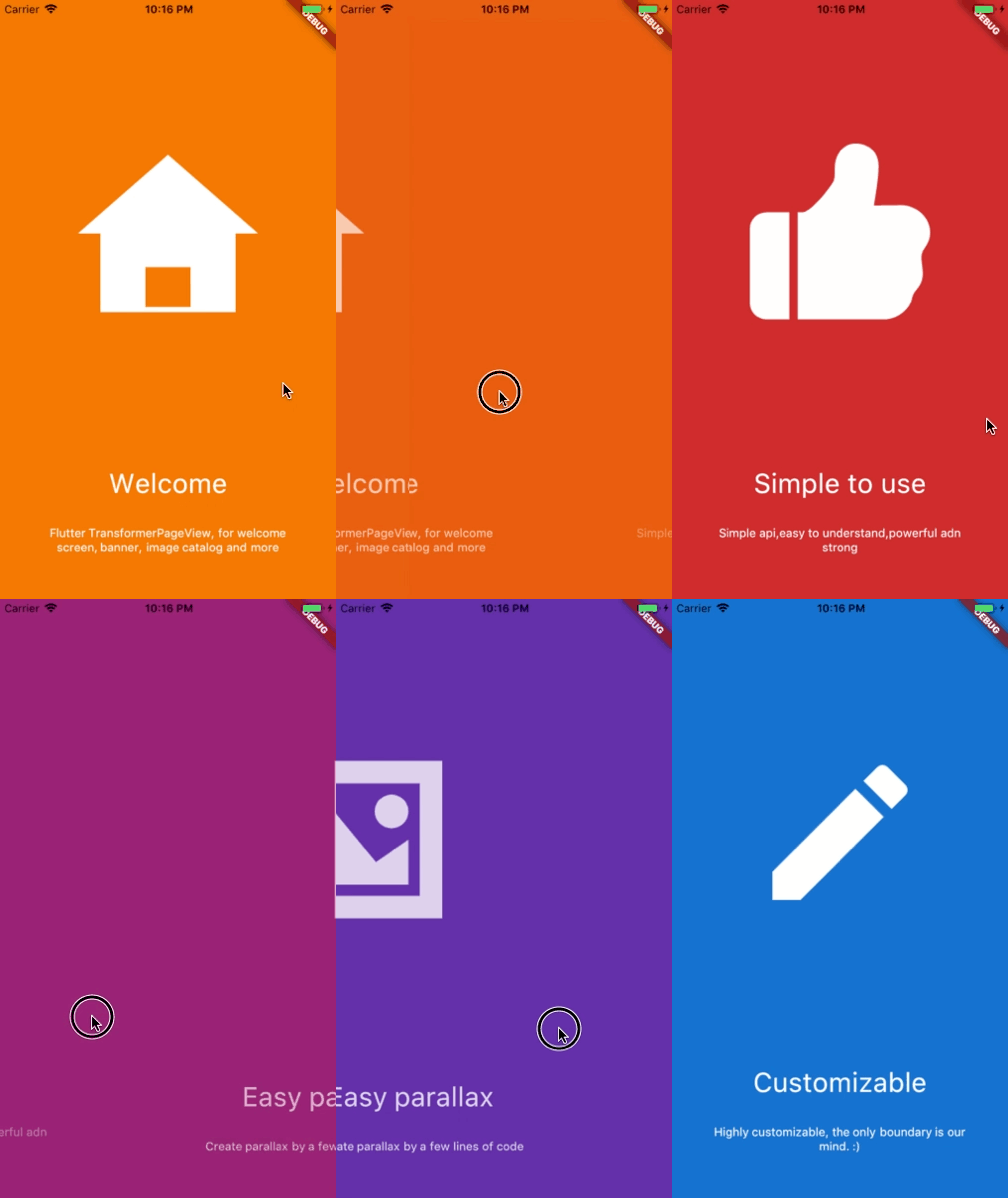
Welcome view

Basic

AccordionTransformer

See code here

ThreeDTransformer

See code here

ScaleAndFadeTransformer

See code here

ZoomInPageTransformer

See code here

ZoomOutPageTransformer

See code here

DepthPageTransformer

See code here

Getting Started

Installation

Add


another_transformer_page_view:

to your pubspec.yaml ,and run

flutter packages get 

in your project's root directory.

Basic Usage
Parameter Default Description
scrollDirection Axis.horizontal If Axis.horizontal, the scroll view's children are arranged horizontally in a row instead of vertically in a column.
loop false Set to true to enable continuous loop mode.
index none Index number of initial slide. if not set , it is controlled by the widget itself,otherwise, it is controlled by another widget, which is returned by itemBuilder
onPageChanged void onPageChanged(int index) Called with the new index when the user swiped
duration new Duration(milliseconds:300) The milliseconds of every transaction animation costs
transformer none The most important property of this widget, it returns a transformed widget that based on the widget parameter. If the value is null, a itemBuilder must be specified
itemCount none Number of the total items
itemBuilder none A function that returns a widget based on index,if it's null,a transformer must be specified
Build-in Parallax

We provide 3 build-in parallaxes, which handle color、image and container

ParallaxColor

ParallaxColor handles the color transform, which controls the color transform from one to another.

ParallaxImage

ParallaxImage handles the image, which speed is slower than the PageView

ParallaxContainer

ParallaxContainer handles the text or other staff, which speed is faster than the PageView

3 build-in parallaxes are all used in subclass of PageTransform,group these parallaxes together, we can create very cool things.

Inspired by page-transformer, and we have an easier way to create this.

See code here

Custom animation

カテゴリー

ソースリポジトリ

このパッケージを使用しているプロジェクト