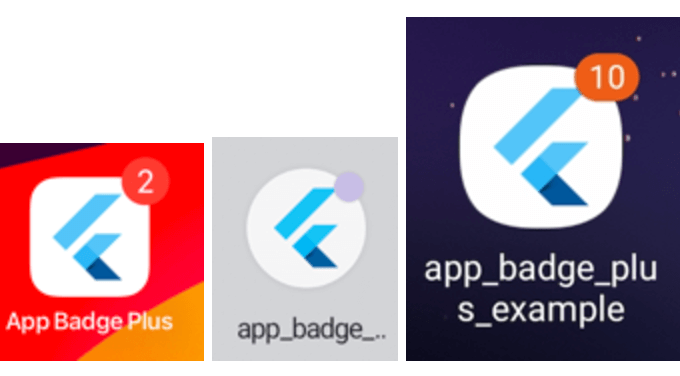
A Flutter plugin for adding badges to your app icon. Supports iOS, Android, and macOS.
Supported Platforms
iOS
Android
Samsung (pass)
Oppo (pass)
Vivo (pass)
Huawei (pass)
Xiaomi / POCO (HyperOS)
LG
Sony
HTC
ZTX
macOS
Mark
Android
Starting with Android 8.0 (API level 26), notification badges—also known as notification
dots—appear on a launcher icon when the associated app has an active notification. Users can
touch & hold the app icon to reveal the notifications, along with any app shortcuts.
Starting With Android13 (API level 33), notification runtime permission should be requested before setting the app badge.
On POCO / Xiaomi HyperOS, numeric badges are driven by active notifications (the old
extraNotification API is unavailable). Grant notification permission and enable the numeric
badge style in system settings.
Add the following permissions to AndroidManifest.xml according to the system you need to support:
import'package:app_badge_plus/app_badge_plus.dart';
// Set badgeAppBadgePlus.updateBadge(5);
// Remove badgeAppBadgePlus.updateBadge(0);
// Whether the launcher supports badges. It always returns true on iOS and it will return false on Android if the launcher doesn't support badges.AppBadgePlus.isSupported();