パッケージ、リポジトリ、アプリカテゴリを検索

パッケージ詳細v1.8.1

appcheck

アプリがインストール済み/有効かどうかを確認し、アプリを起動し、インストール済みアプリのリストを取得できるFlutterプラグインです。

AndroidiOS
30日間ダウンロード
5万
いいね数
135
Pub ポイント
160

パッケージをインストール

flutter pub add appcheck

パッケージ概要

公開情報に基づく選定ガイドです。参考としてご利用ください。

AppCheck は、Android および iOS デバイス上でアプリがインストール済みまたは有効化されているかどうかを検出できる Flutter プラグインです。パッケージ名を使用して特定のアプリを起動し、インストール済みアプリの一覧を取得できます。クロスプラットフォーム互換性を考慮して設計されており、ネイティブコードを必要とせずにデバイスレベルのアプリデータとのやり取りを簡単に実現します。ディープリンク、アプリ推奨、サードパーティサービスとの統合などの機能に最適です。軽量で、単純な pub add コマンドで Flutter プロジェクトにシームレスに統合可能です。

用途

  • 特定のアプリがインストールされているか確認しています
  • 現在のアプリから別のアプリを起動する
  • インストール済みアプリのリストを取得する
  • アプリベースのワークフローを有効にする
  • ディープリンクのシナリオをサポートする
  • 外部アプリエコシステムとの統合

主な機能

  • クロスプラットフォーム対応(Android および iOS)
  • アプリ検出のためのシンプルな API
  • パッケージ名によってアプリを起動できる機能
  • インストール済みアプリのリストを返します
  • 軽量で統合が簡単
  • ネイティブコードの記述は不要です

適している対象

  • アプリ統合を開発する開発者
  • ディープリンク機能を必要とするアプリ
  • 他のアプリを推奨またはトリガーするツール
  • デバイスアプリアクセスを必要とするハイブリッドアプリ
  • ユーザー体験の向上に焦点を当てたプロジェクト
  • エコシステム依存のあるモバイルアプリ

注意事項

  • Android および iOS プラットフォームに限定
  • 適切なアプリケーションパッケージ名が必要です
  • セキュリティ制限のため、すべてのアプリで動作しない可能性があります
  • 一部のデバイスでは権限が必要になる場合があります
  • Android と iOS では動作がわずかに異なります
  • インストール状態以外のアプリデータにアクセスするには適していません

元の README

関連するソースリポジトリの README 原文のスナップショットです。最新の内容はリポジトリをご覧ください。

AppCheck

Pub

A Flutter plugin that allows you to check if an app is installed/enabled, launch an app and get the list of installed apps.

Installation

First, add appcheck as a dependency in your pubspec.yaml file.

Methods available

  • checkAvailability(String uri)
  • isAppInstalled(String uri)
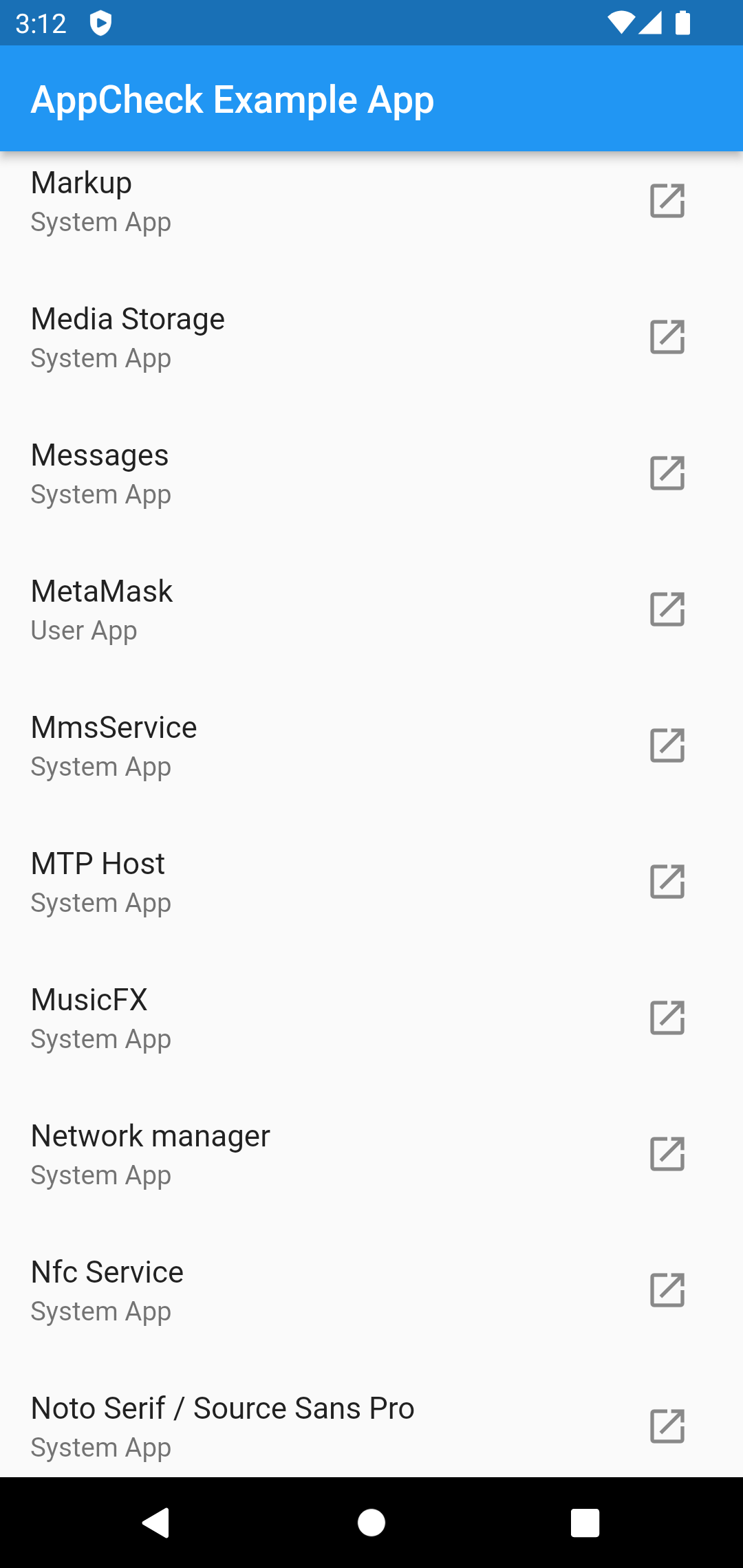
  • getInstalledApps() (only for Android)
  • isAppEnabled(String uri) (only for Android)
  • launchApp(String uri)

Permissions

Before using the plugin, you need to add declarations in your configuration files.

Android

If you want to use the getInstalledApps() function, you need the QUERY_ALL_PACKAGES permission.

<uses-permission android:name="android.permission.QUERY_ALL_PACKAGES" />

If you only want to check certain apps and you know the packageName, add them via queries in AndroidManifest.xml.

<queries>
   <package android:name="com.google.android.apps.maps"/>
</queries>
iOS

Make sure your Info.plist file includes the necessary URL schemes under LSApplicationQueriesSchemes to check and launch other apps:

<key>LSApplicationQueriesSchemes</key>
<array>
    <string>scheme1</string>
    <string>scheme2</string>
    <!-- Add more schemes as needed -->
</array>

Example:

<key>LSApplicationQueriesSchemes</key>
<array>
    <string>fb</string>
    <string>twitter</string>
    <string>instagram</string>
    <string>whatsapp</string>
    <string>youtube</string>
    <string>comgooglemaps</string>
    <string>http</string>
    <string>https</string>
    <string>mailto</string>
    <!-- Add more schemes as needed -->
</array>

Check out Example.

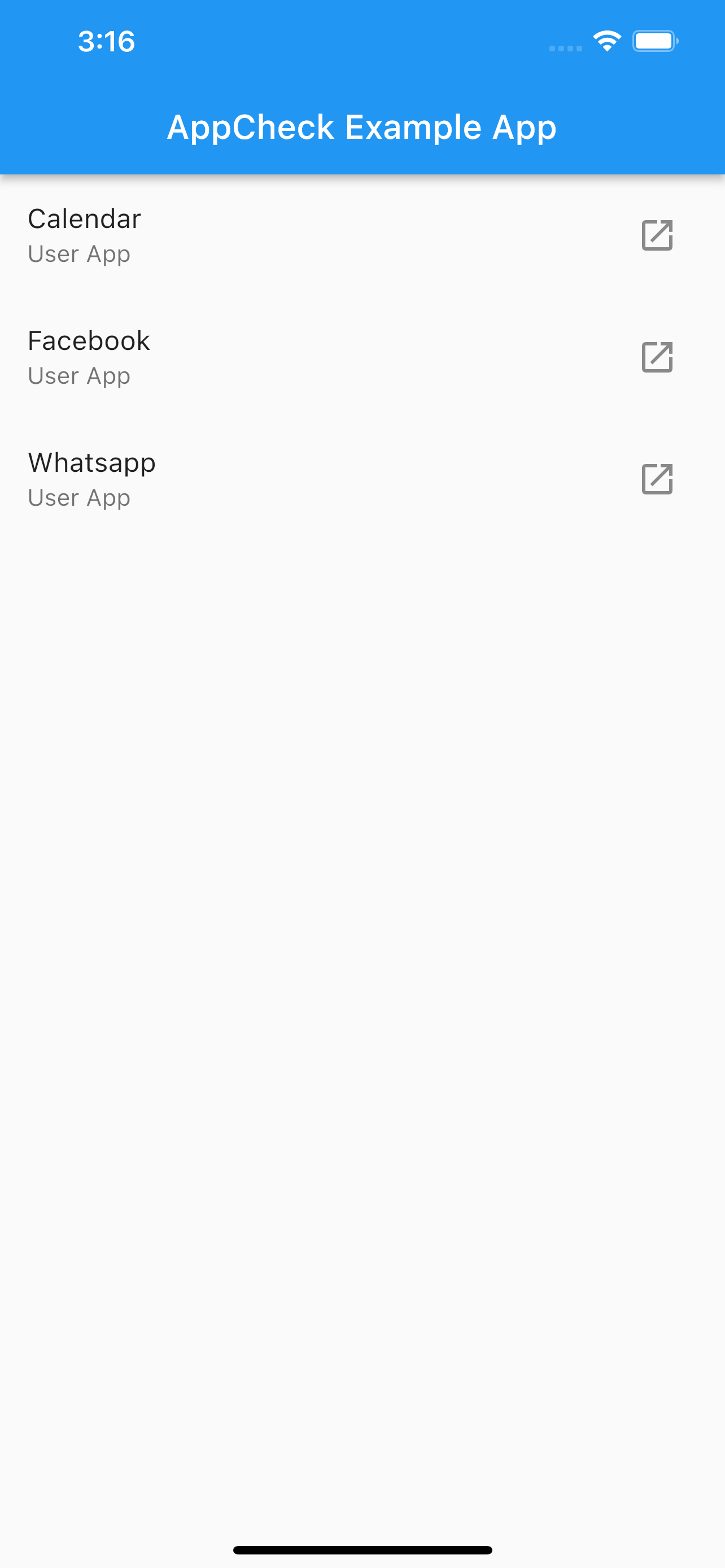
Screenshots

カテゴリー

ソースリポジトリ

このパッケージを使用しているプロジェクト